ONC2-8573 · PR #2645
Dark mode on every screen
Every screenshot from the dark mode PR, grouped by how a learner moves through the app. Each row is one device, with the old dark on the left and the new palette on the right. Click any frame to open it full size.
The palette aims for the same Oncourse at night: warm near-black neutrals rather than blue-black, off-white text, brand blue fills kept, and status and identity colours in their own hue. Games, Clinical Rounds and the lesson's iOS options menu stay light on purpose.
All frames come from staging QA accounts. Open the PR.
Flow 1
Welcome, onboarding and sign-in
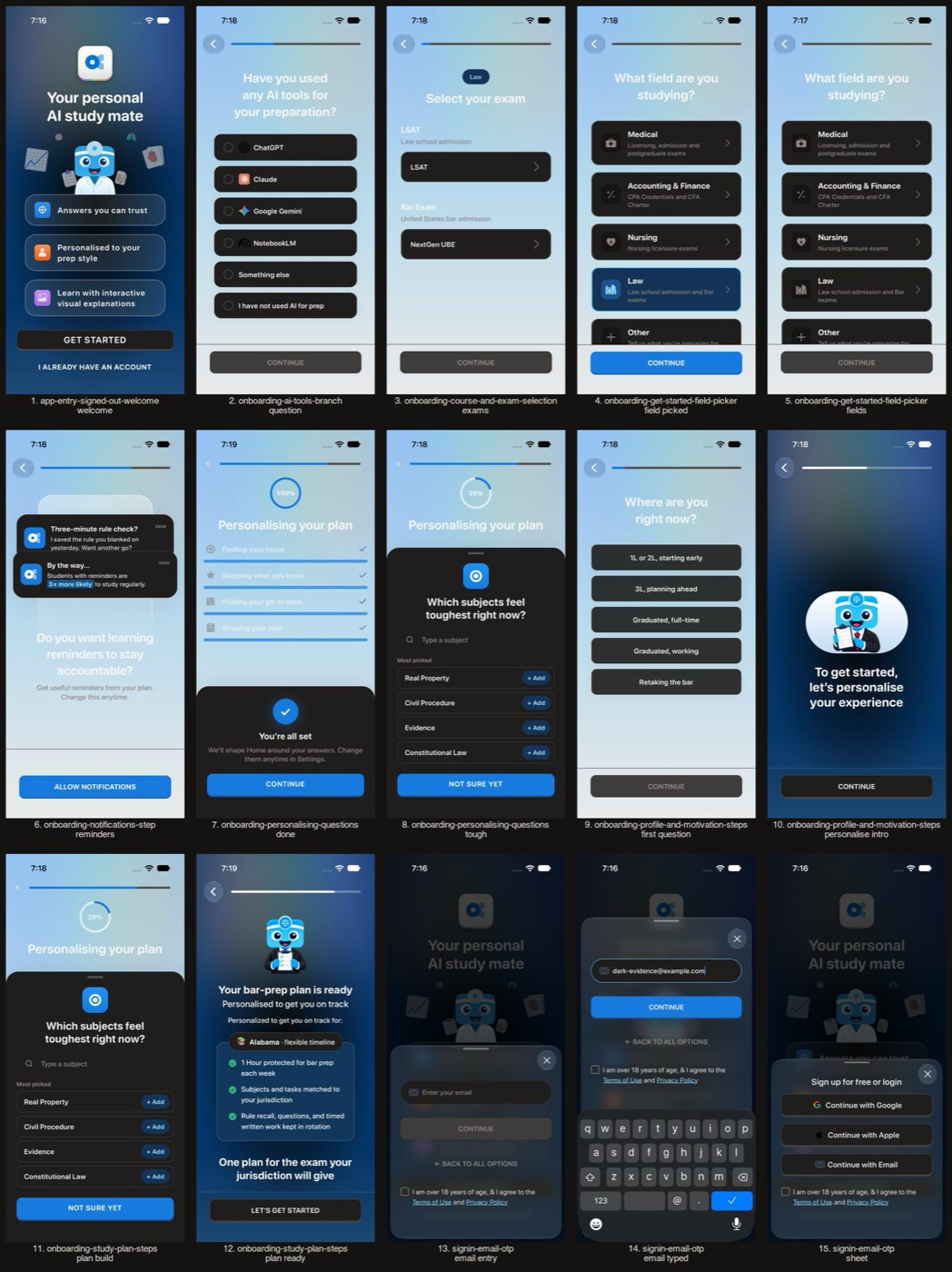
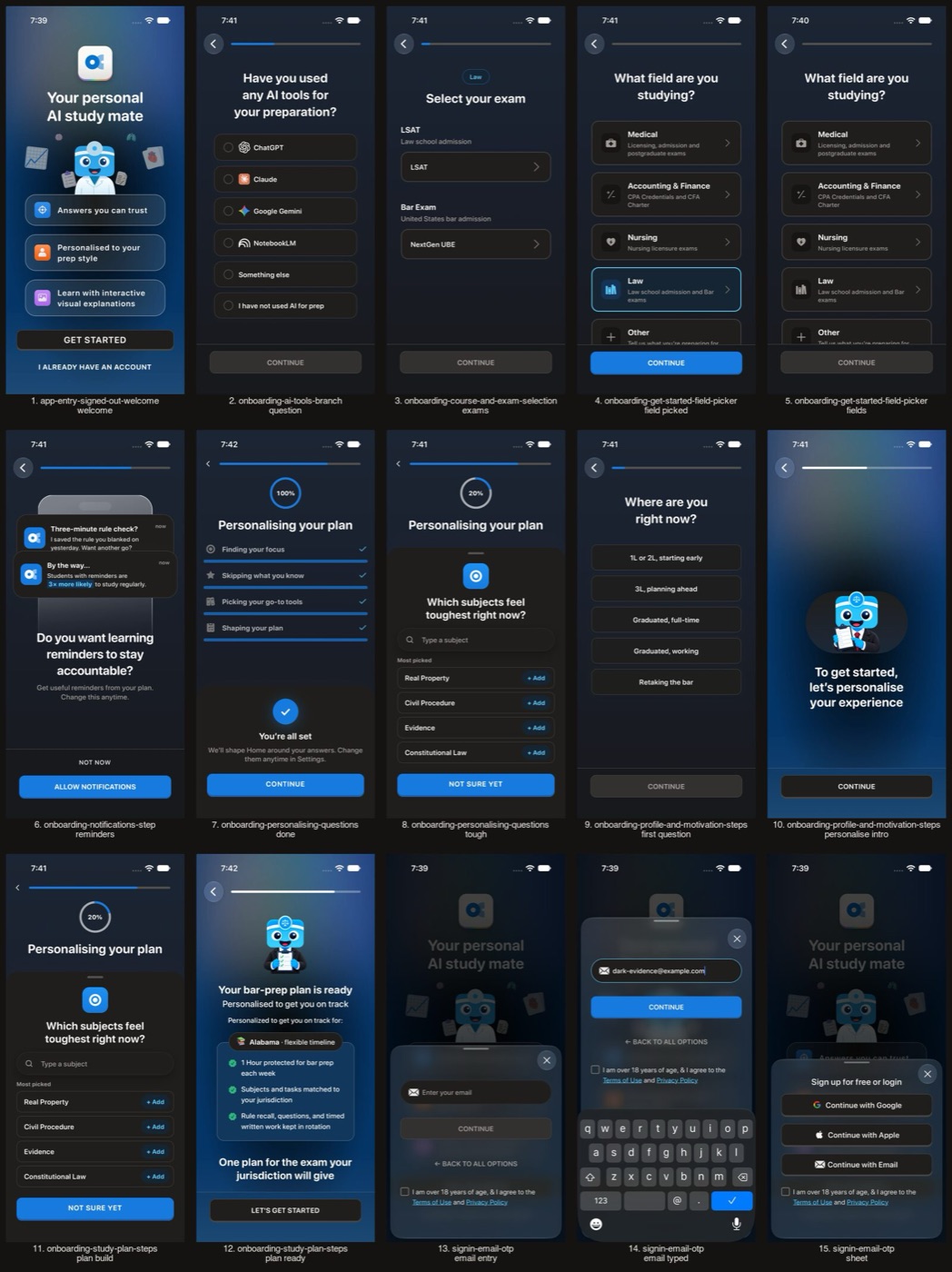
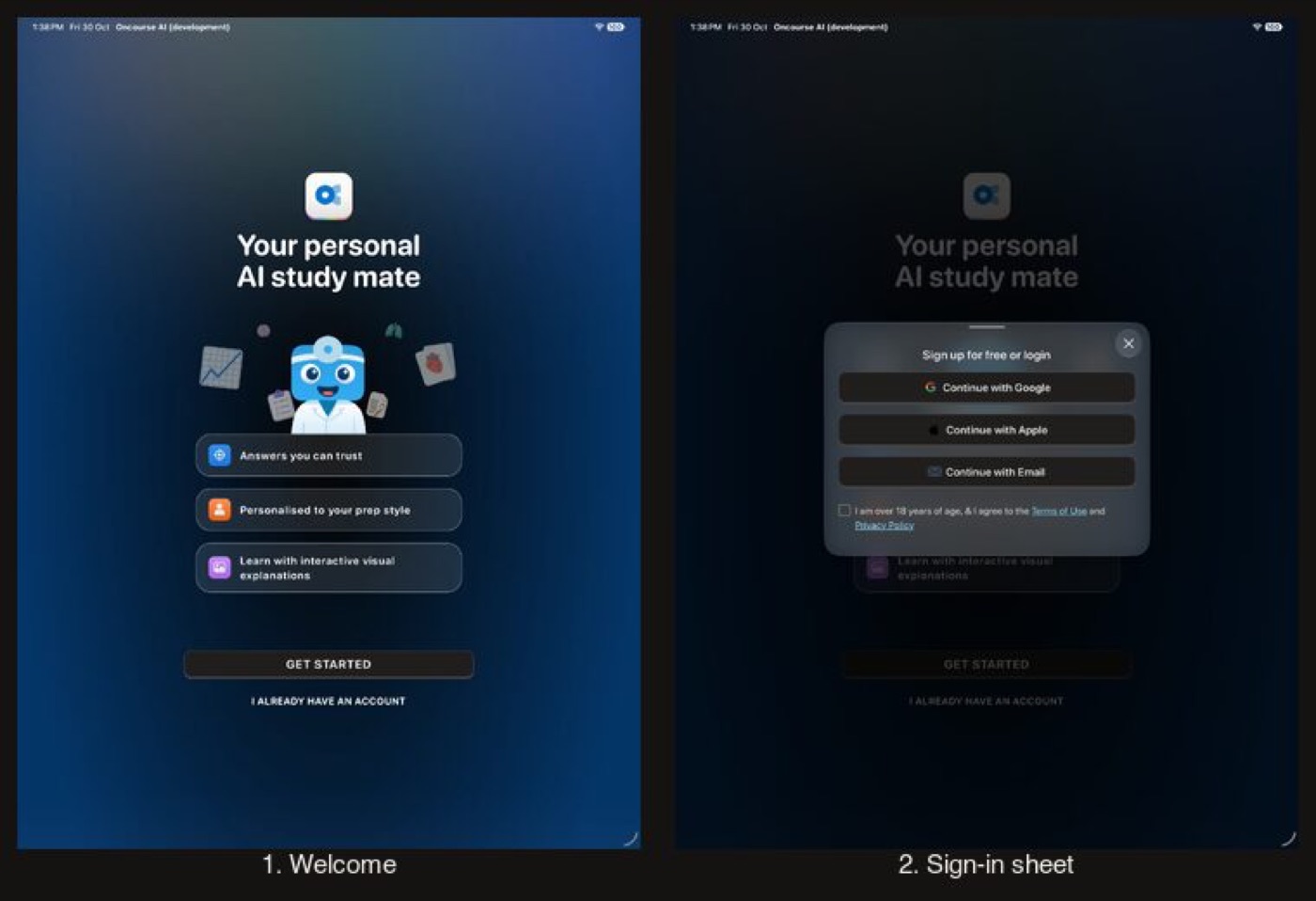
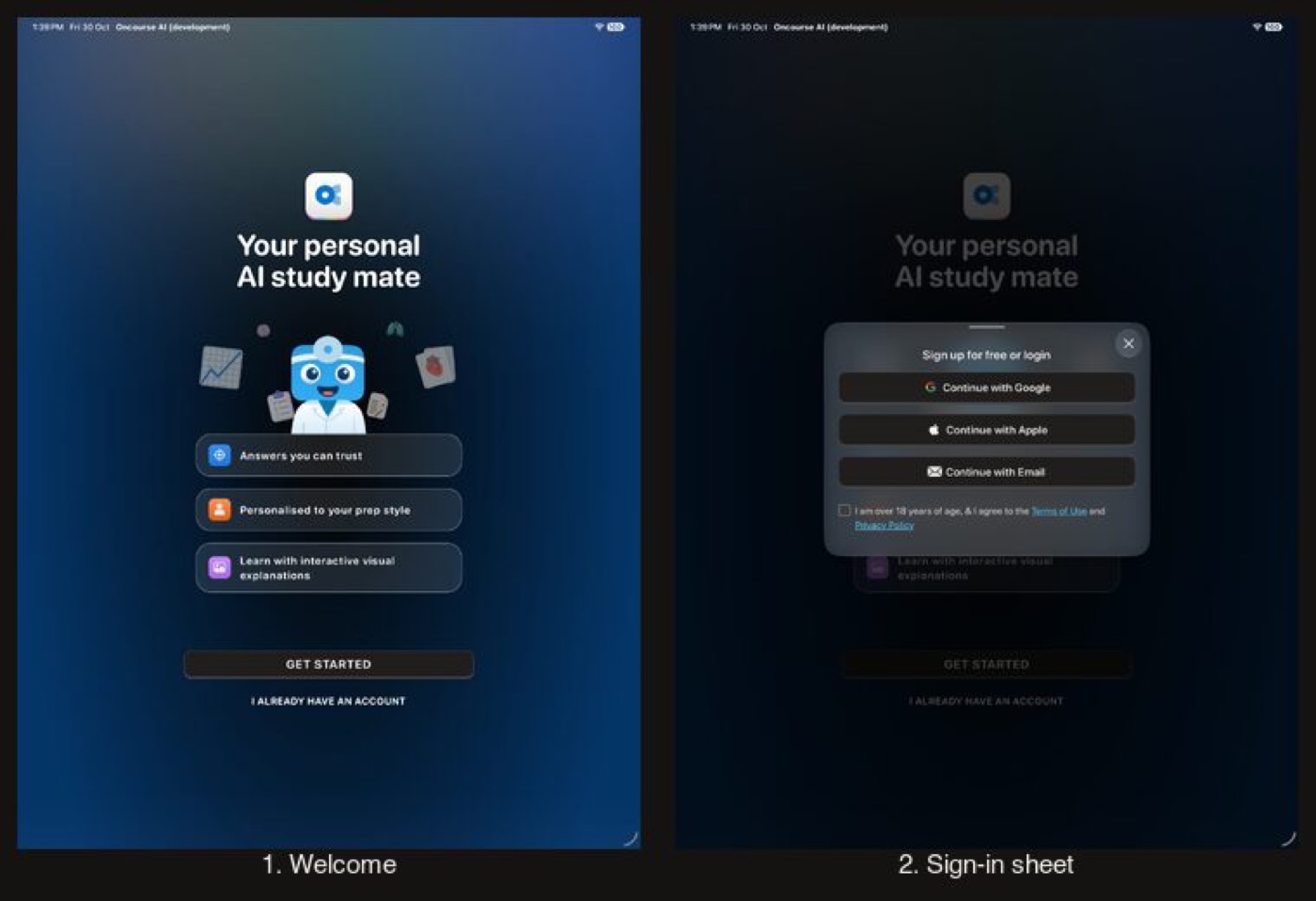
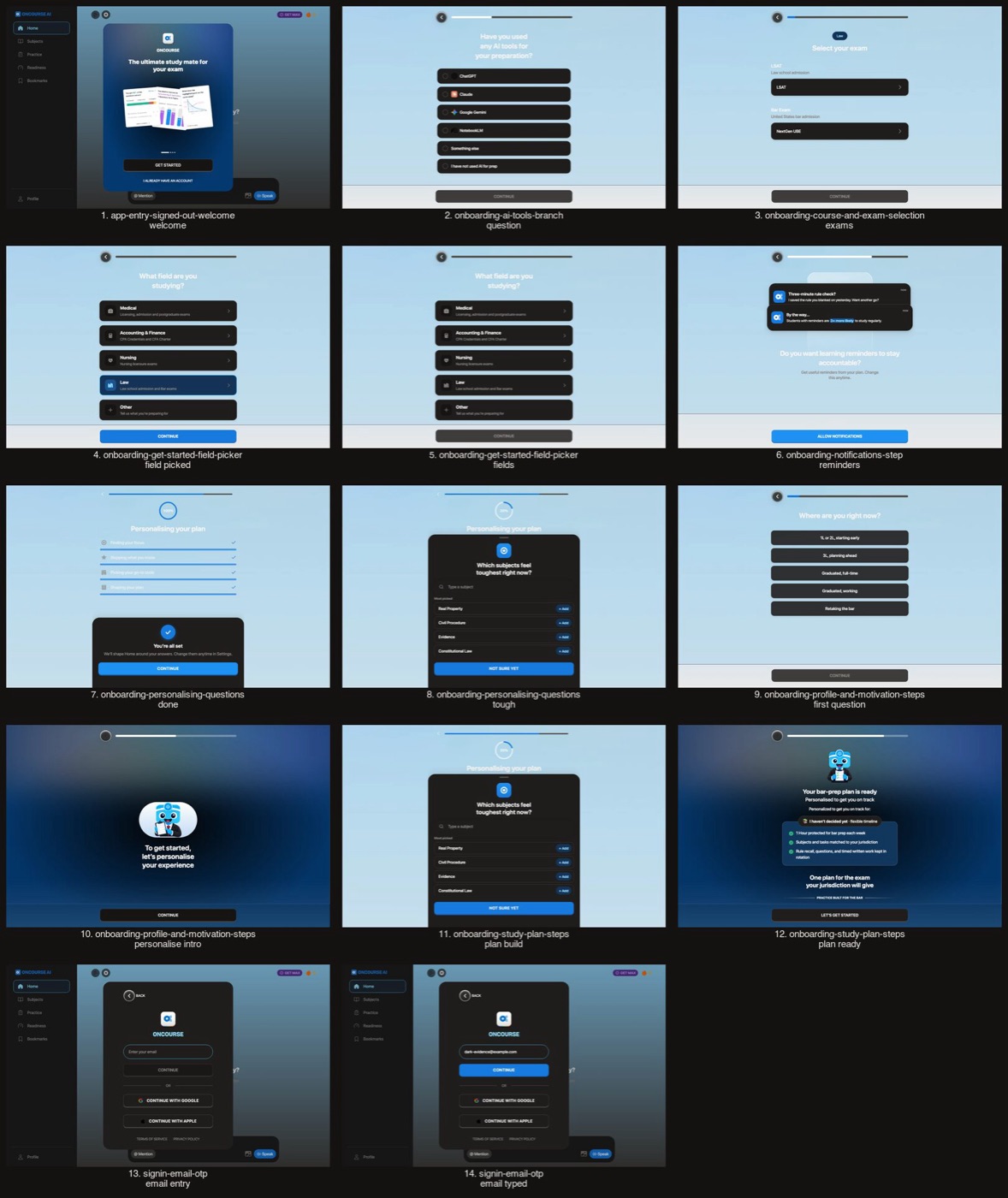
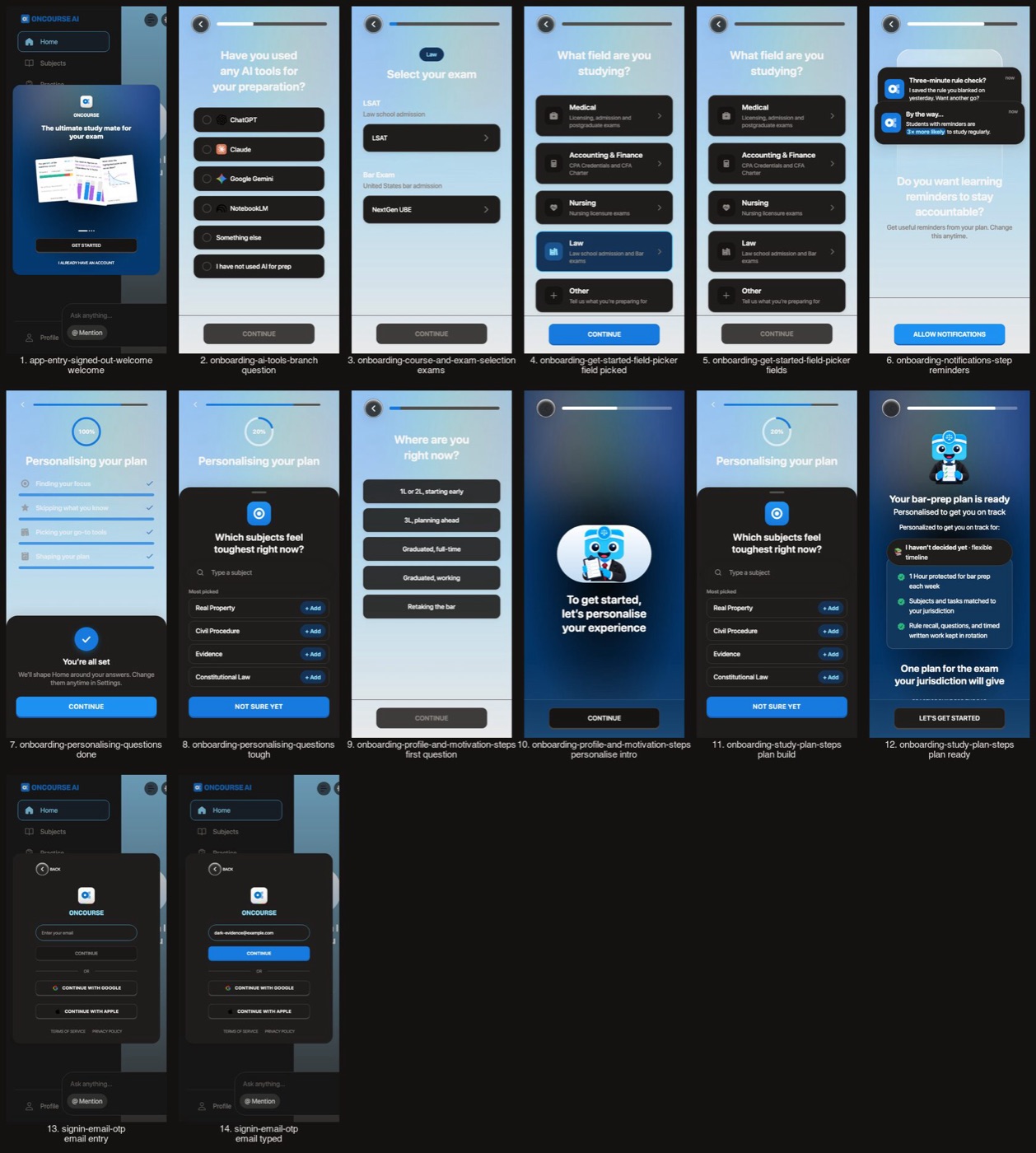
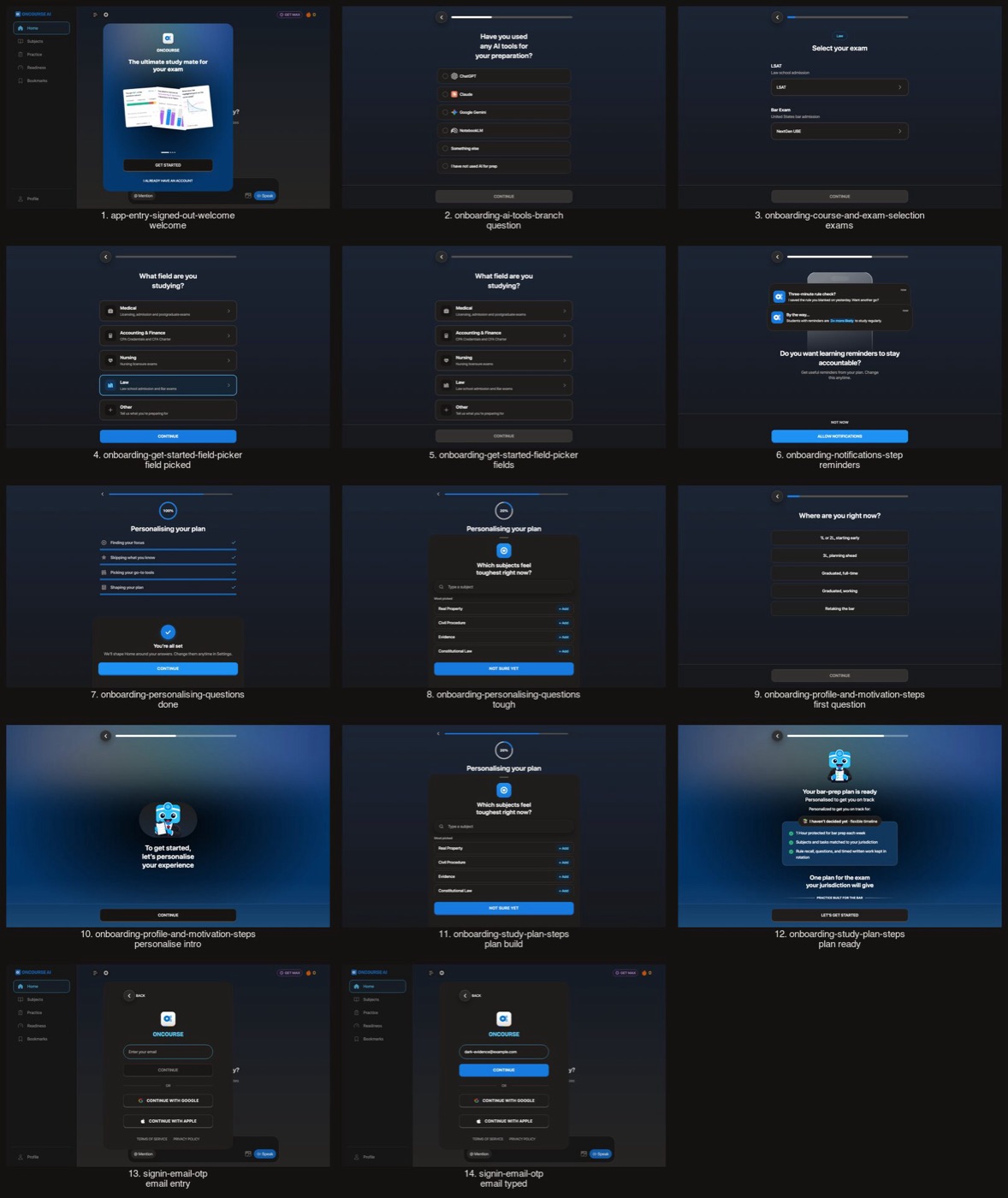
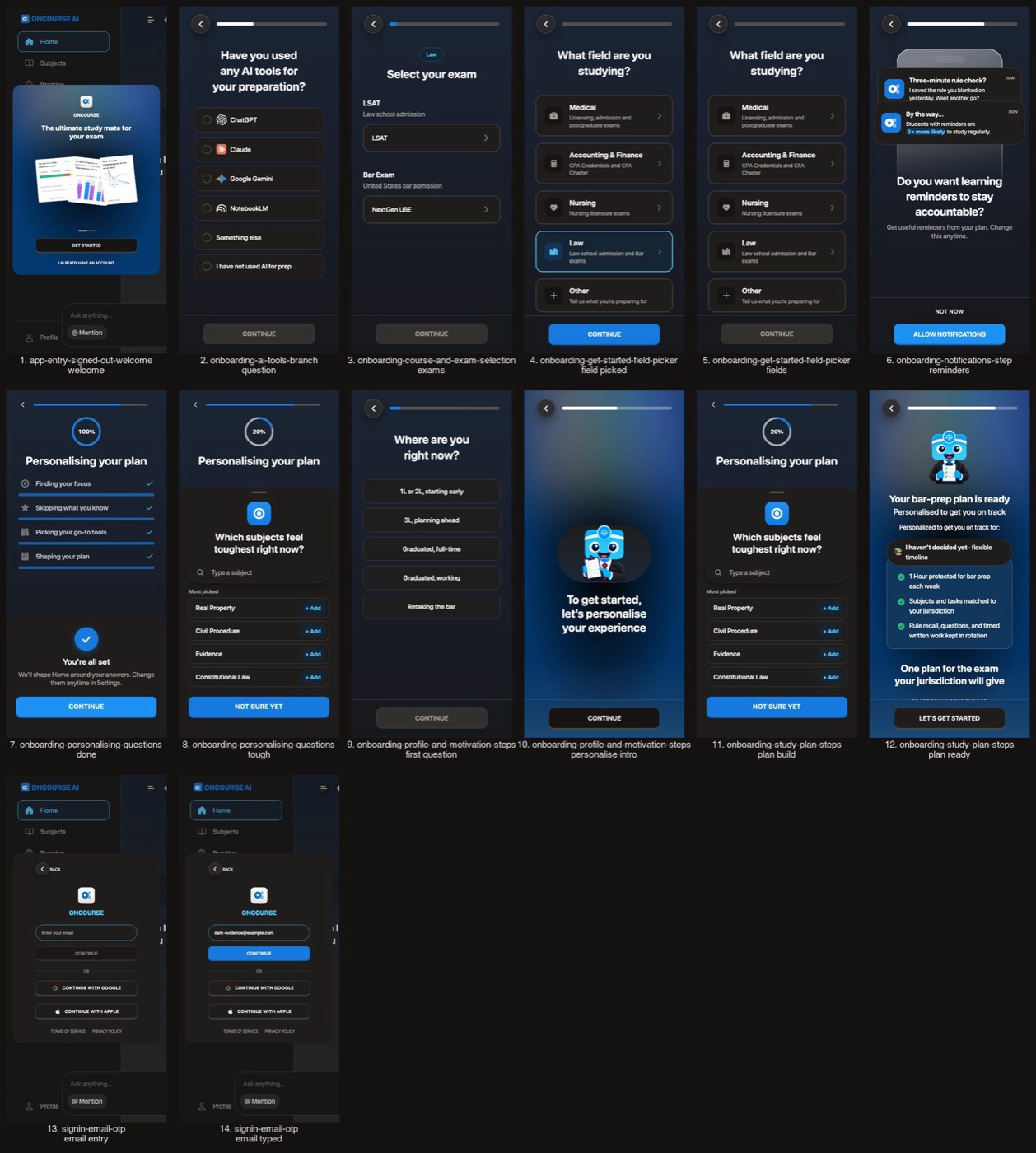
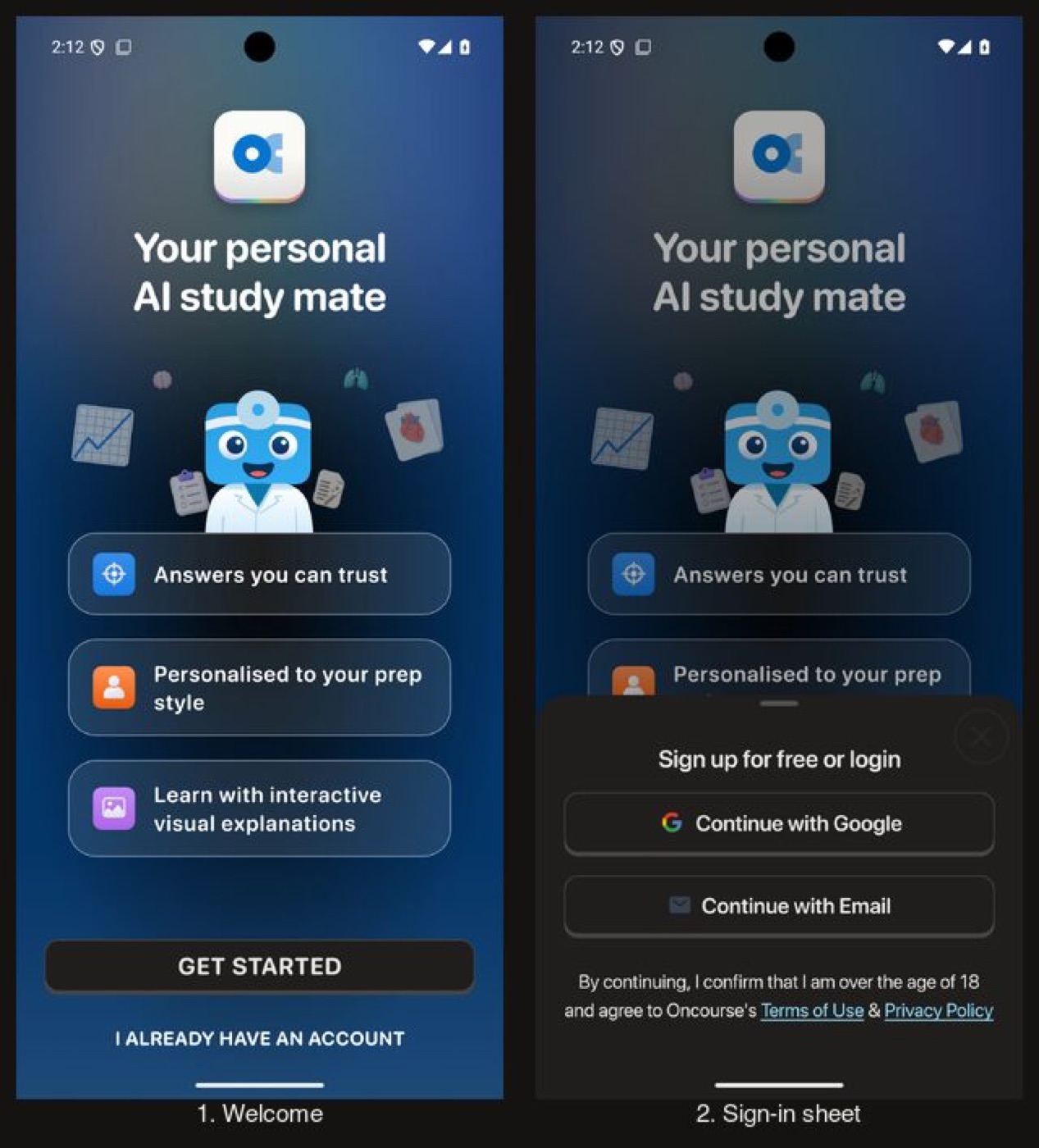
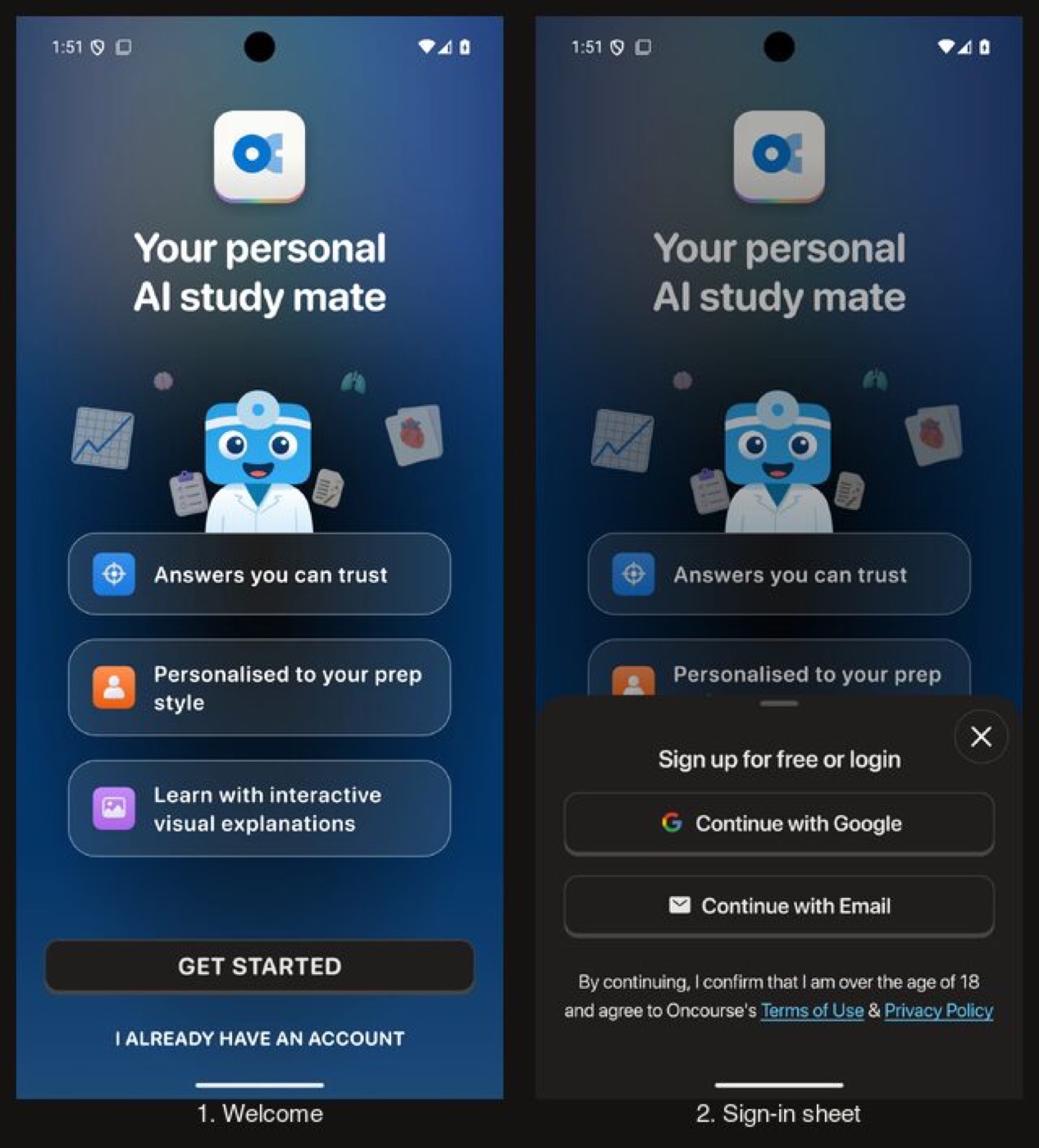
The signed-out welcome and every onboarding step draw on the dark canvas. The welcome card keeps its own art.
Signed-out welcome and onboarding
Before
After
Before
After
Before
After
Before
After
Flow 2
Home and Today's plan Changes in Light
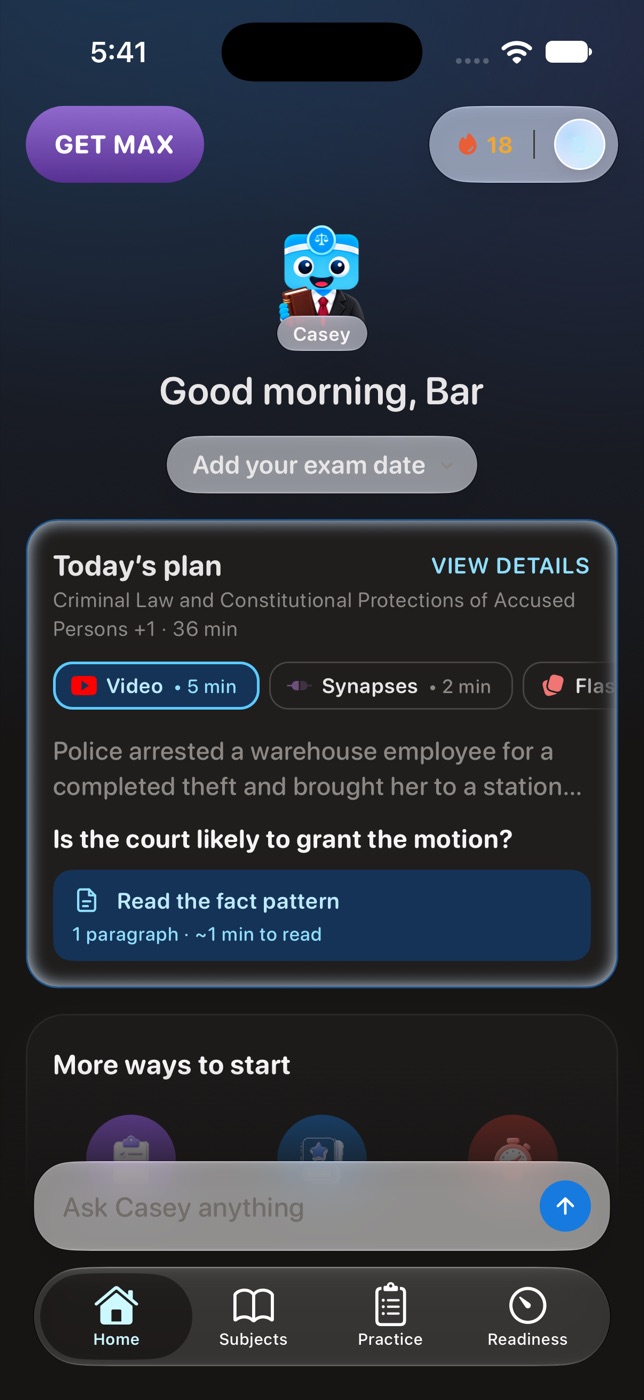
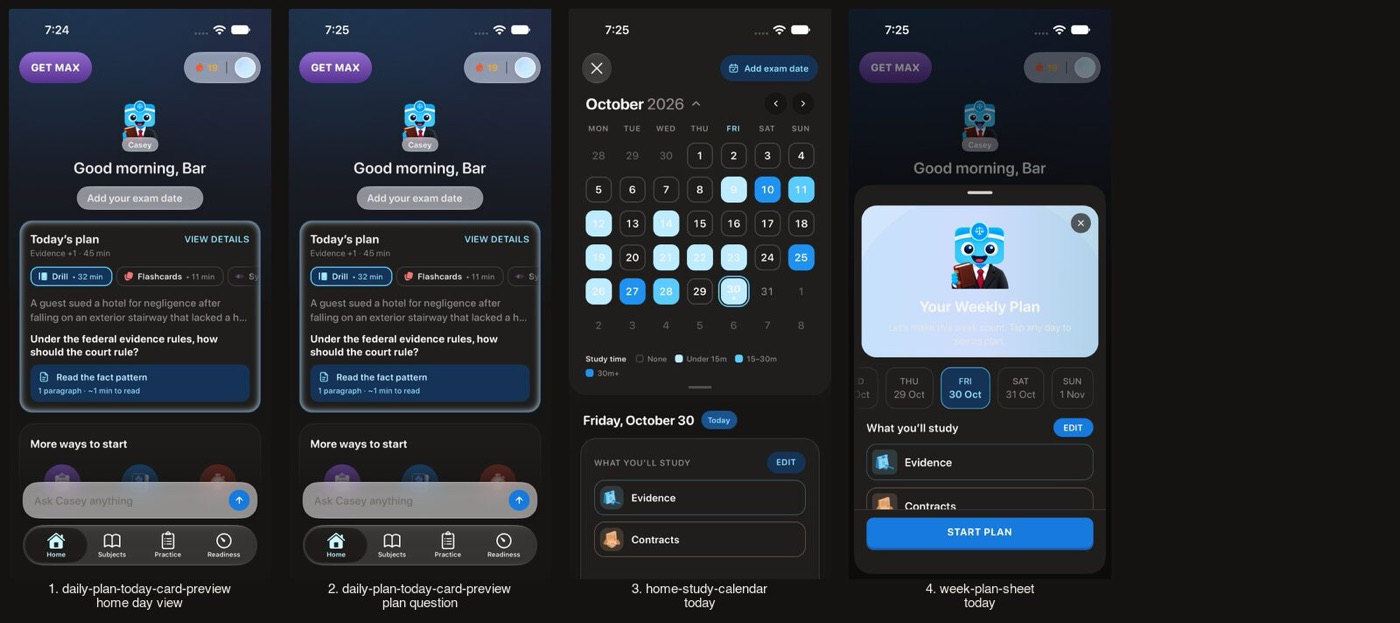
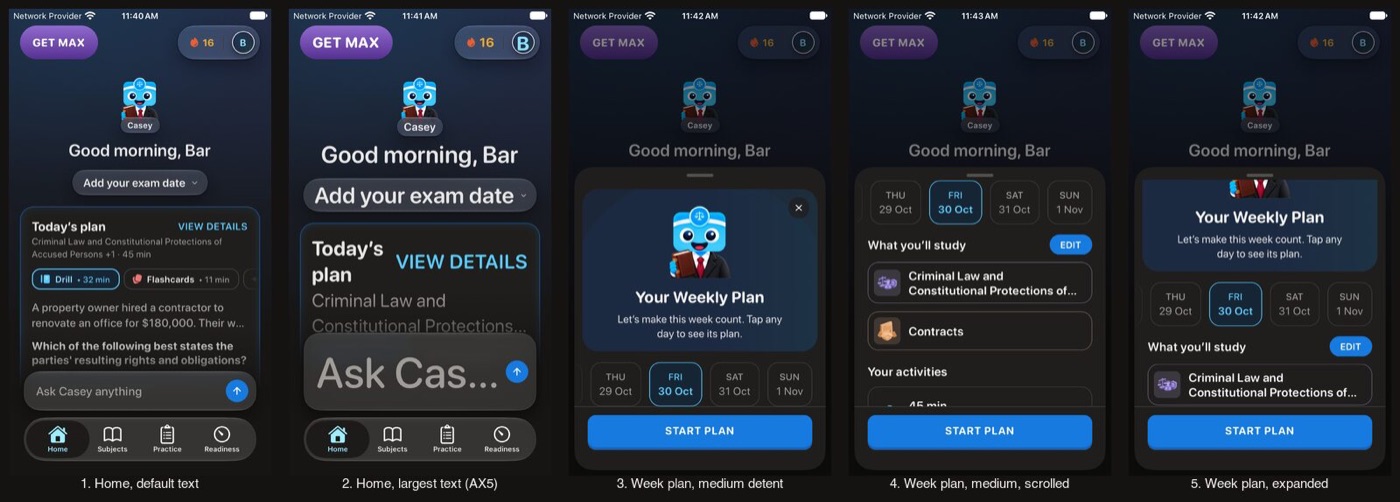
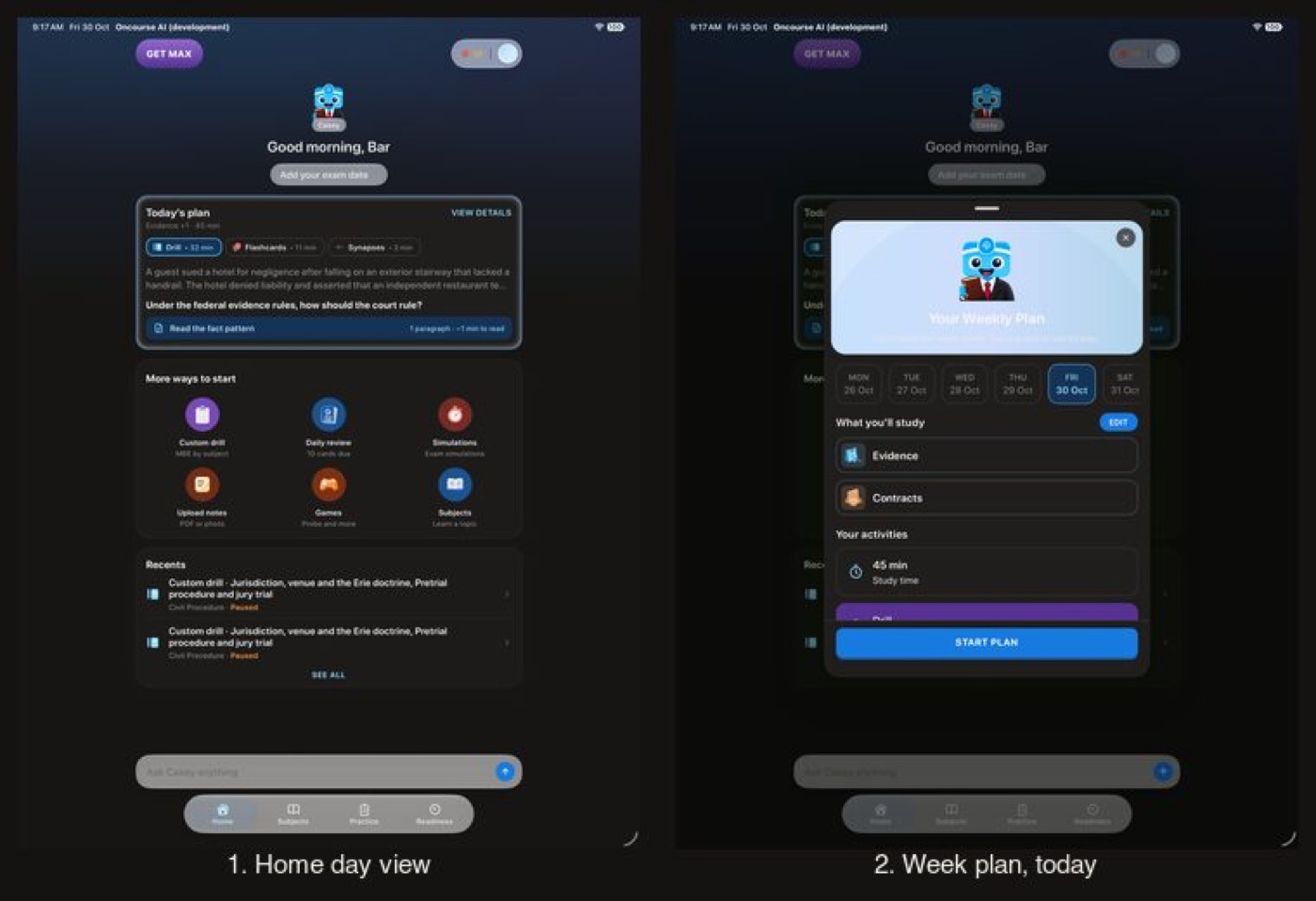
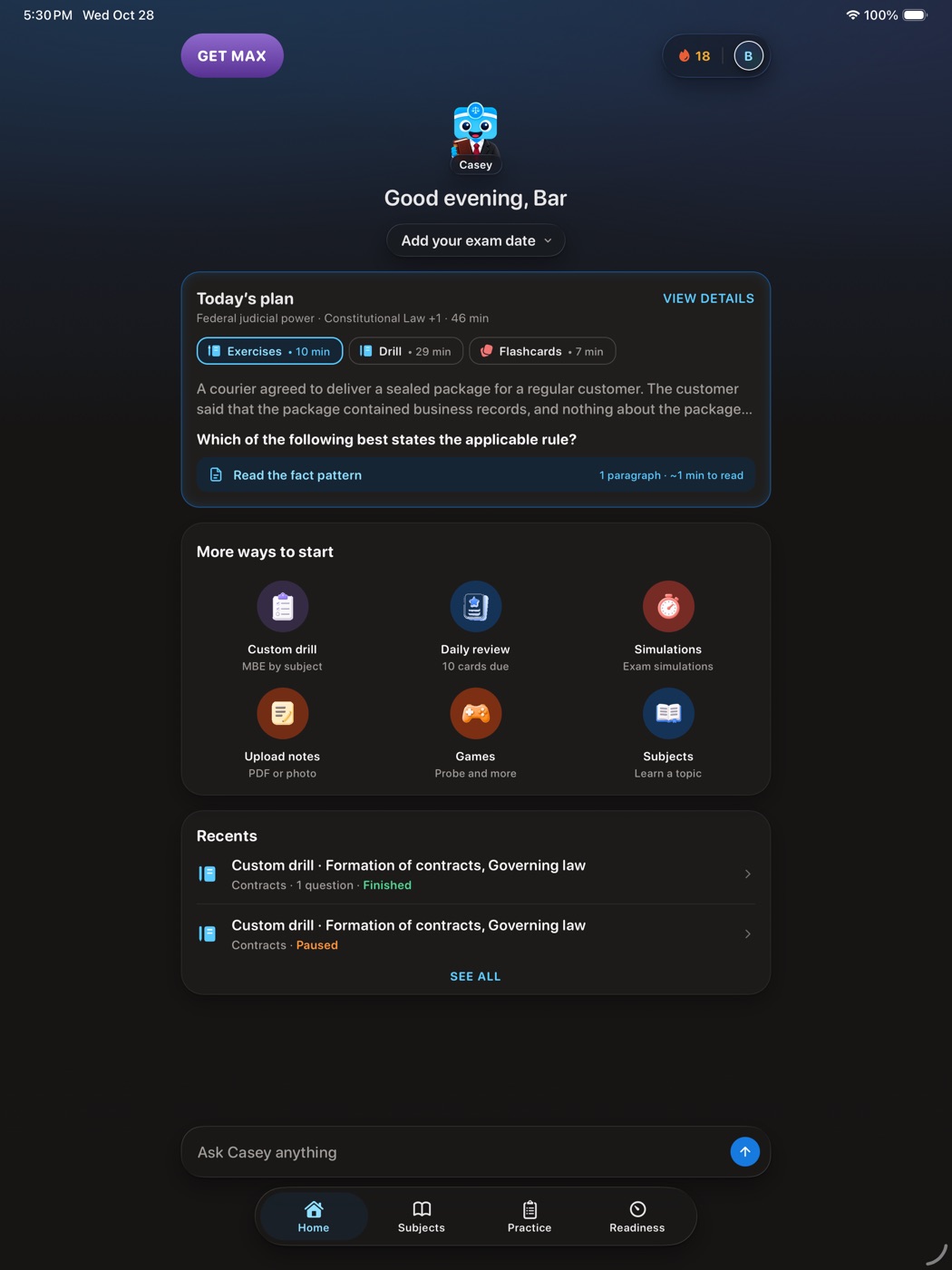
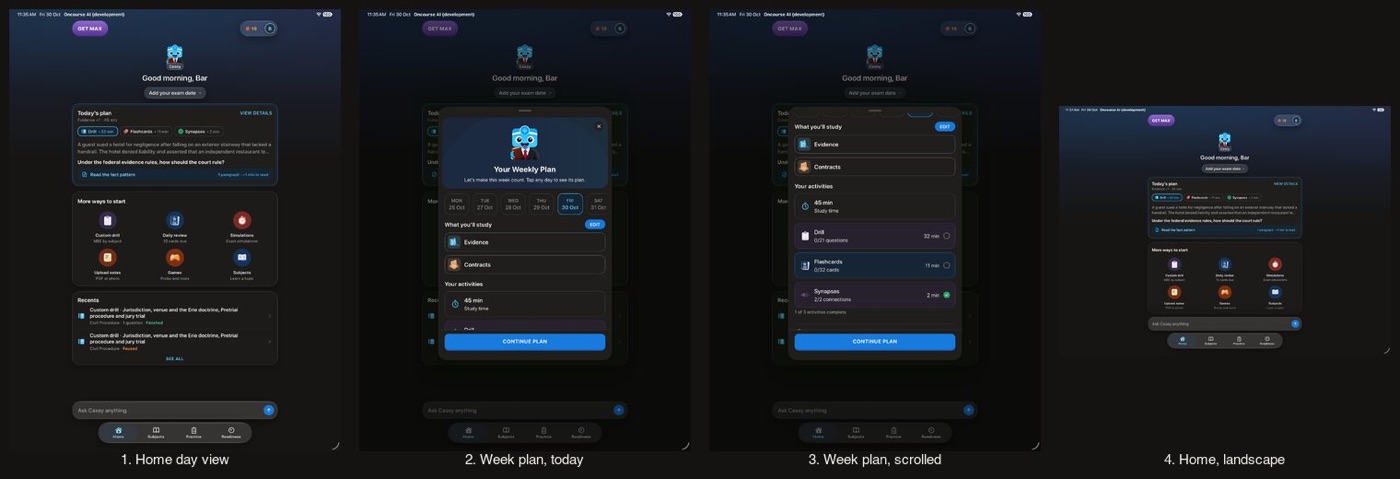
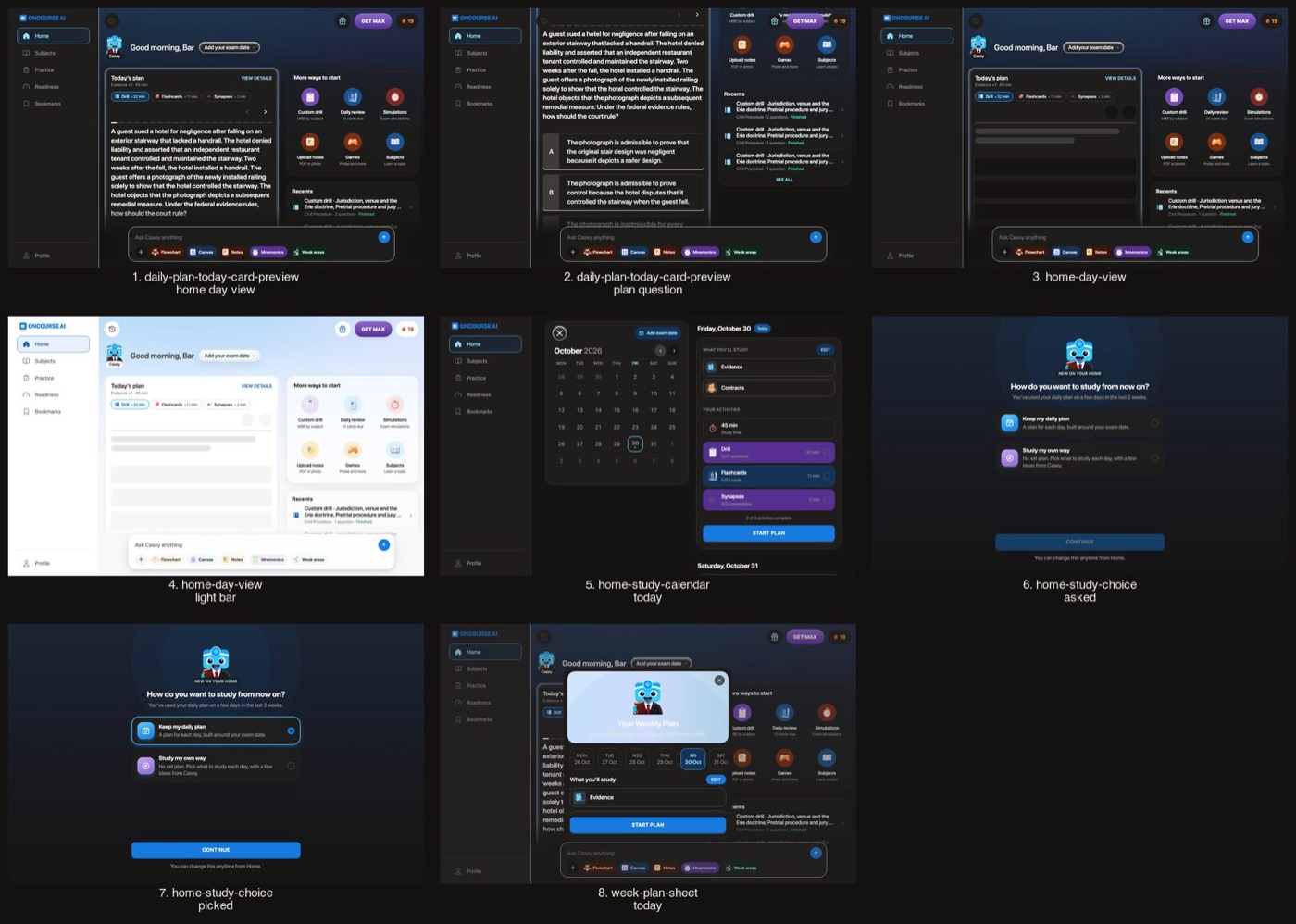
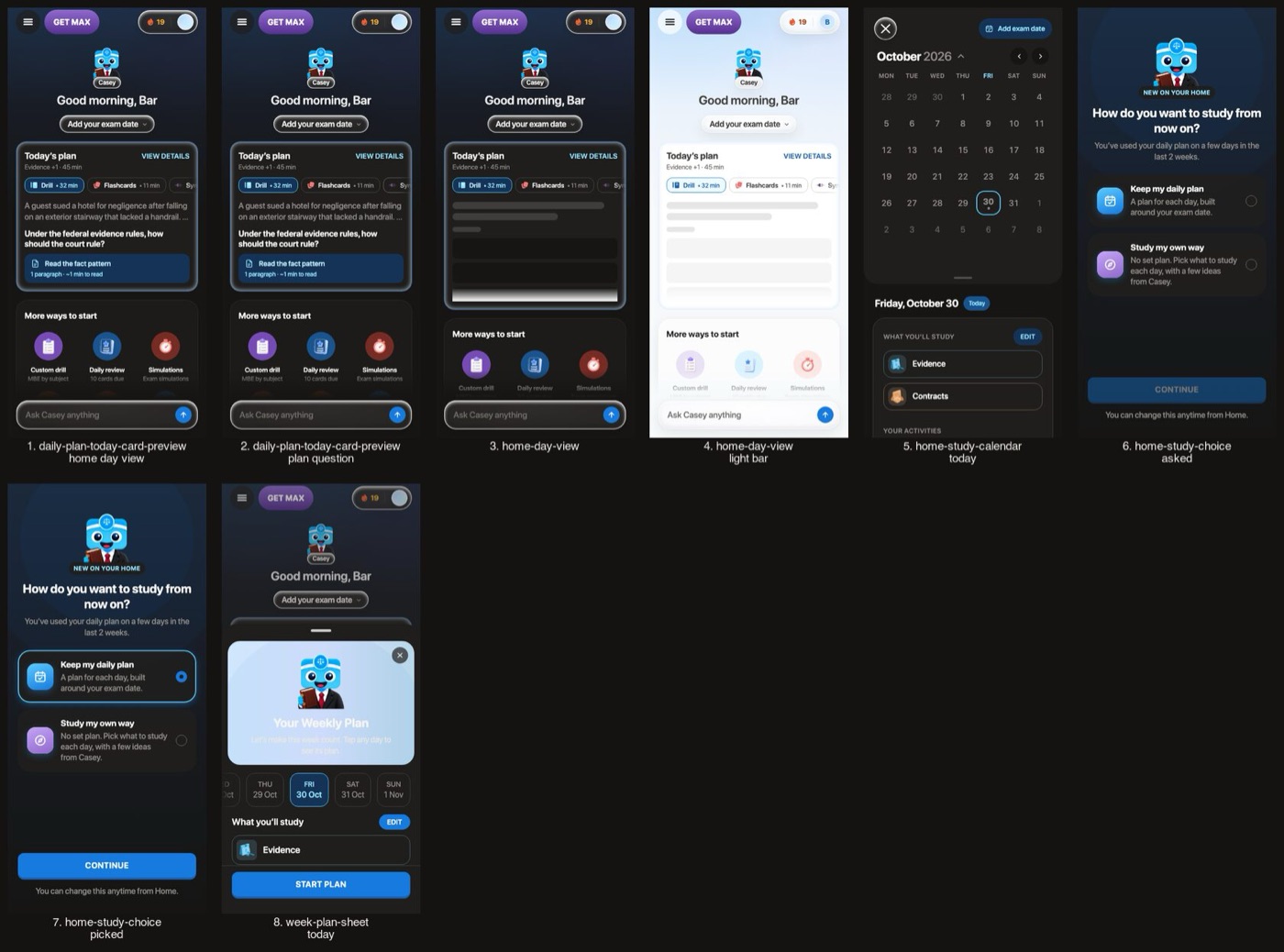
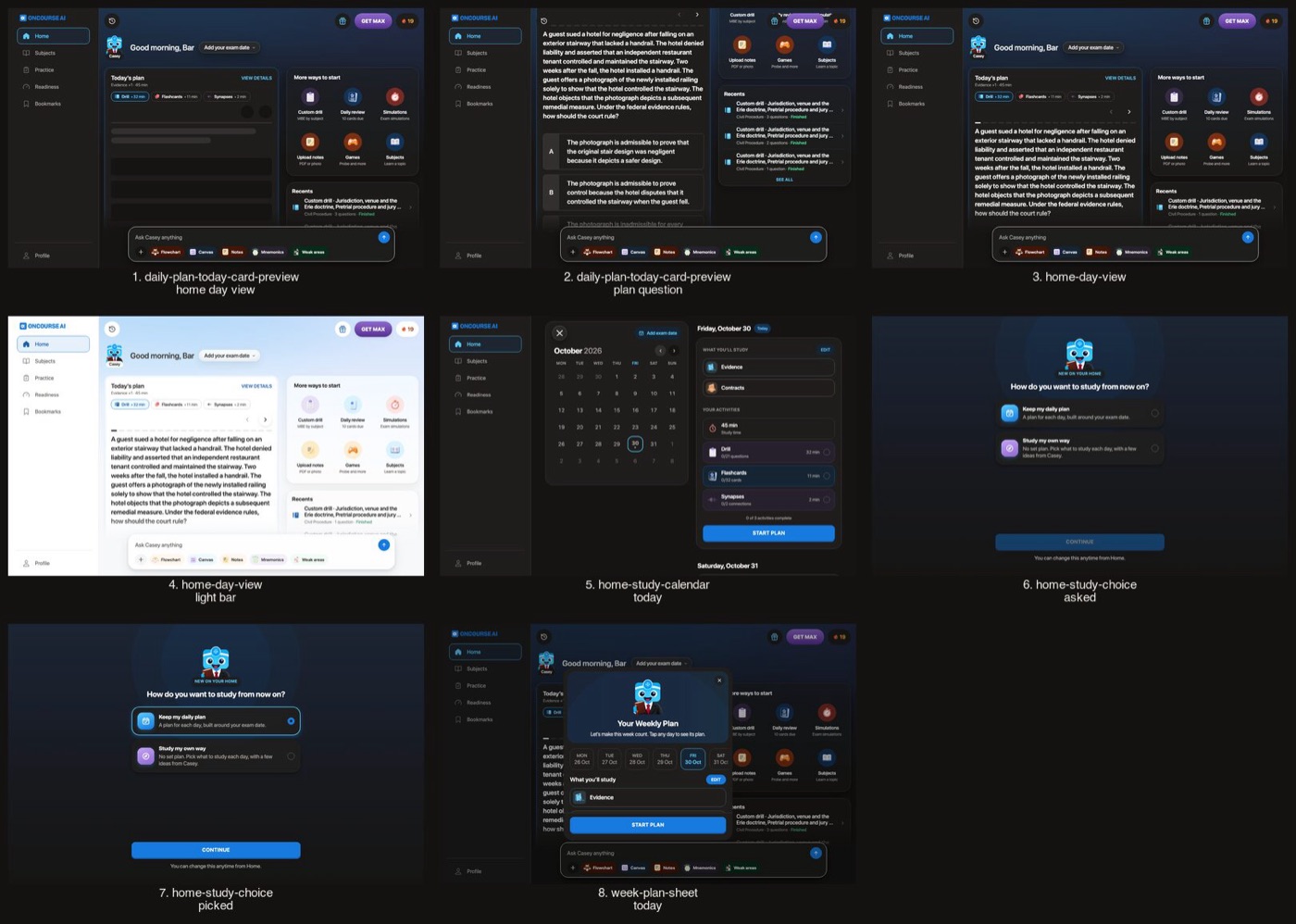
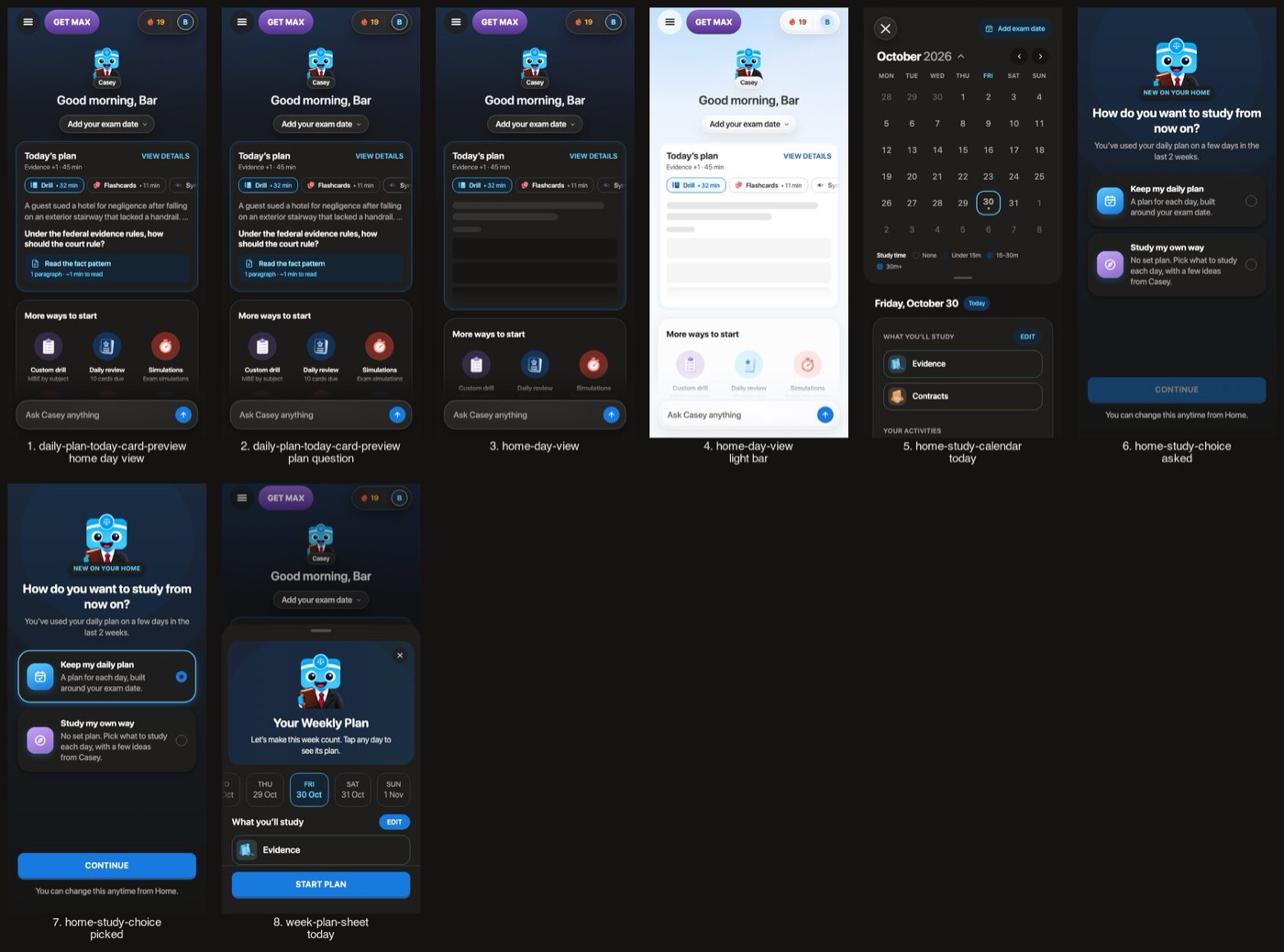
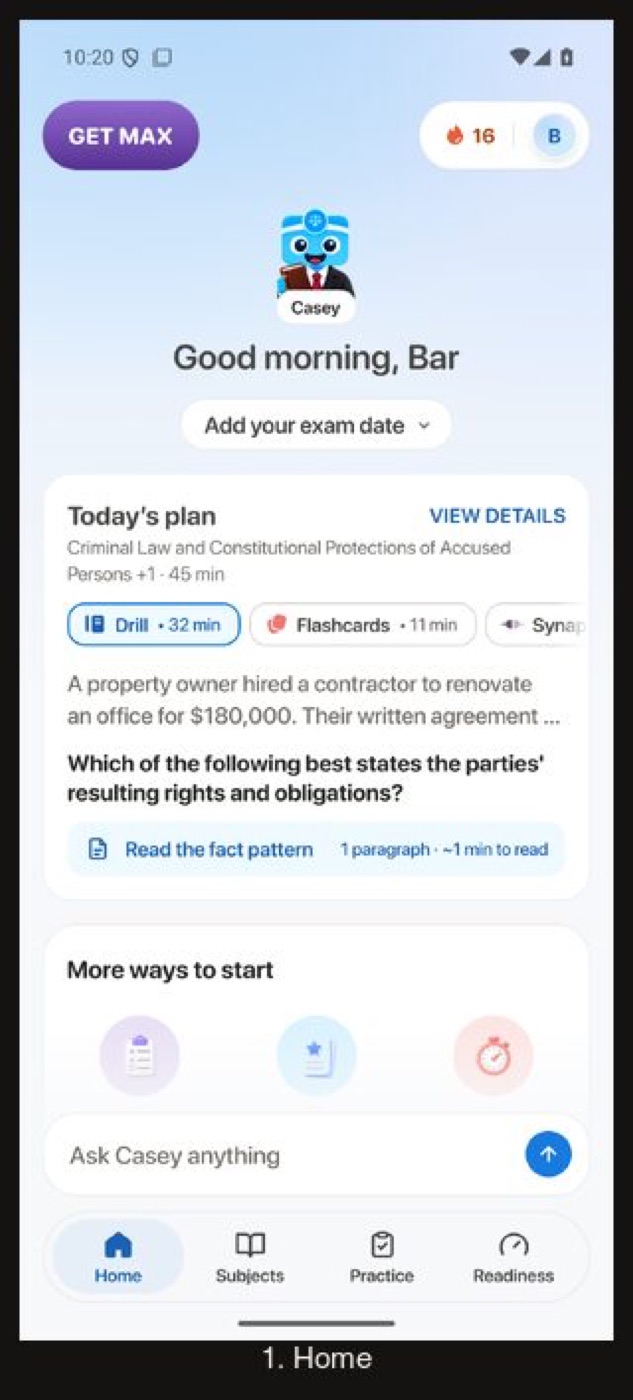
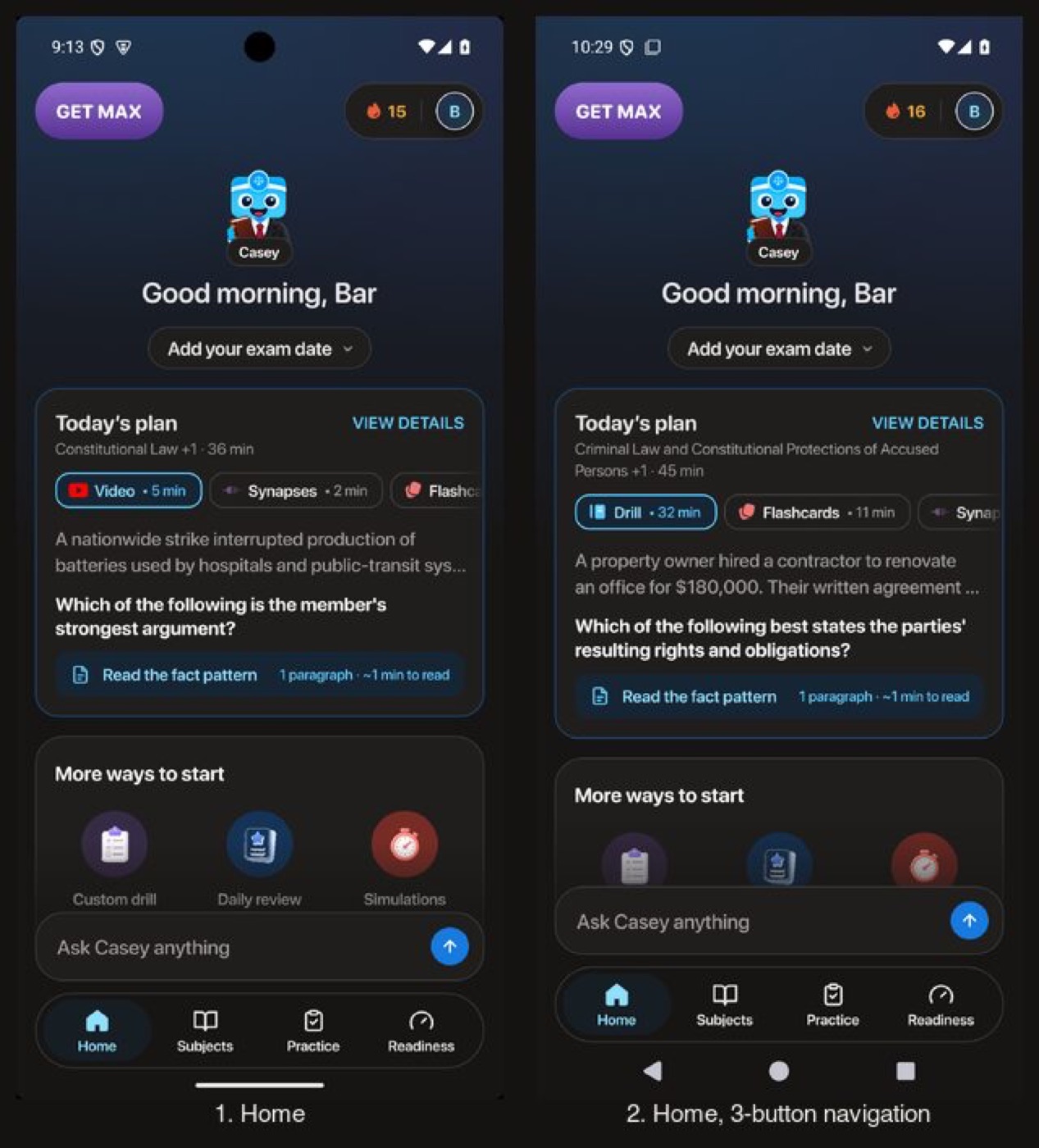
The sky, greeting, plan cards, composer and tab bar go dark. The exam switcher's pill, menu and loading skeletons now draw dark too.
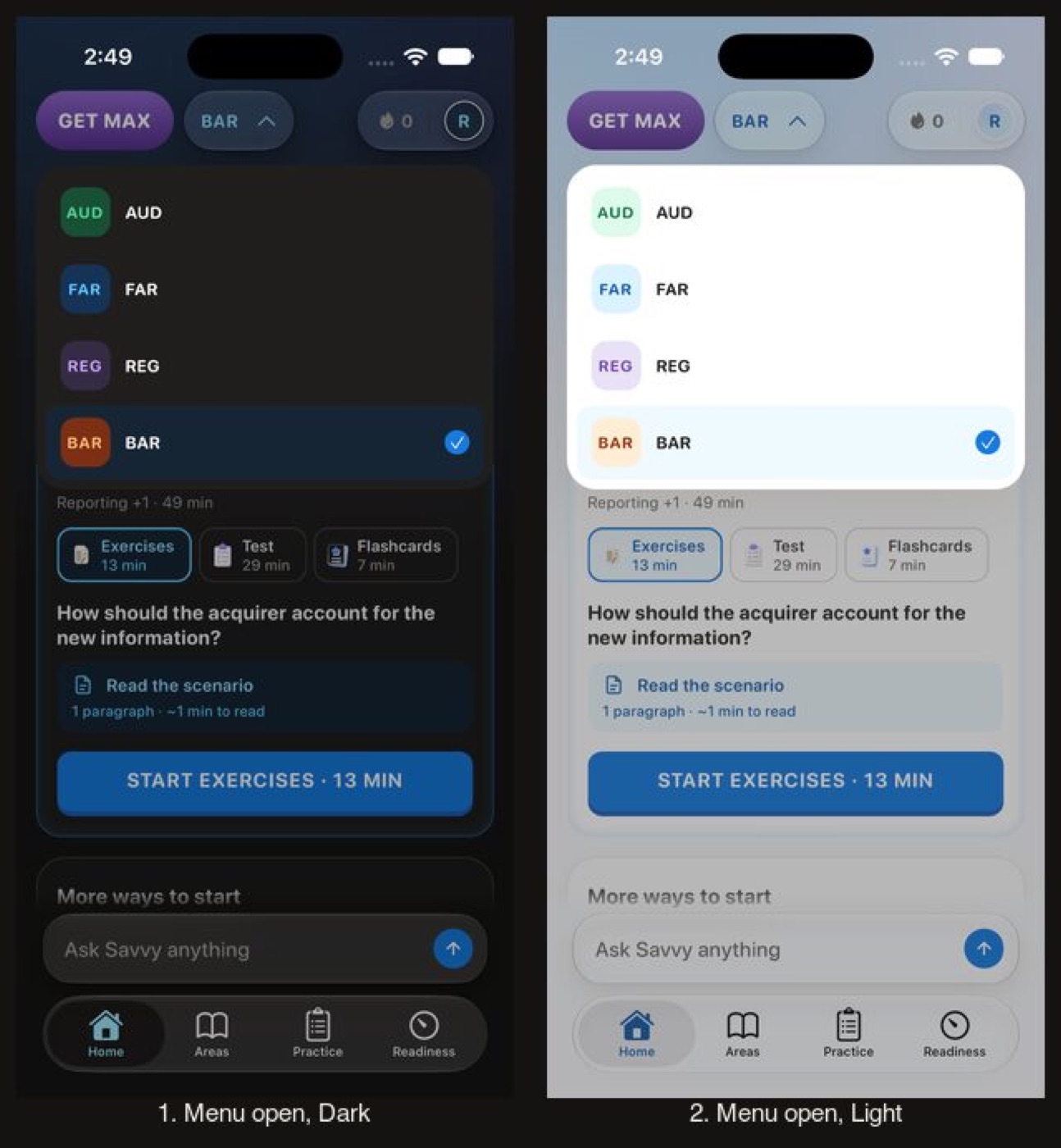
- The REG badge fill moves one step, premium-50 to premium-100, the same tint its siblings use.
Home: greeting, Today's plan, More ways to start, composer and tab bar
Before
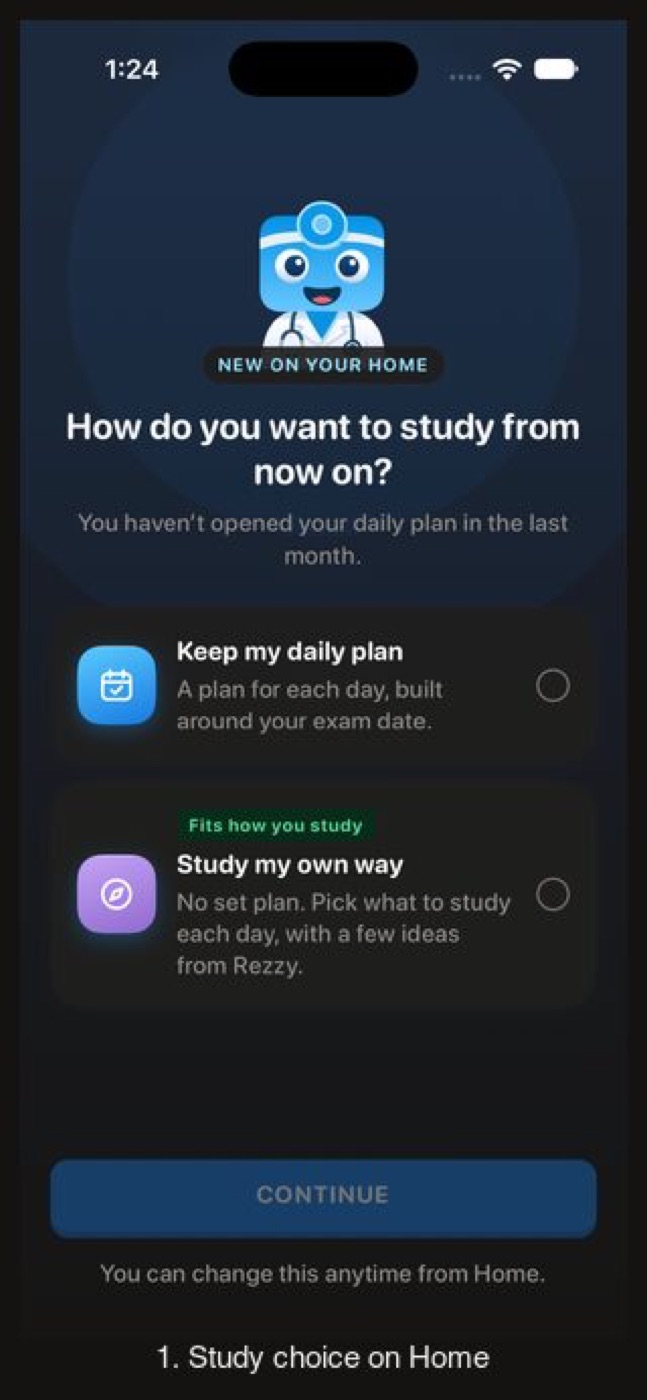
After
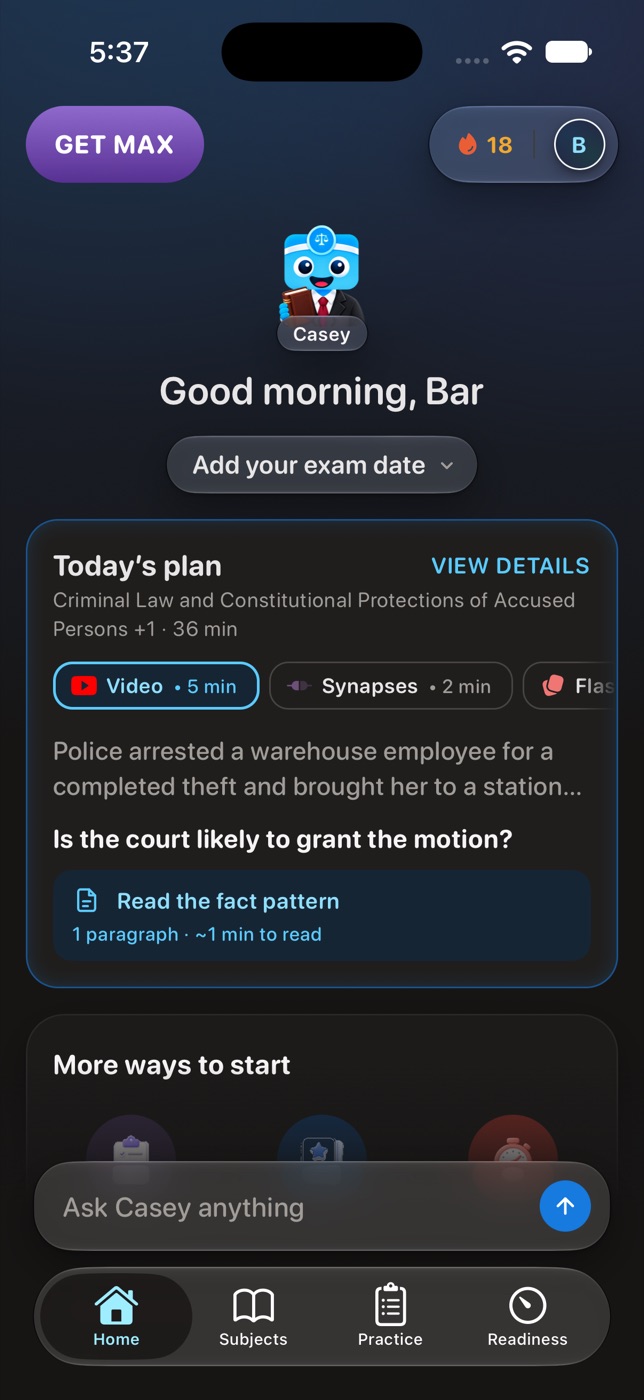
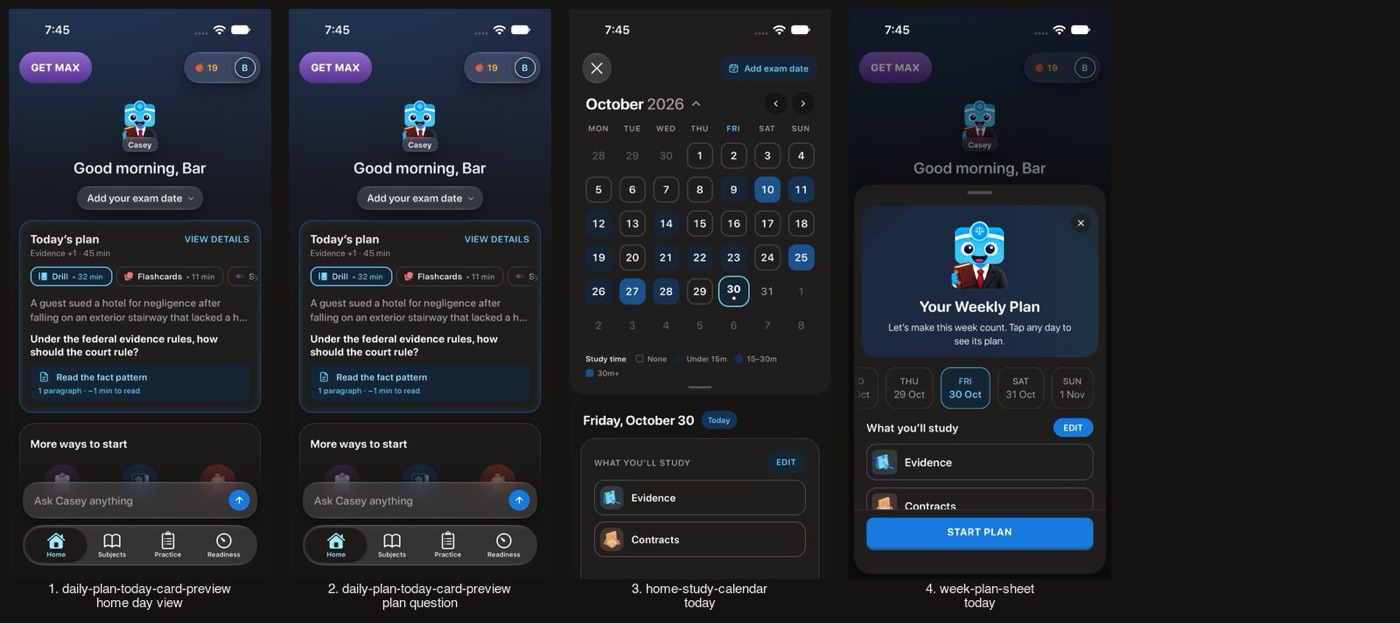
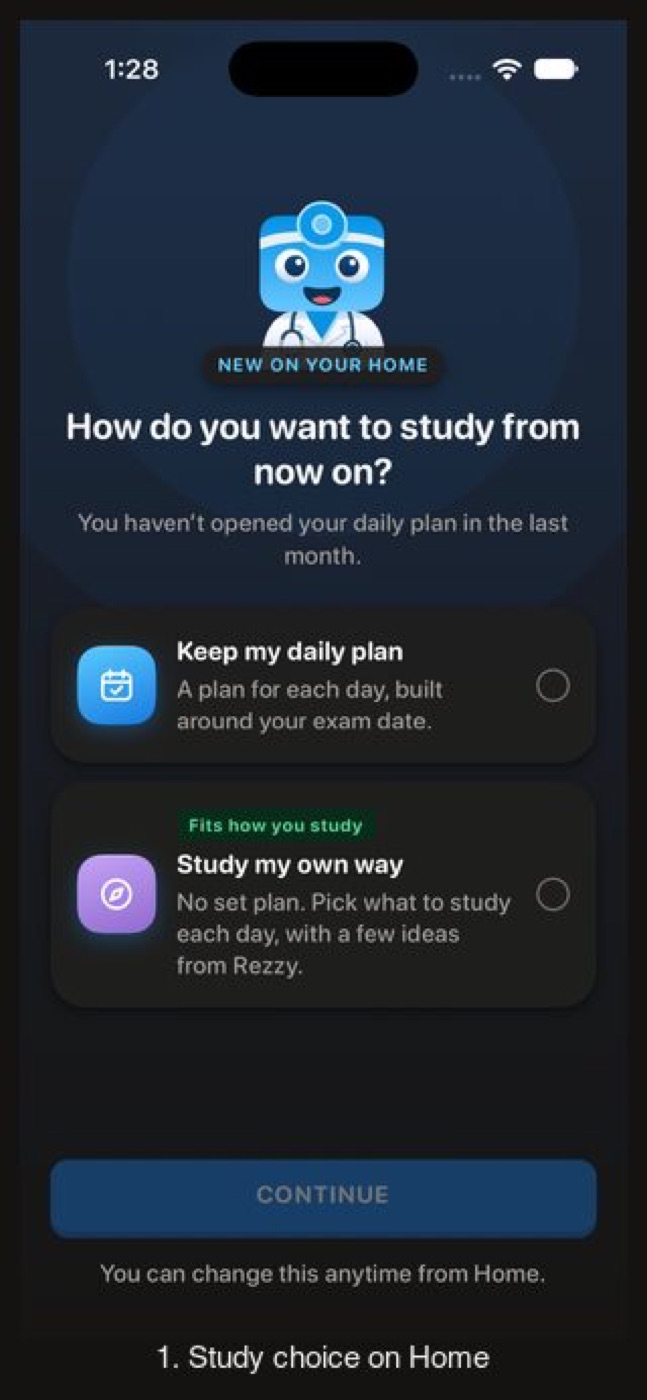
Before
Not captured on iPhone: the SE carries this branch's small-phone, largest-text, keyboard and sheet checks; iPhone 17 above has the pairs
After
Before
After
Before
After
Before
After
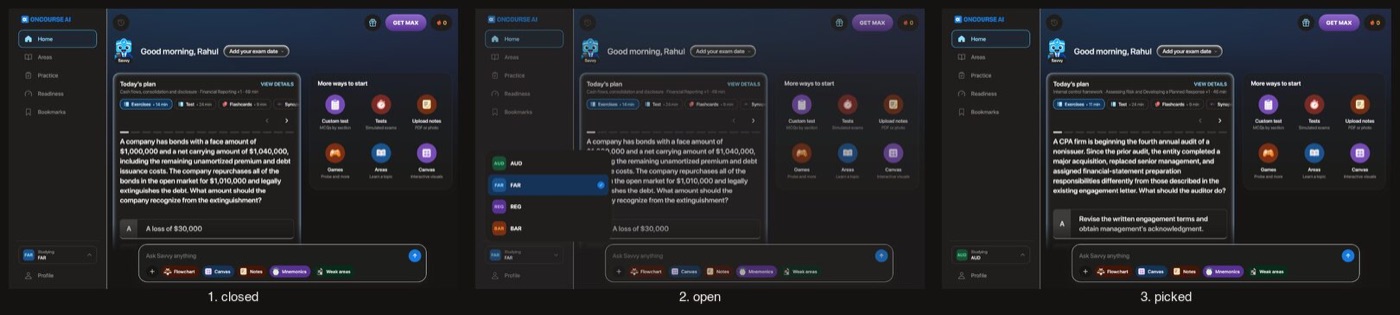
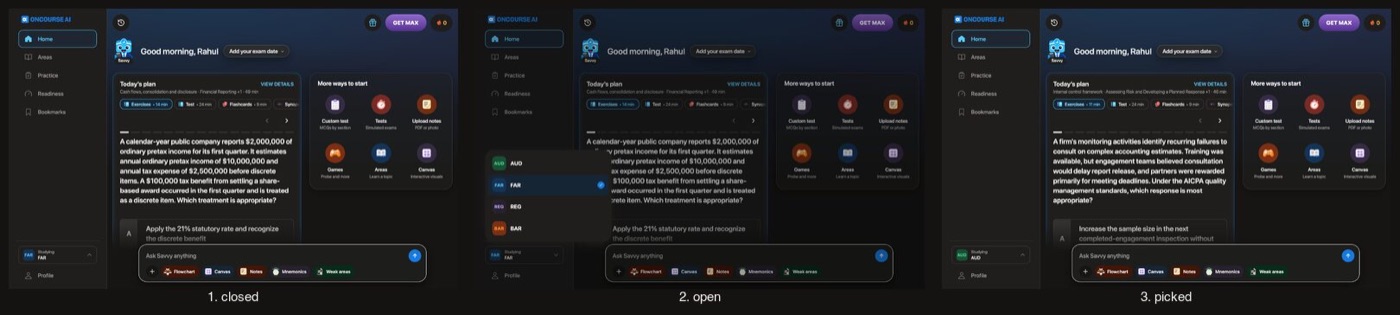
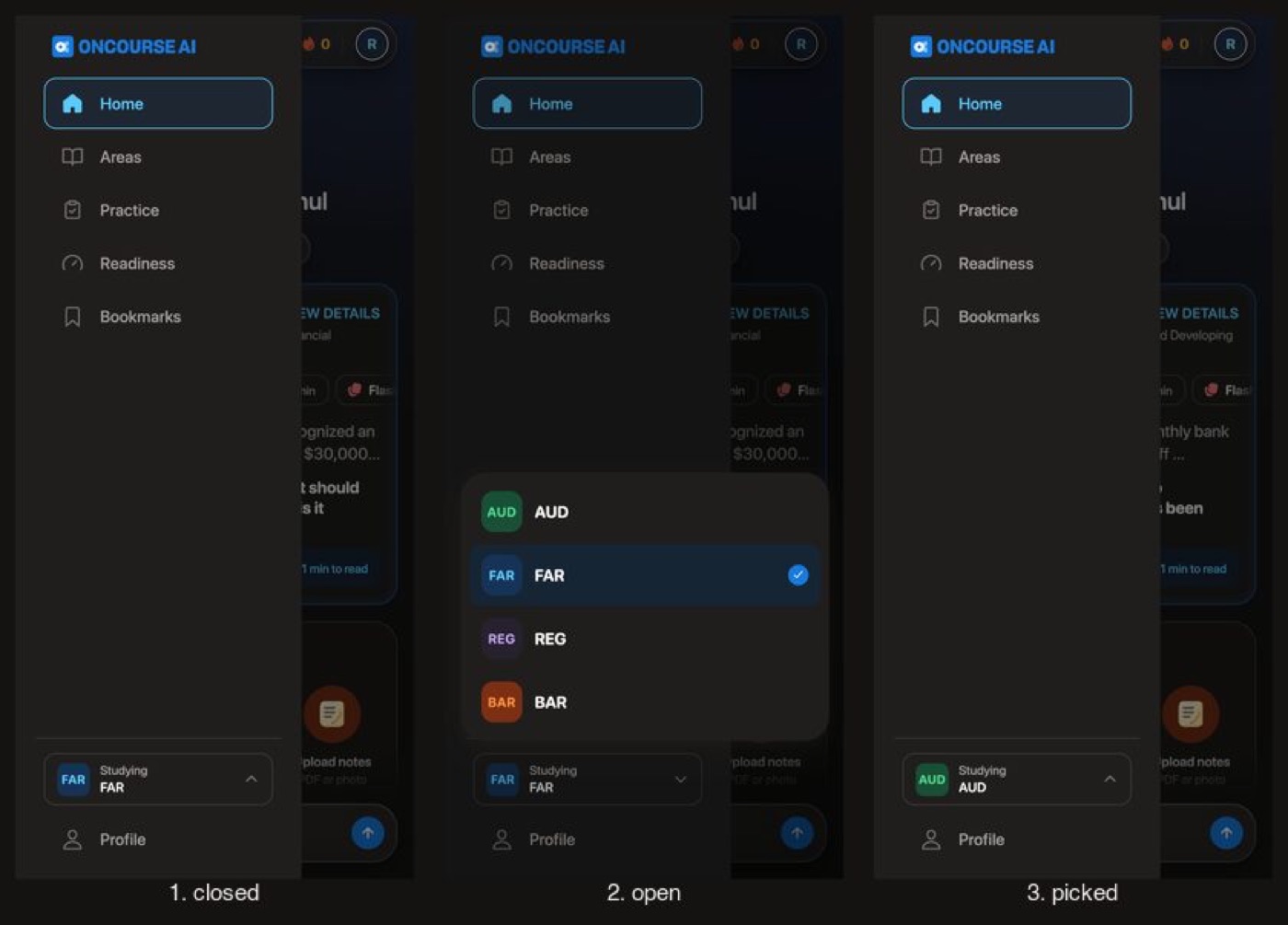
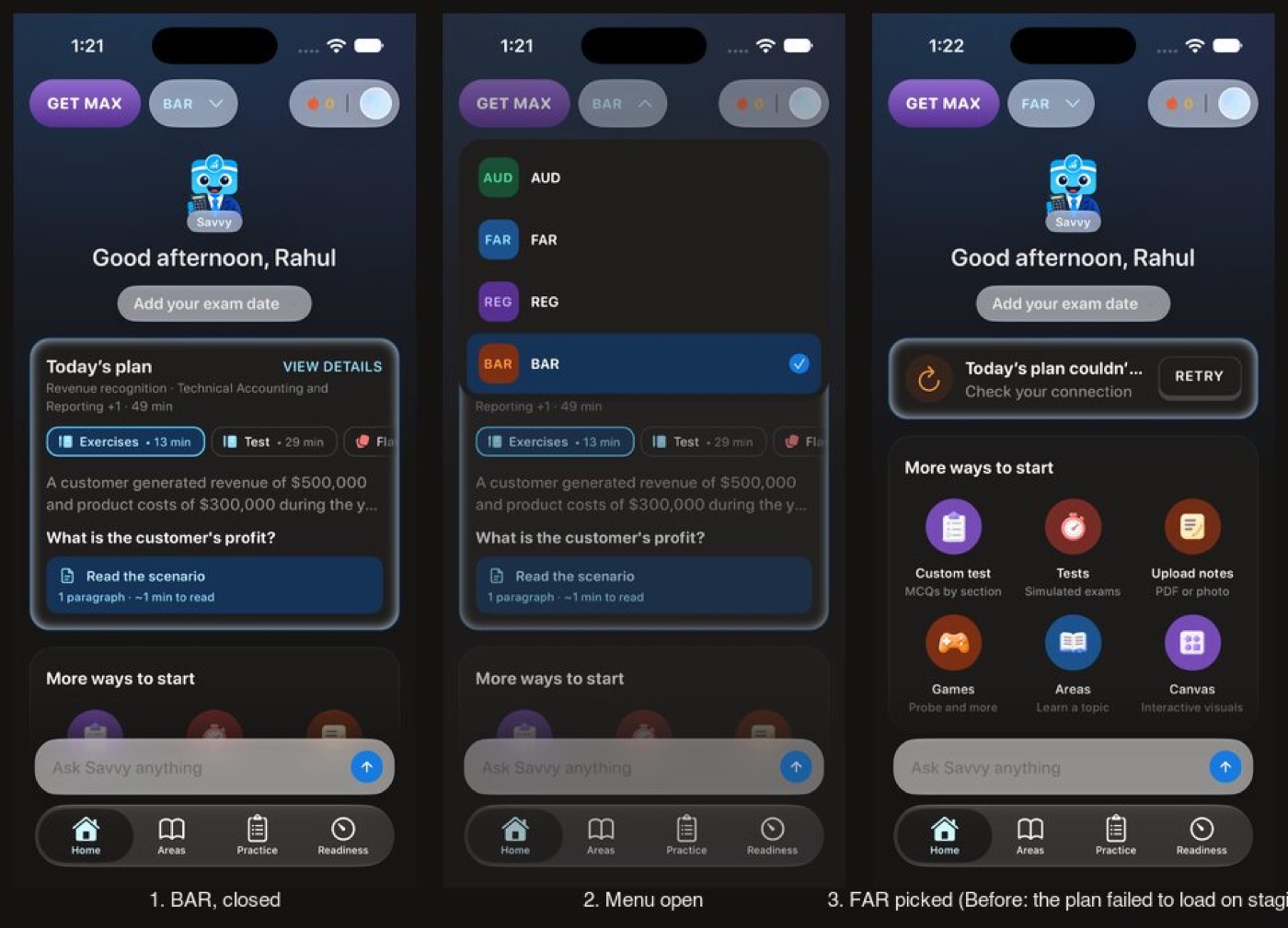
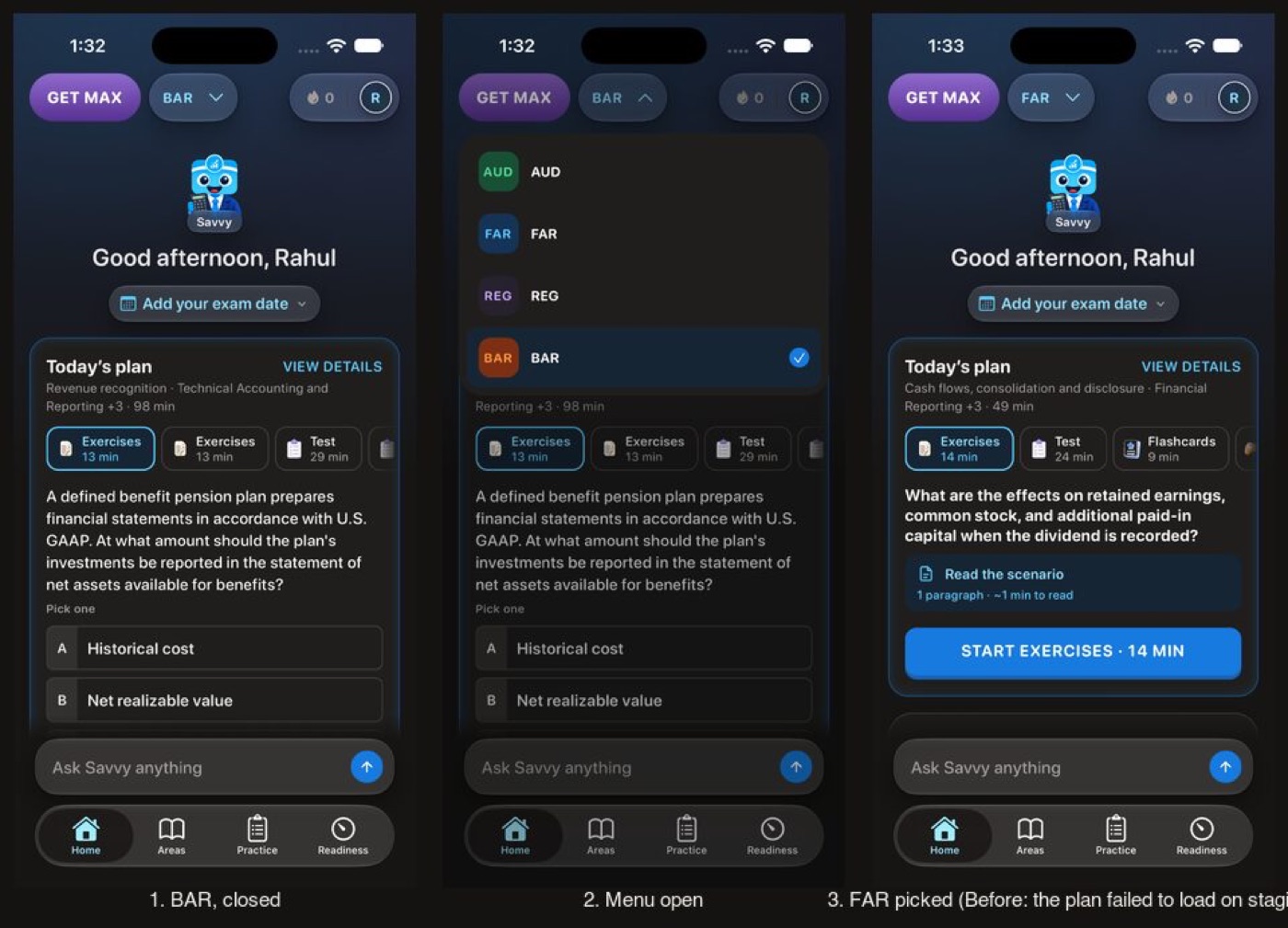
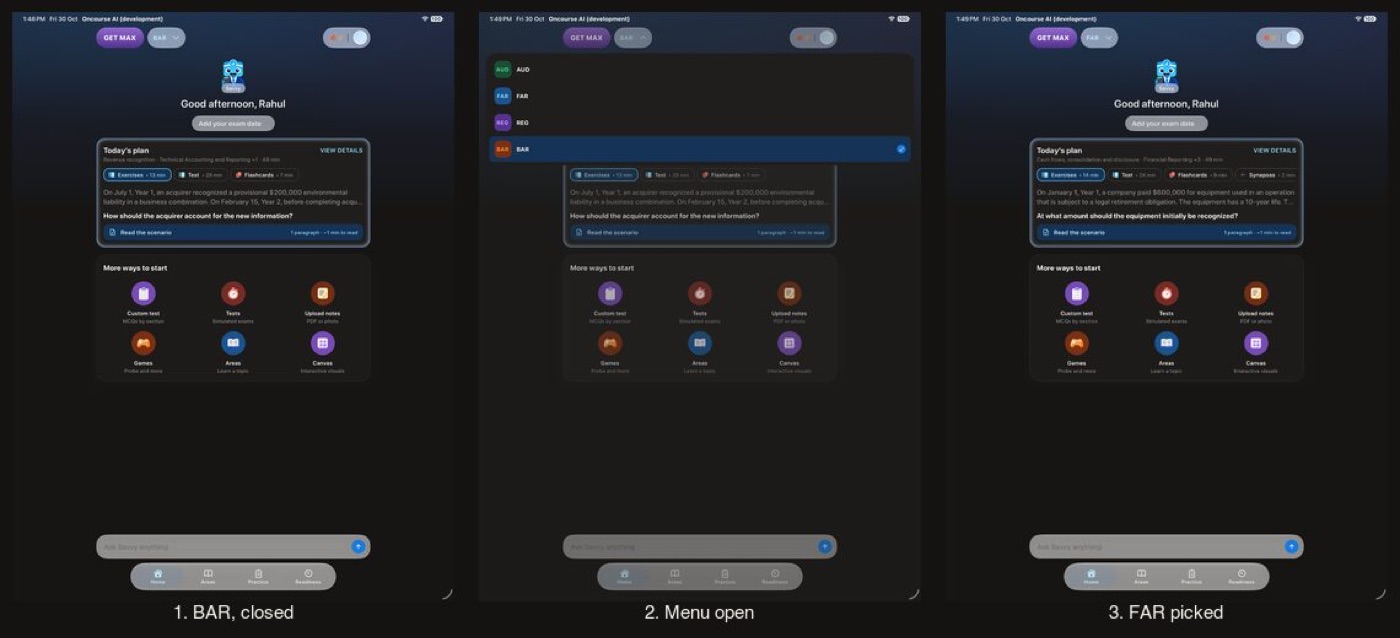
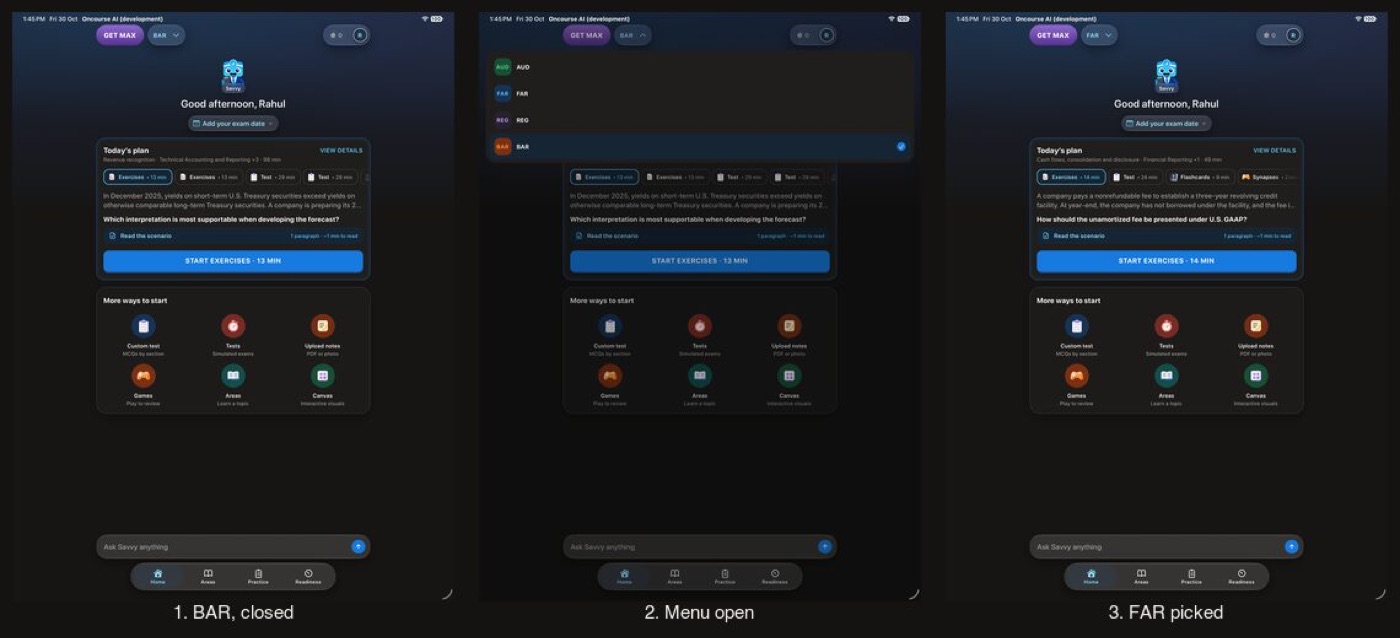
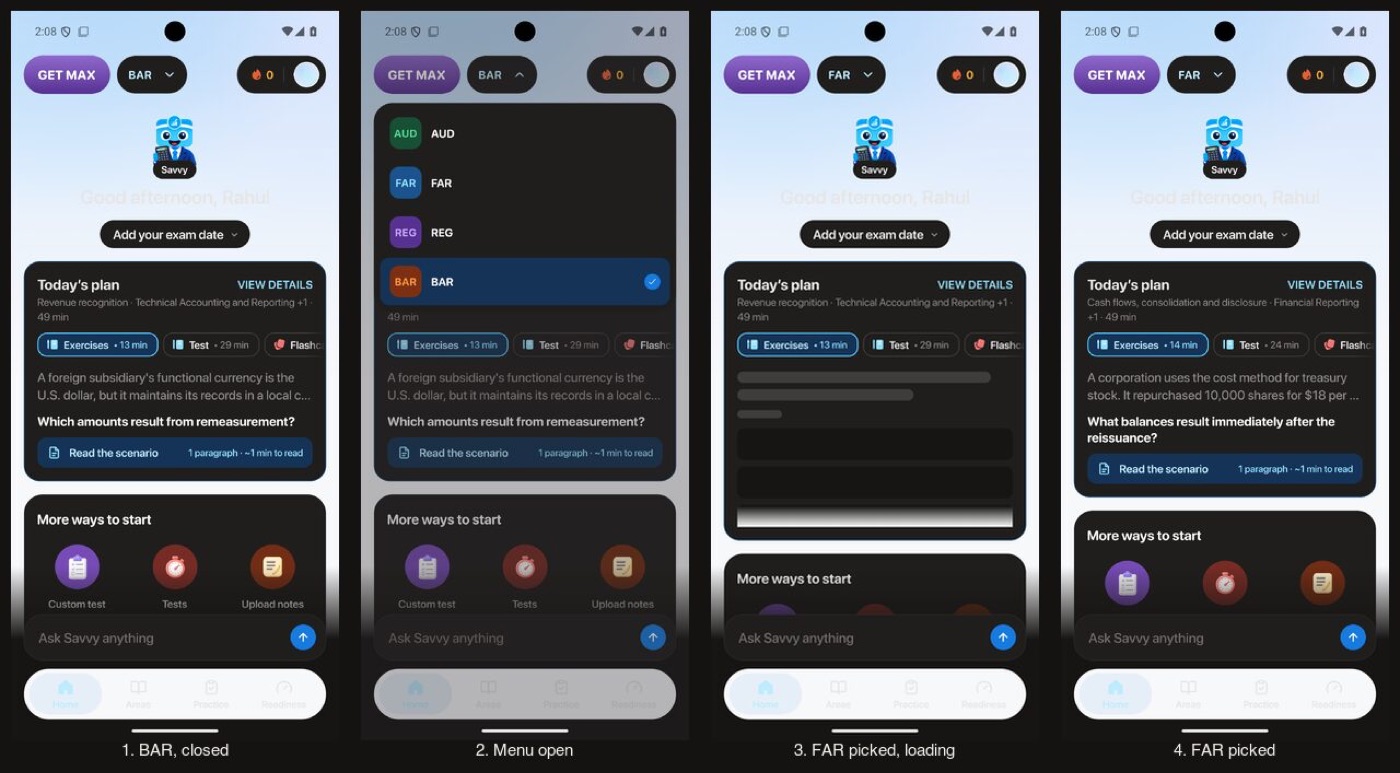
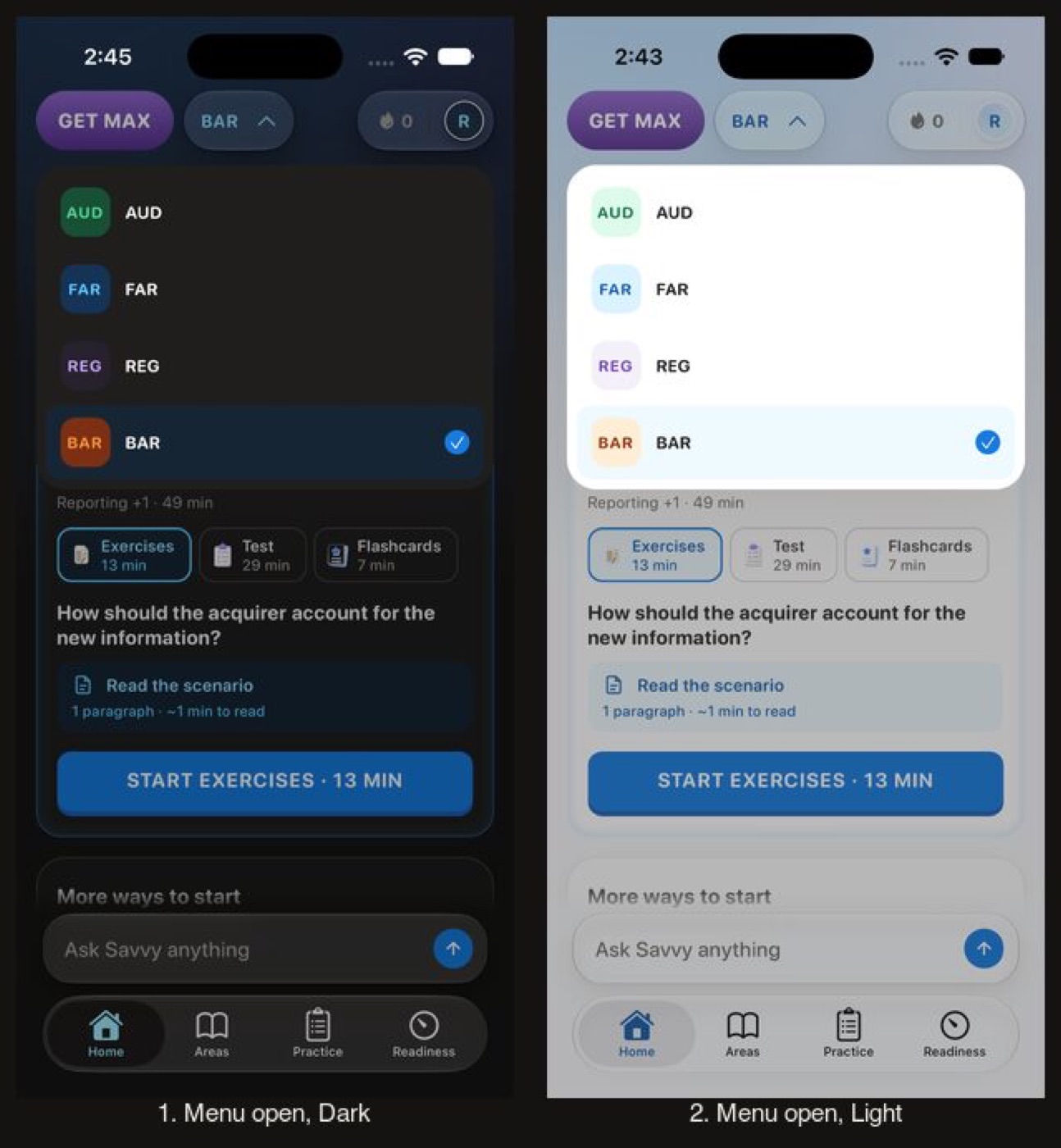
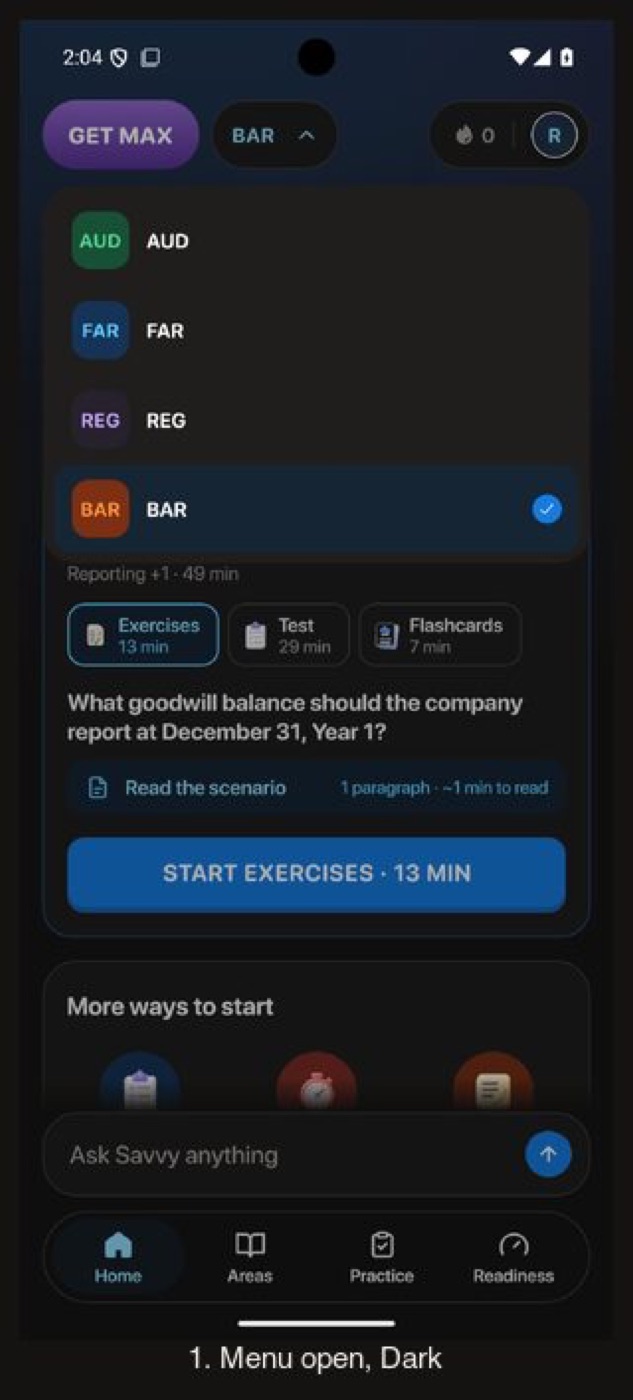
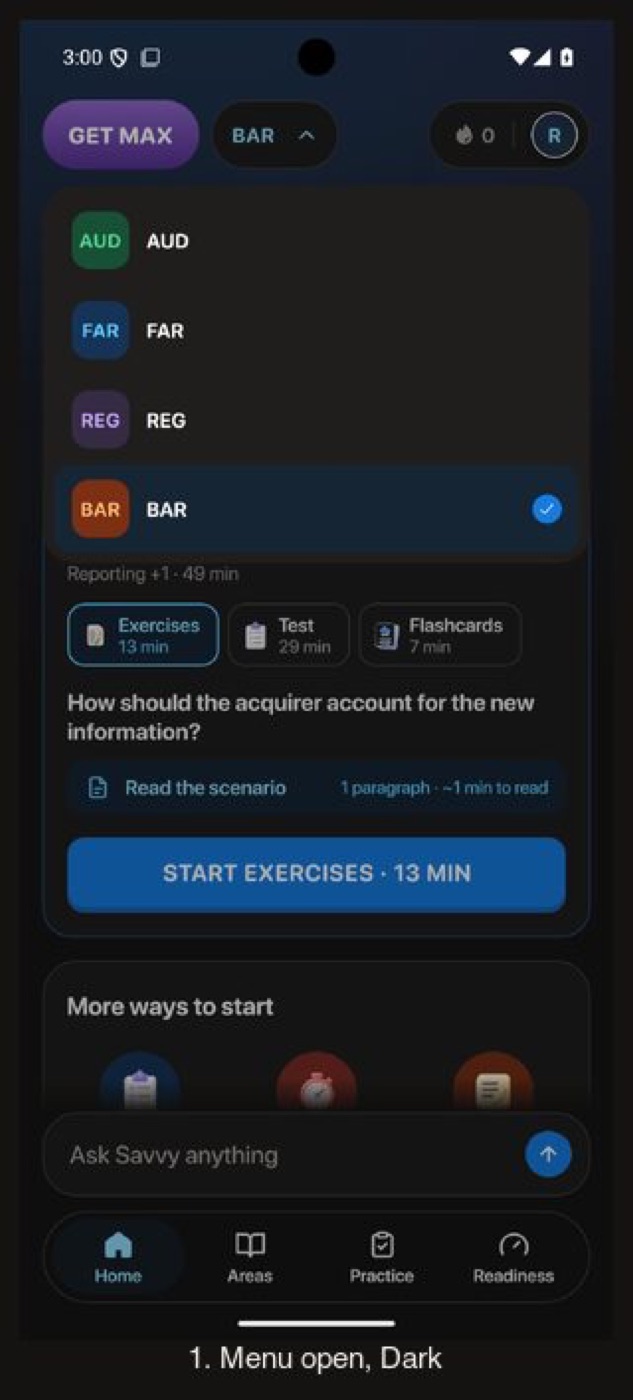
The exam switcher on Home: closed, open and a section picked
Before, the pill and the day capsule stay light on the dark sky, and on Android the greeting is invisible on the light sky and the tab bar is white. After, the pill, the menu and the loading skeletons draw dark. On the iPhone Before, staging failed to load the FAR plan after the pick; the After loaded it.
Before
After
Before
After
Before
After
Before
After
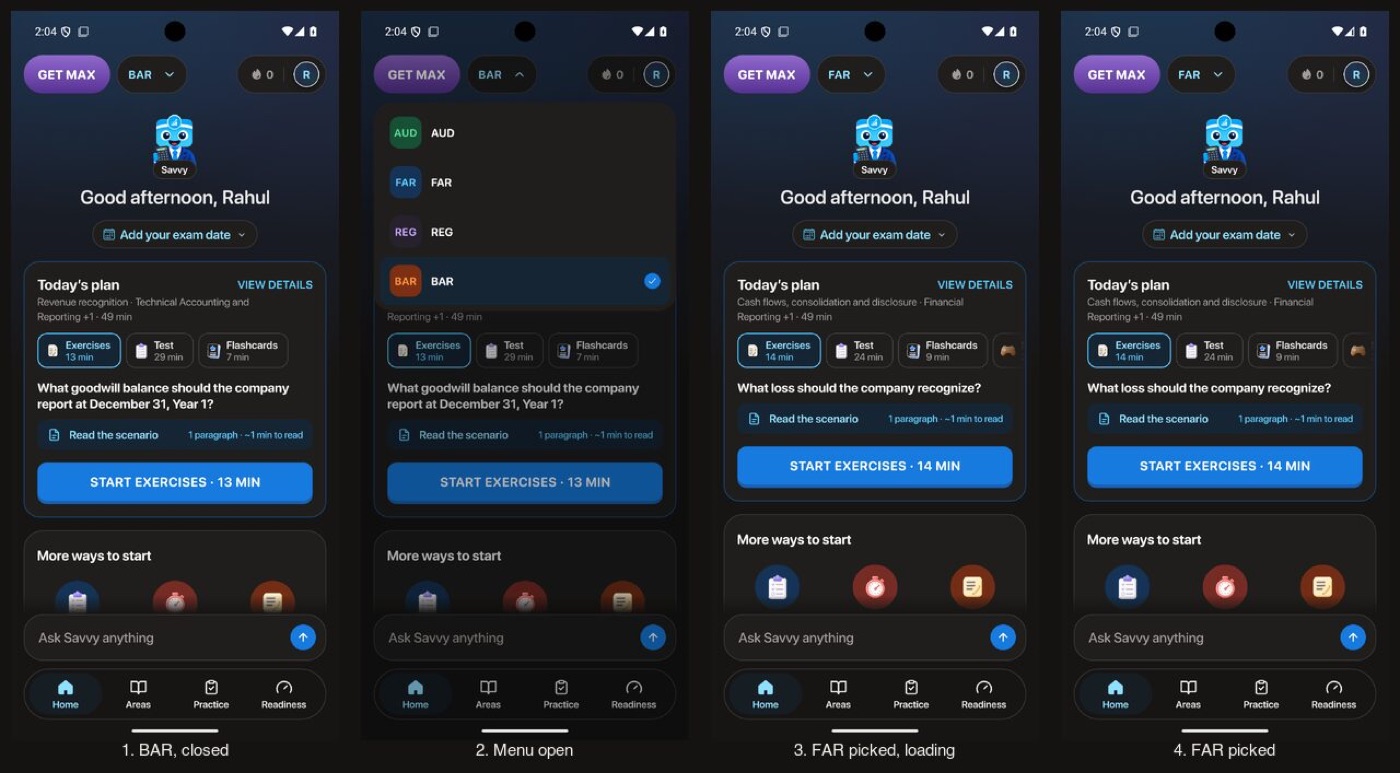
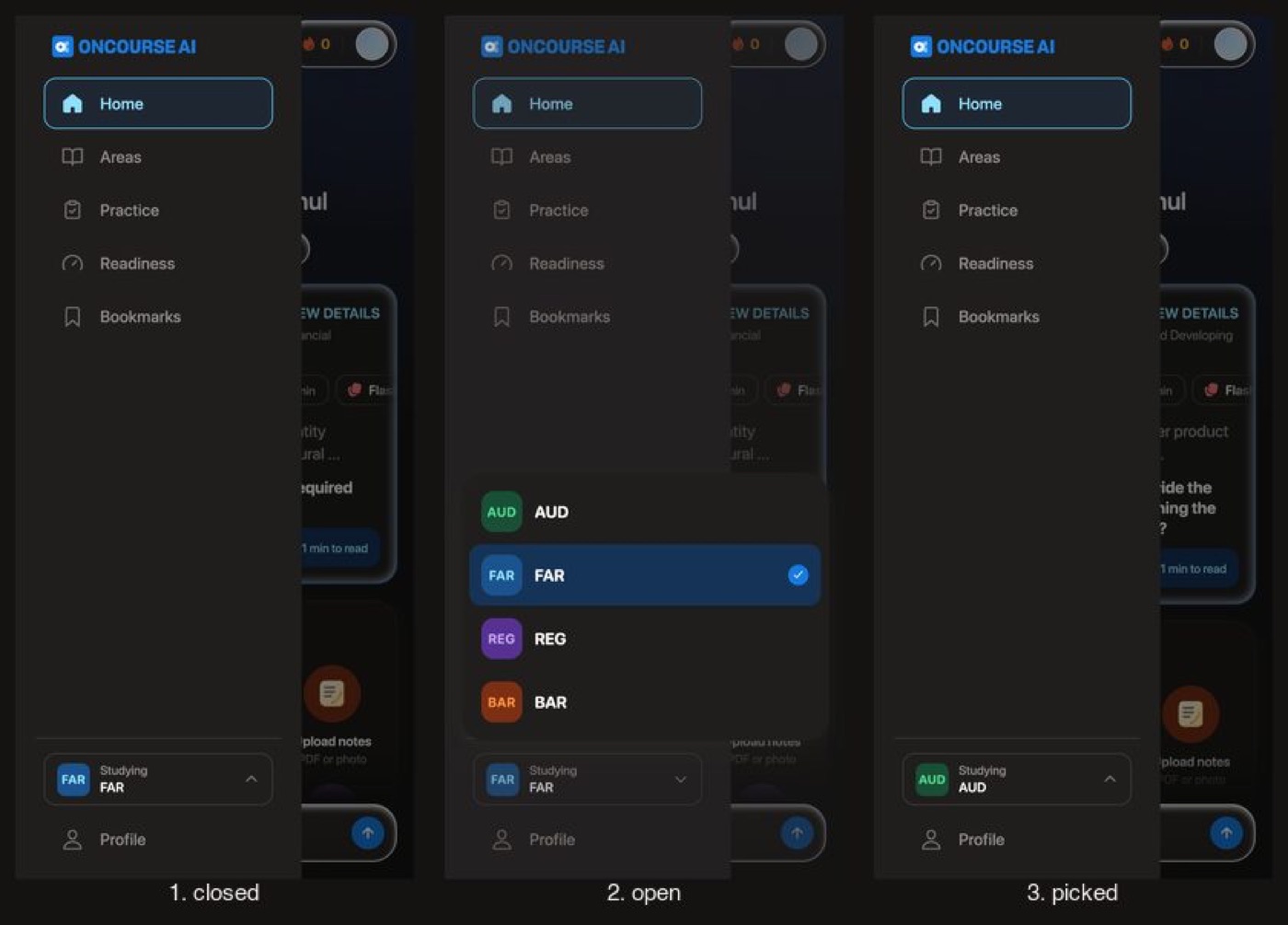
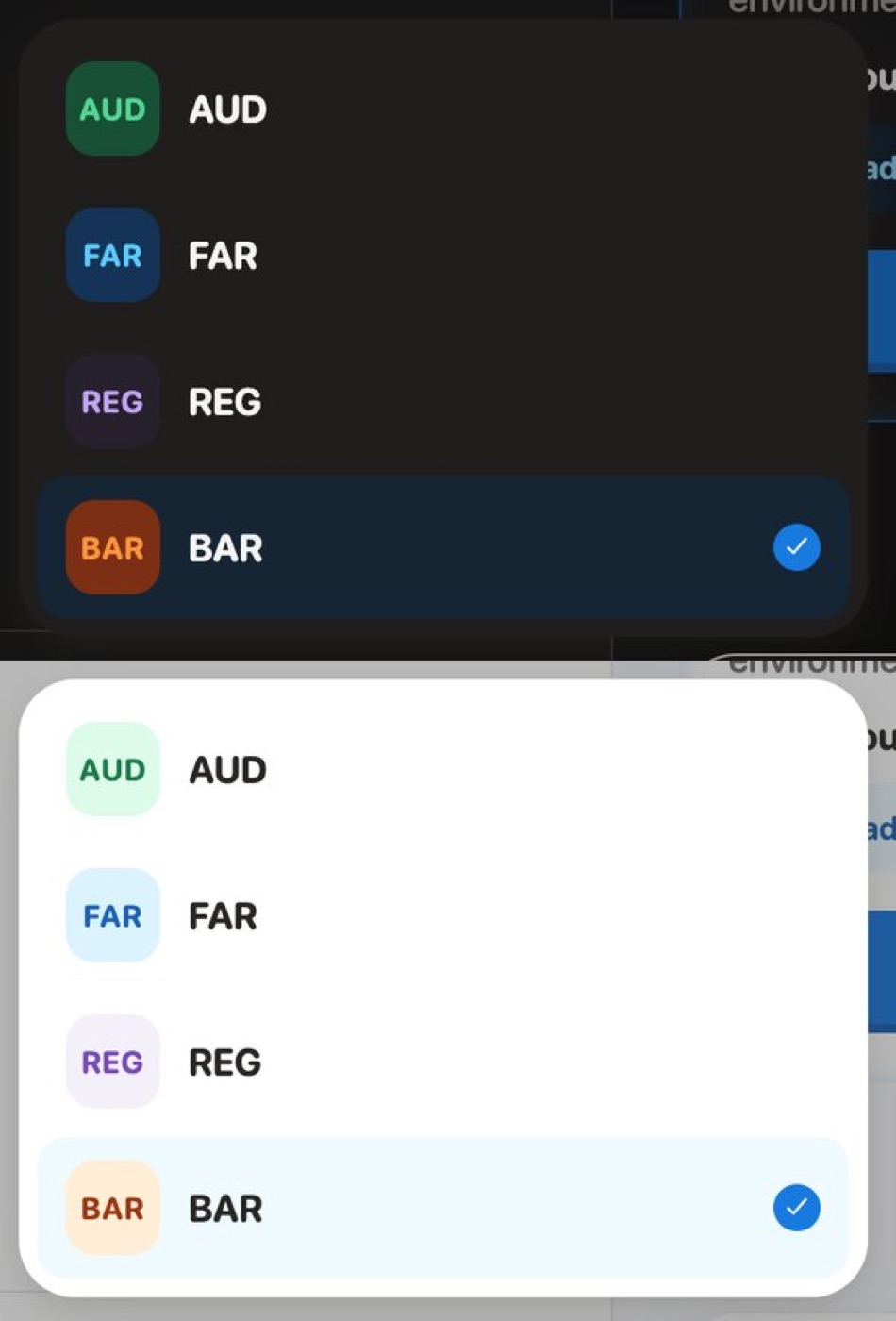
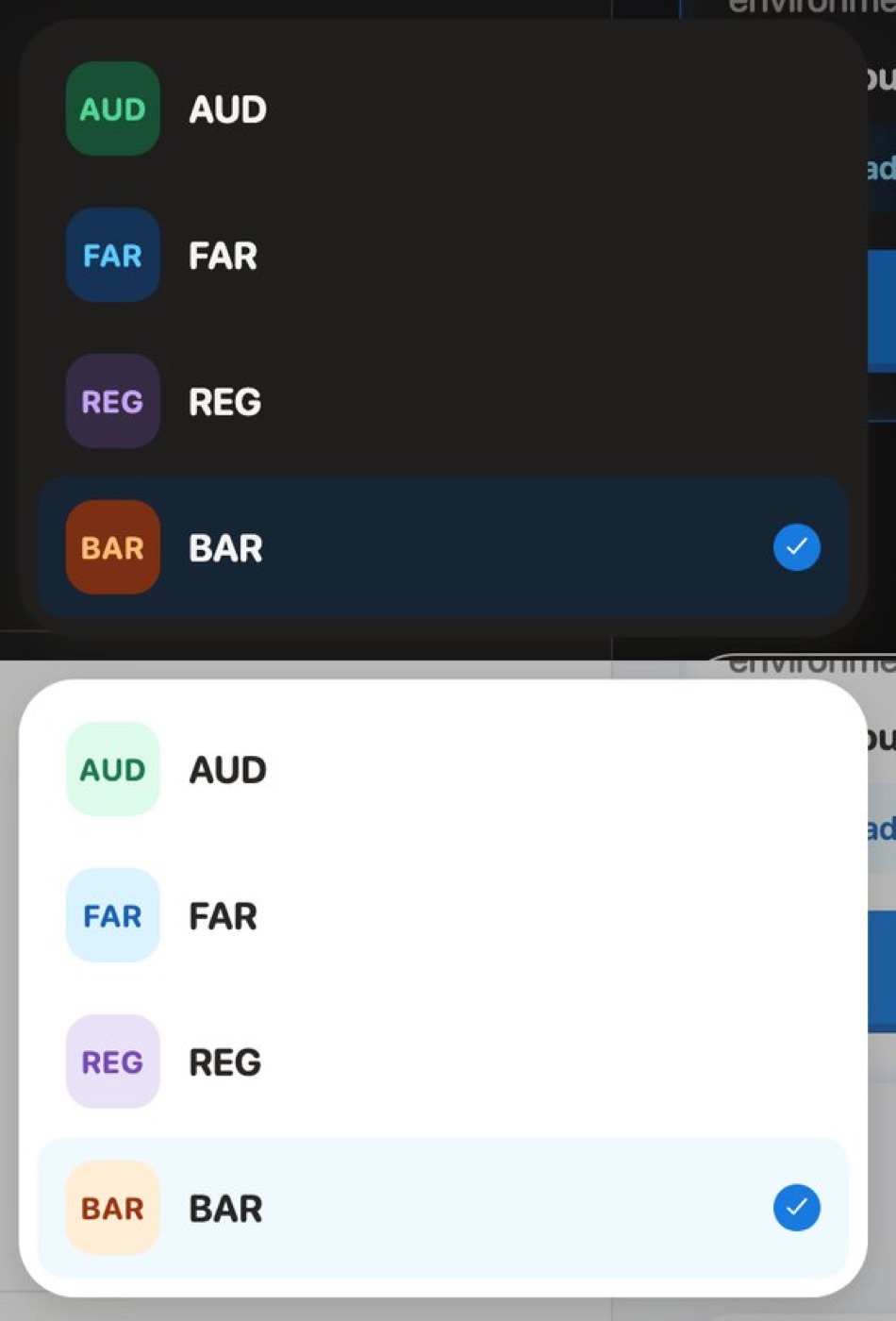
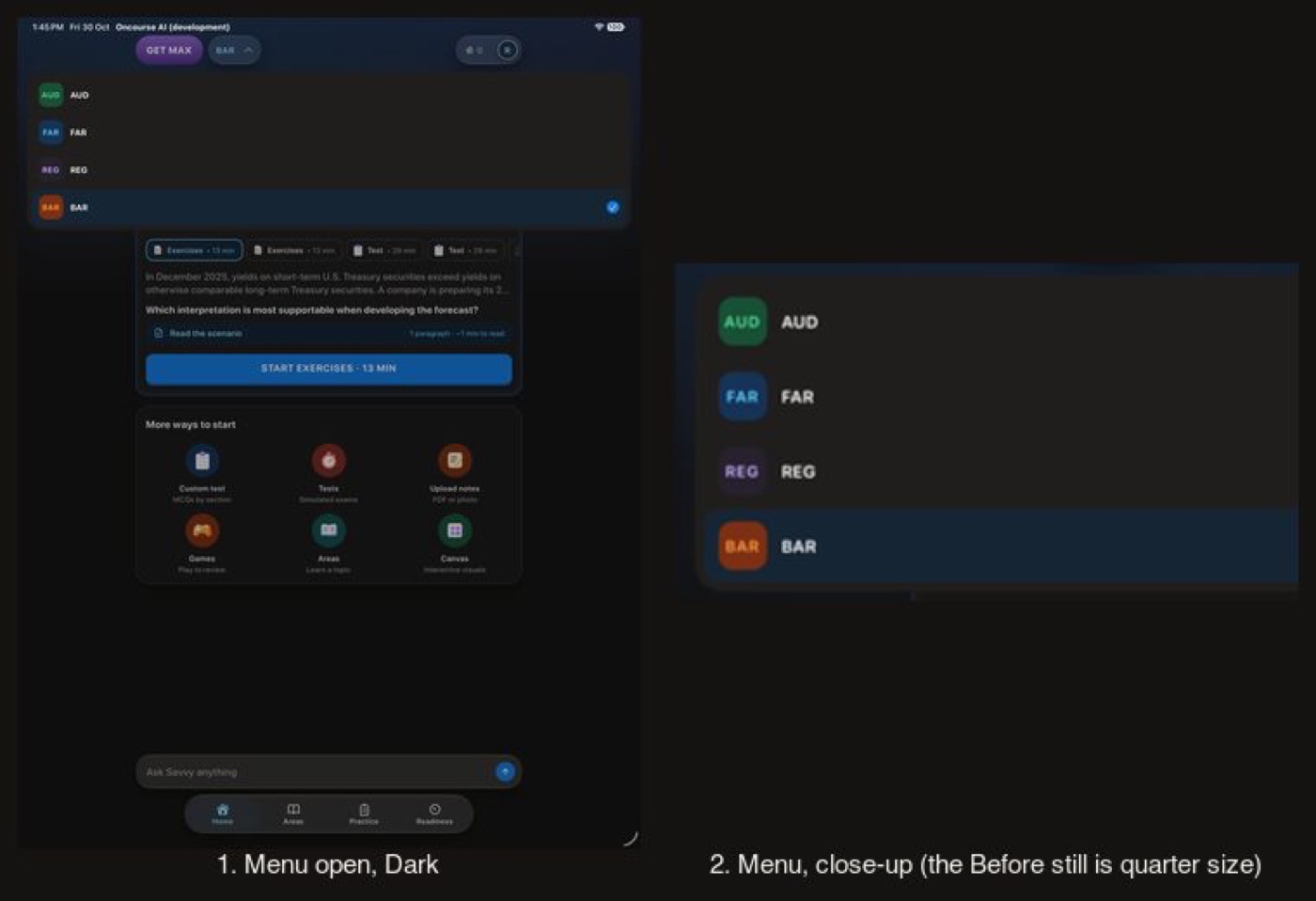
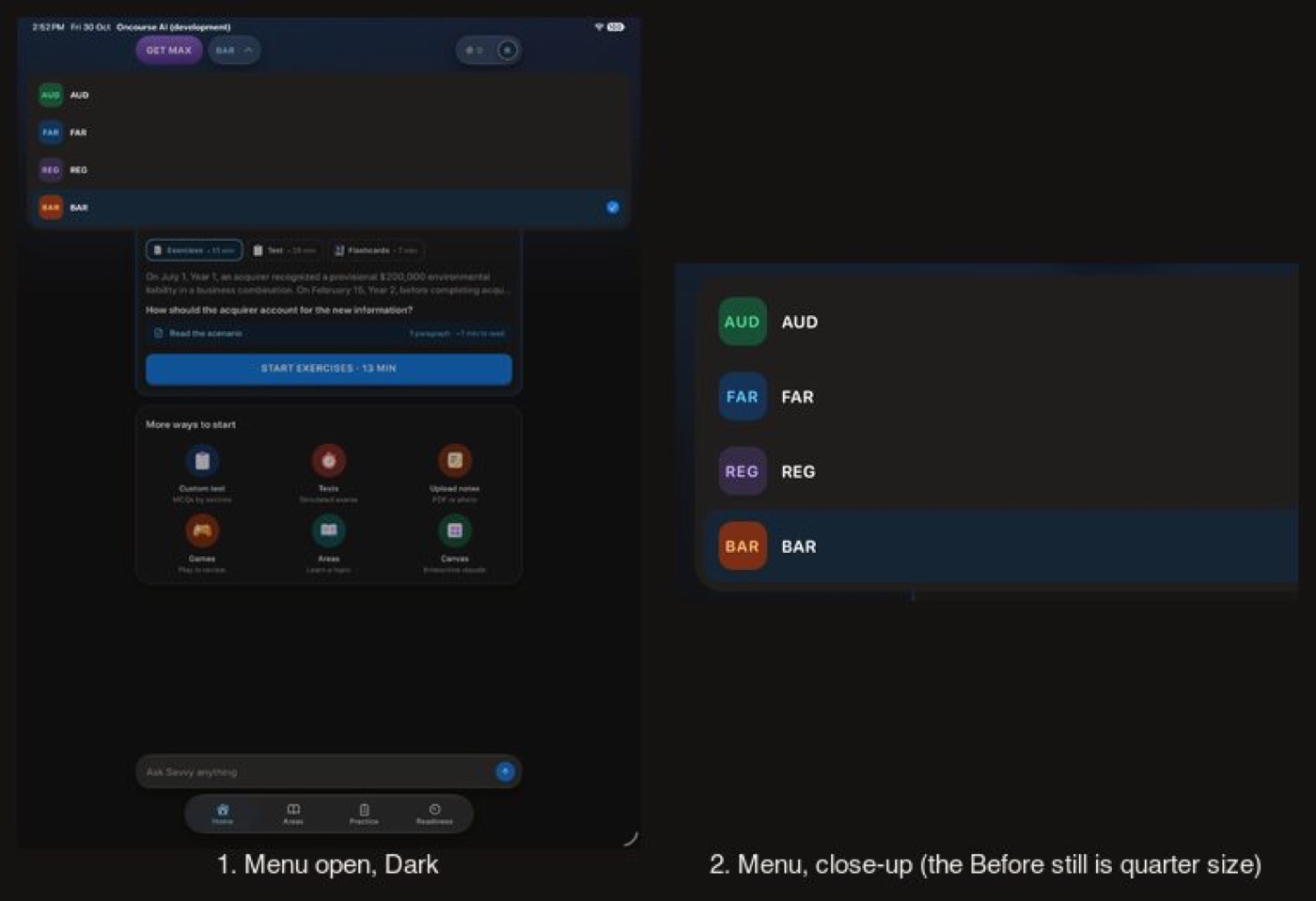
The exam badges in the switcher menu, Dark and Light
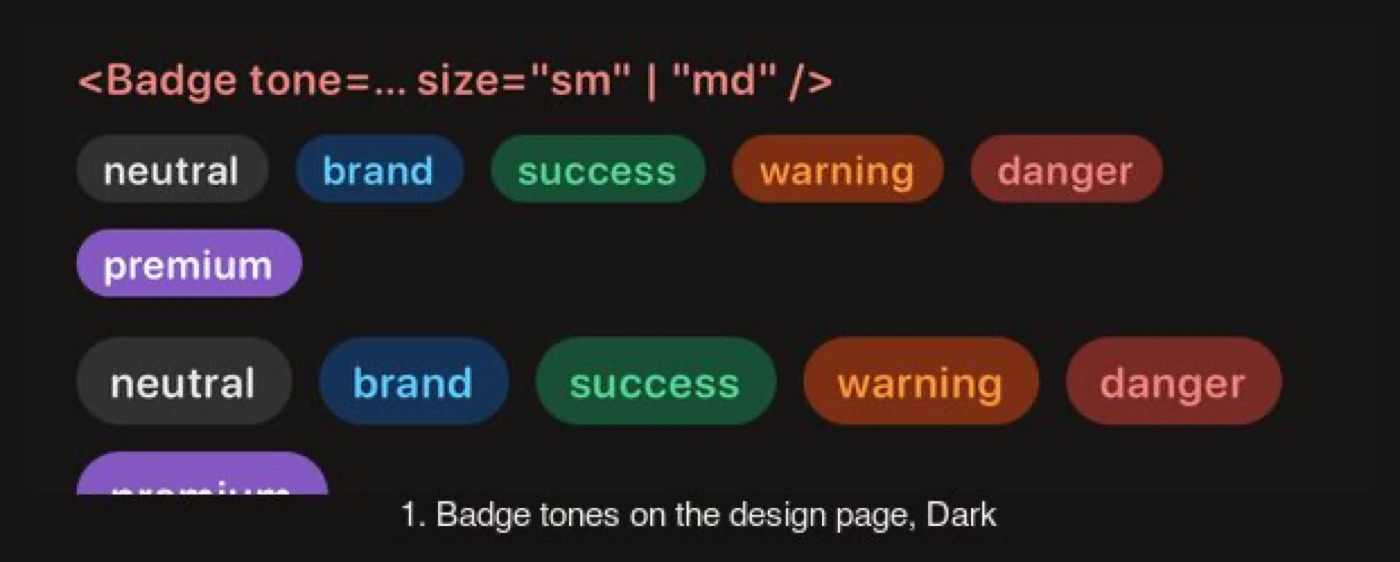
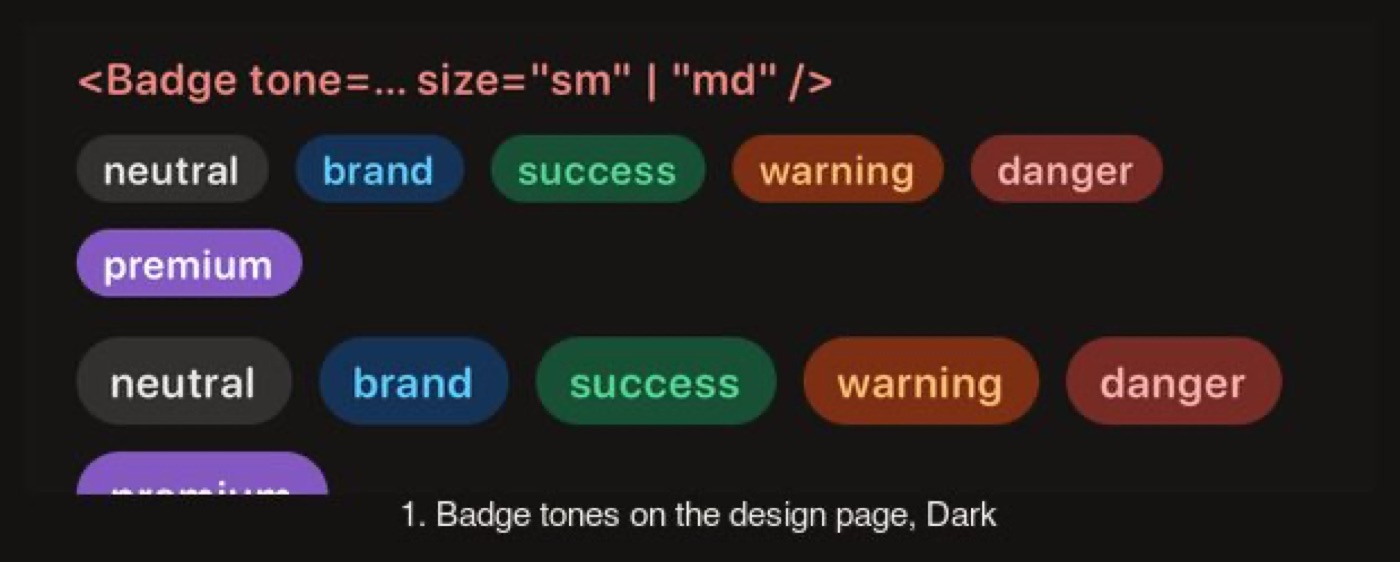
Before, the REG tile nearly vanished on the dark menu (1.06:1) and BAR's orange label was 4.2:1 on its own fill. After, REG takes the tint step its siblings use (1.26:1, level with FAR), BAR's label is 5.6:1, and the Badge specimen's warning and danger labels pass AA on their own wash. In Light, REG's fill moves one step (premium-50 to premium-100).
Before
After
Before
After
Before
After
Before
After
Flow 3
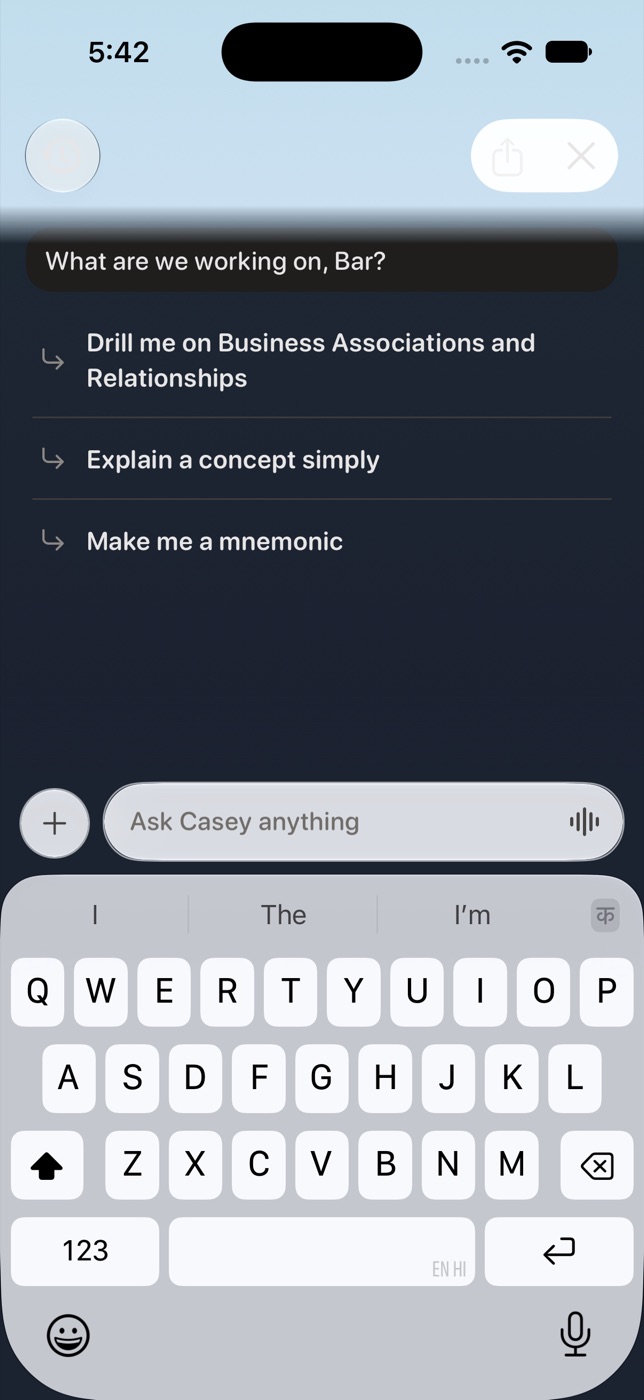
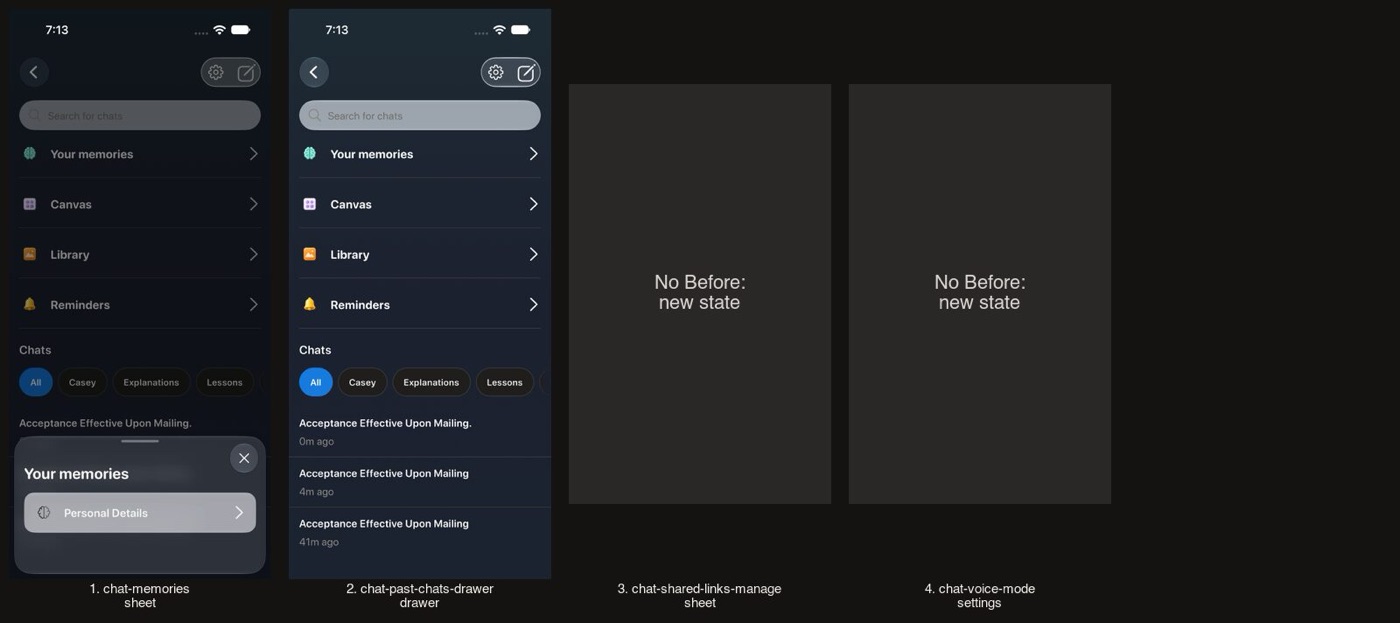
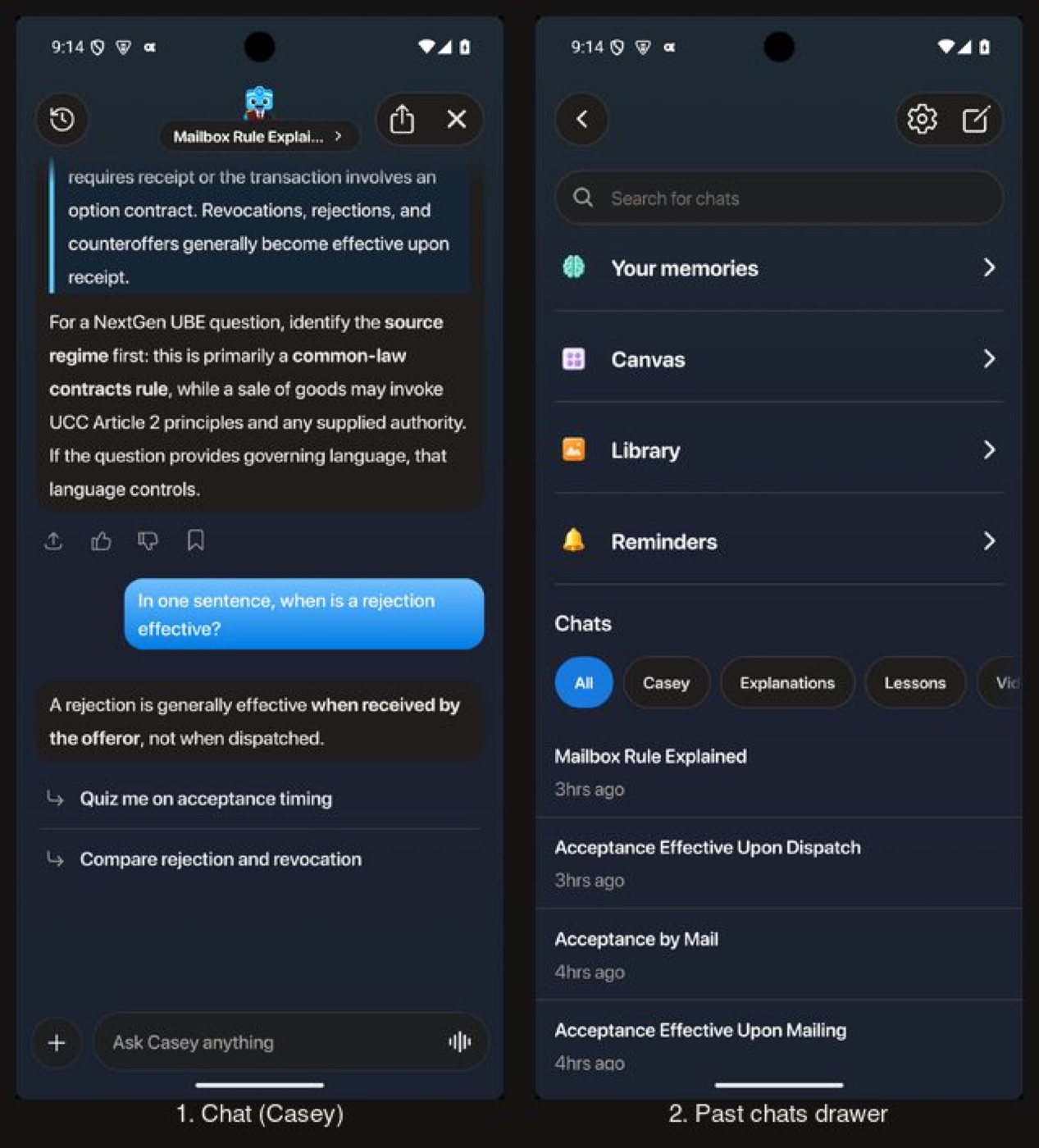
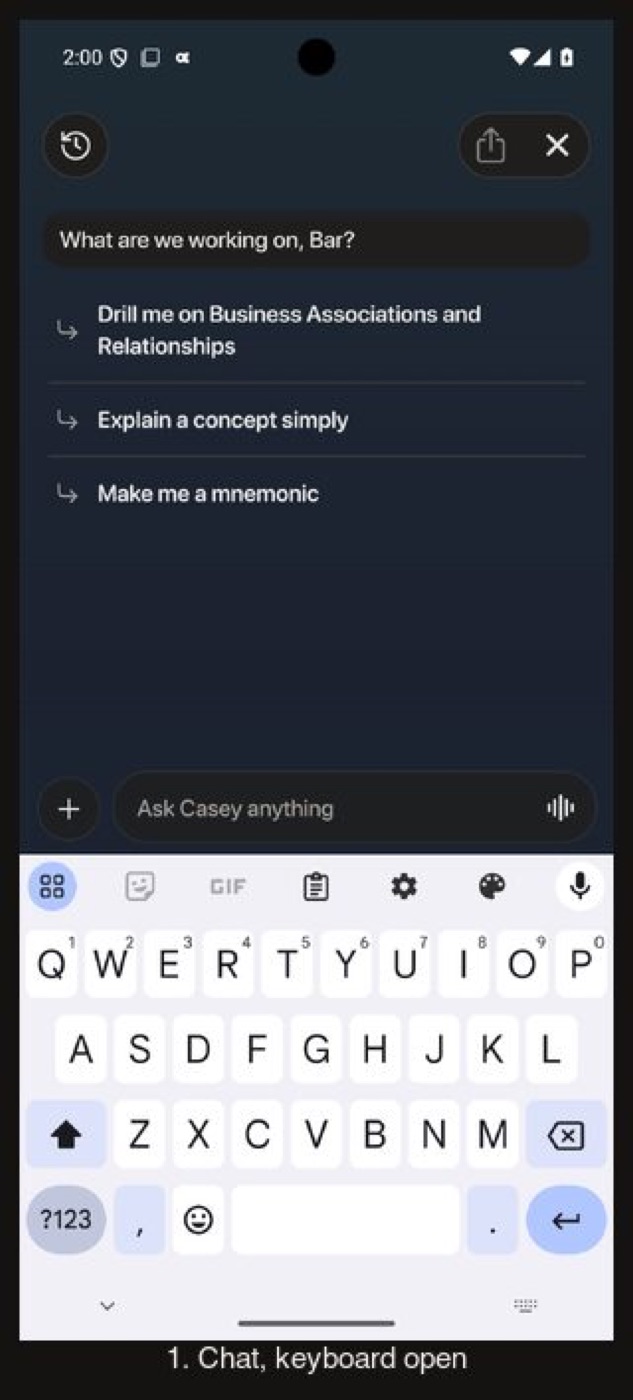
The tutor chat
The chat wash, bubbles, composer and past-chats drawer use the dark surfaces. The tutor art is the same image in both schemes.
The tutor chat, opened from Home's composer
Before
After
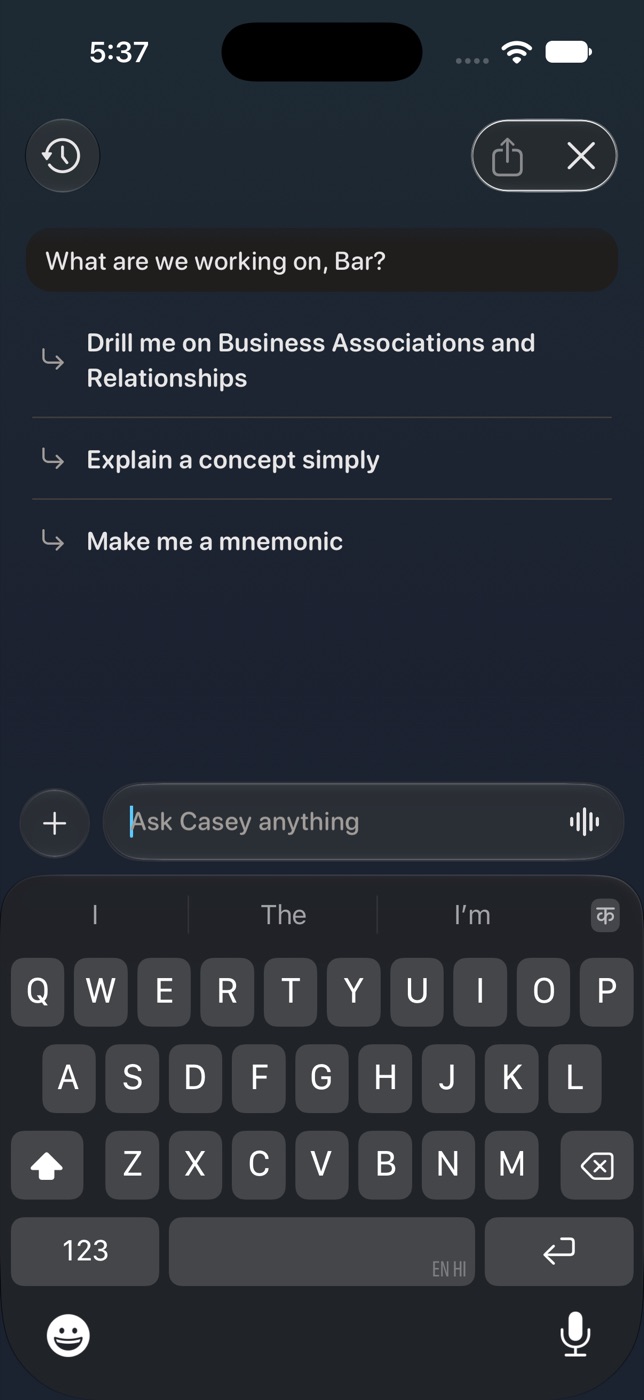
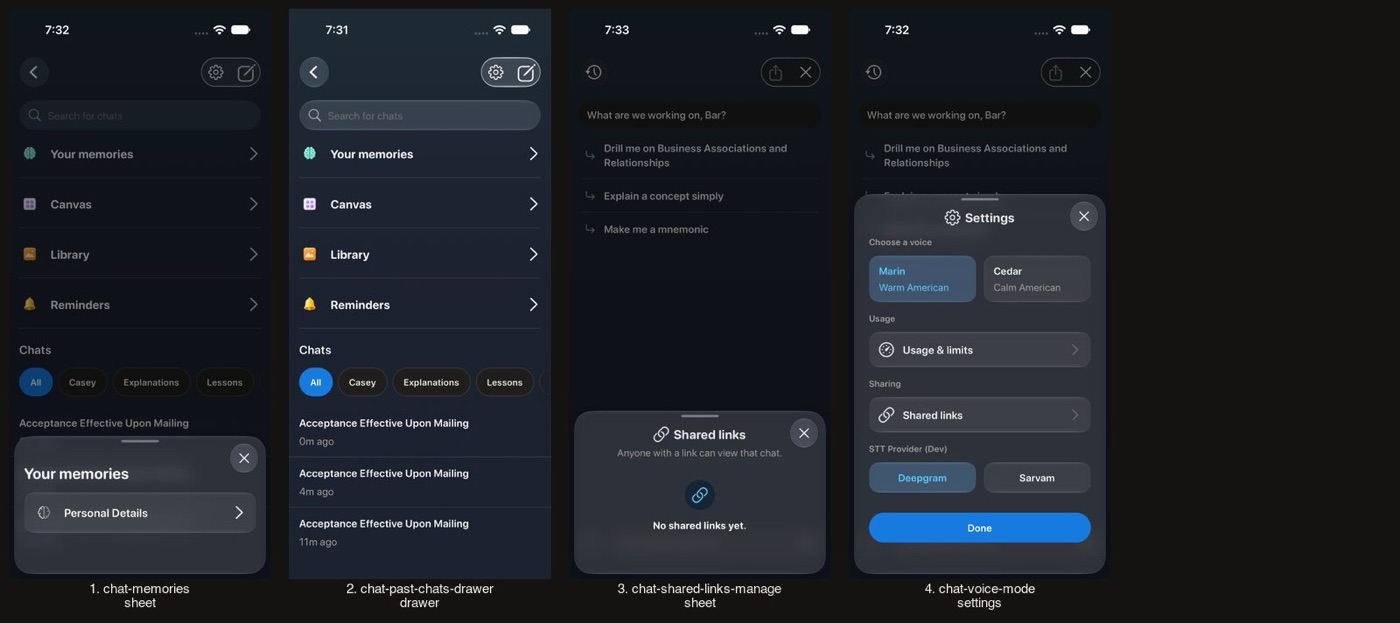
Before
Not captured on iPhone: the SE carries this branch's small-phone, largest-text, keyboard and sheet checks; iPhone 17 above has the pairs
After
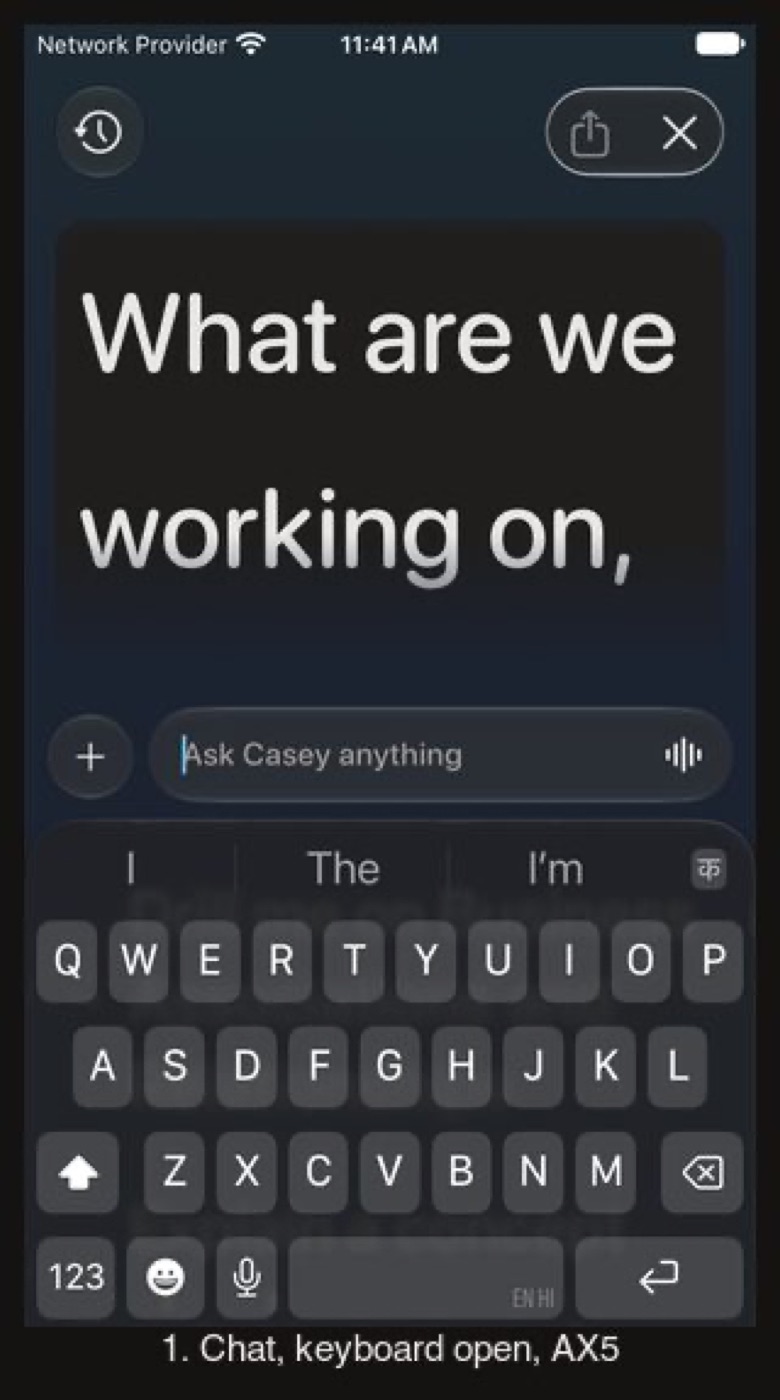
Before
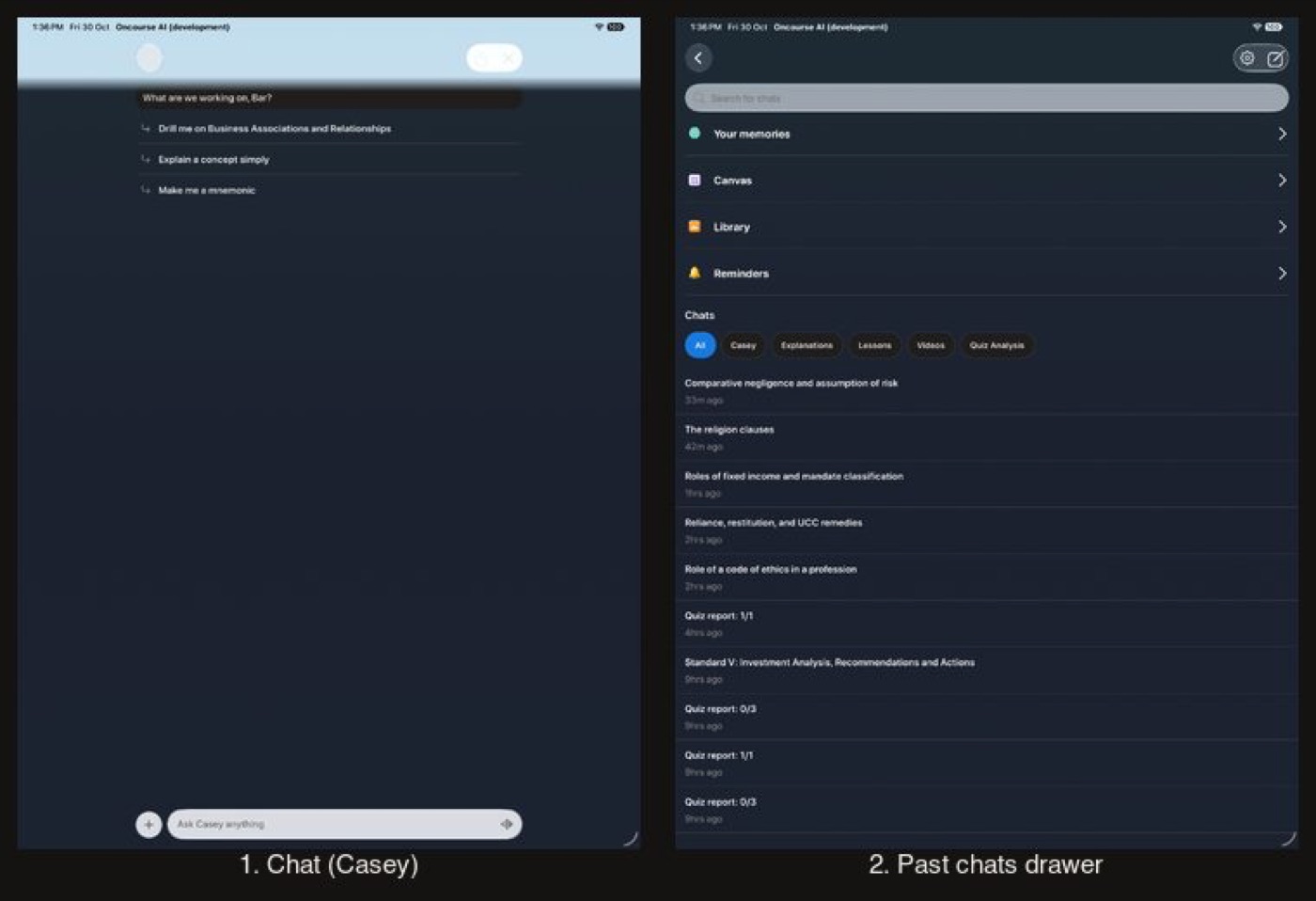
After
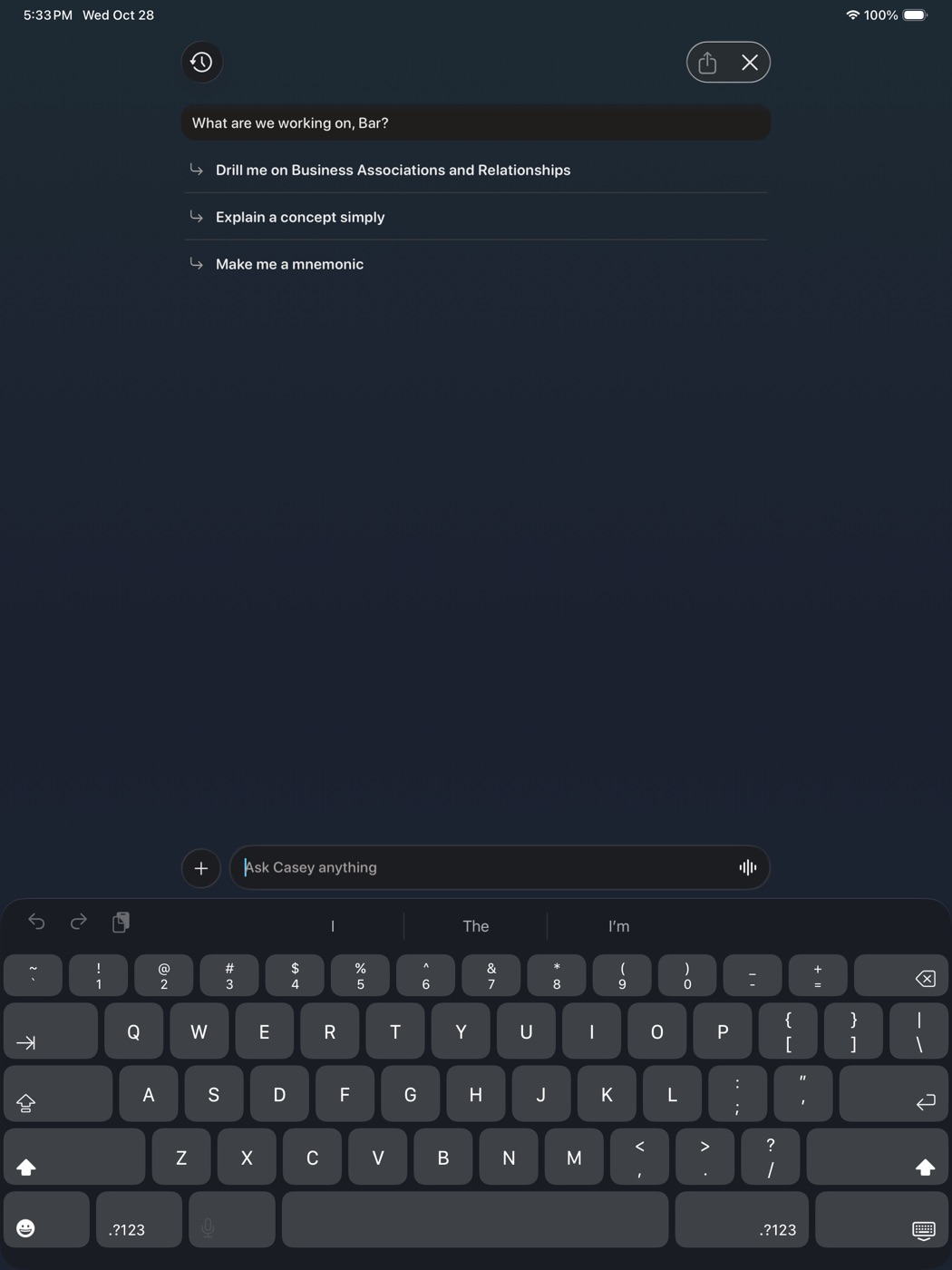
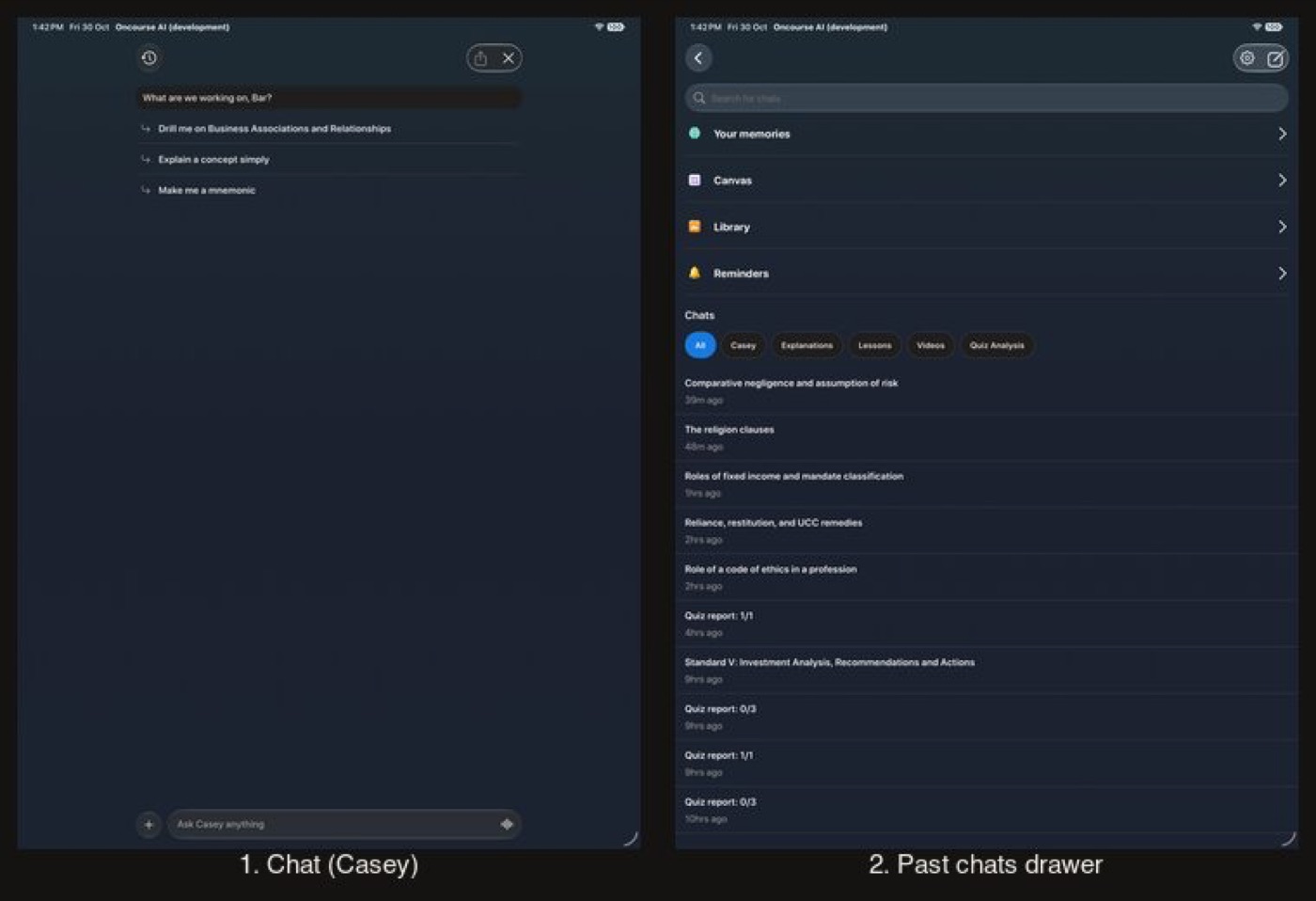
Before
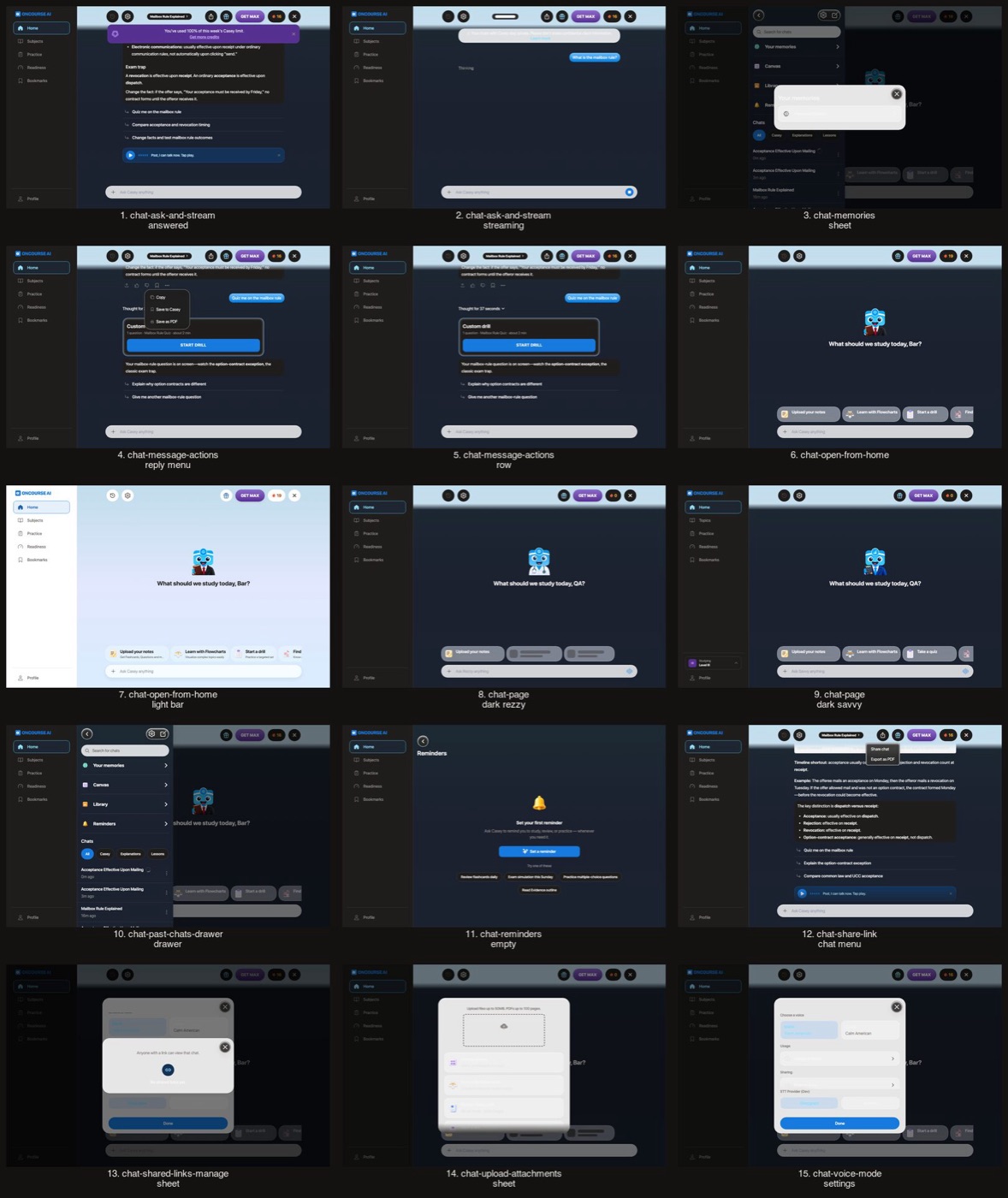
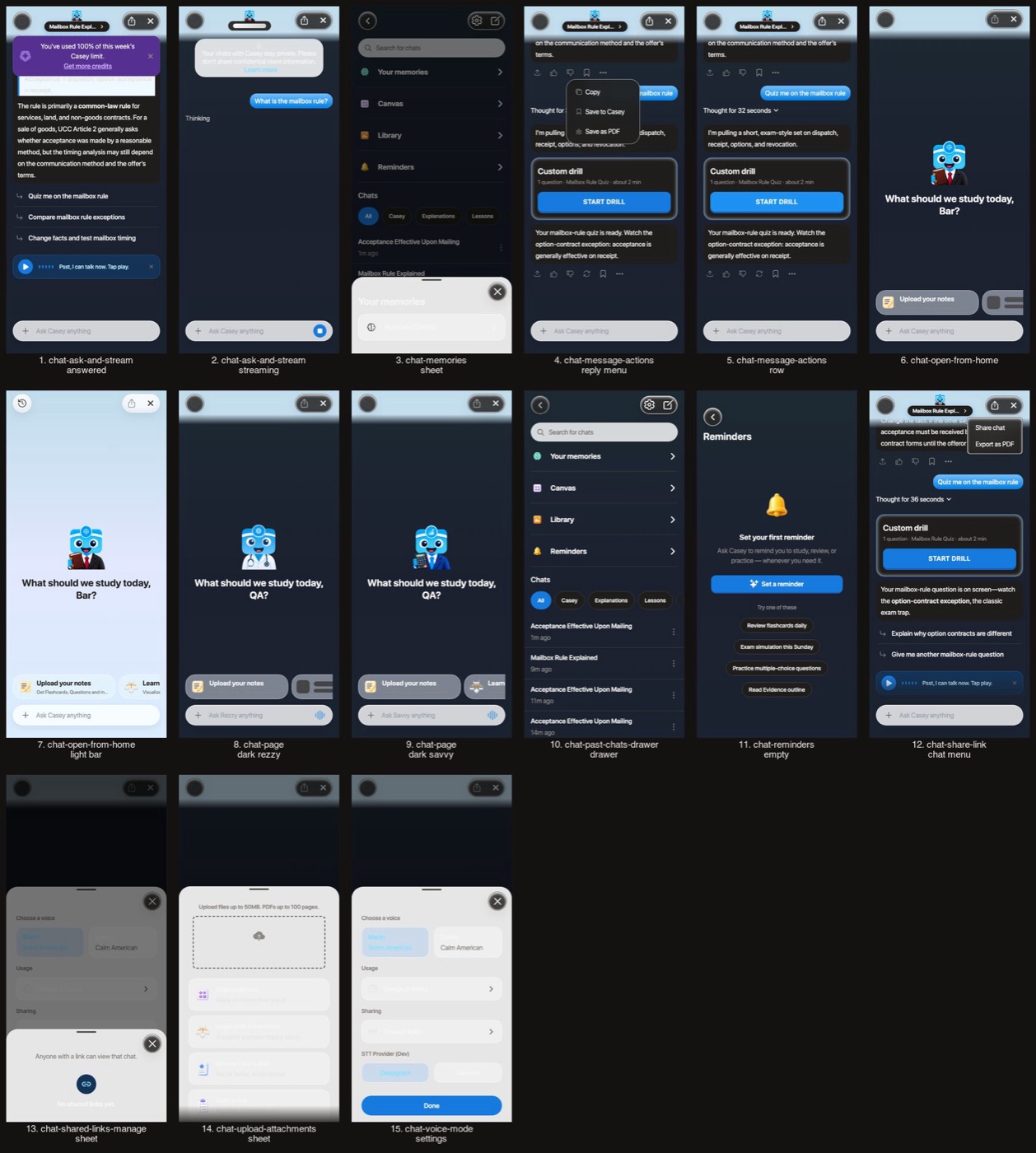
After
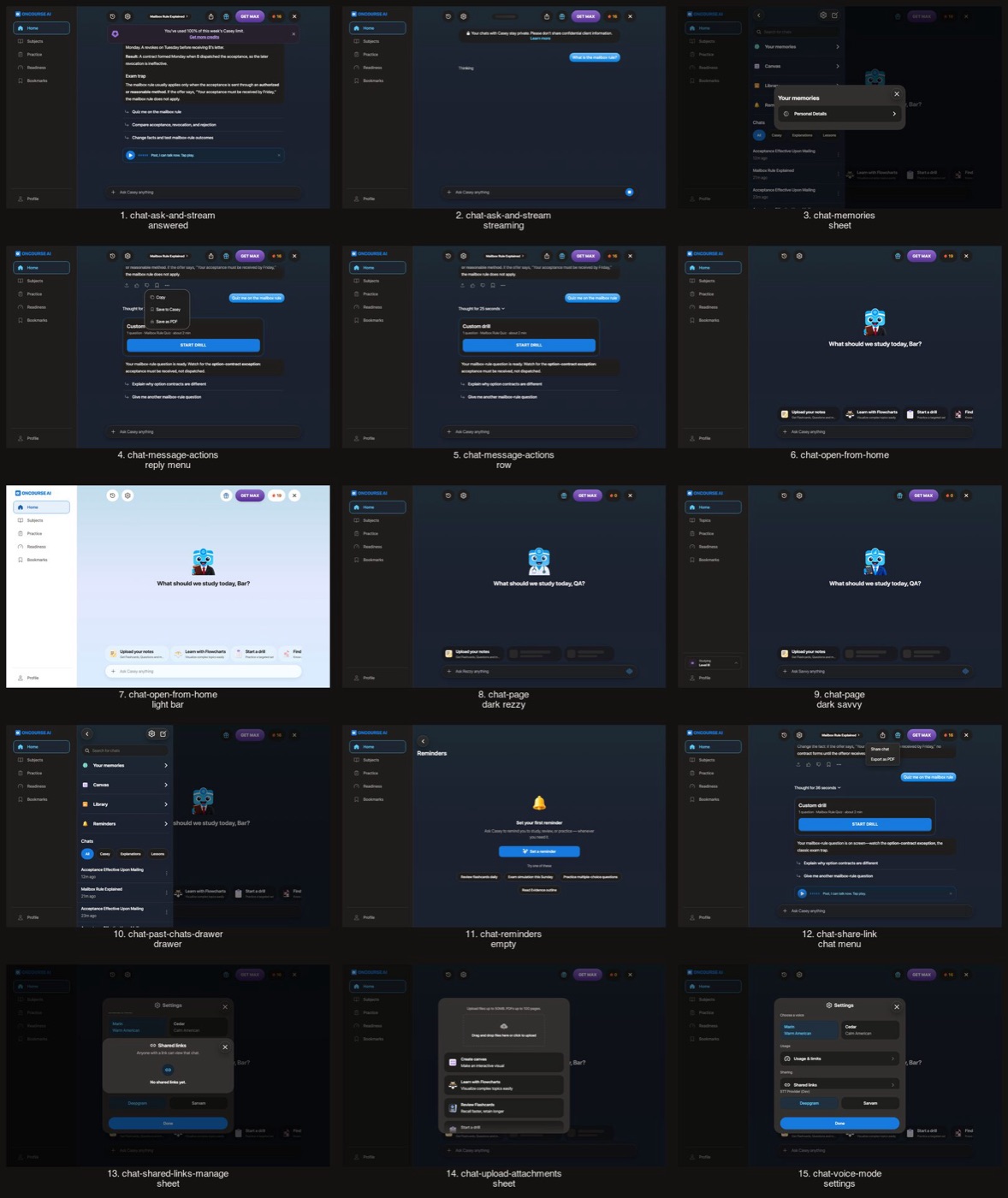
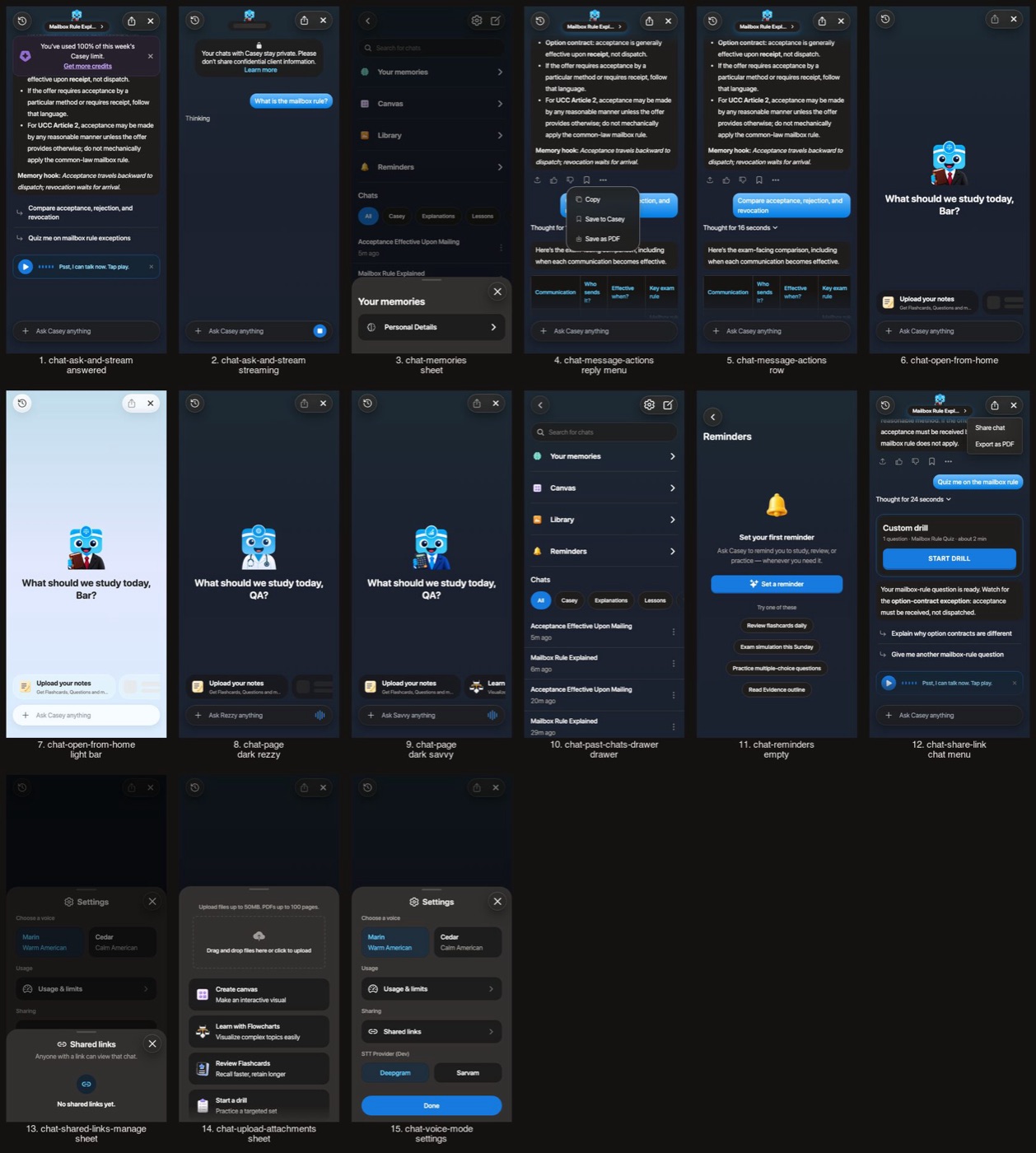
Before
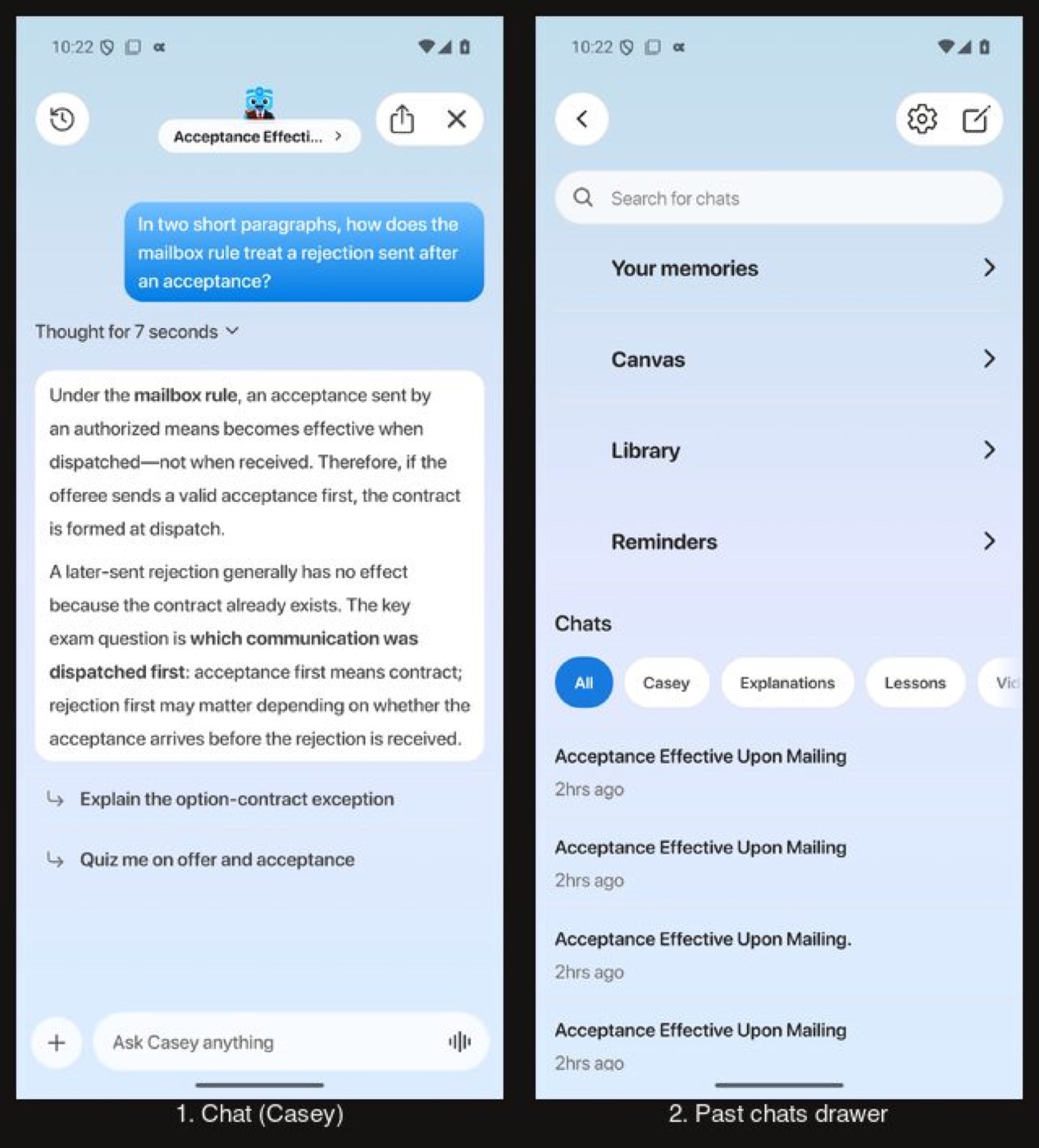
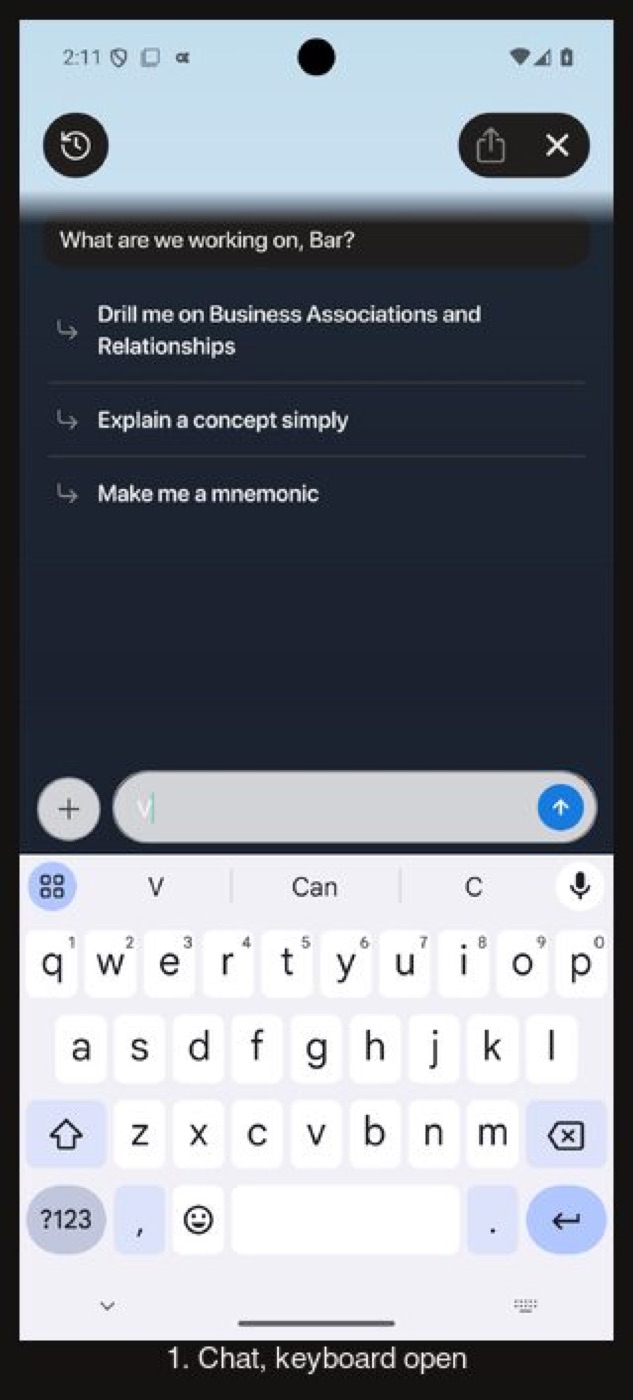
After
Flow 4
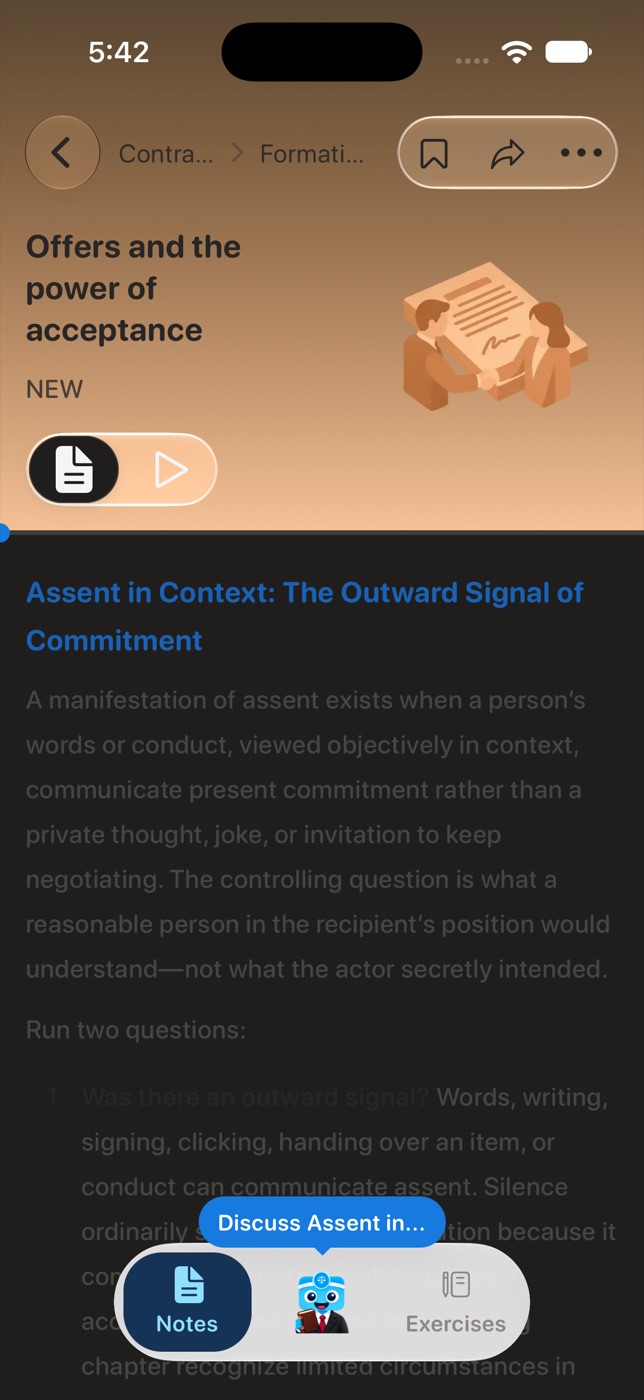
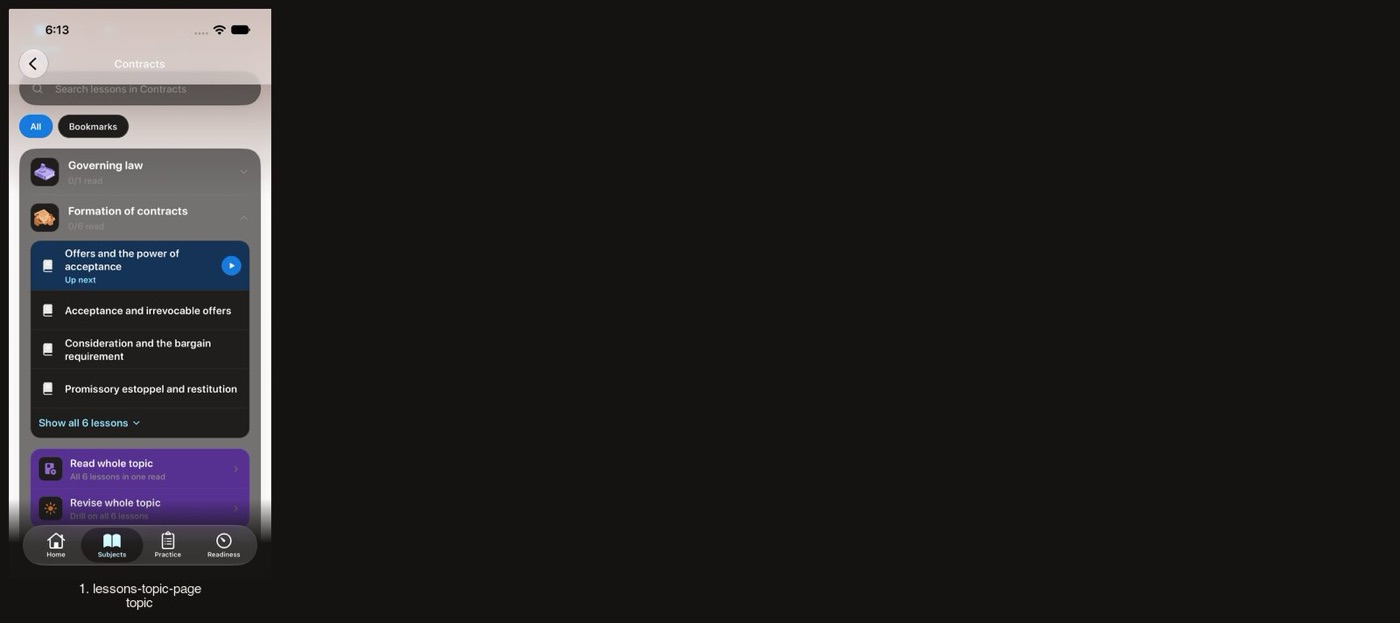
Subjects and lessons Stays light on purpose
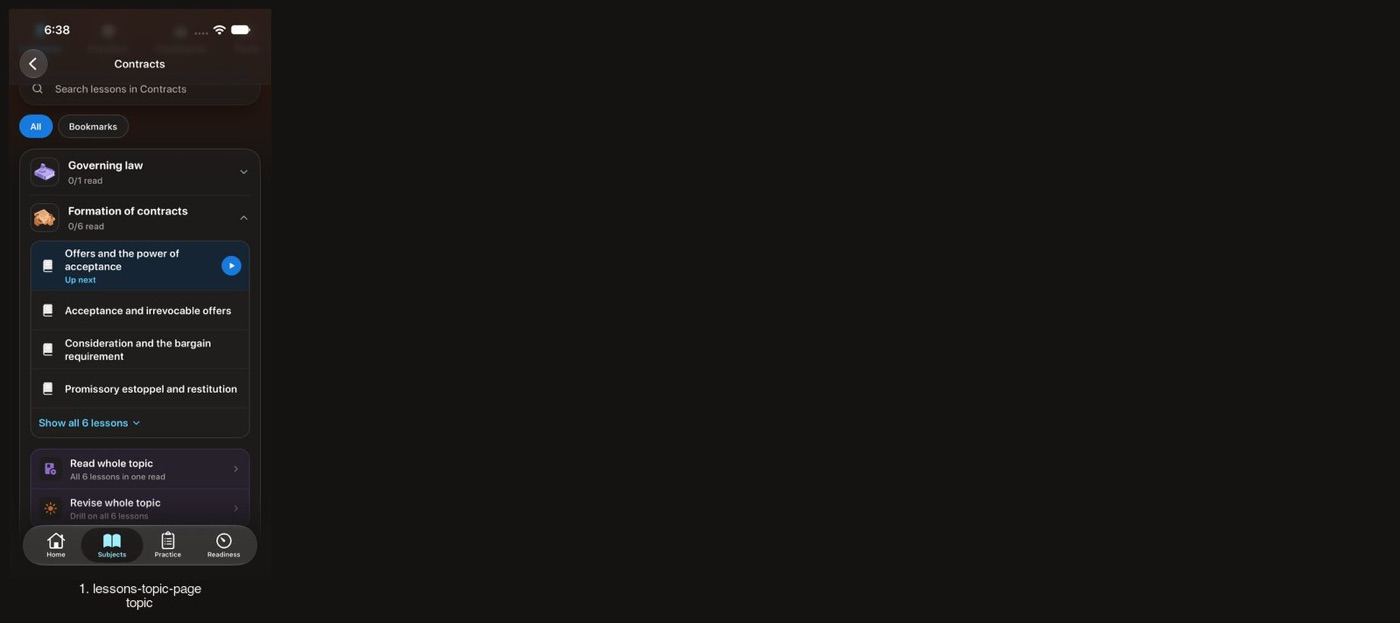
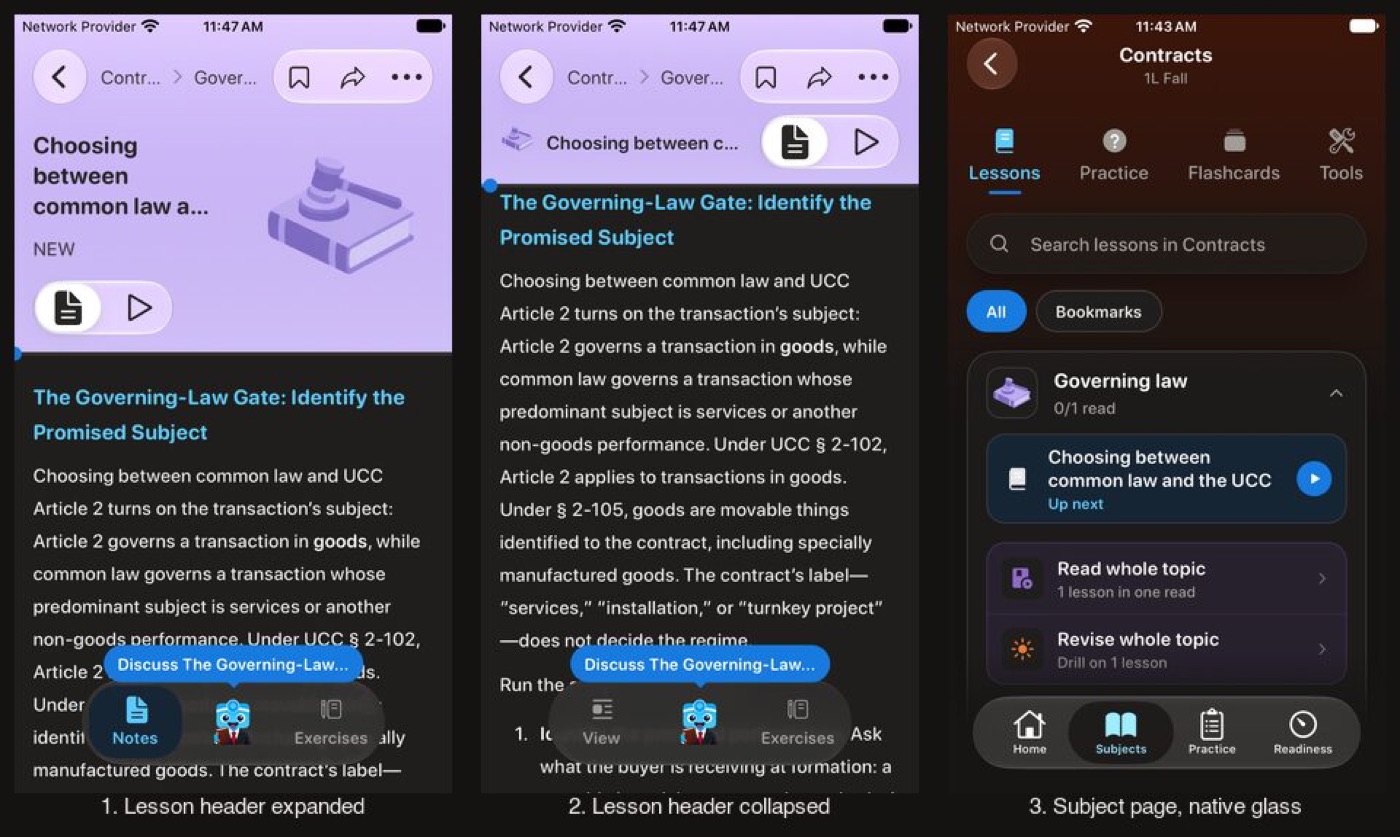
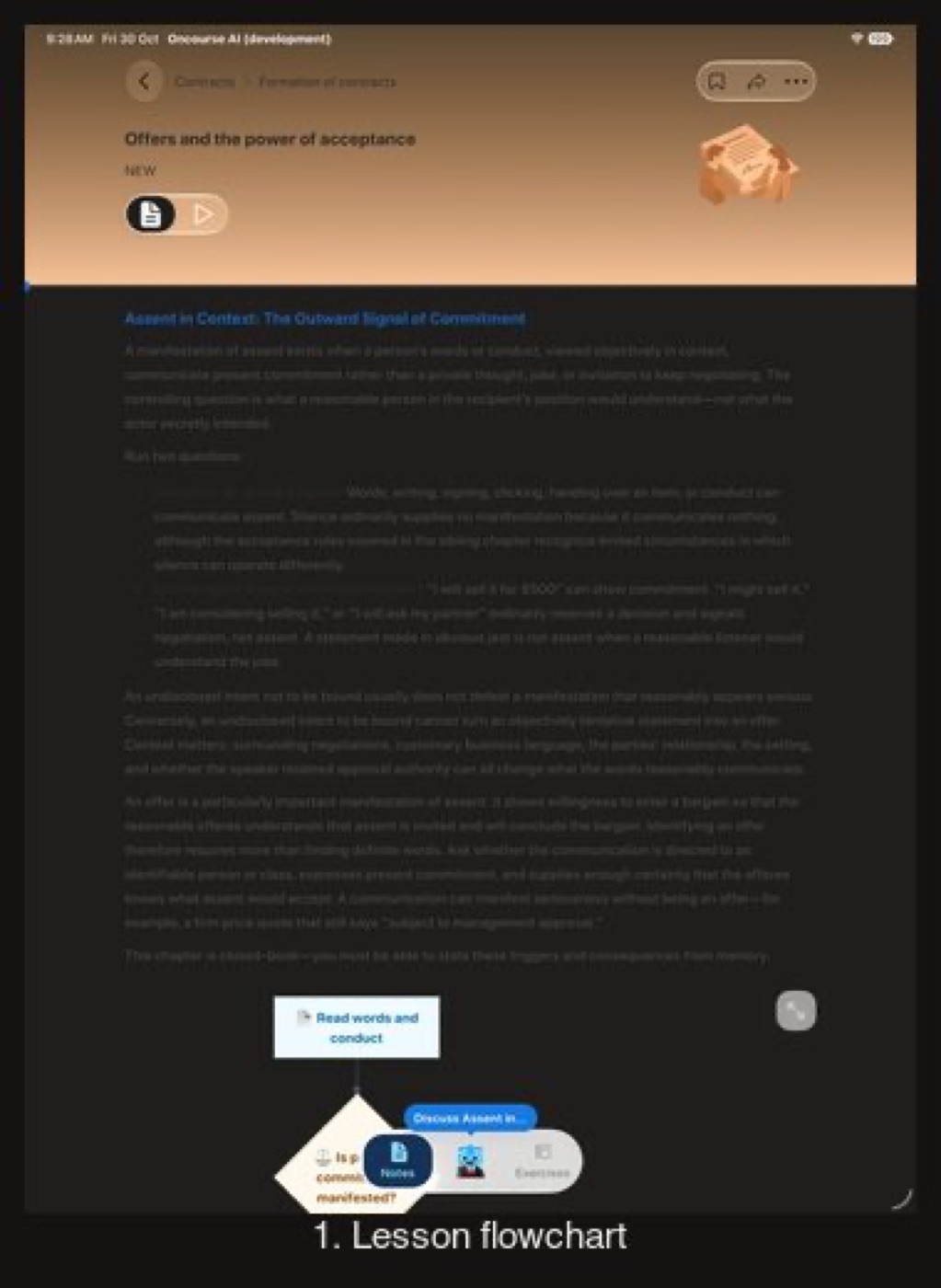
Reading text, flowcharts and tabs go dark while the header art keeps its colours.
A lesson: header art, reading text, the flowchart and the lesson tabs
Before
After
Before
Not captured on iPhone: the SE carries this branch's small-phone, largest-text, keyboard and sheet checks; iPhone 17 above has the pairs
After
Before
After
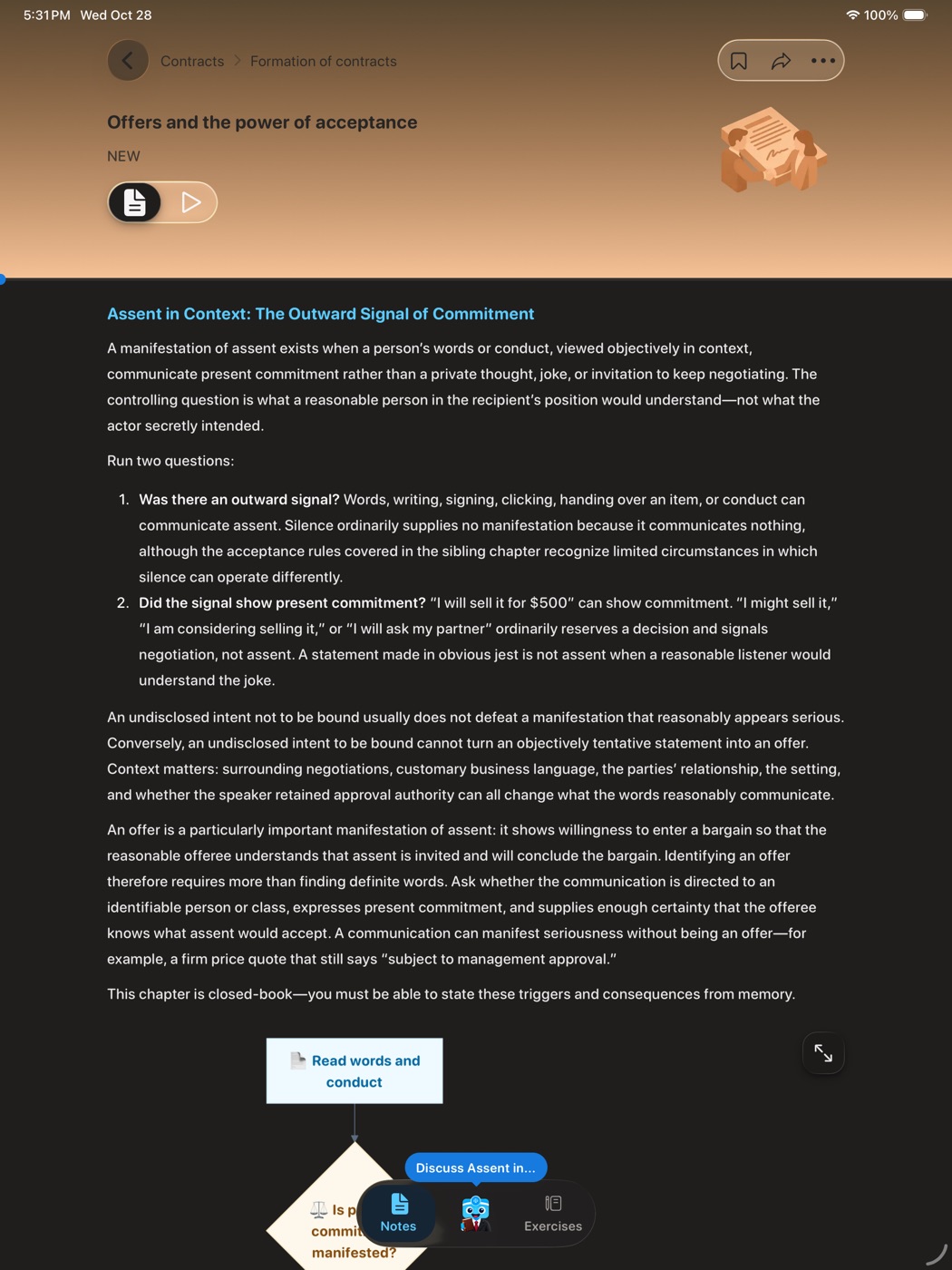
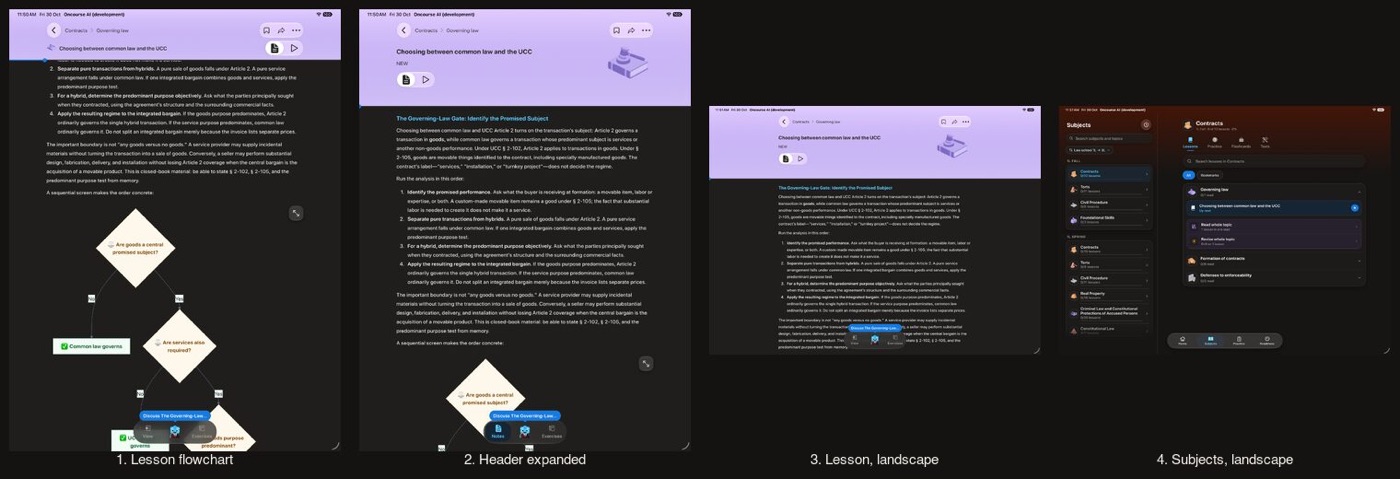
Before
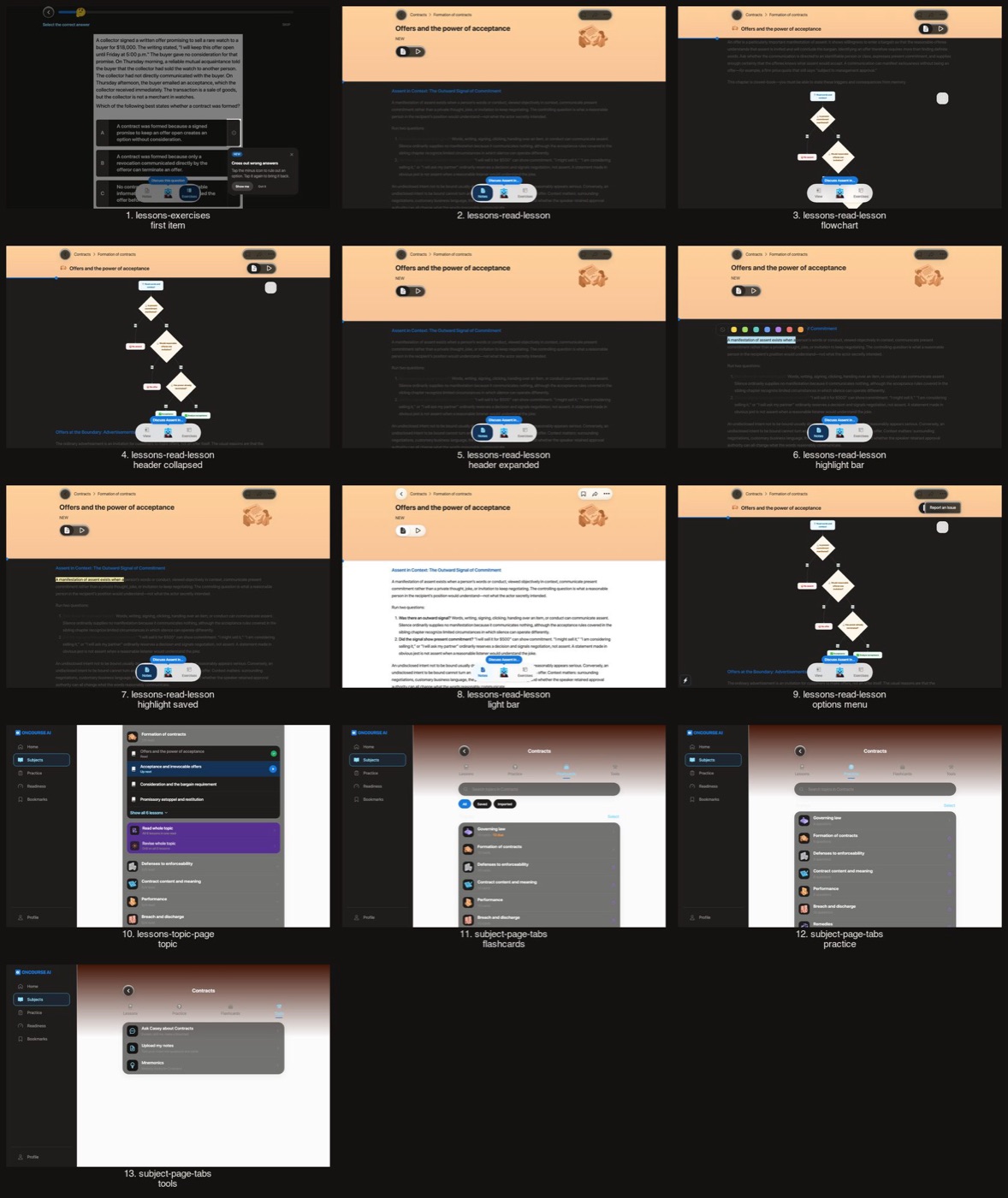
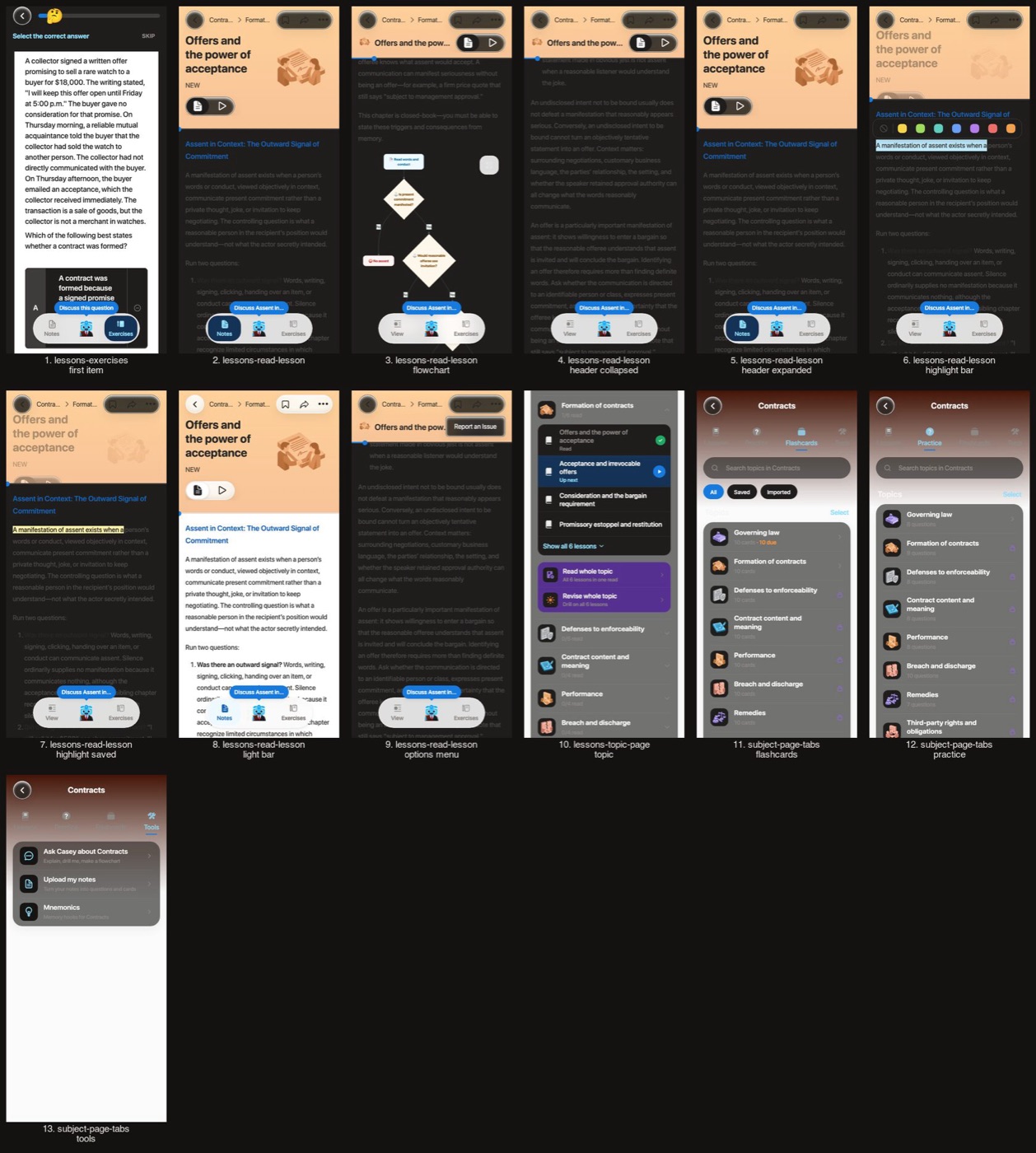
After
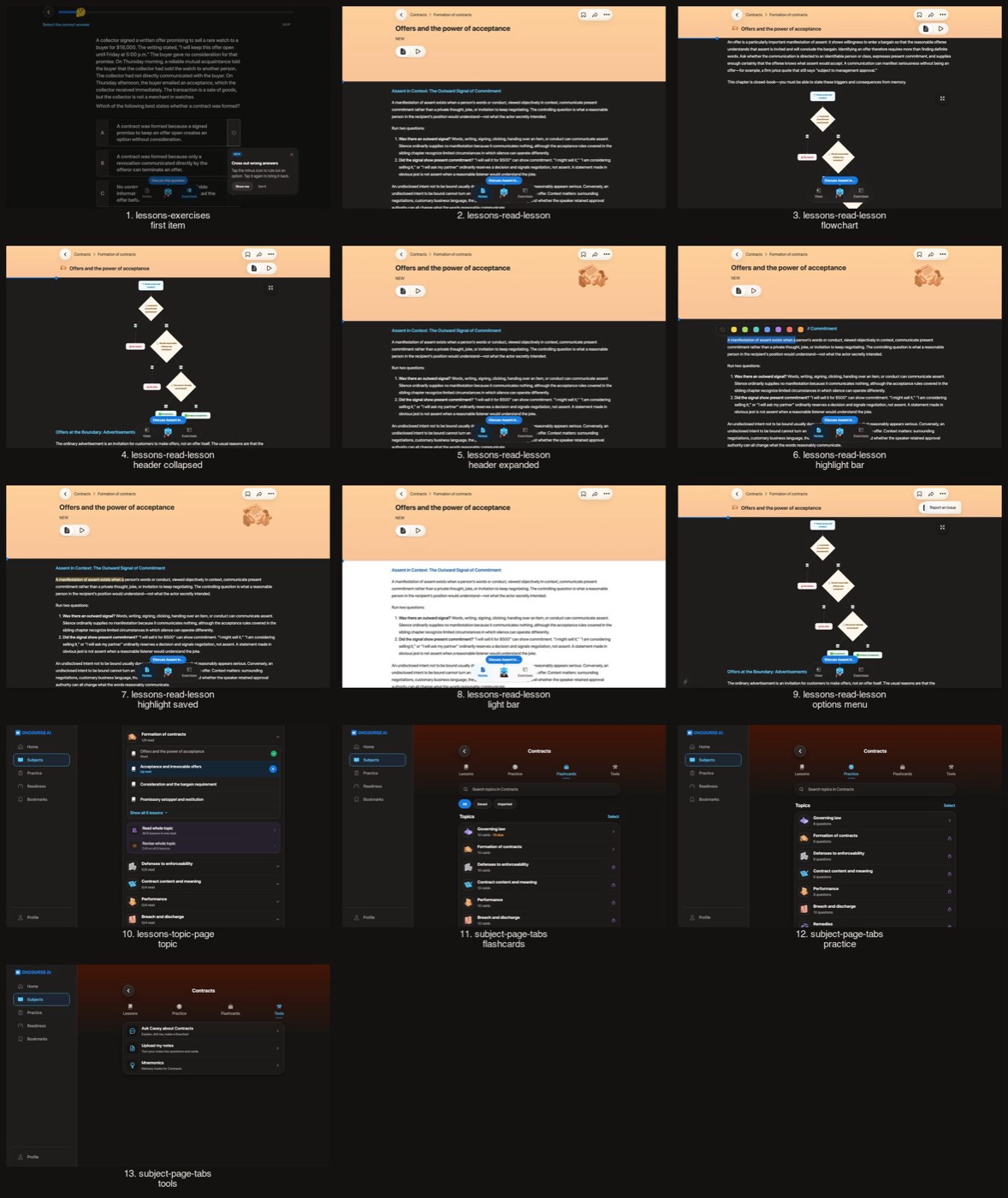
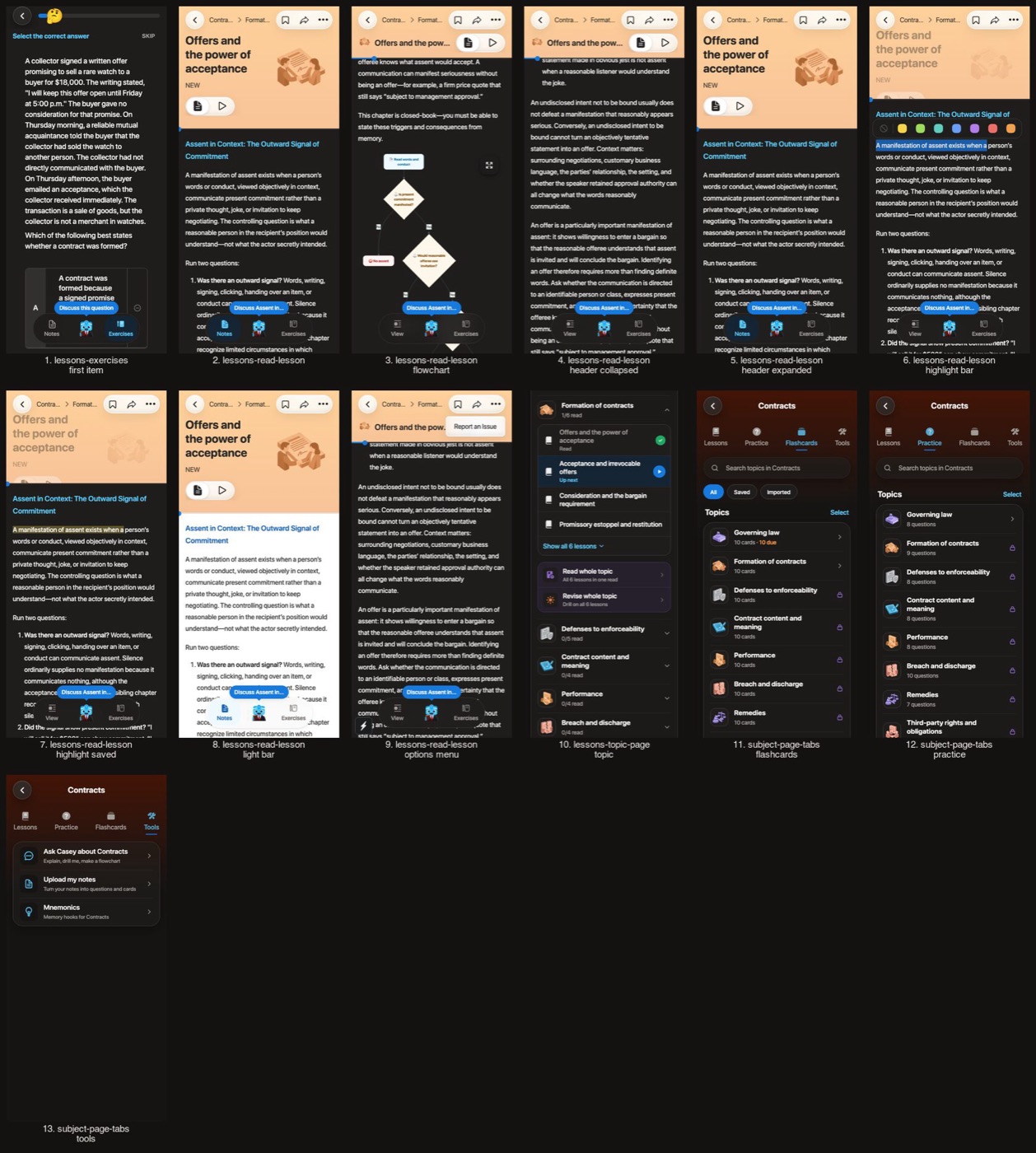
Before
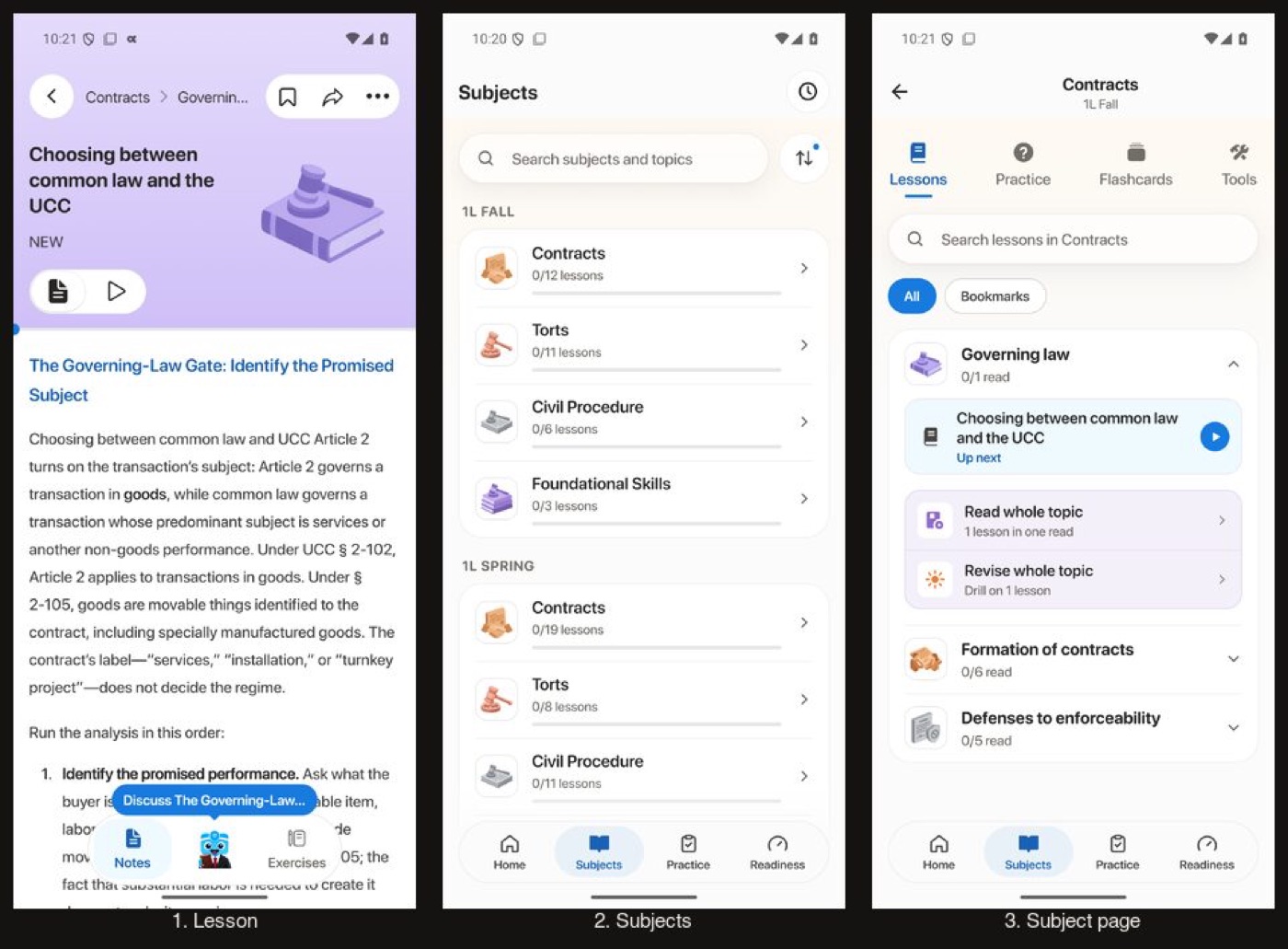
After
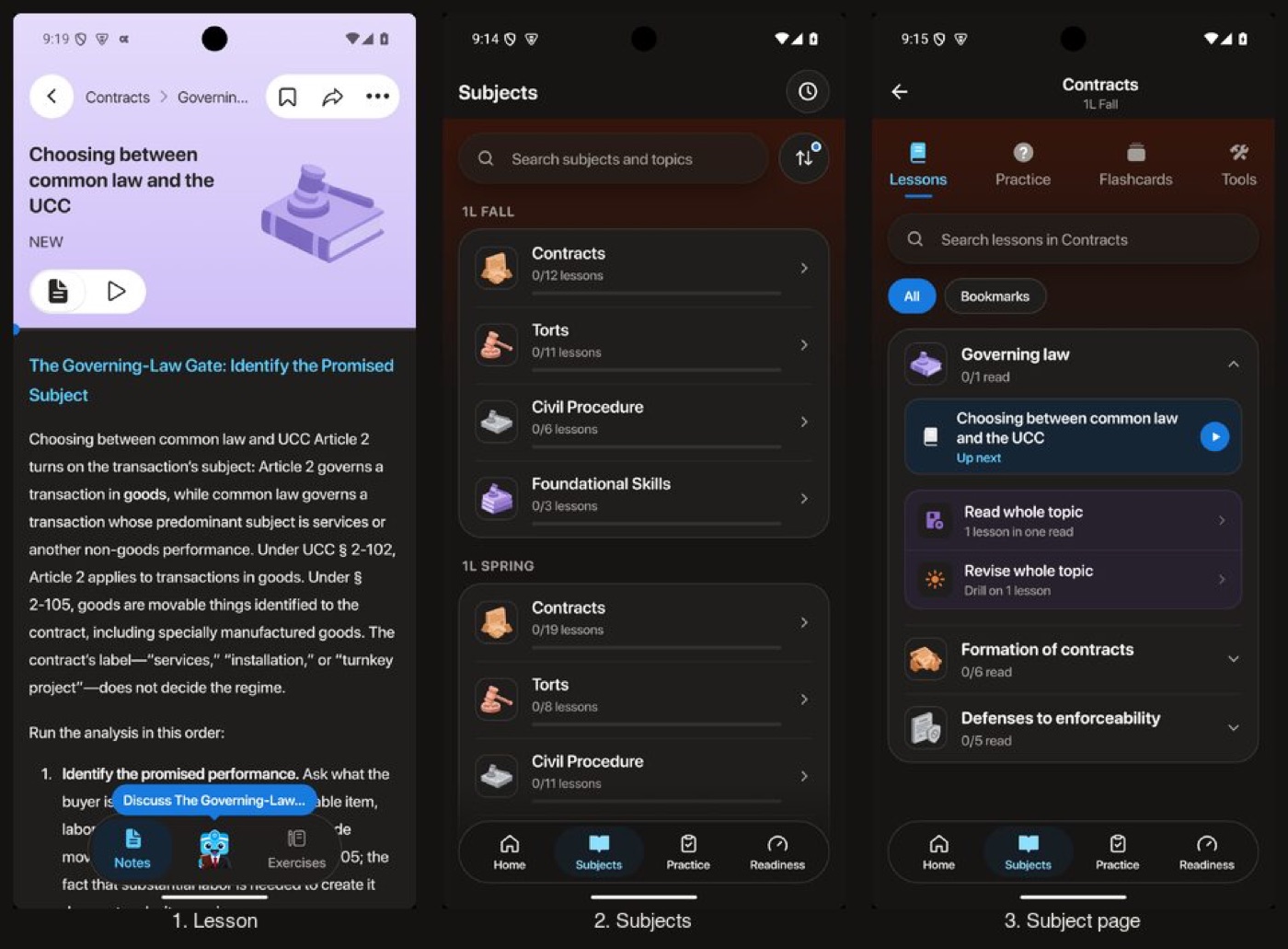
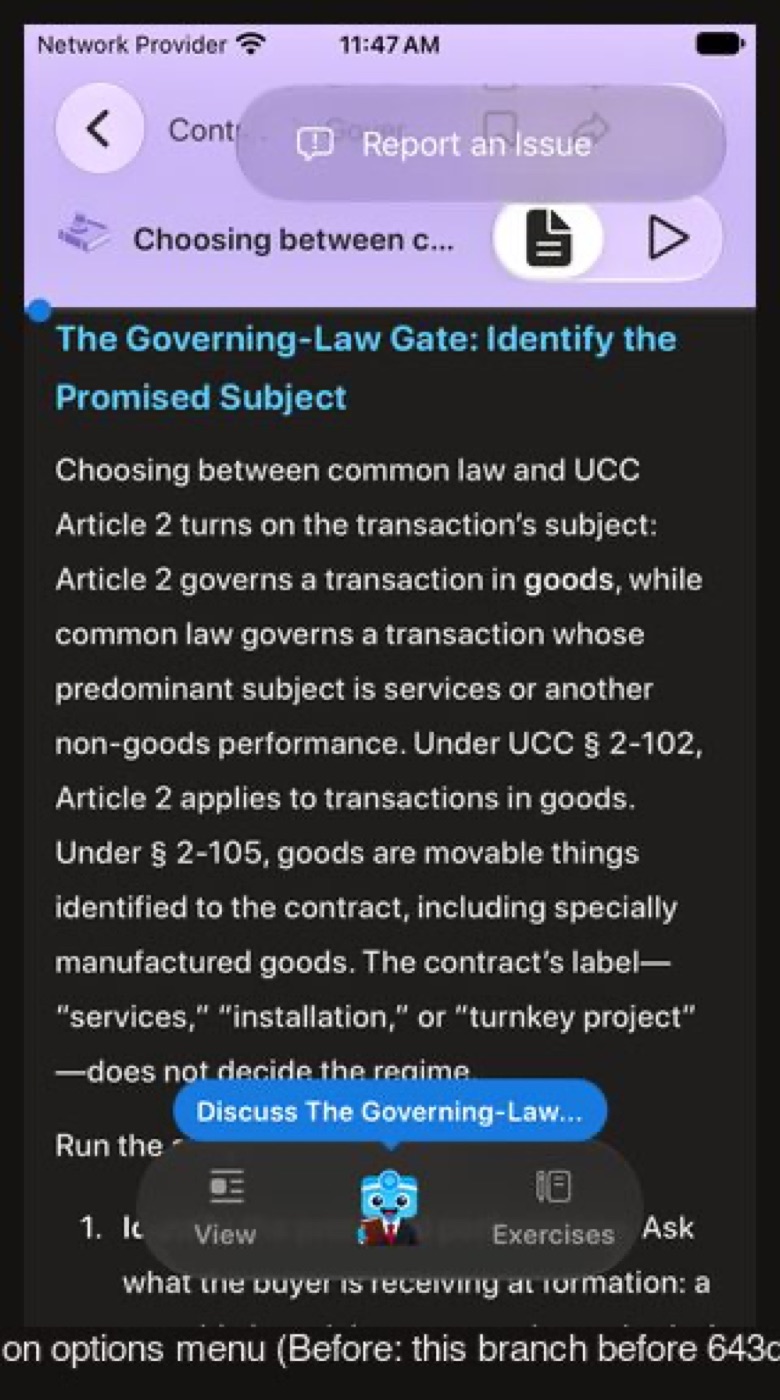
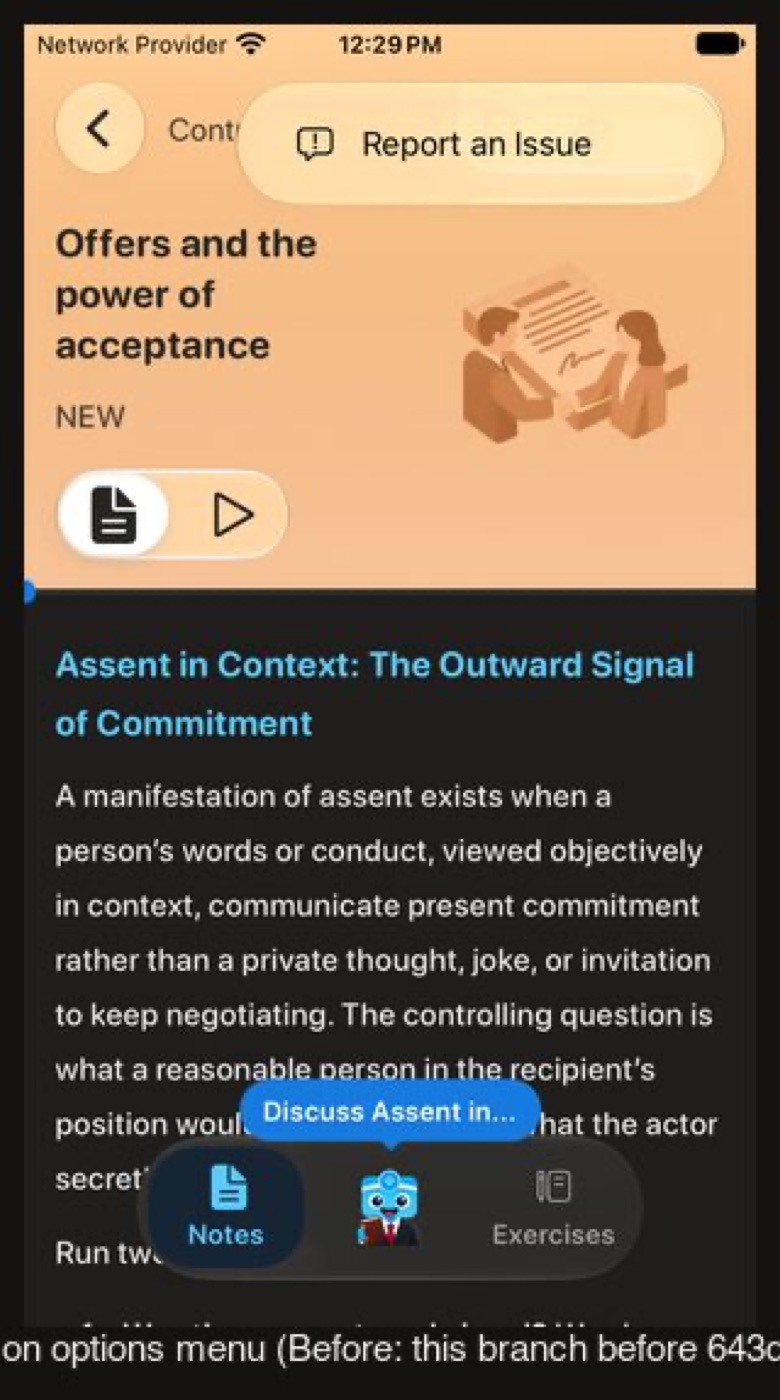
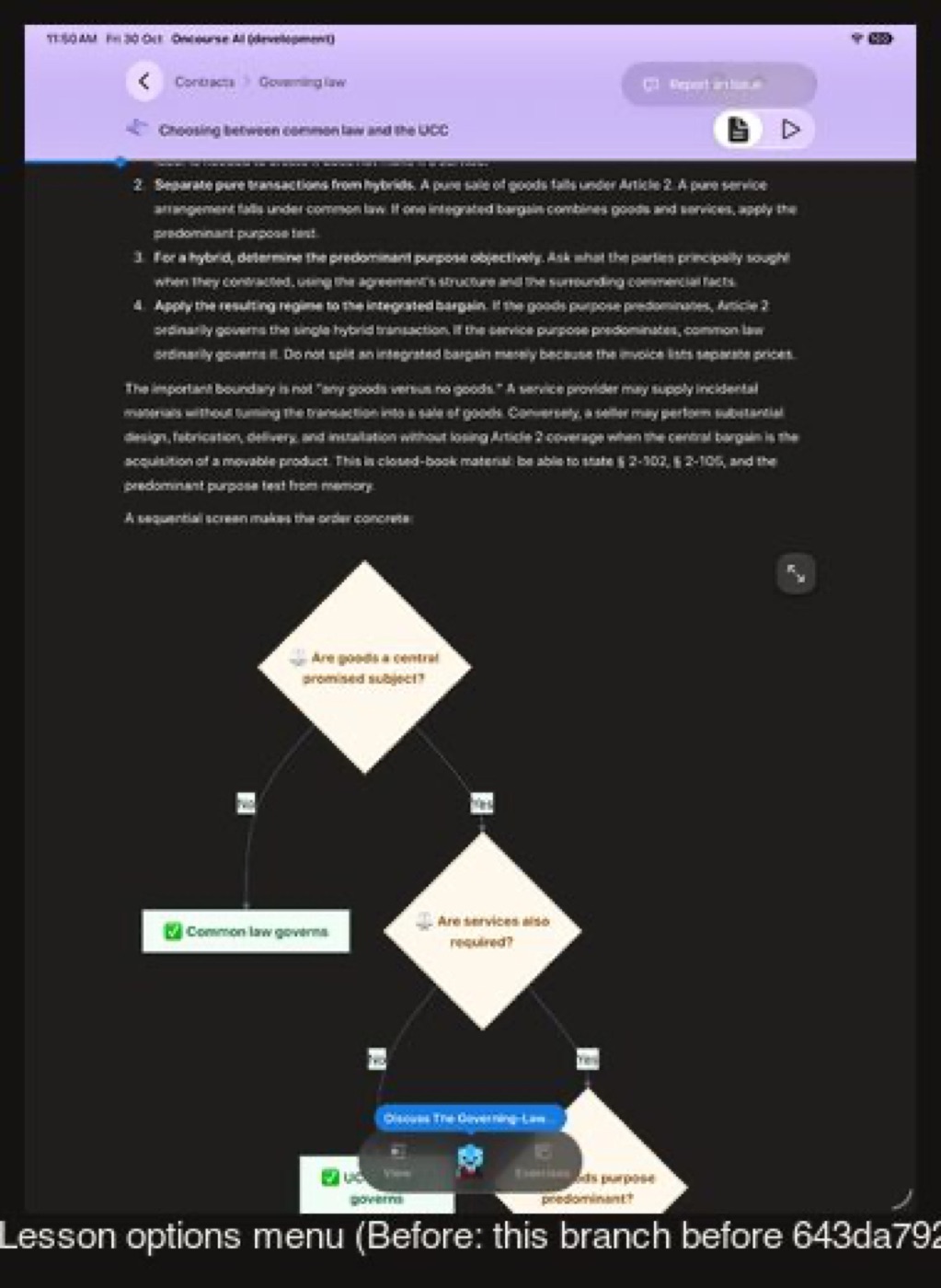
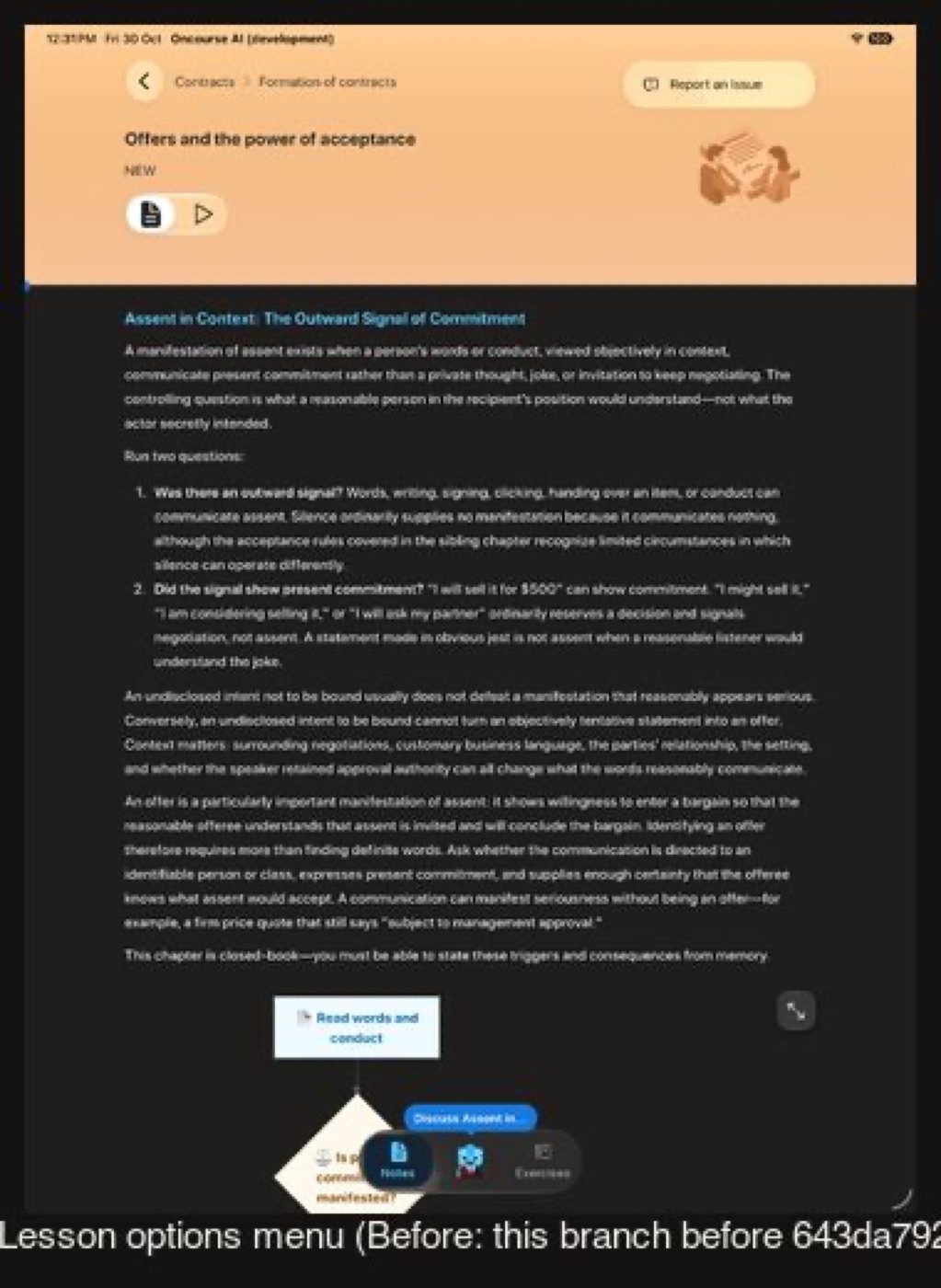
The lesson's options menu, over the light header art
Before on iOS is this branch before 643da792c: the system menu followed the dark window and drew white labels on the lesson's light glass (about 2.3:1). After, the menu takes the lesson's light scheme (16.2:1 on the SE, 16.3:1 on iPad).
Before
Not captured on Web: the bug lived only on this branch (383c8ddbb to d904fccd2); `MenuPortalScheme.web.test.tsx` fails without the fix
After
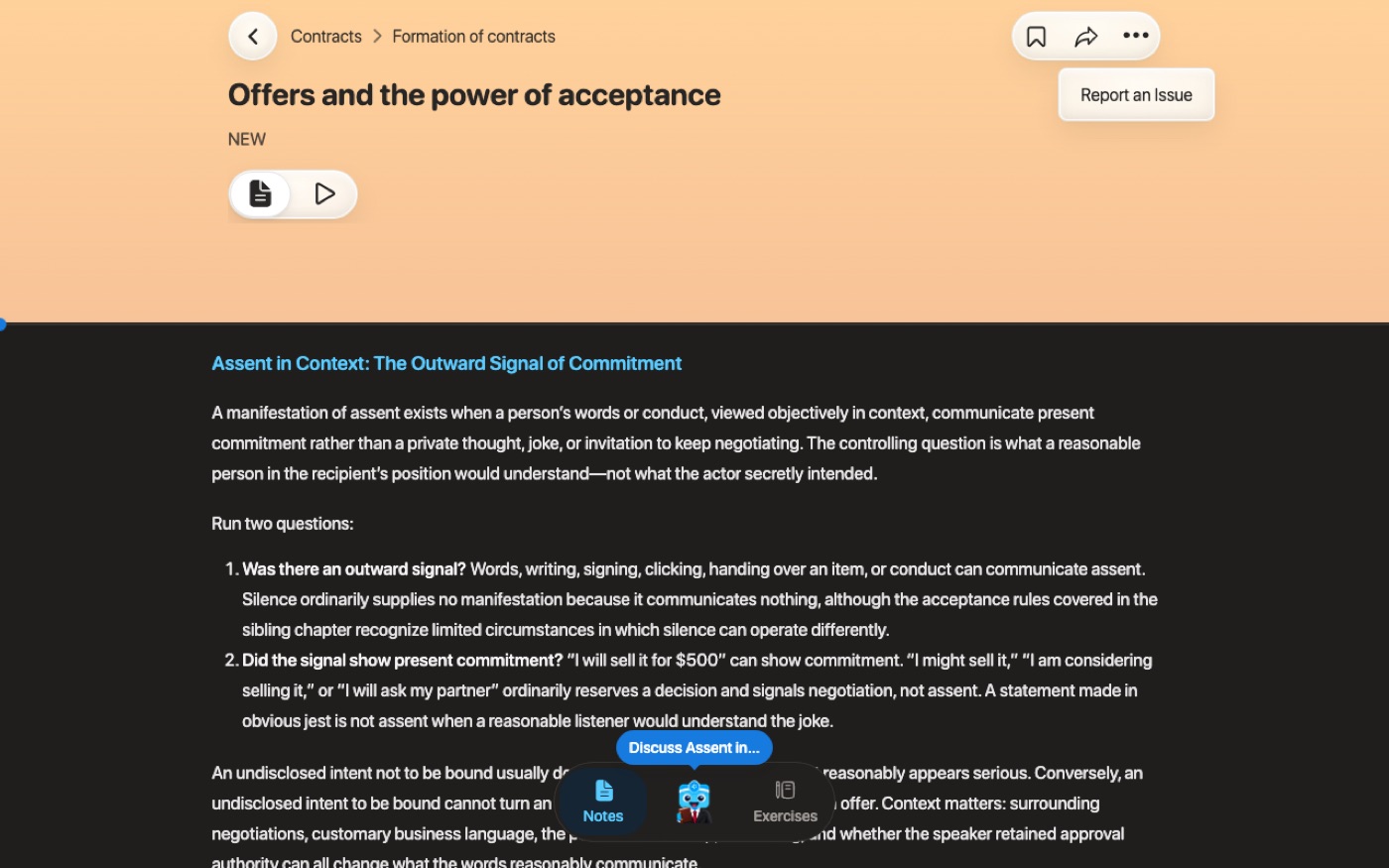
Before
After
Before
After
Not captured on Android: Expo UI's Material menu already took the scheme there, so this round changes nothing on Android
Flow 5
Practice
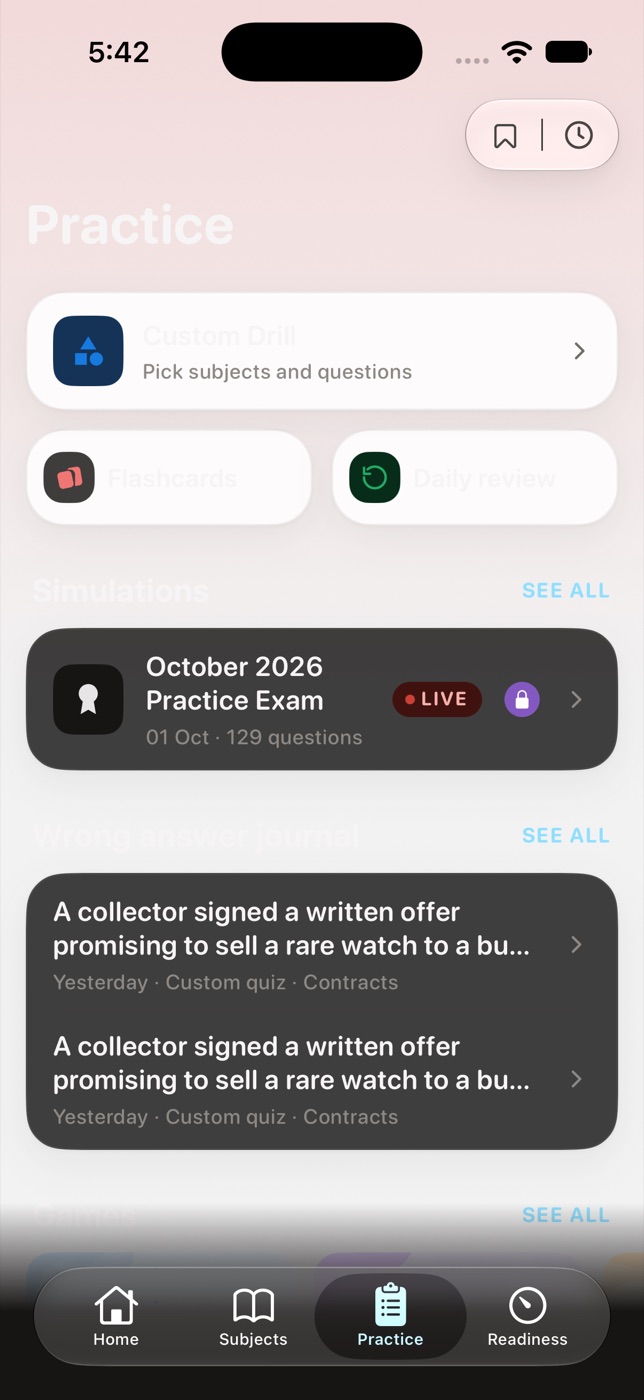
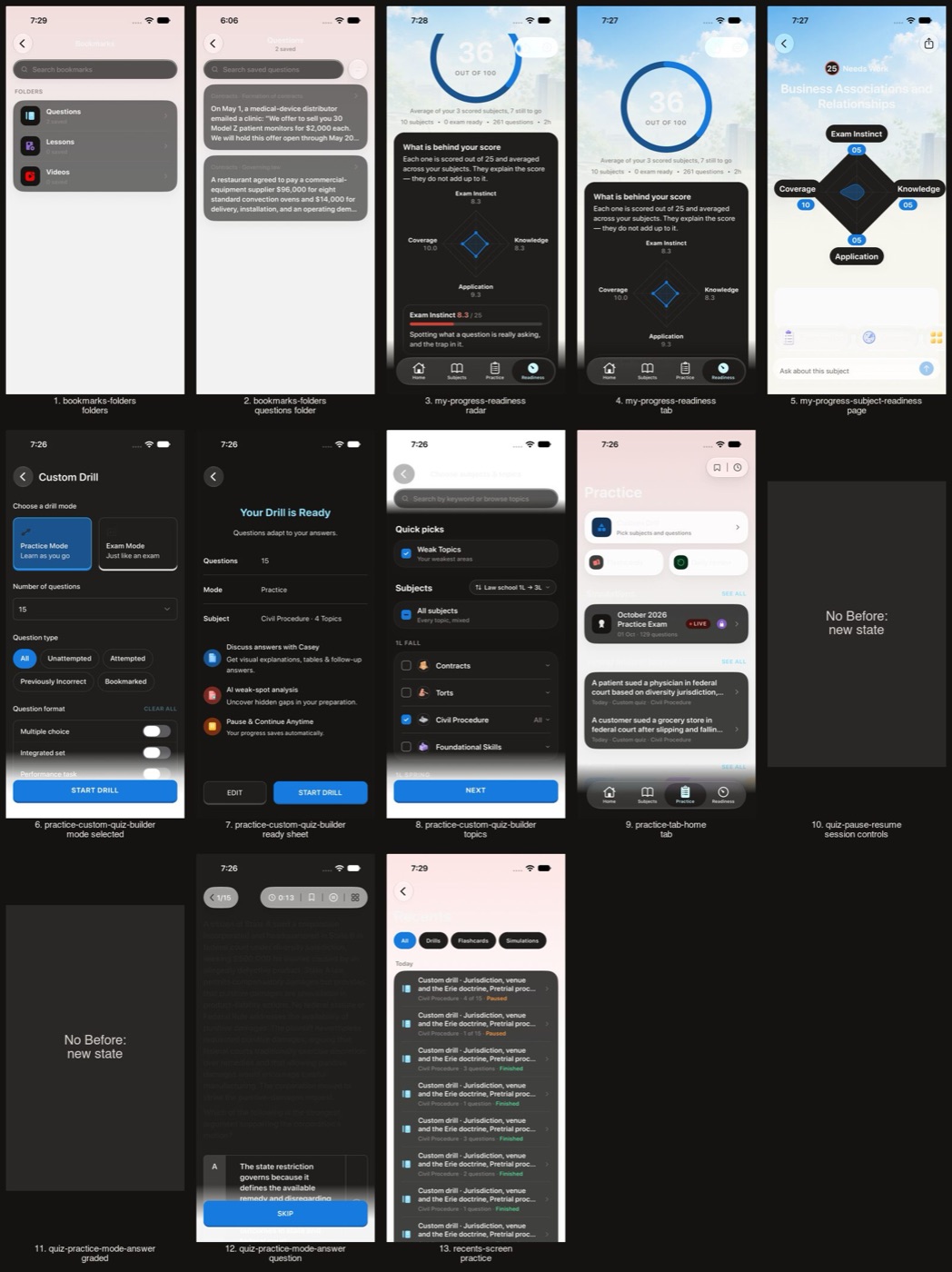
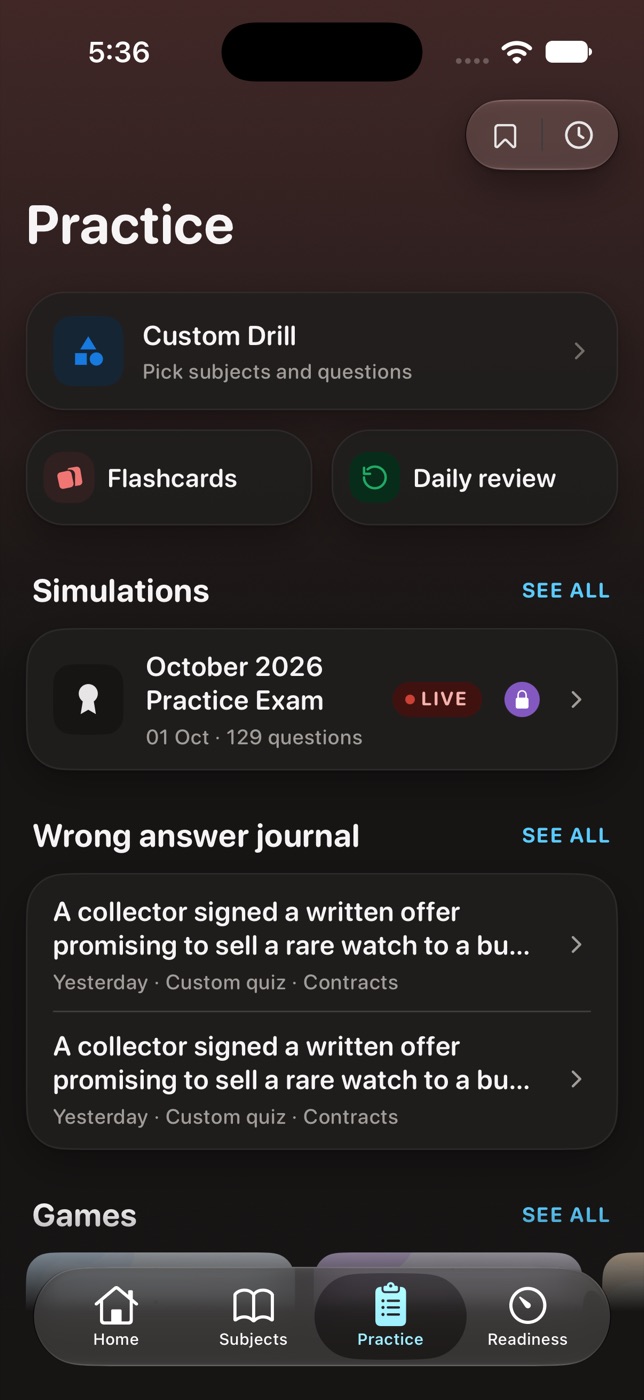
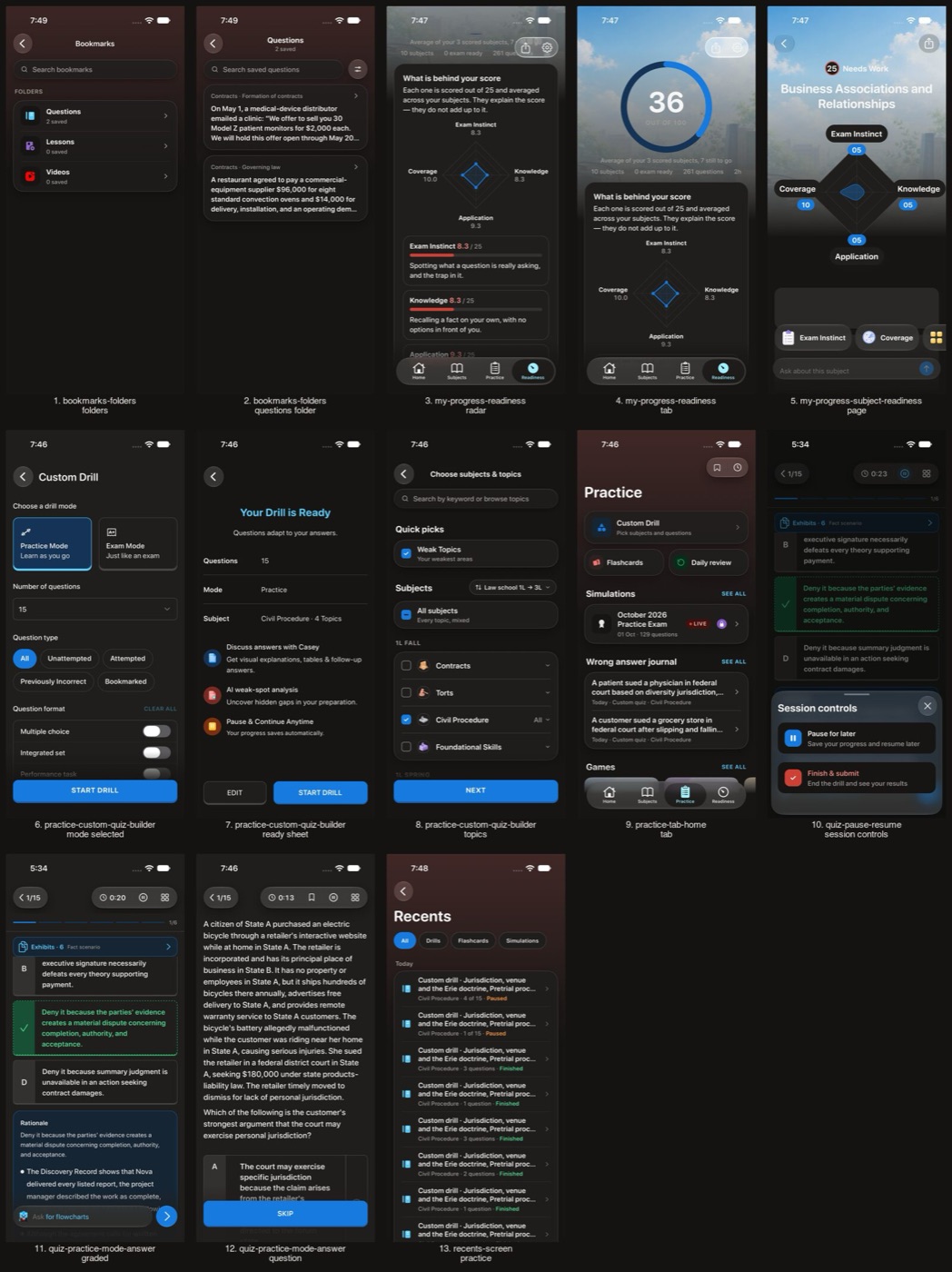
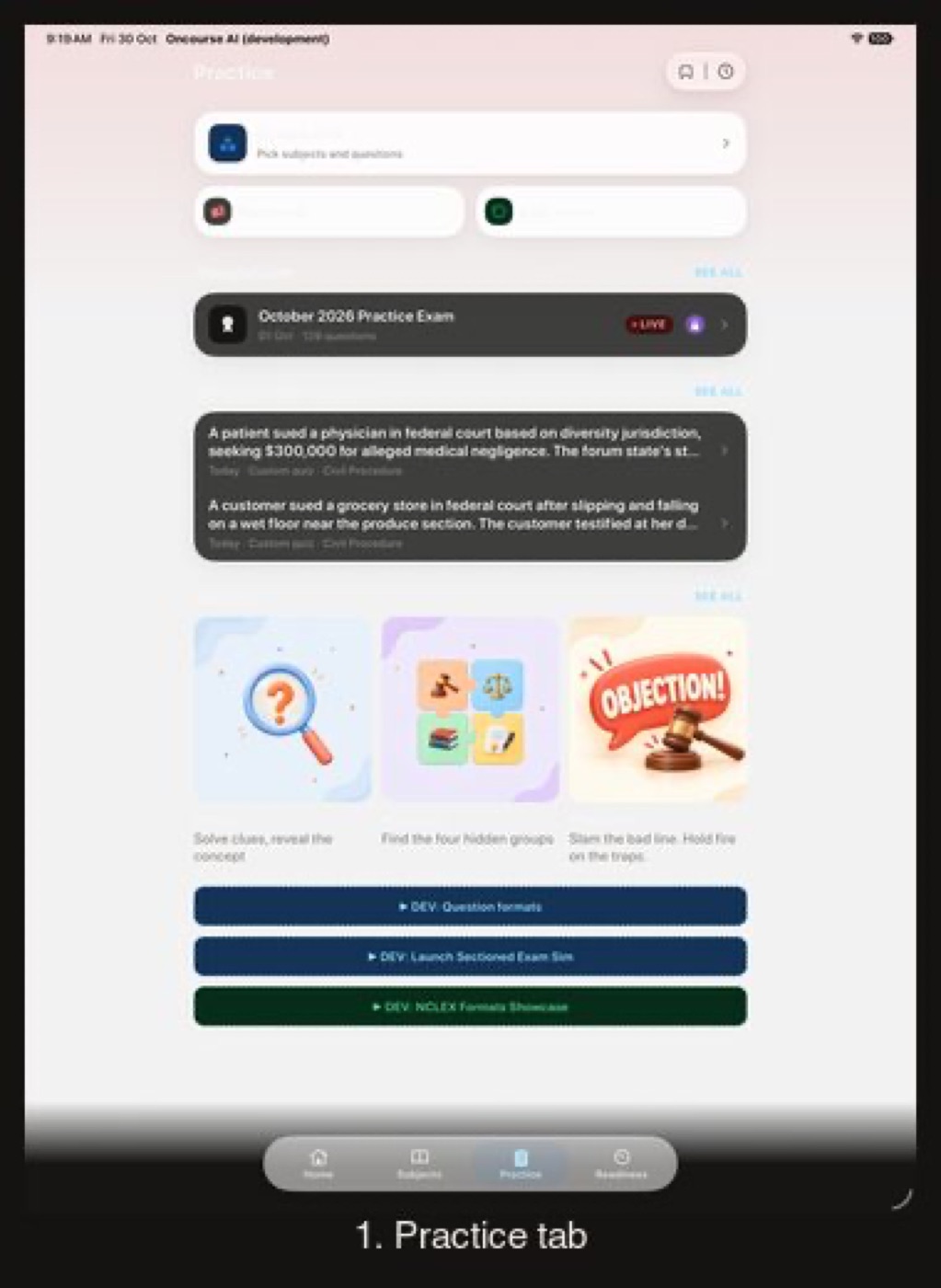
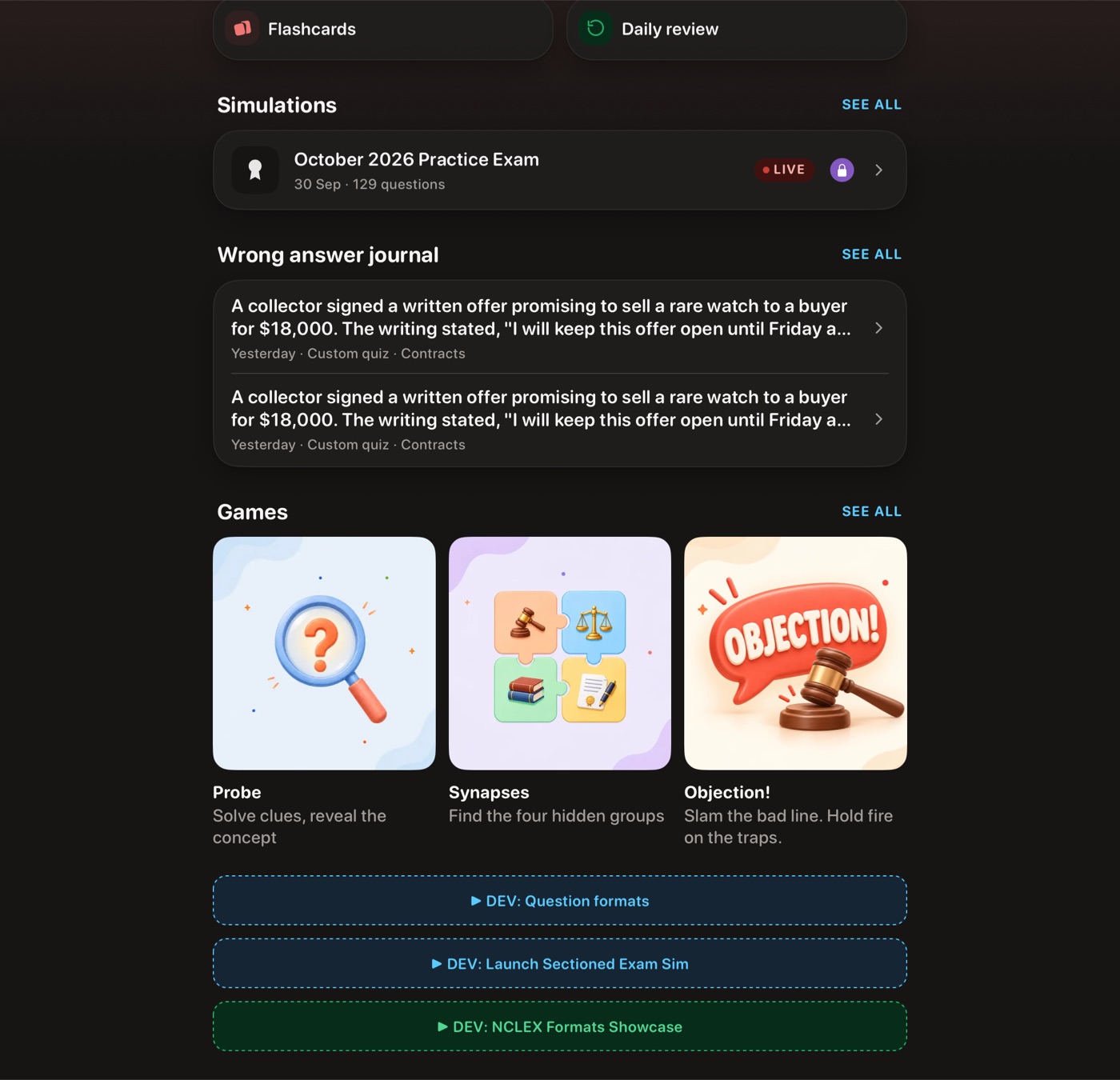
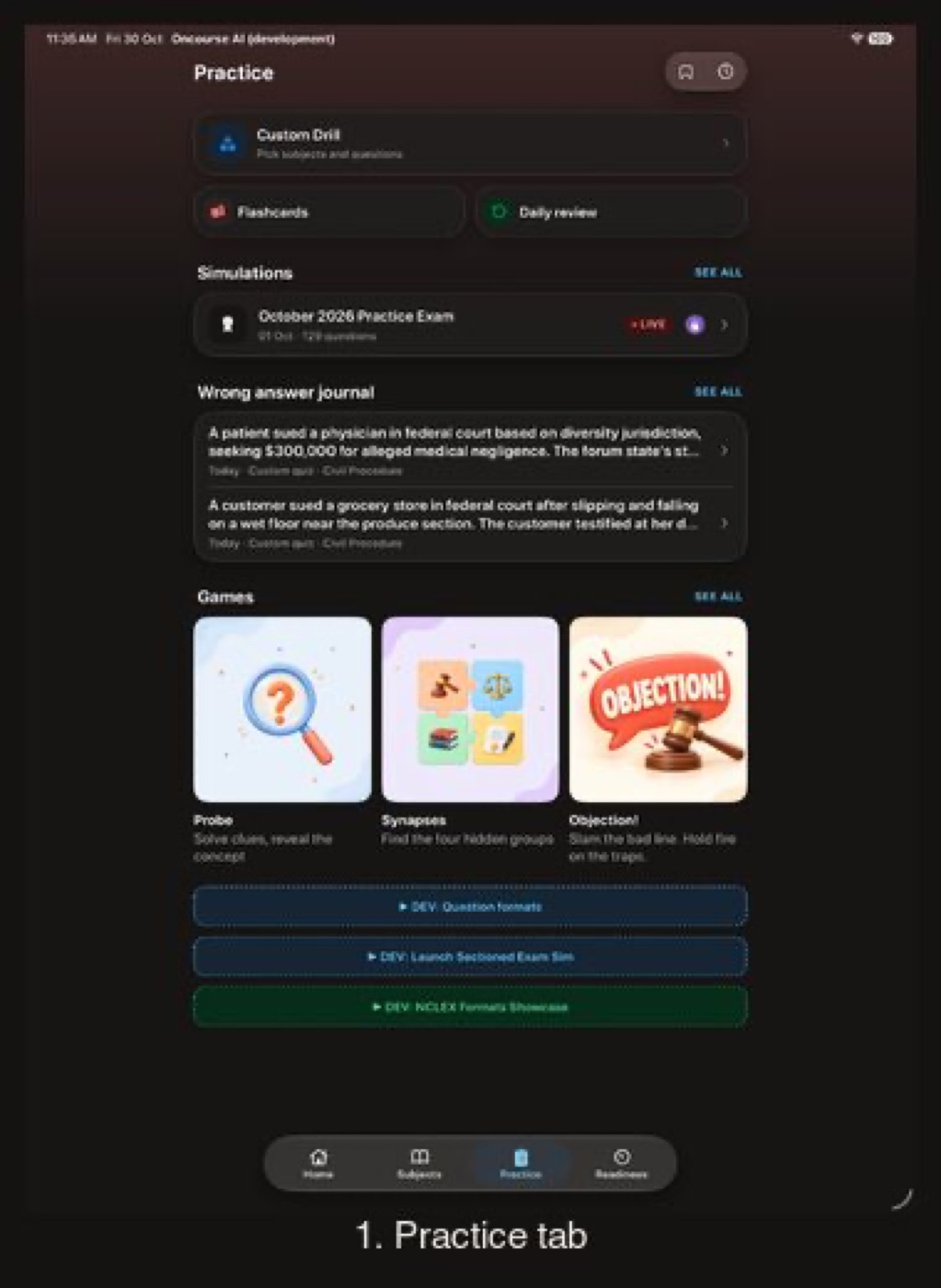
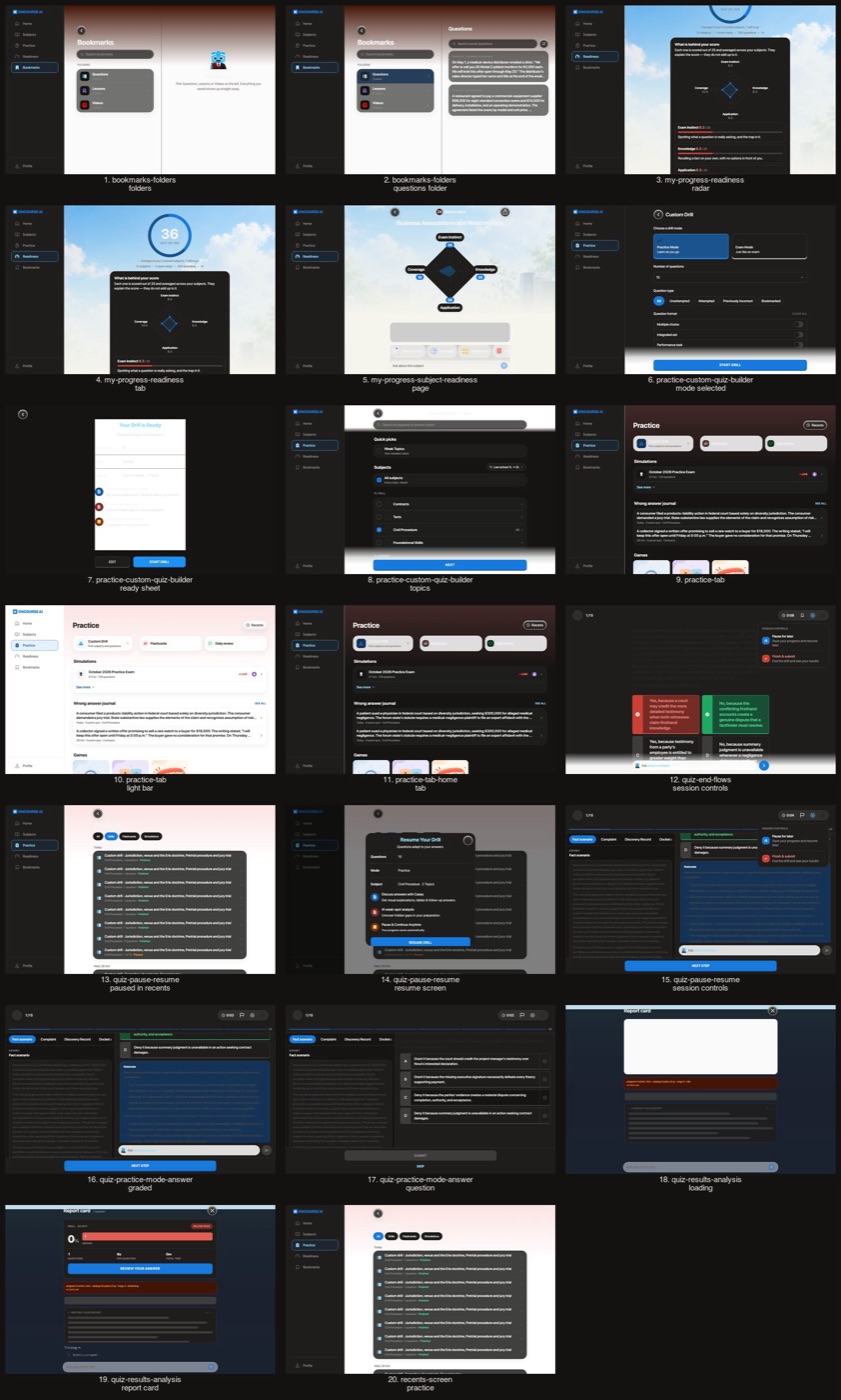
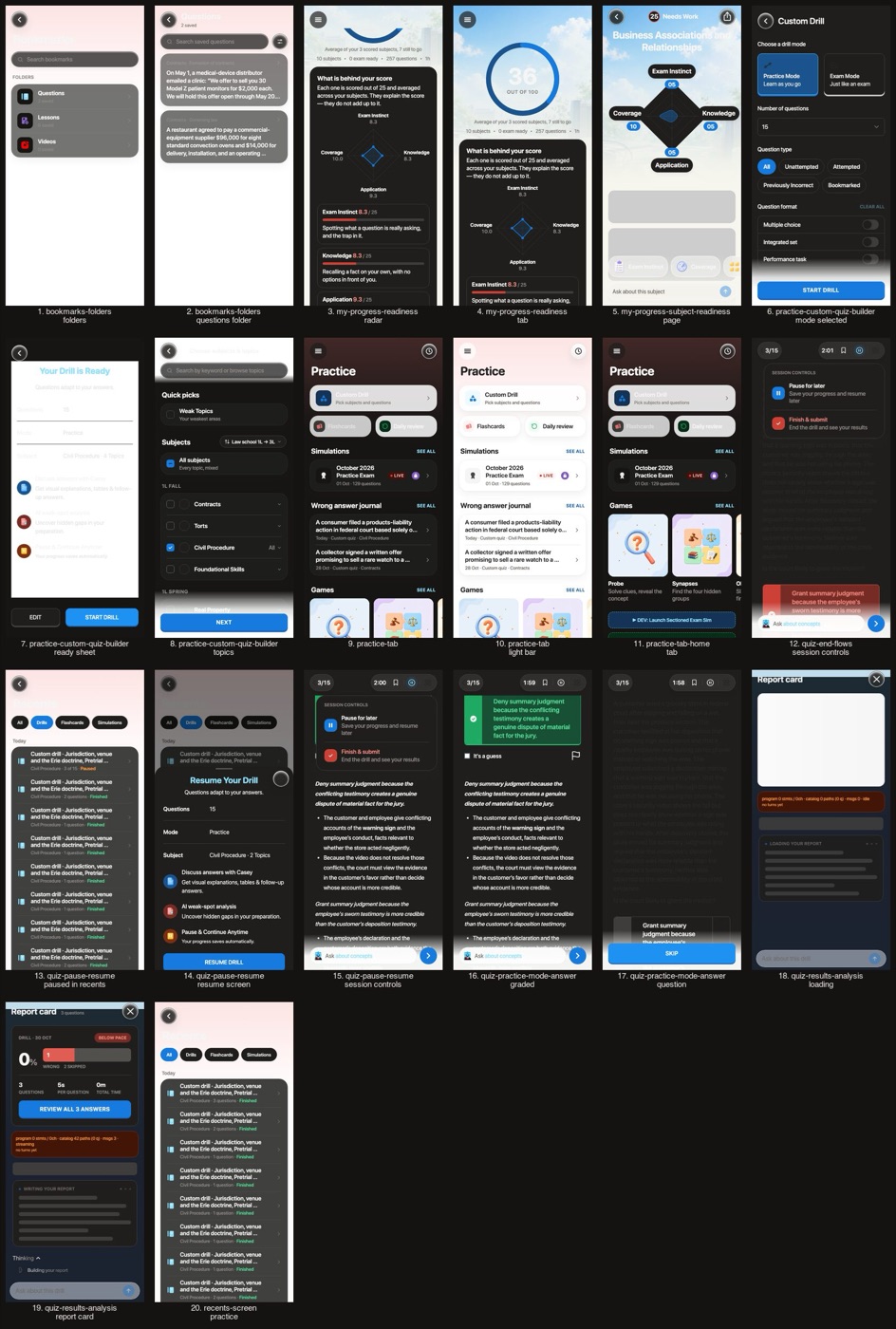
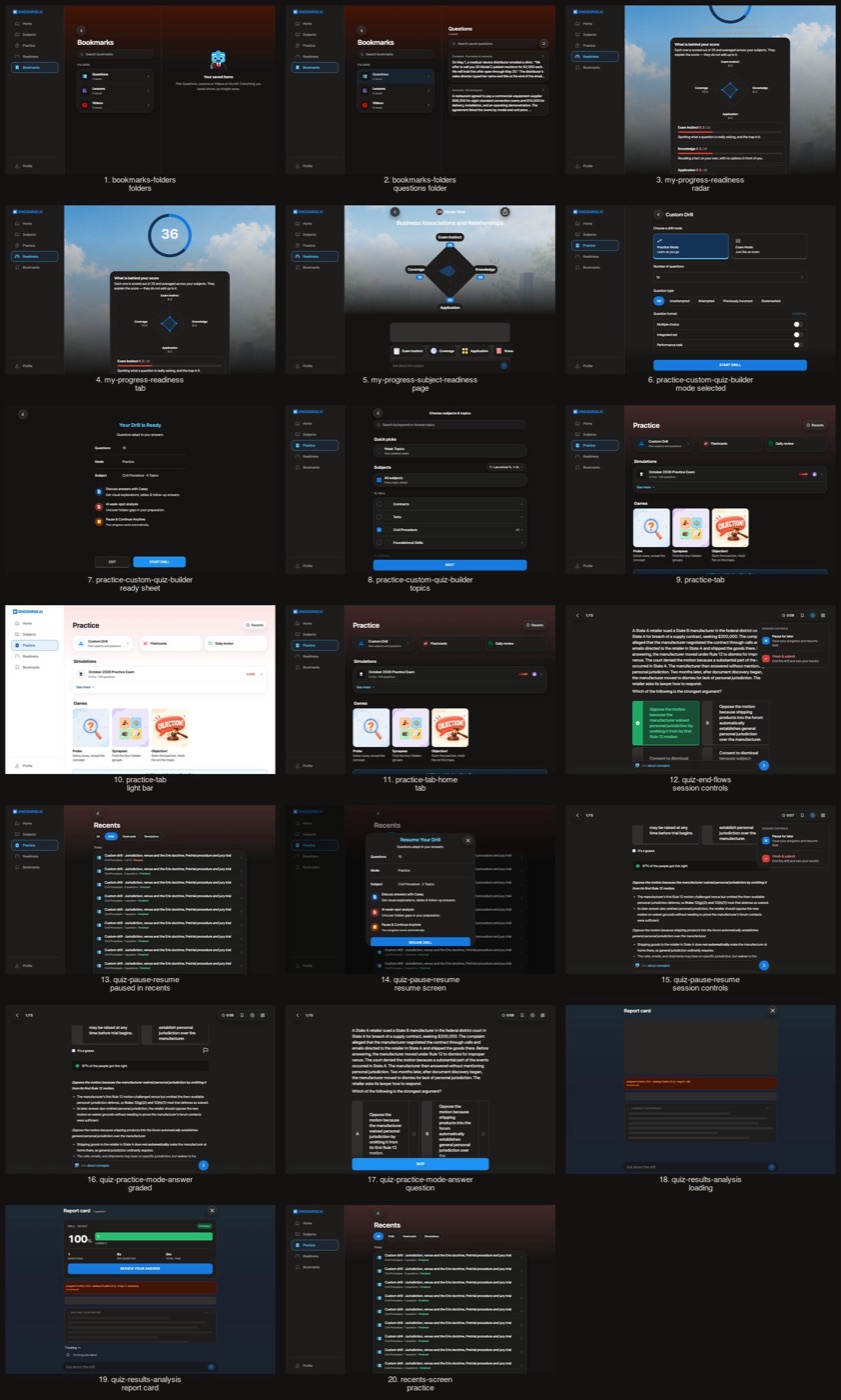
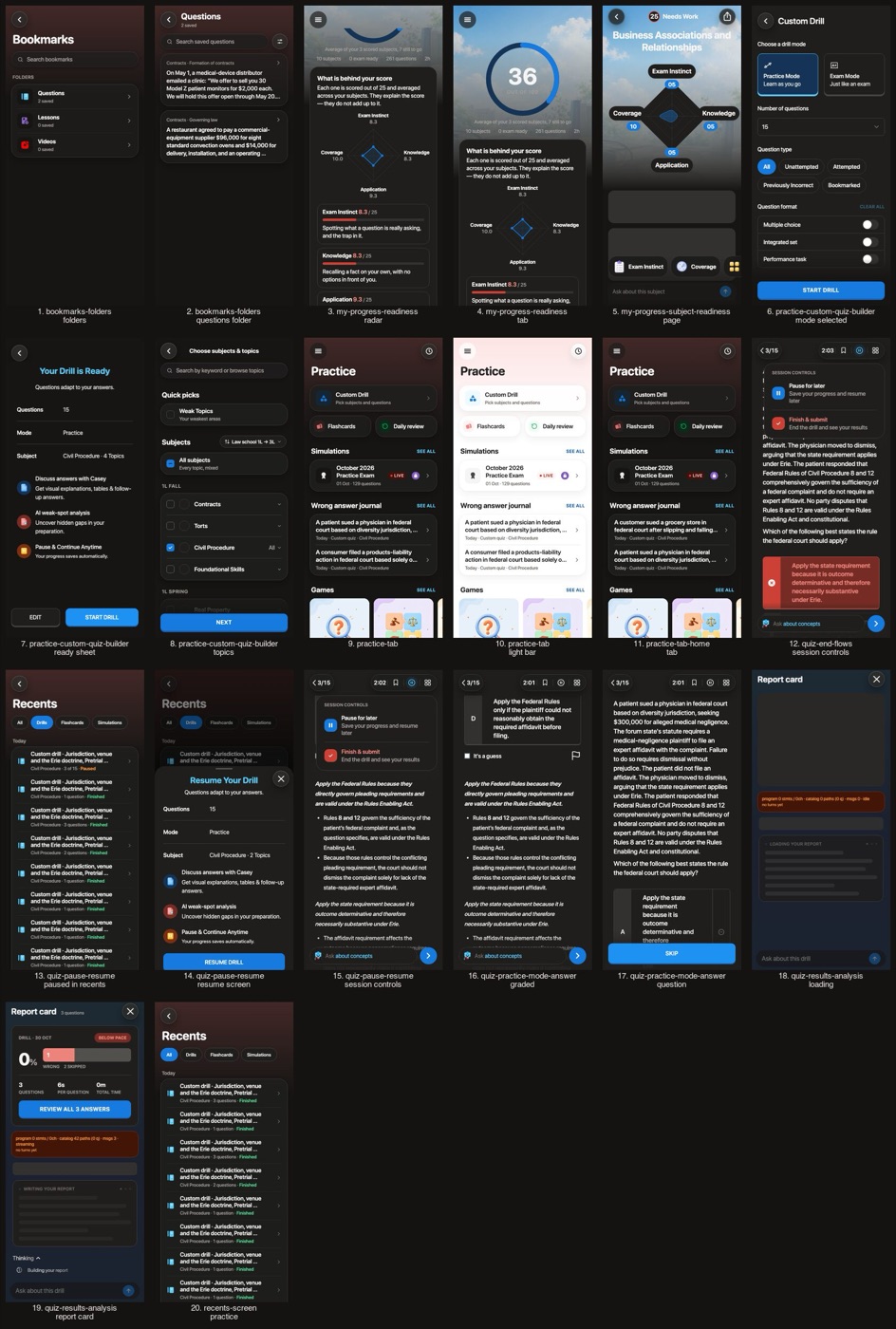
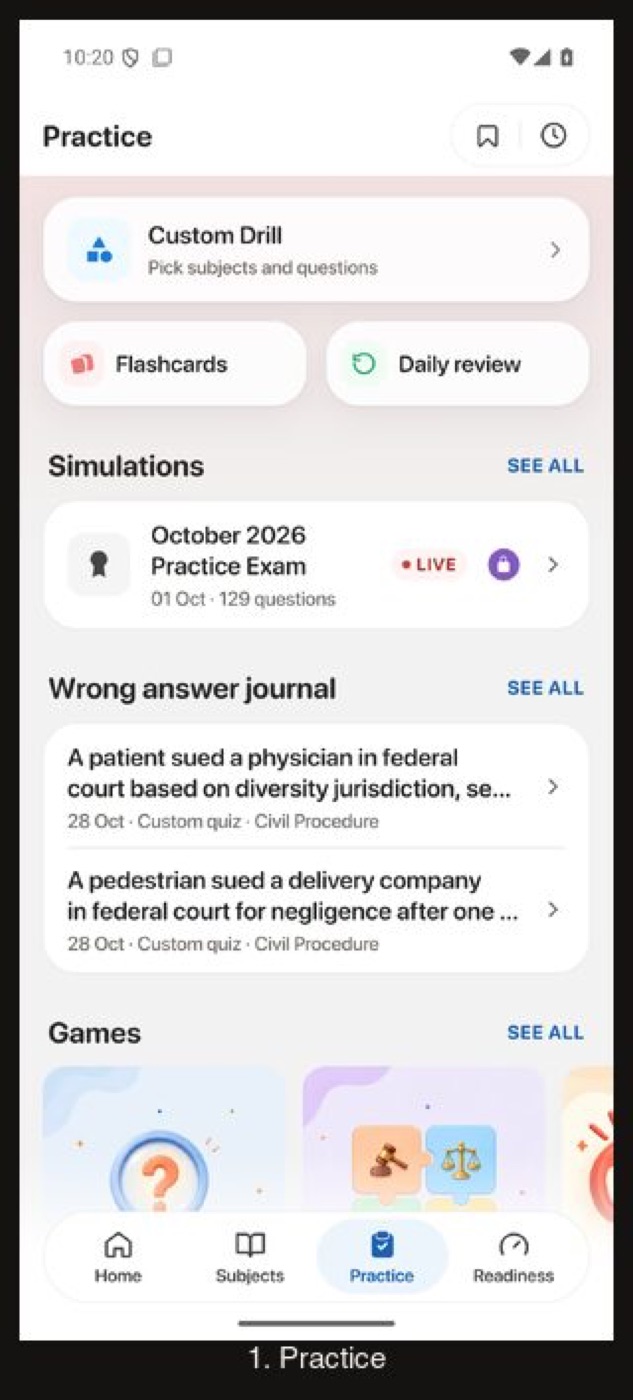
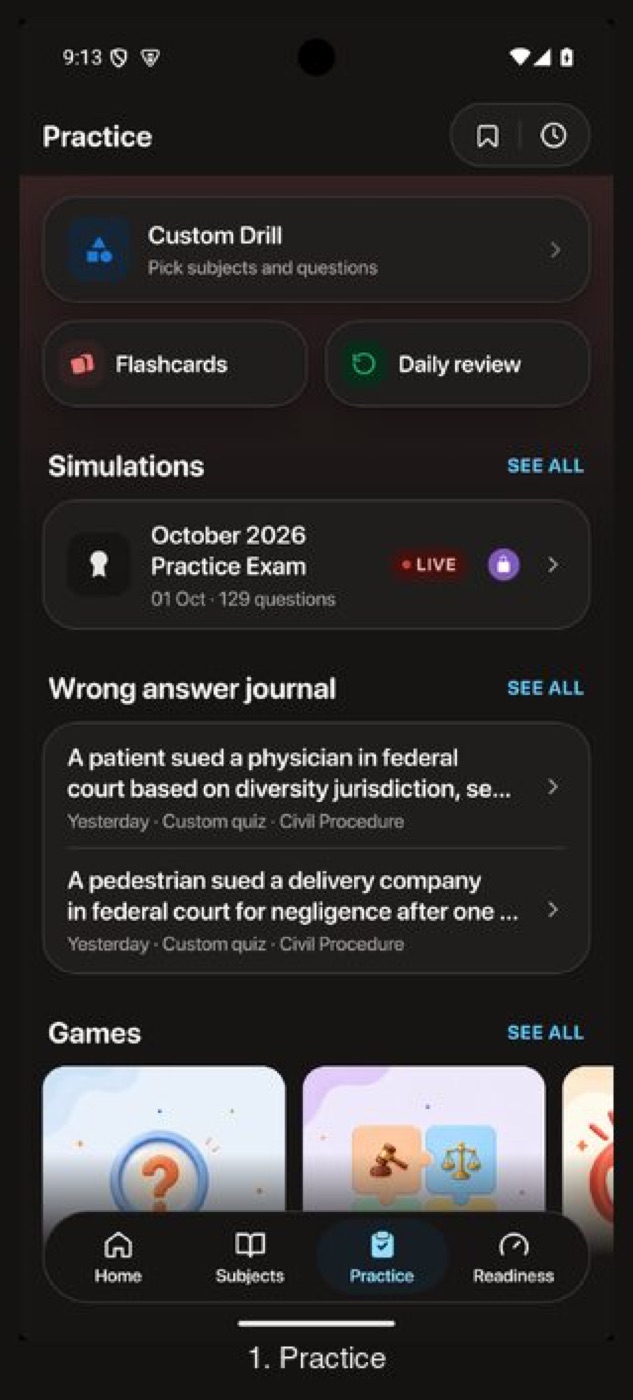
Shortcuts, Simulations, the wrong answer journal and the Bookmarks and Recents pill sit on the dark surfaces.
Practice: shortcuts, Simulations, the wrong answer journal, Bookmarks and Recents
Before
After
Before
After
Before
After
Before
After
Flow 6
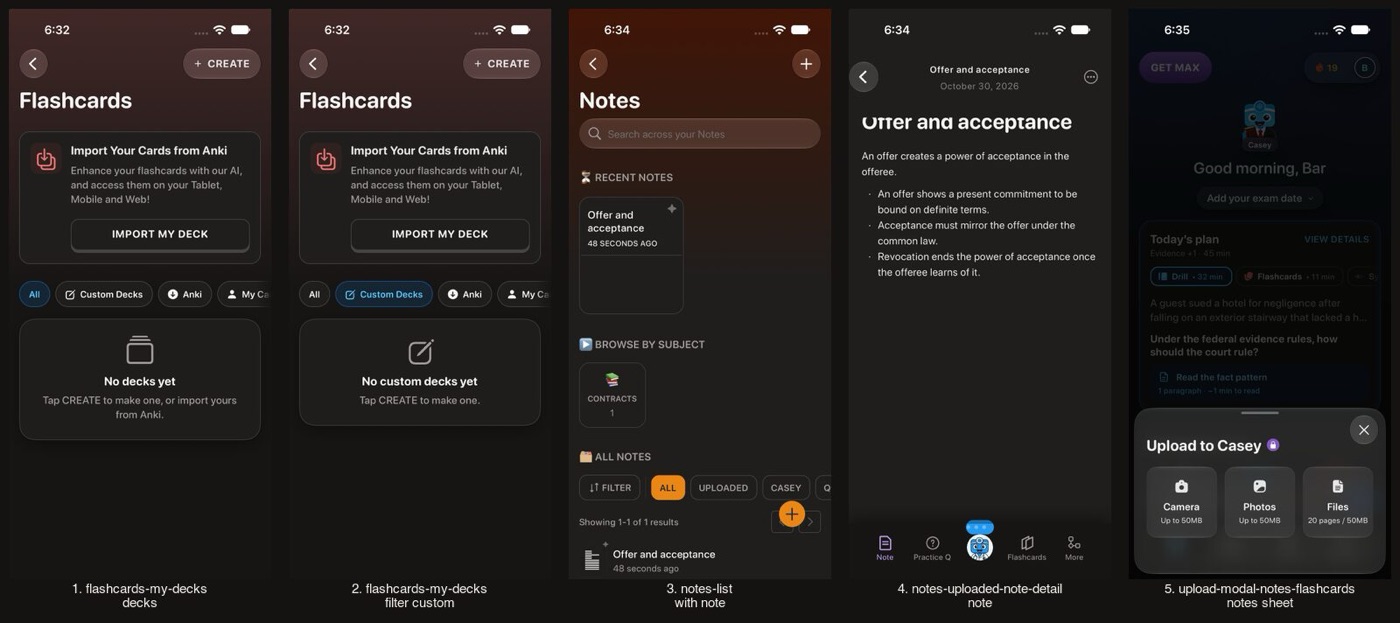
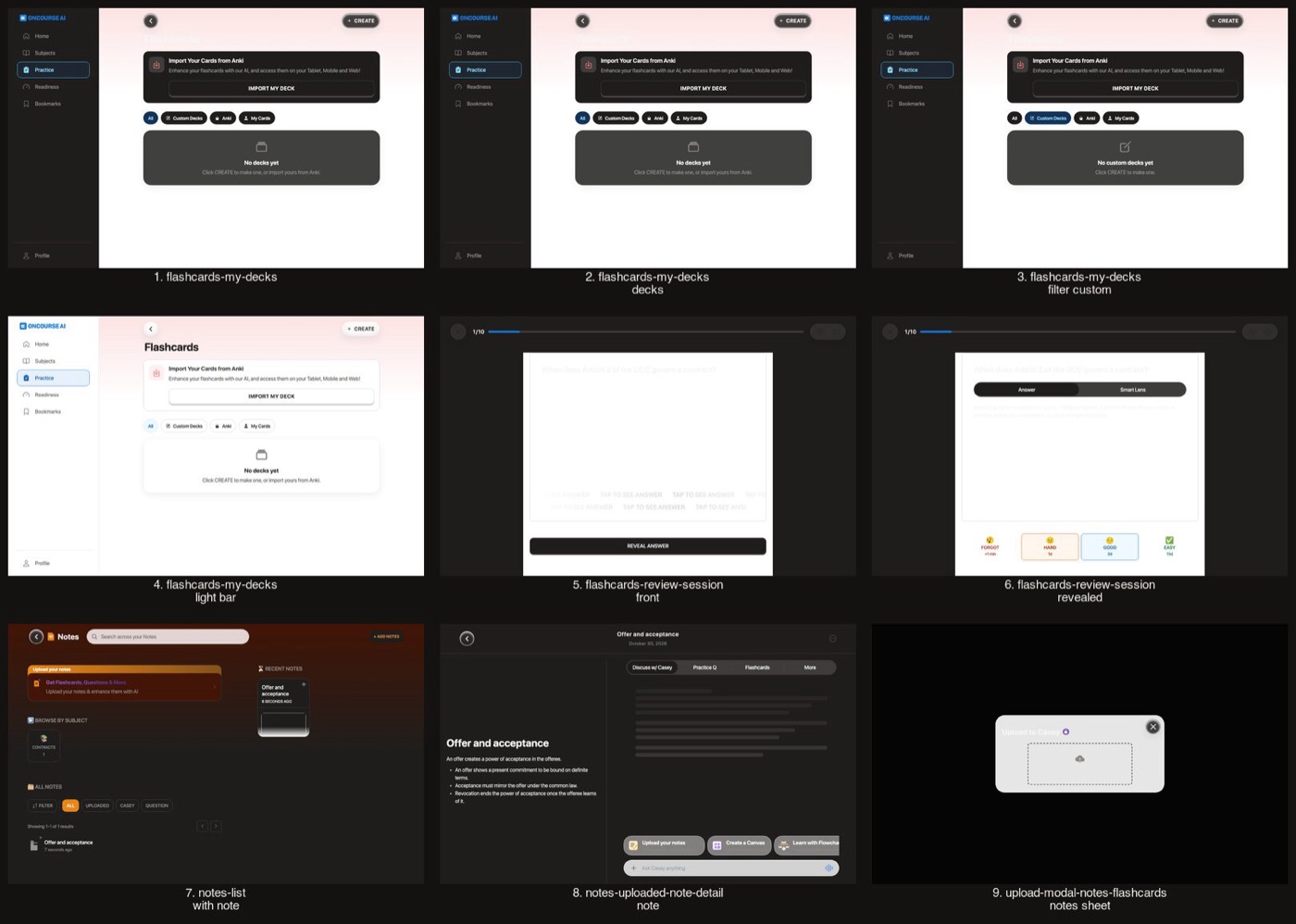
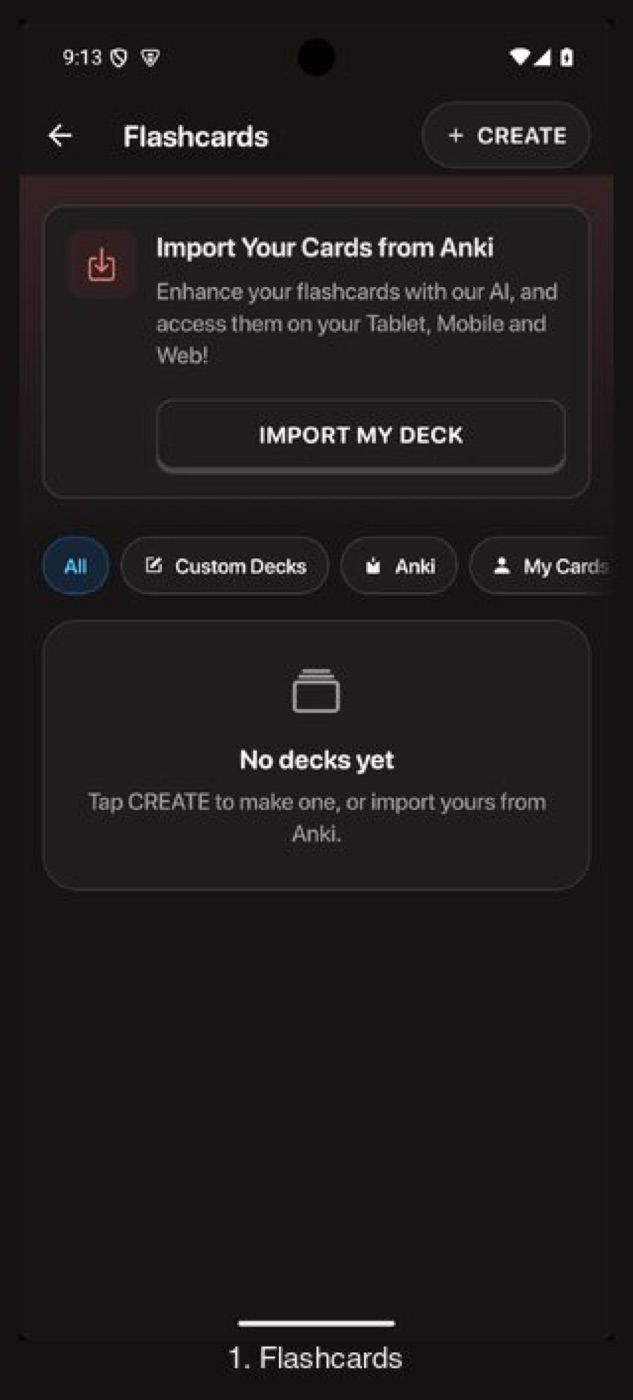
Flashcards and notes
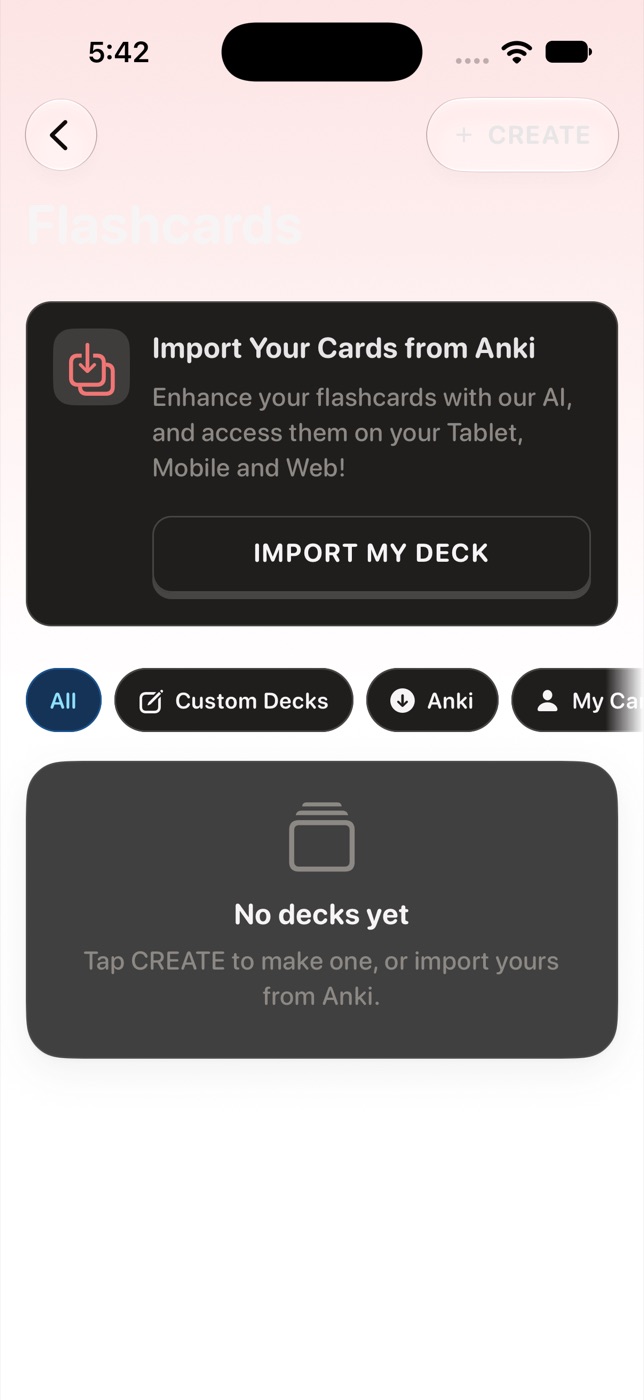
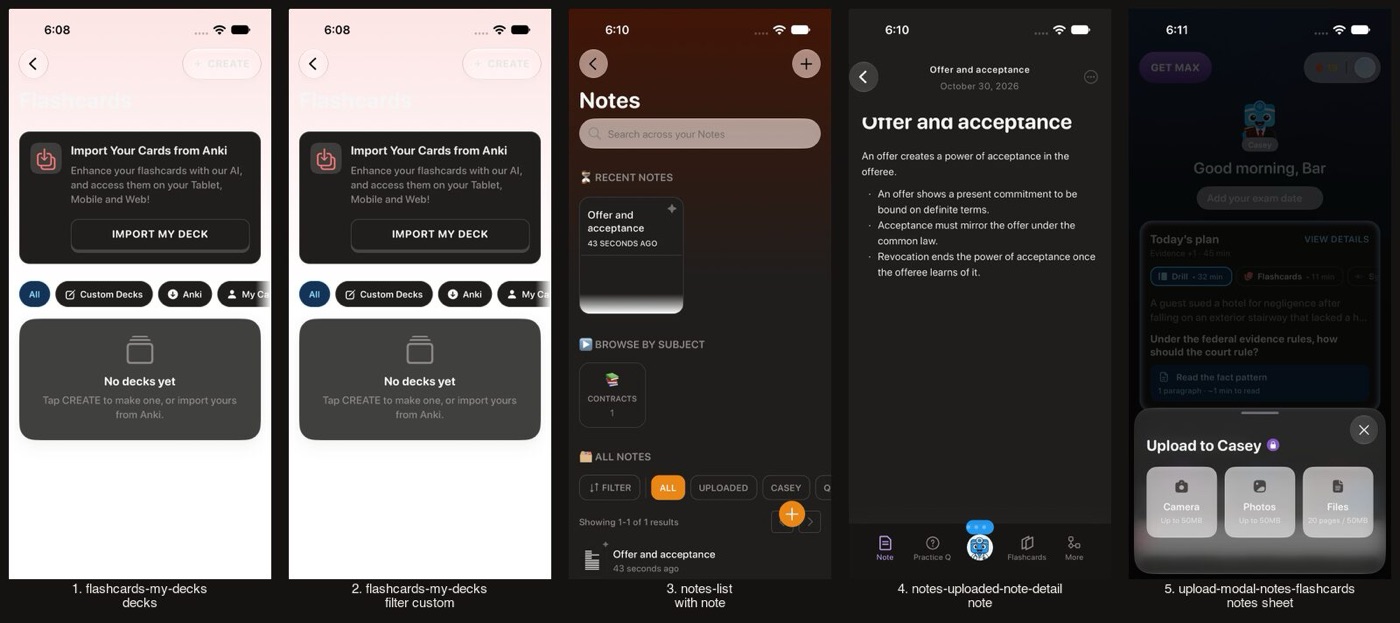
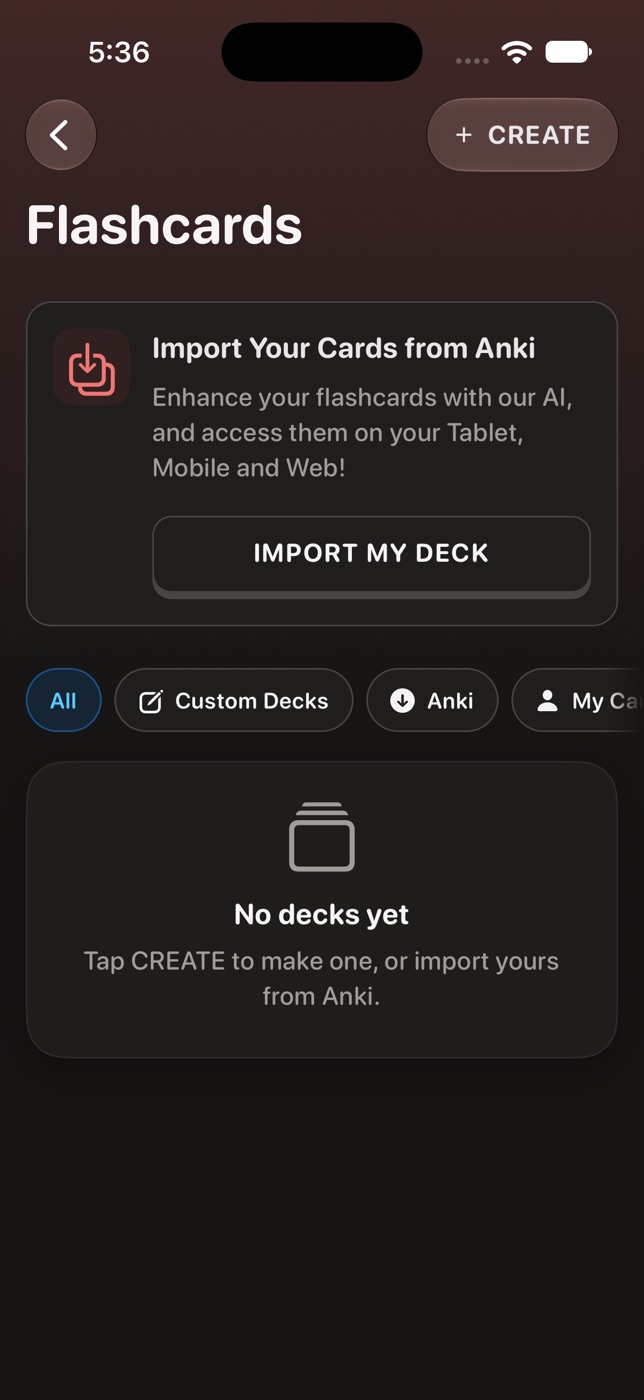
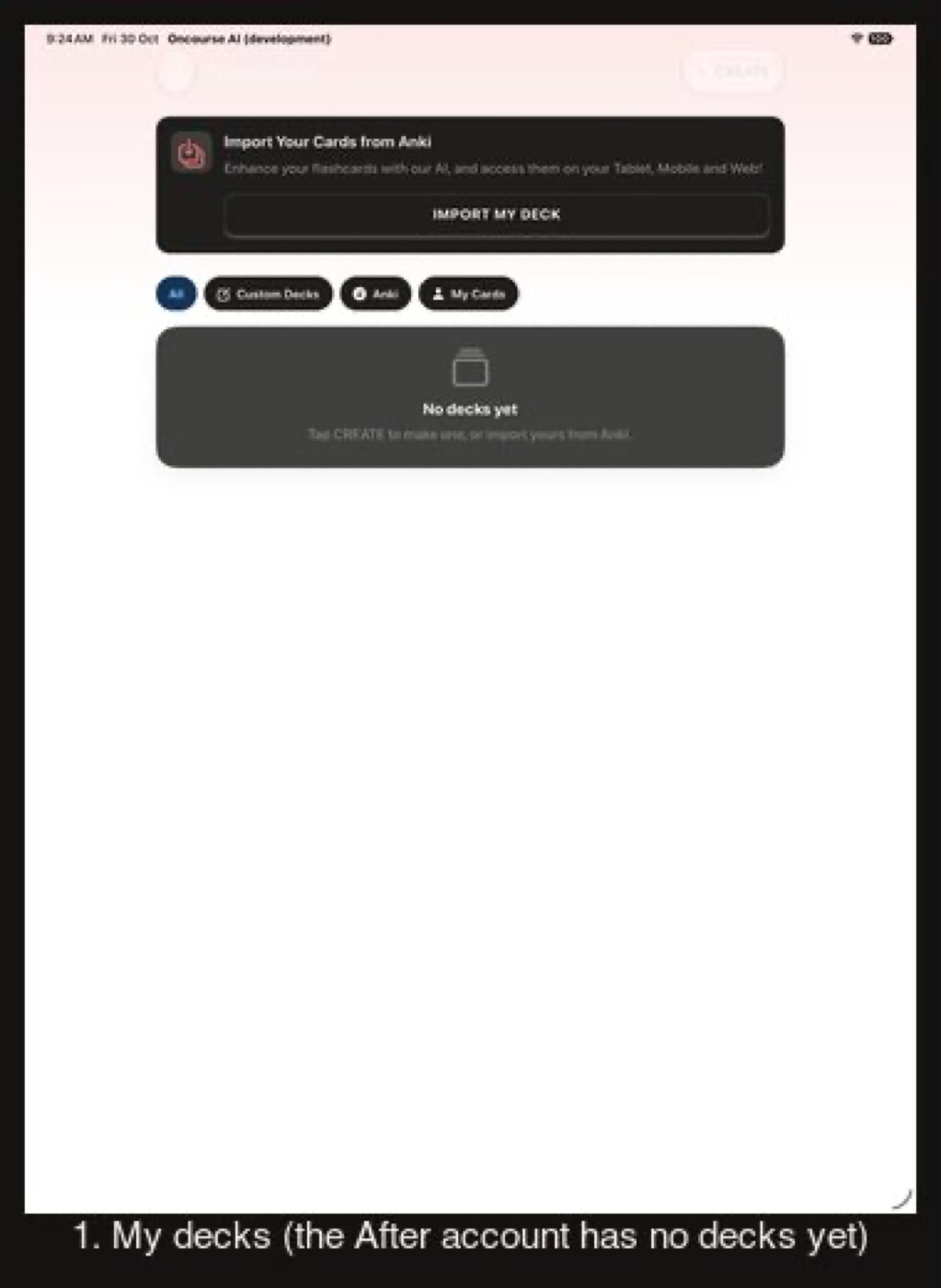
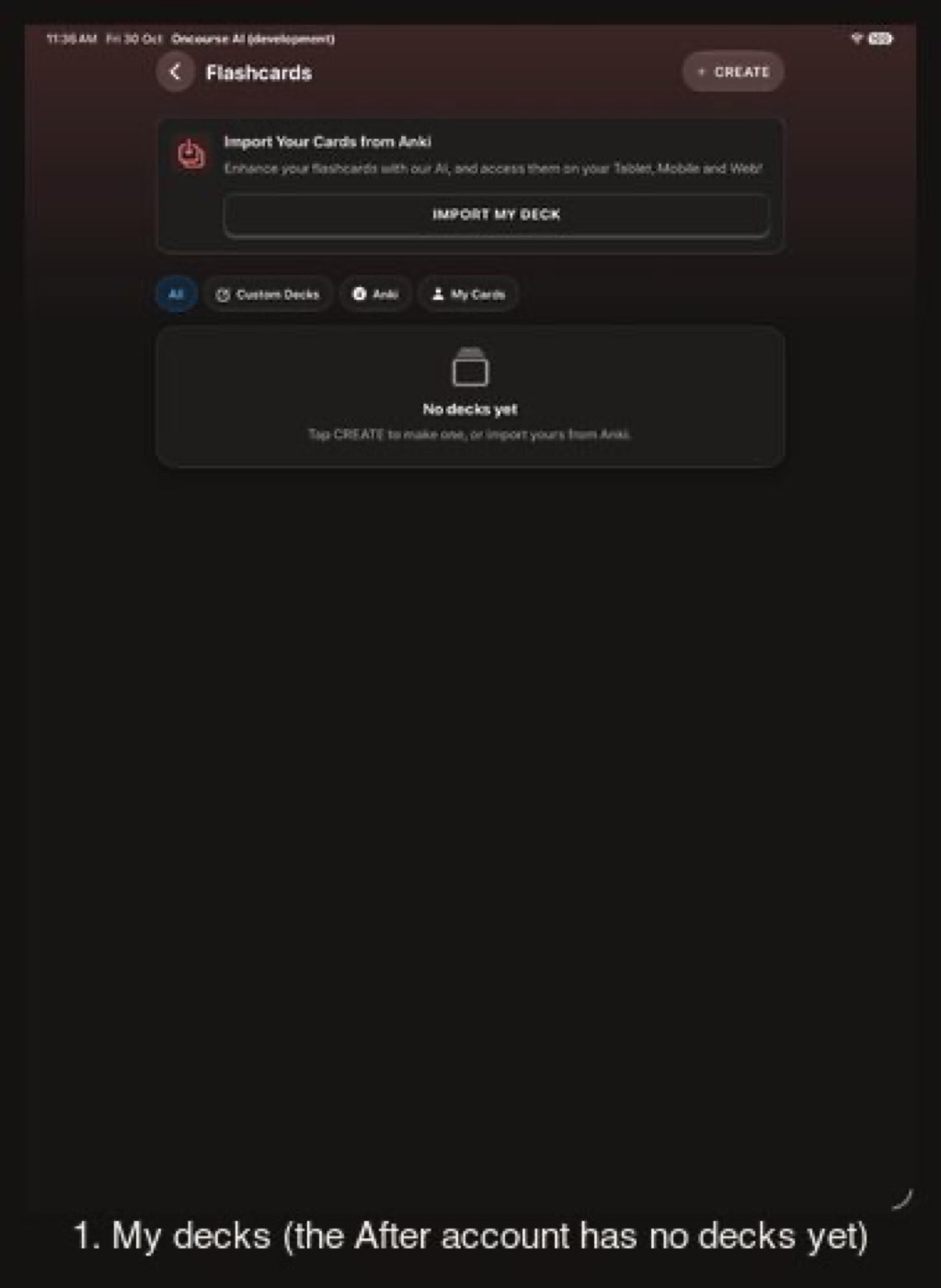
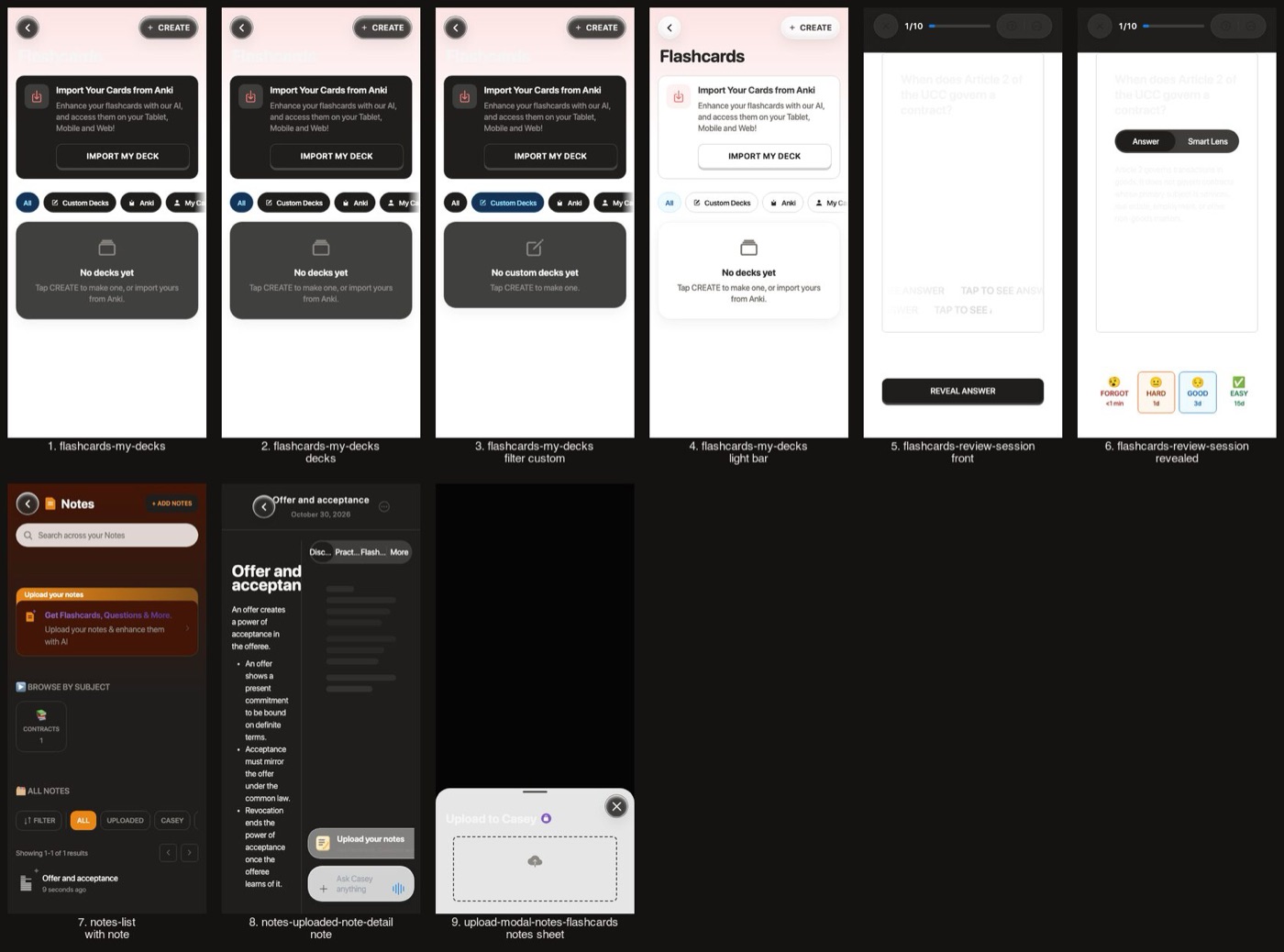
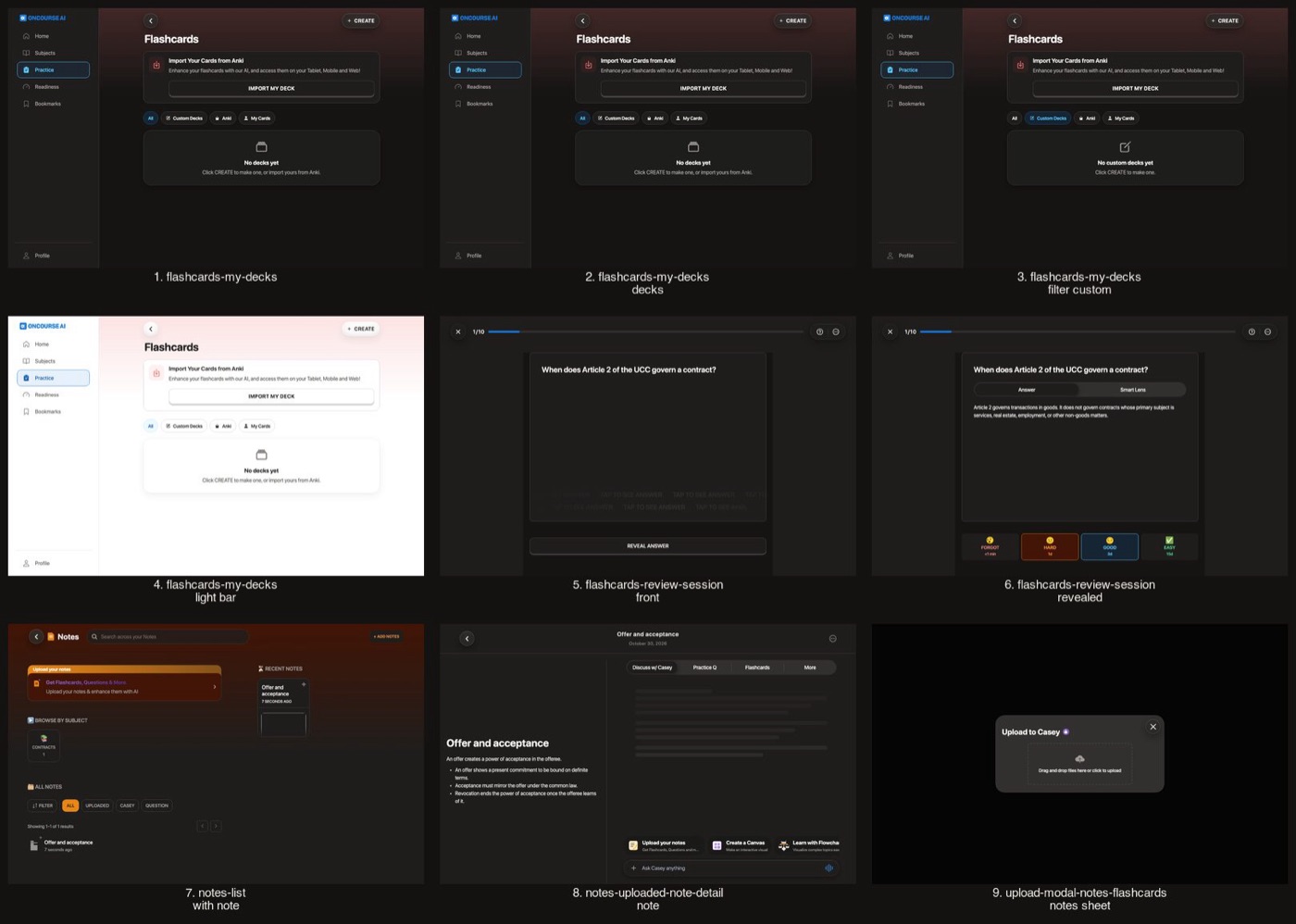
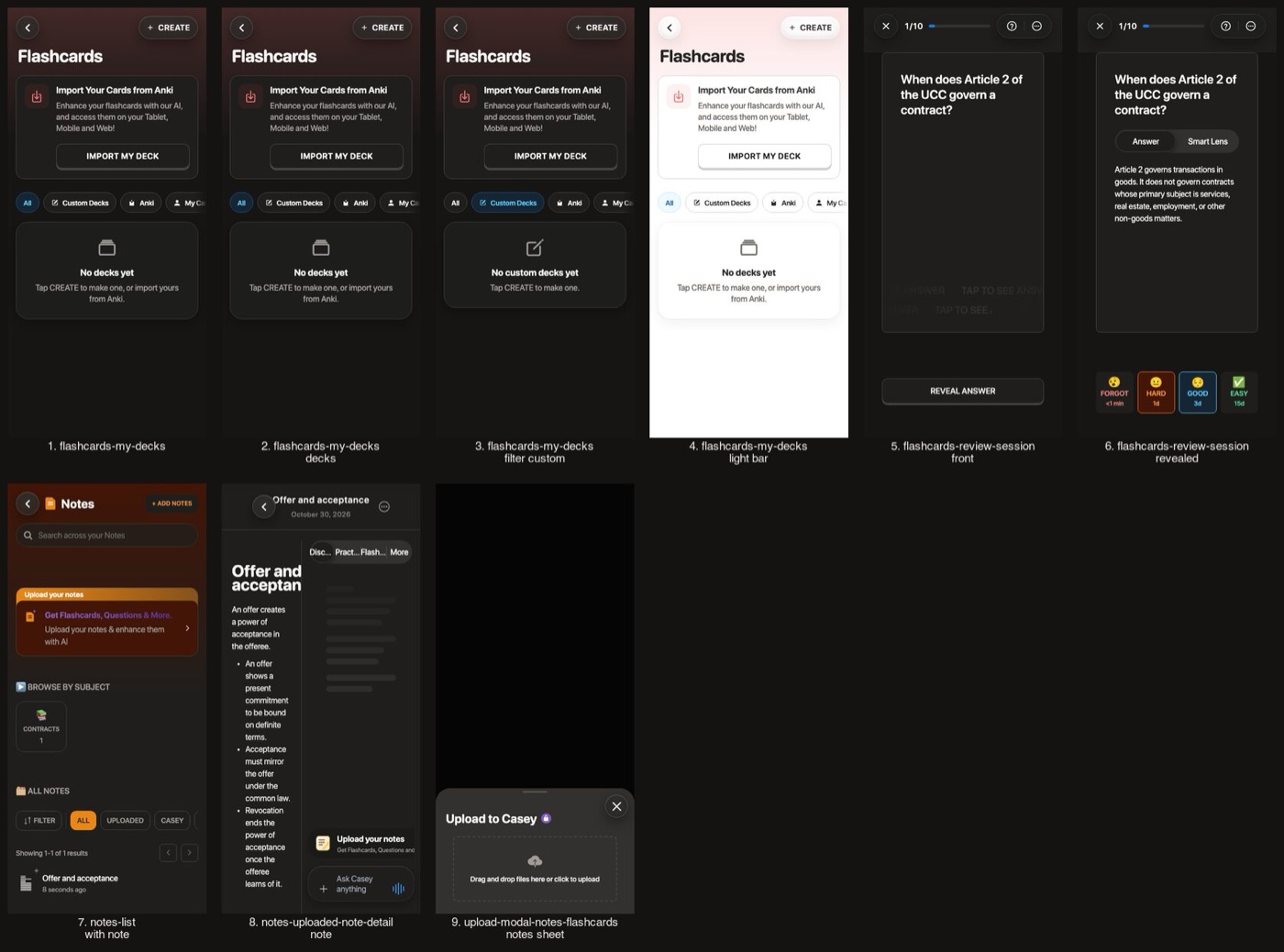
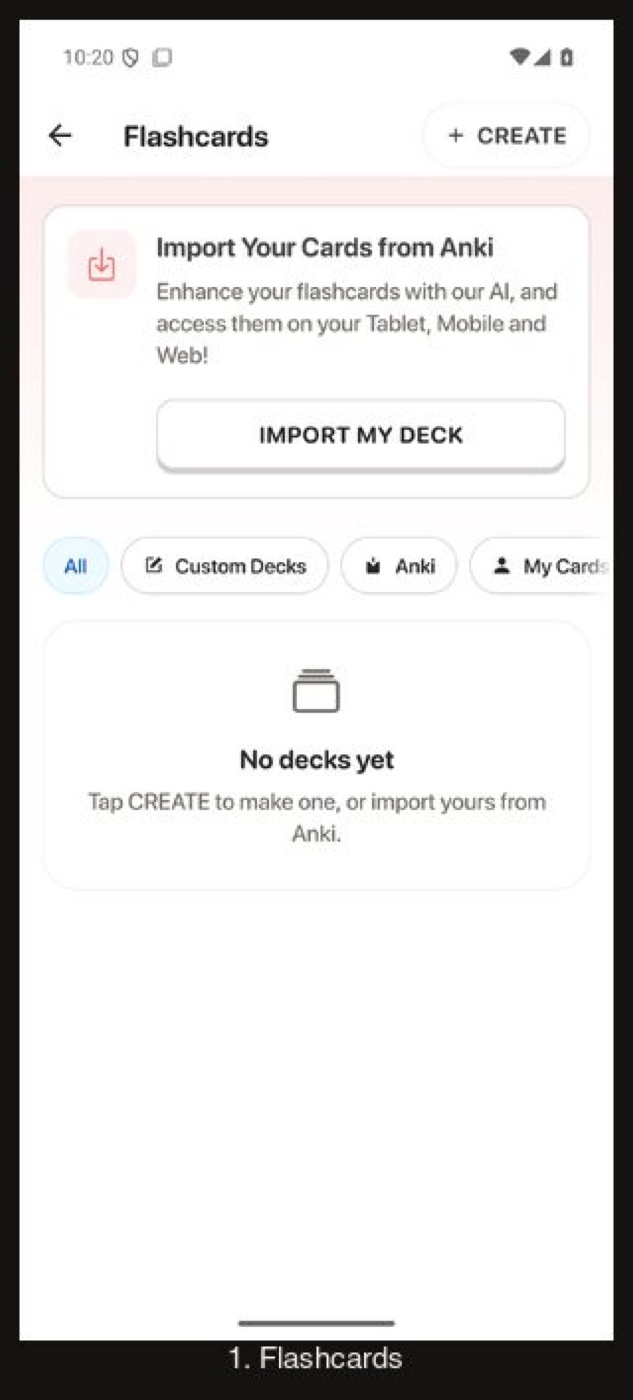
Decks and notes go dark. The coral and amber identity fills stay light in both schemes, with dark ink on them.
Flashcards and notes: My decks
Before
After
Before
After
Before
After
Before
After
Flow 7
Play and games Stays light on purpose
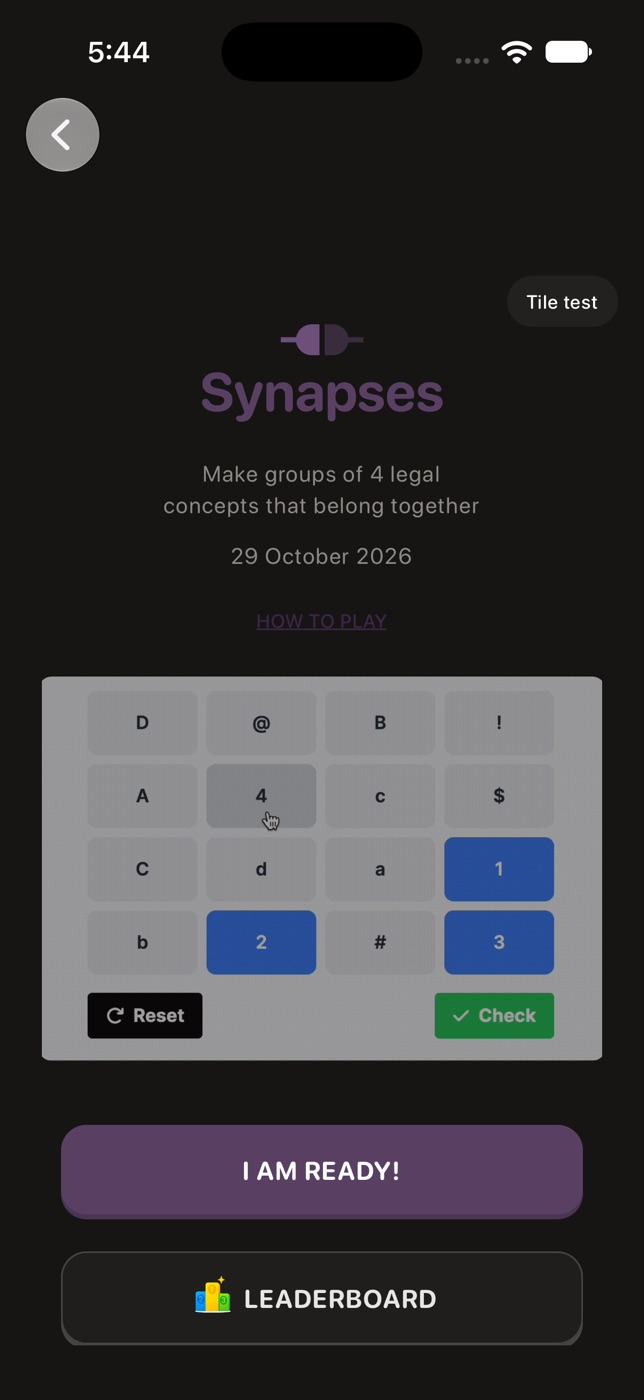
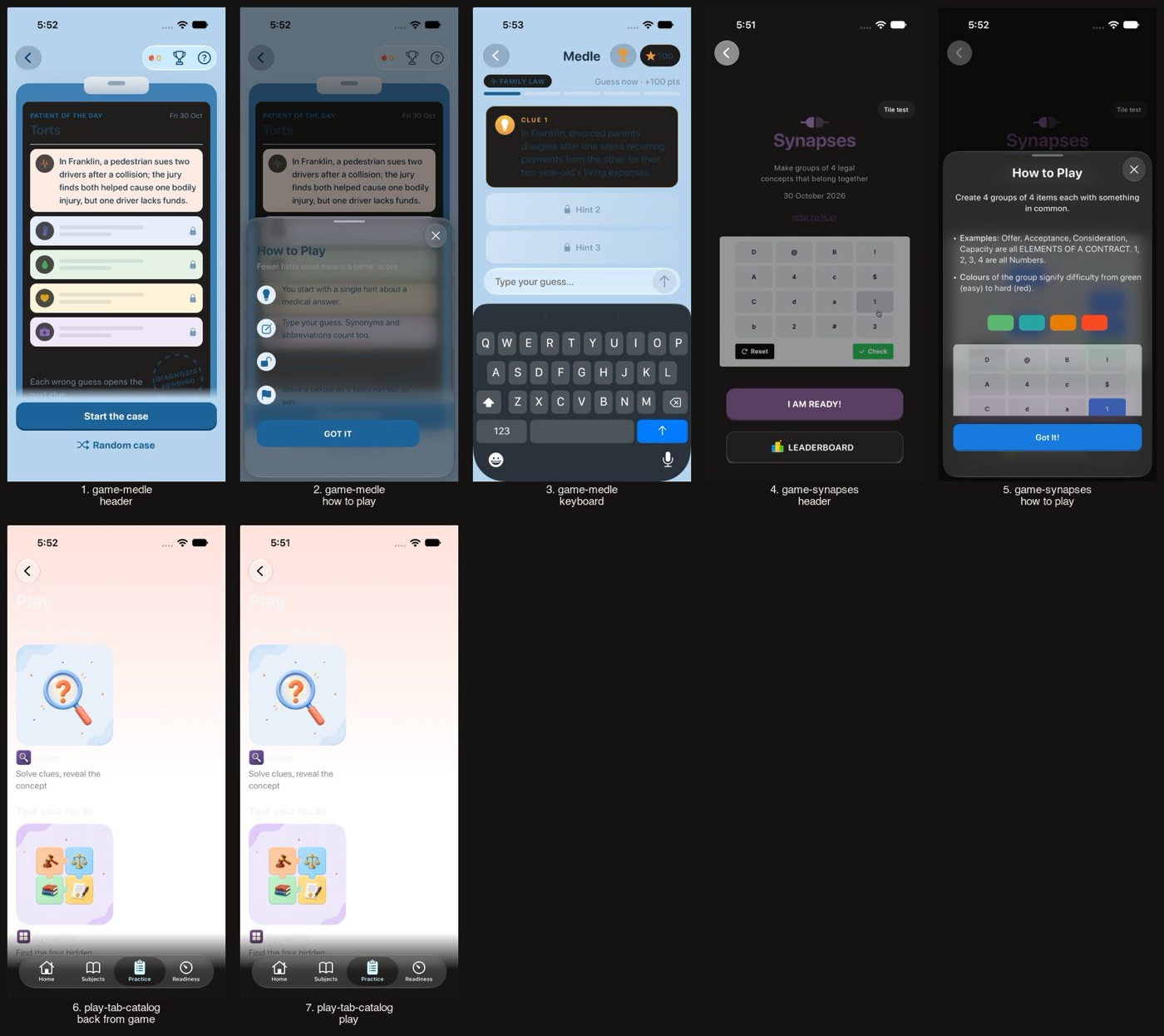
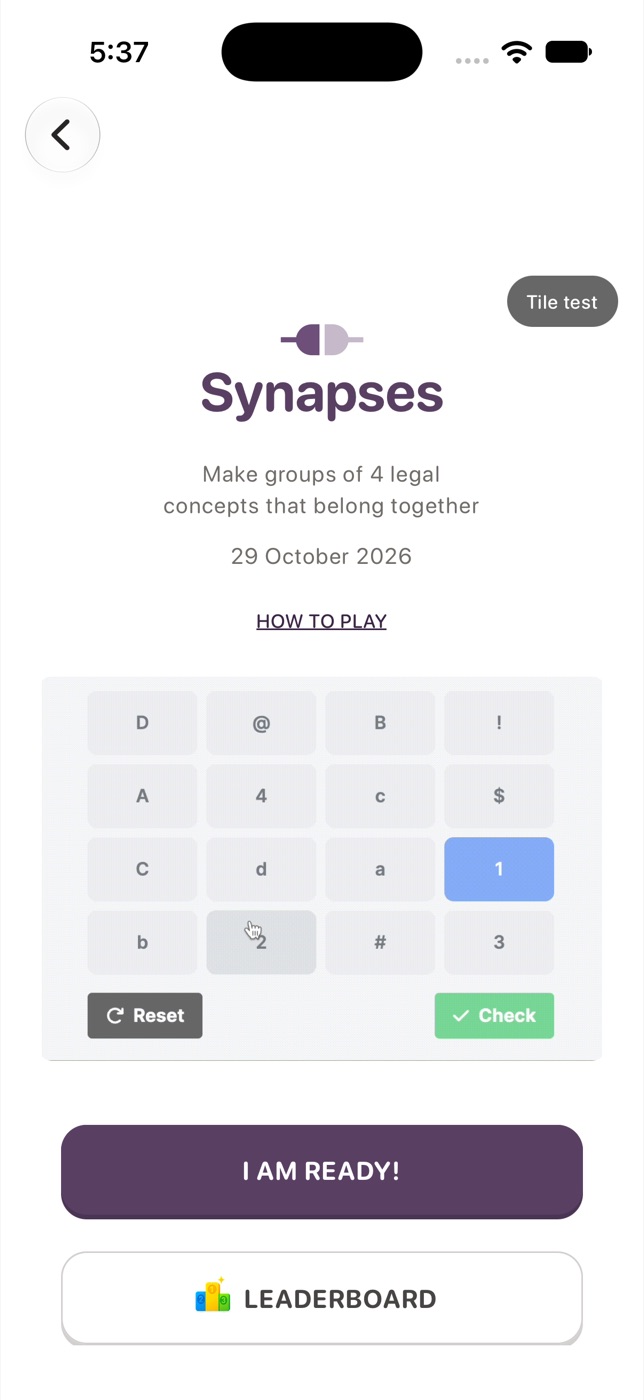
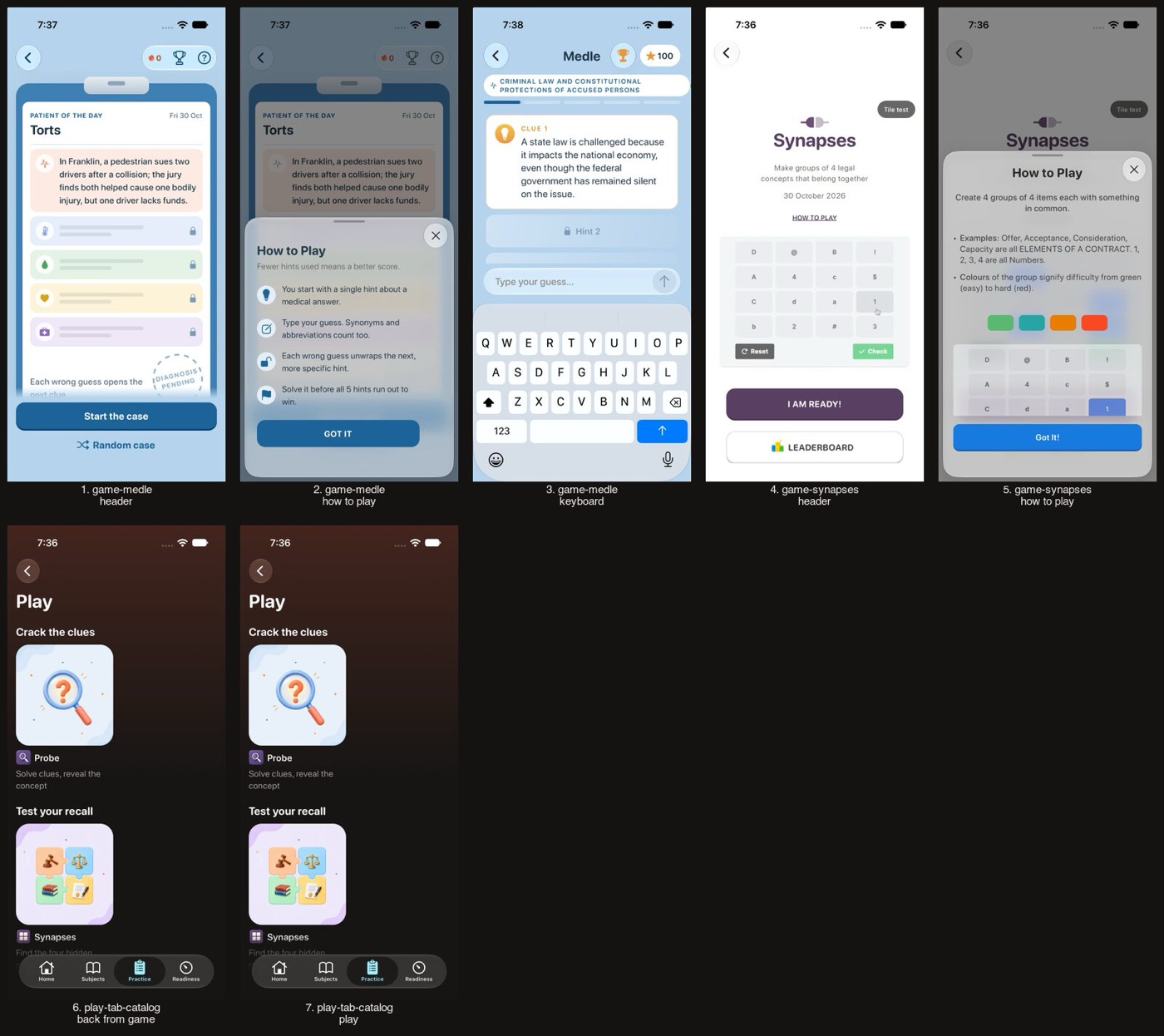
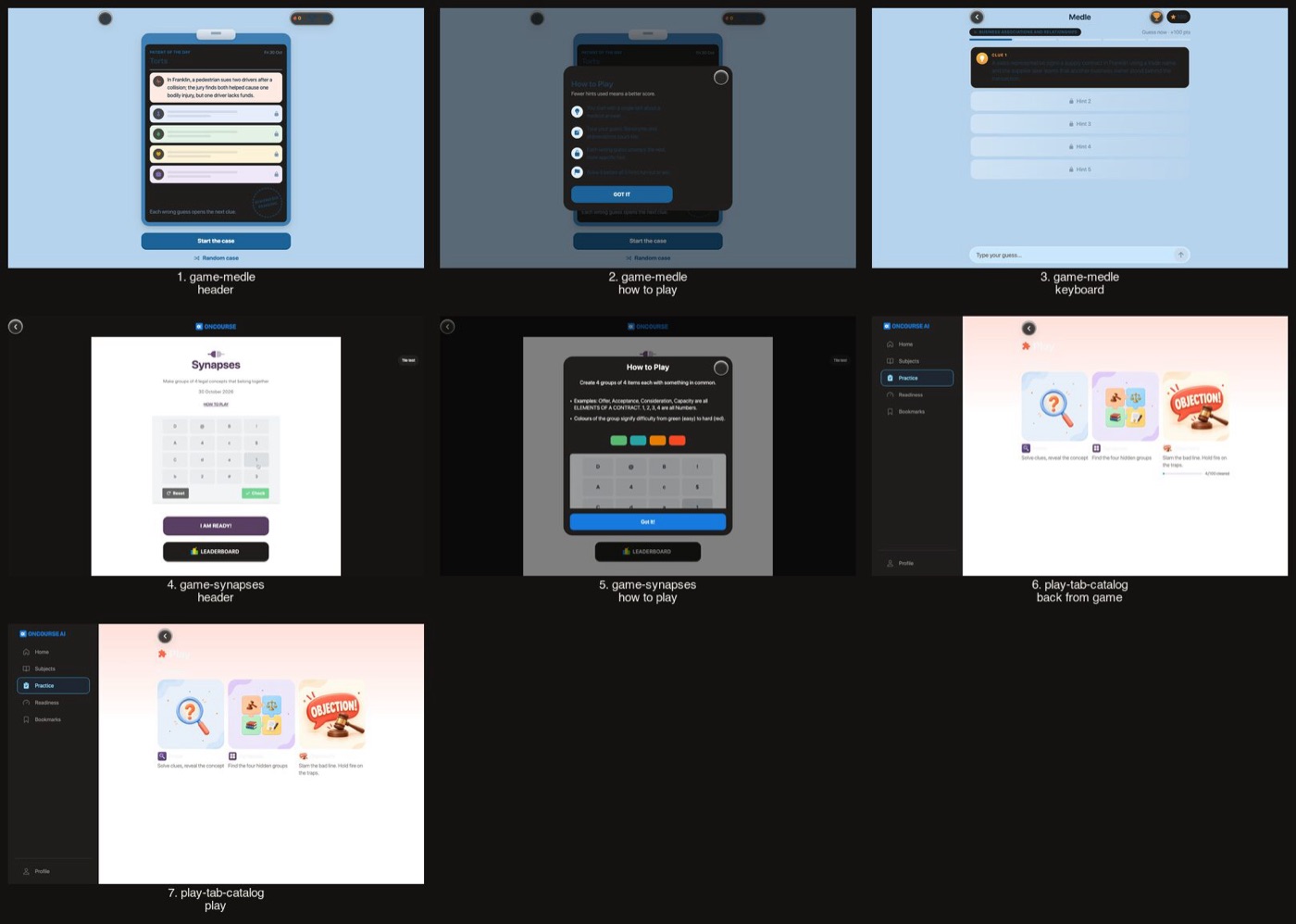
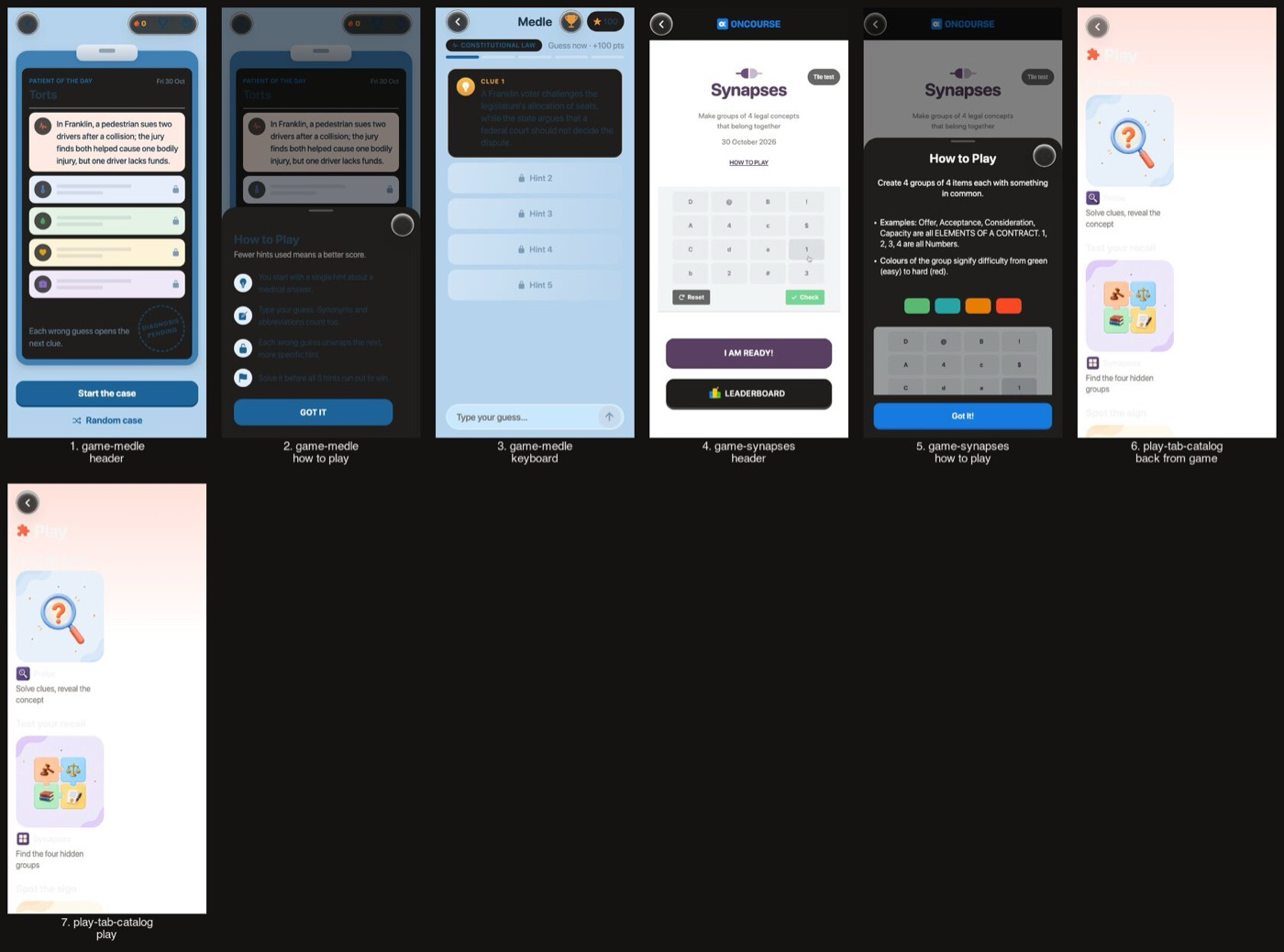
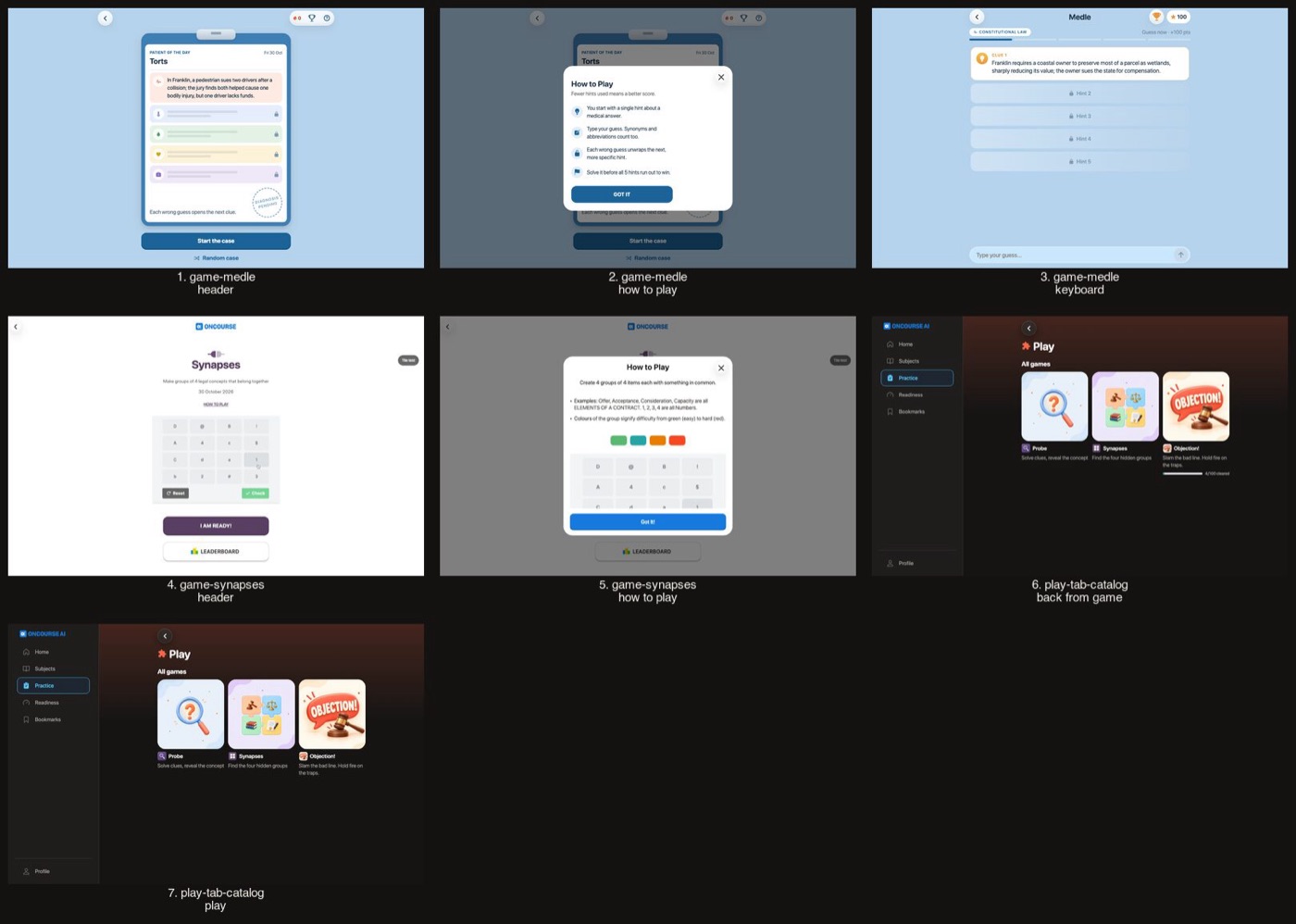
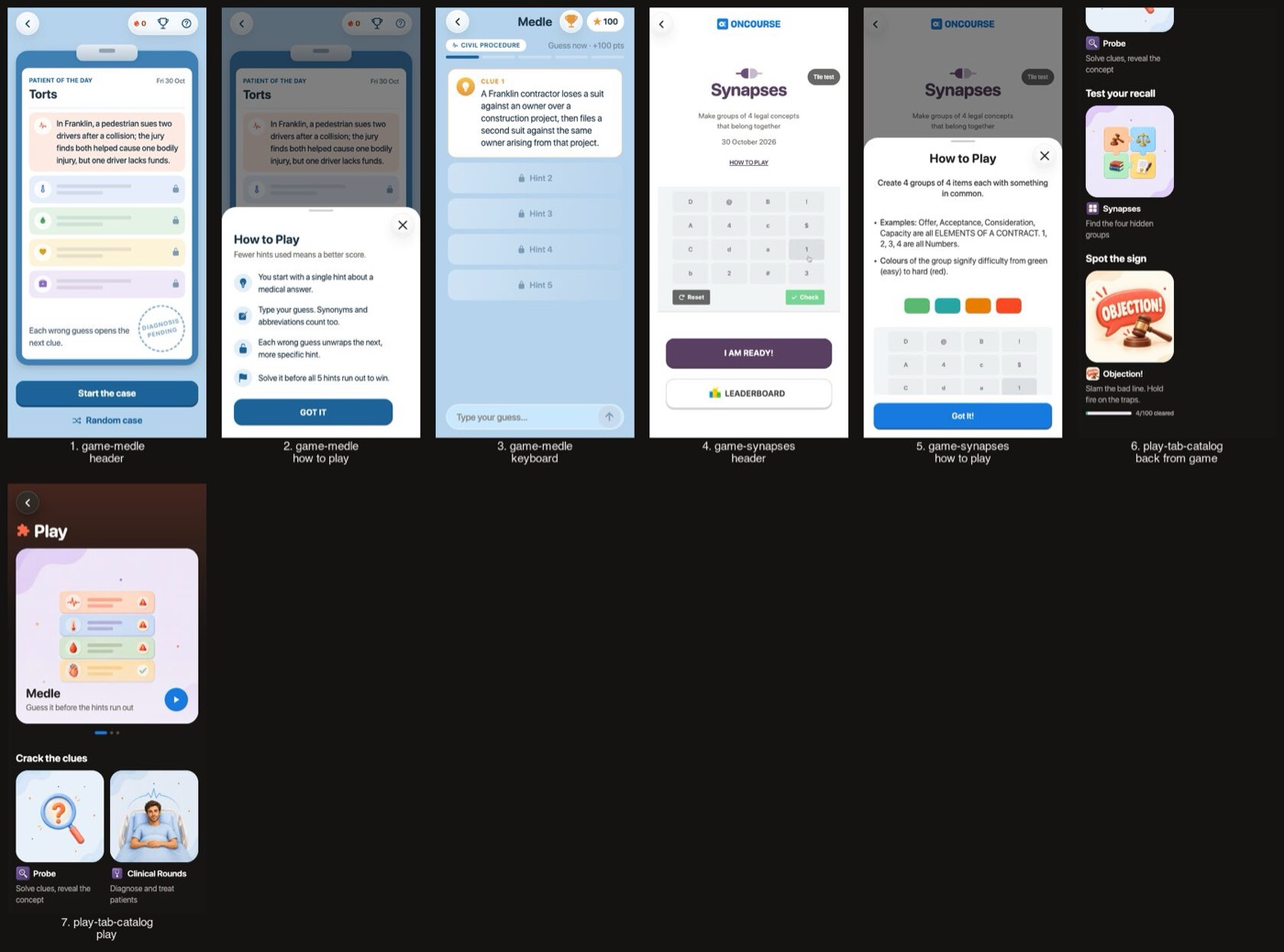
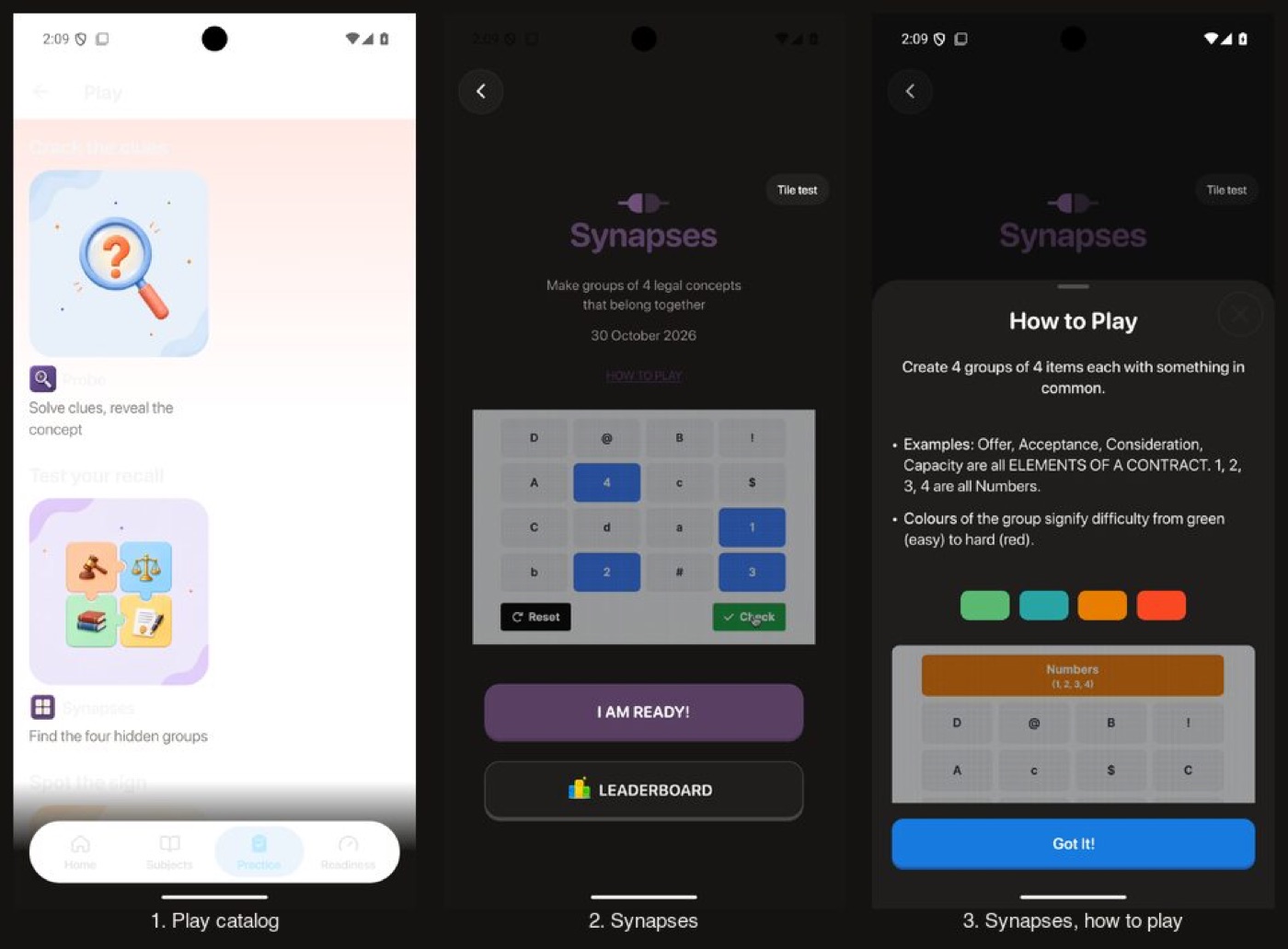
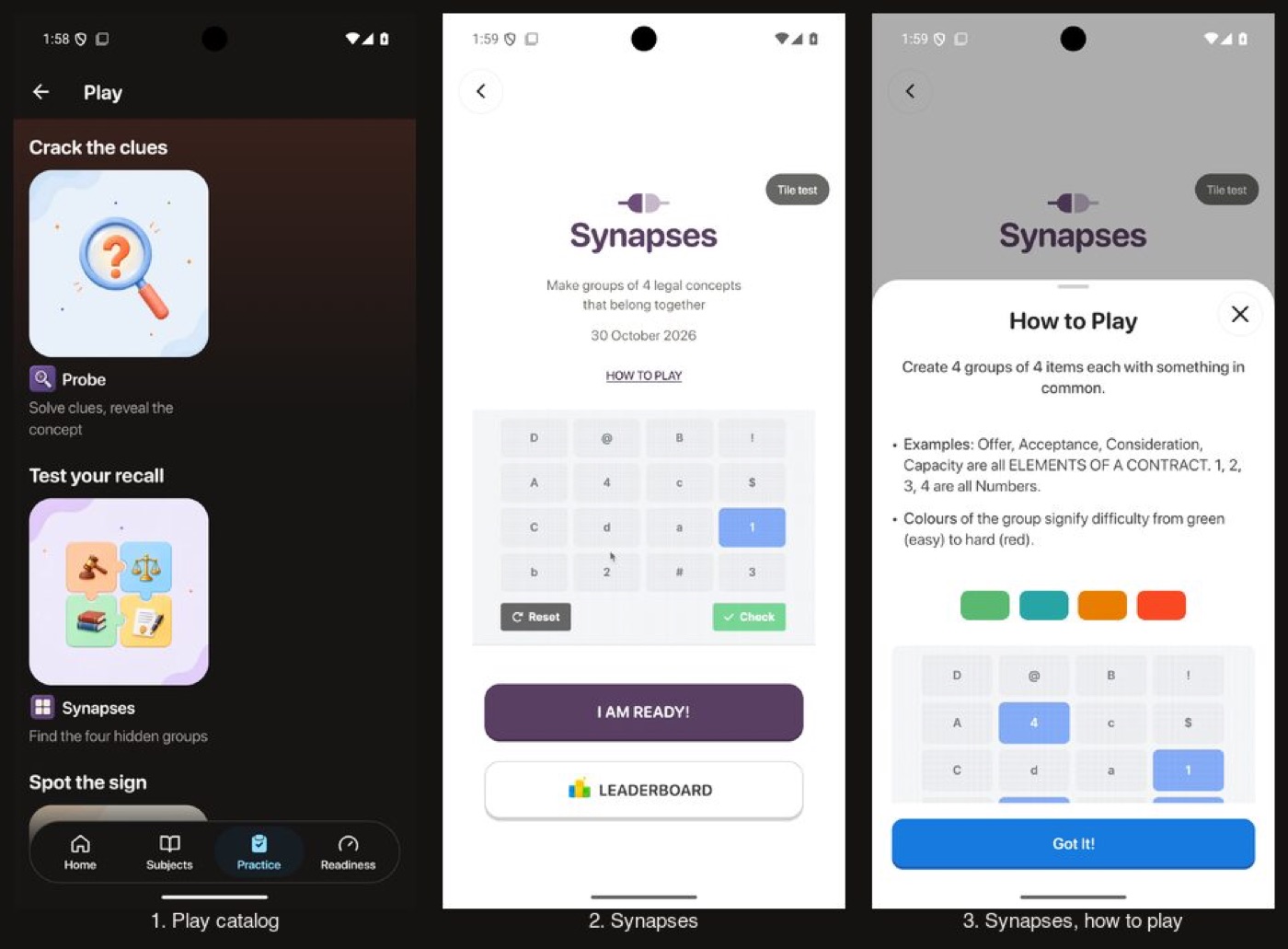
The Play catalog goes dark, and each game keeps its own art palette.
The Play catalog and a game
Before
After
Before
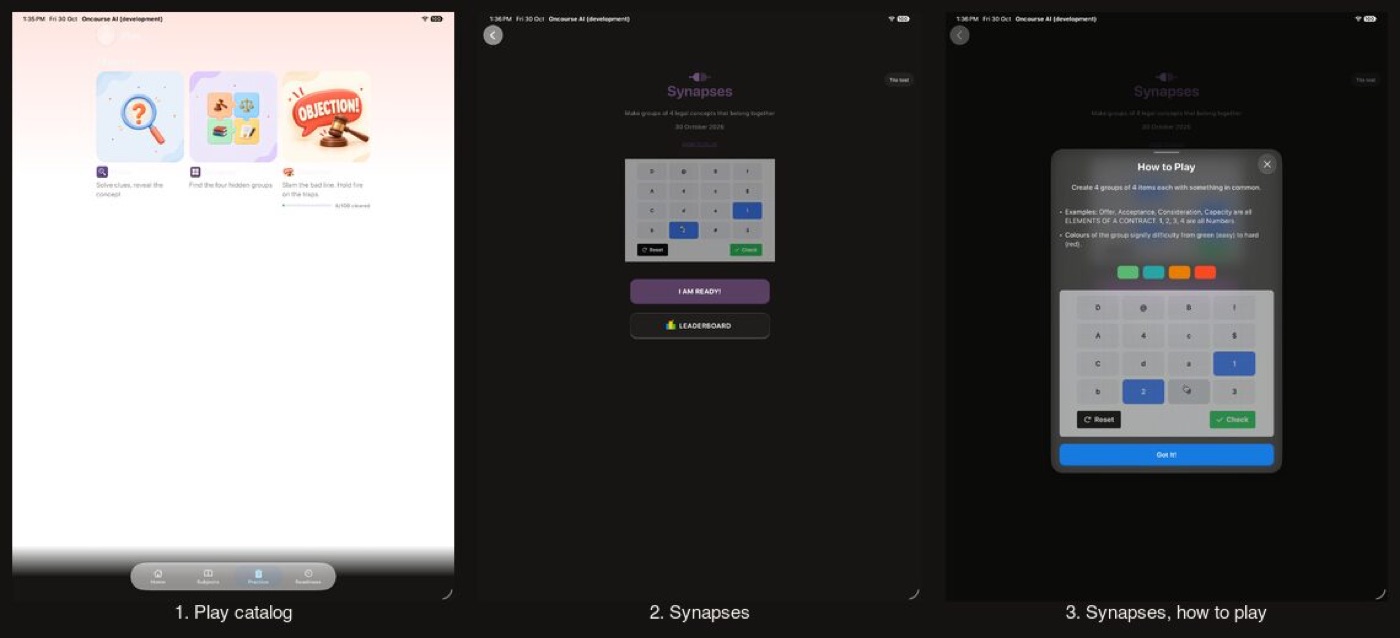
After
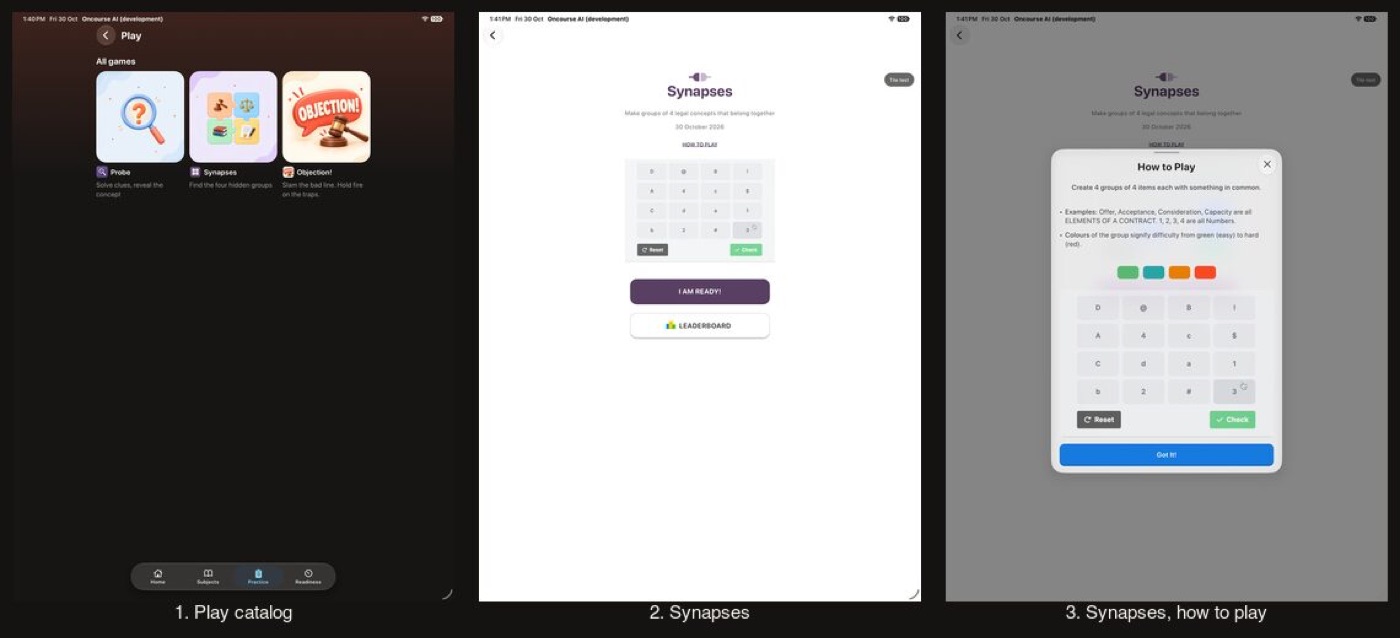
Before
After
Before
After
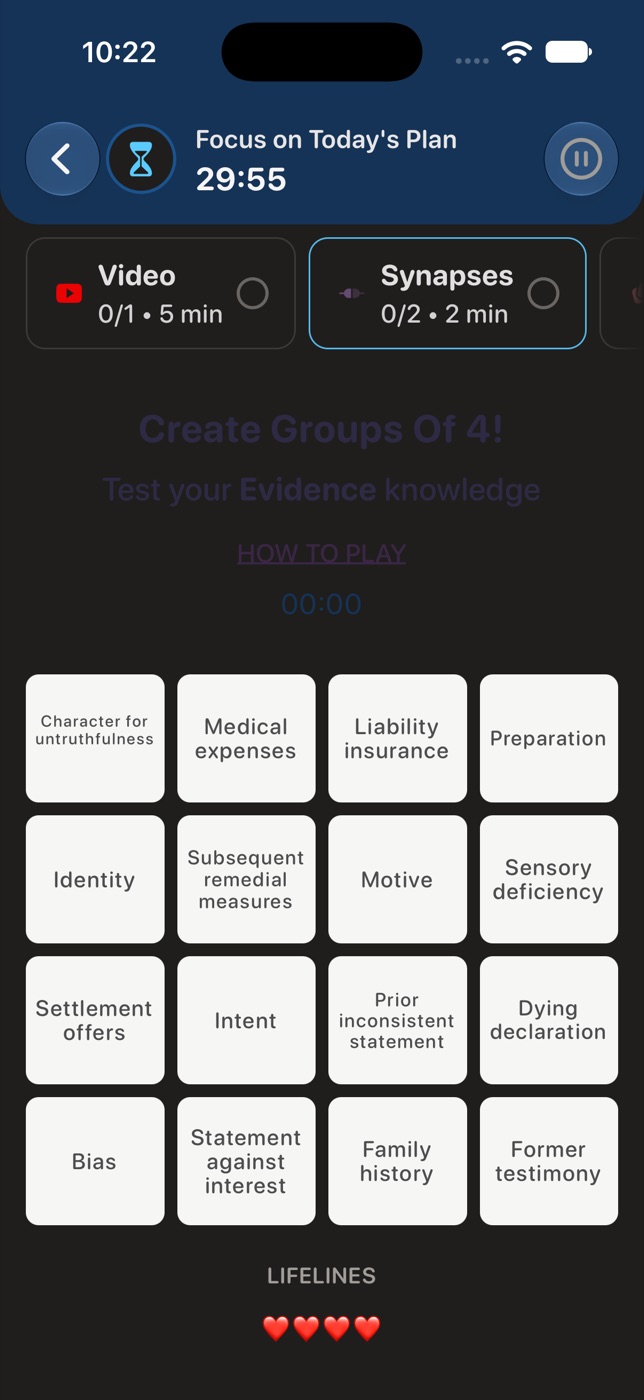
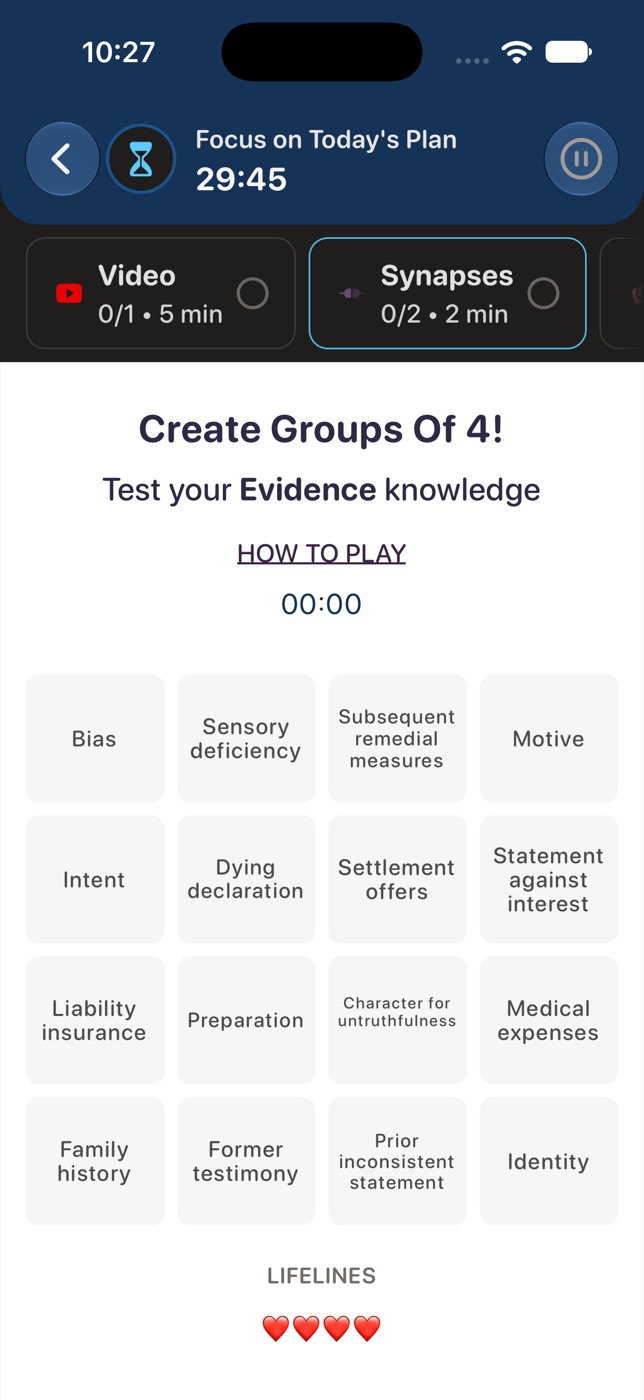
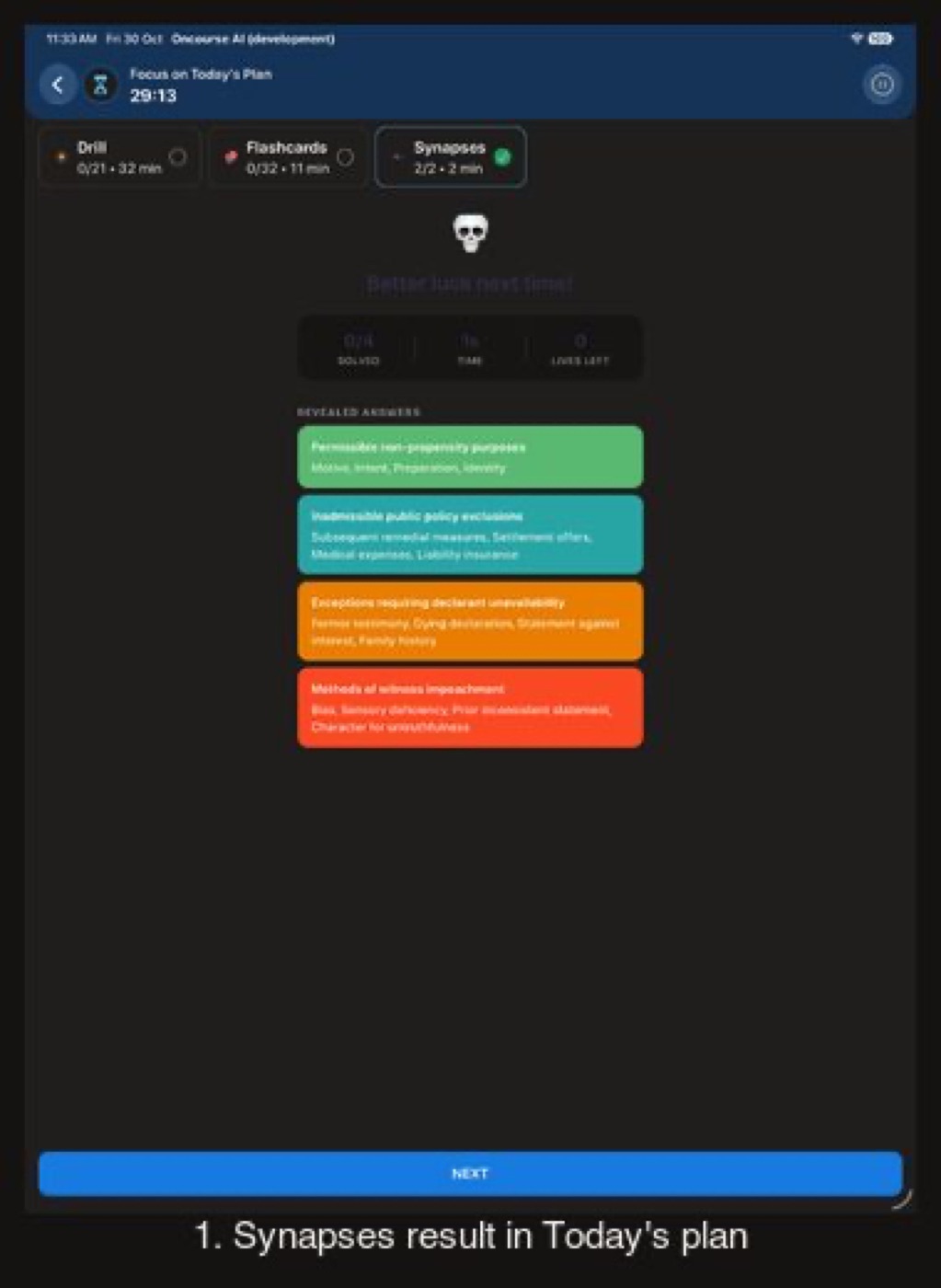
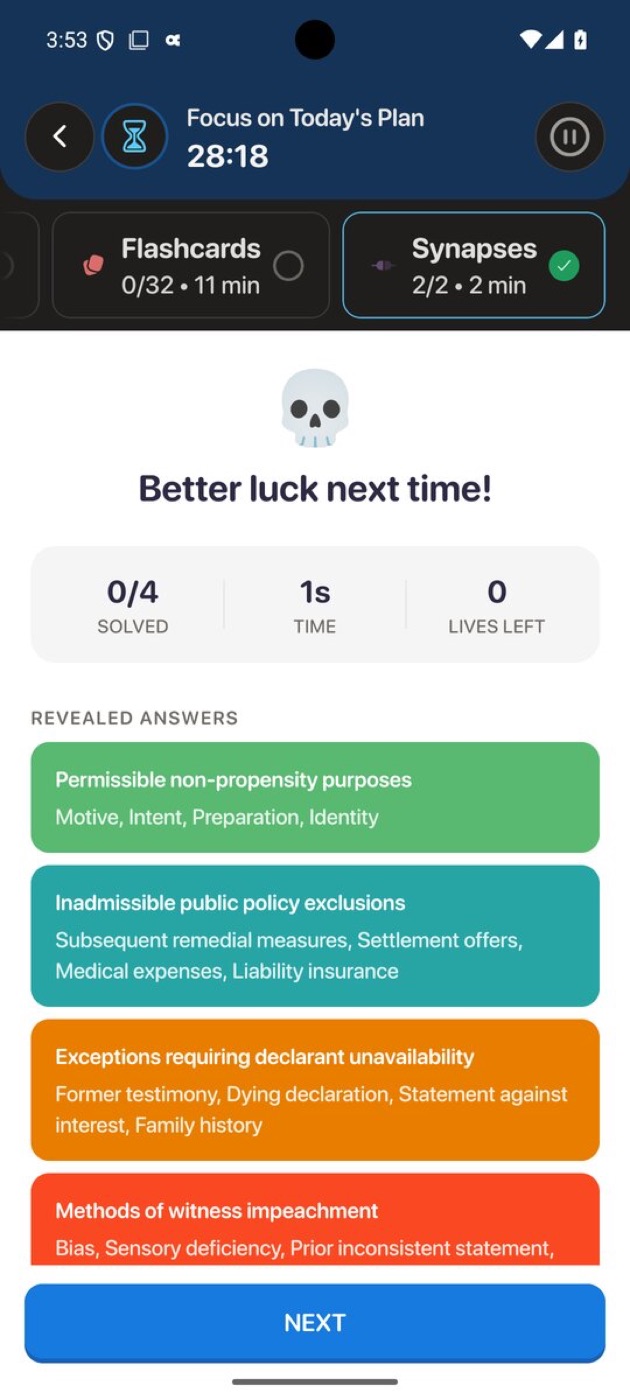
Synapses inside Today's plan
Found while capturing this round. Before is this branch before the fix: the game's title, subtitle, How to play and timer drew in its art ink on the dark page.
Before
After
Before
After
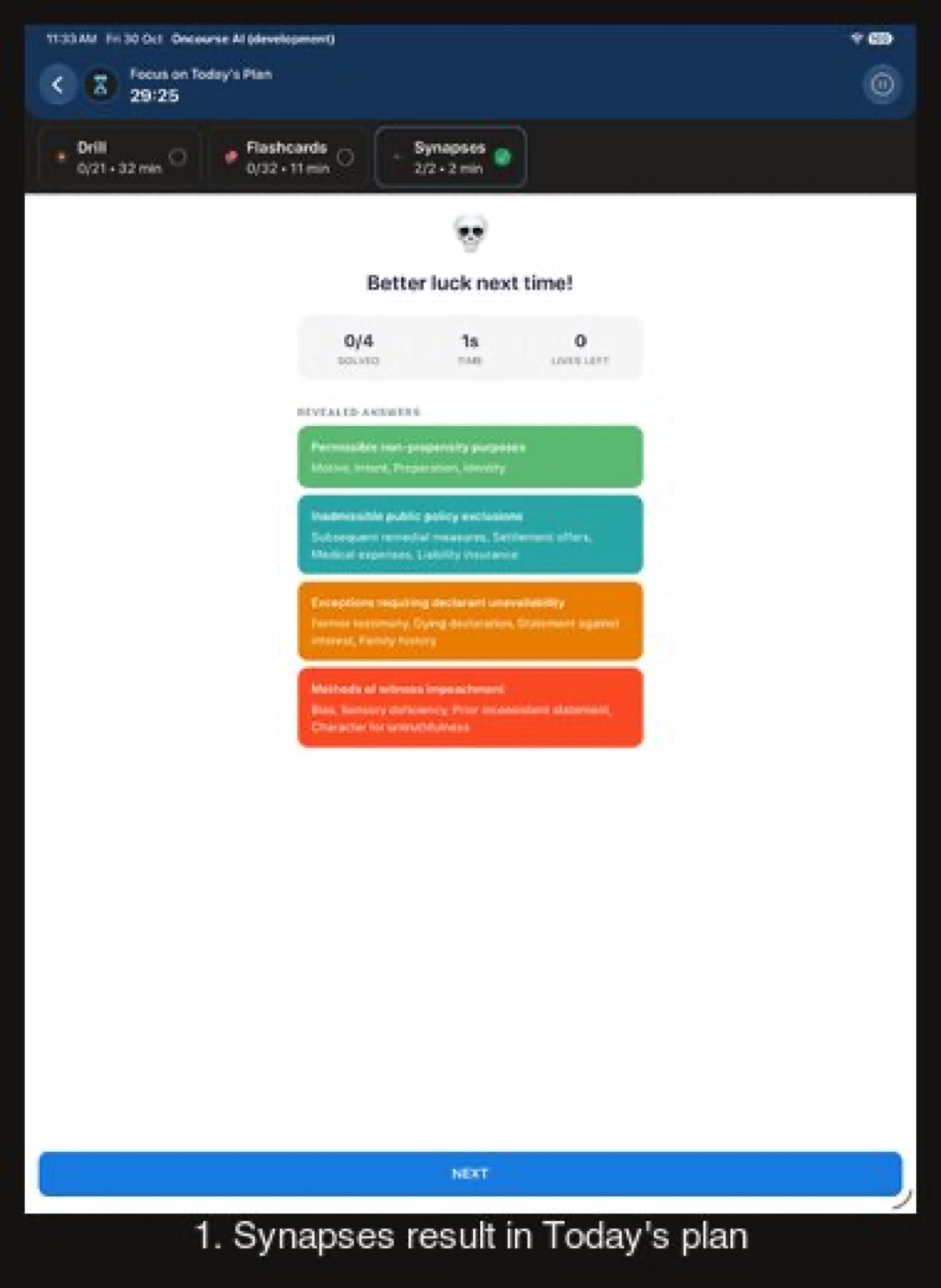
Before
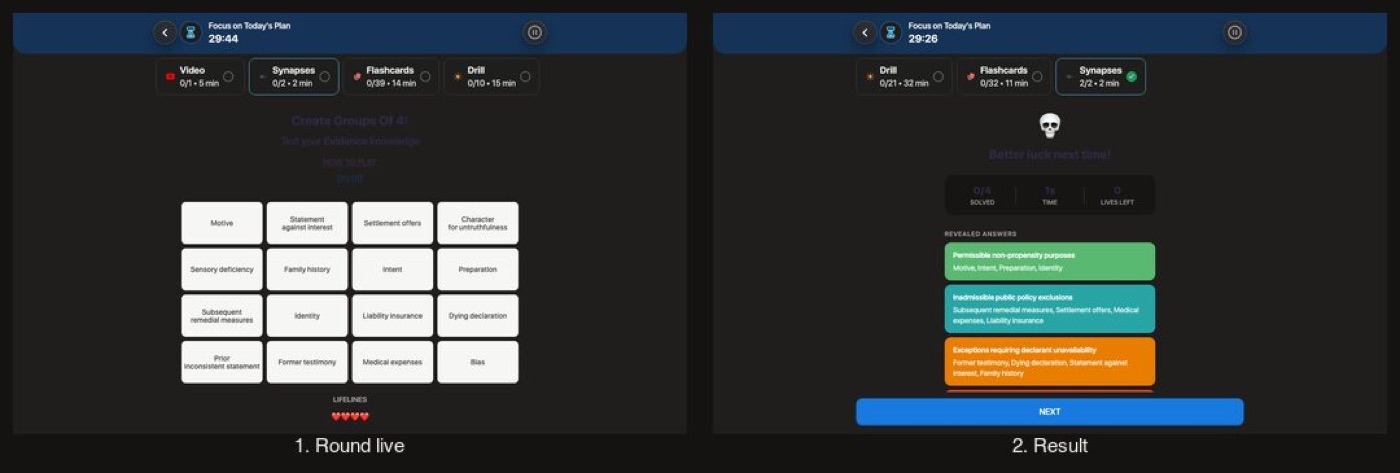
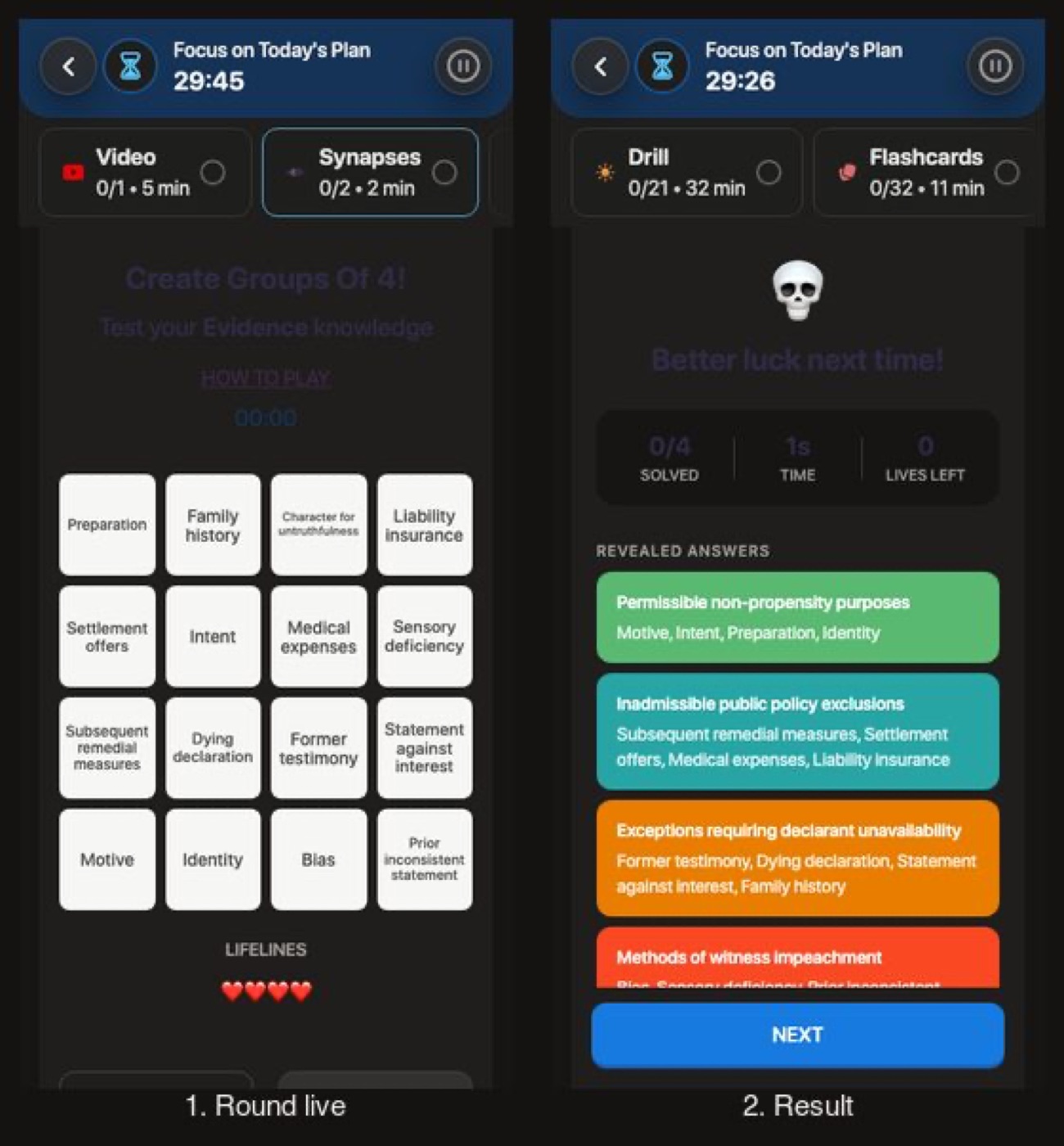
After
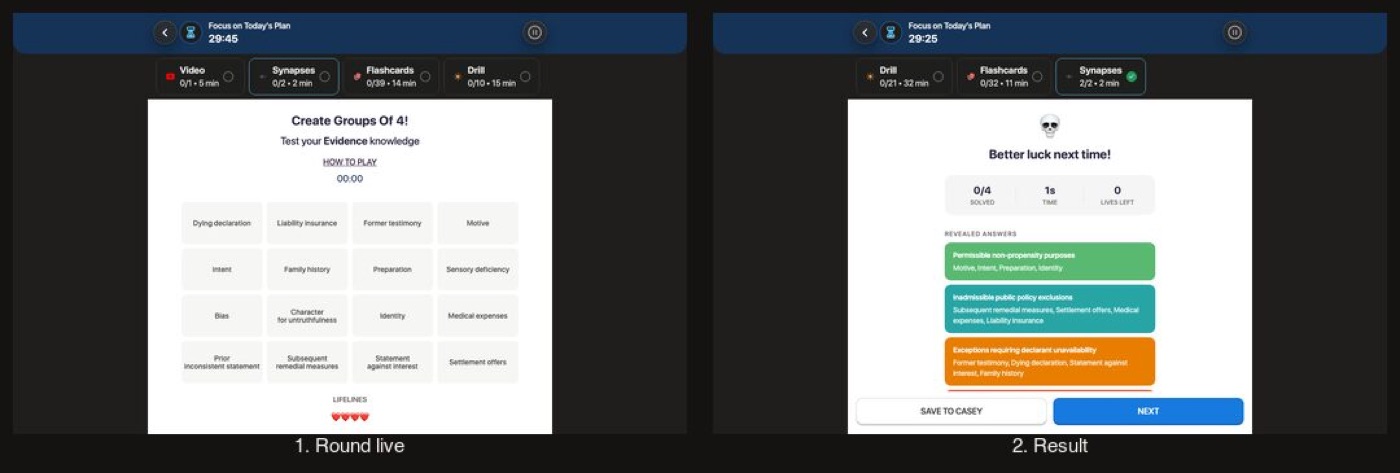
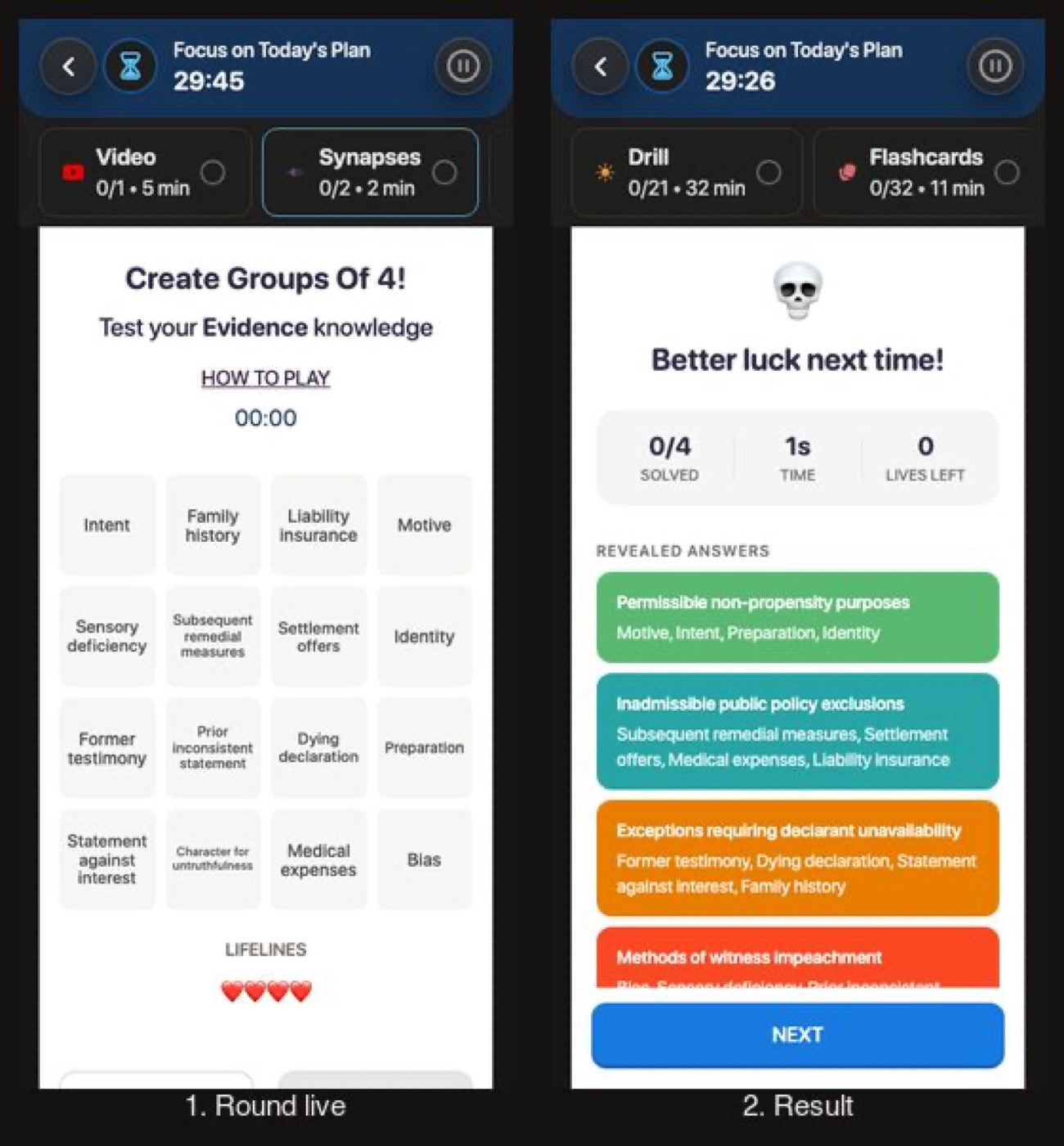
Before
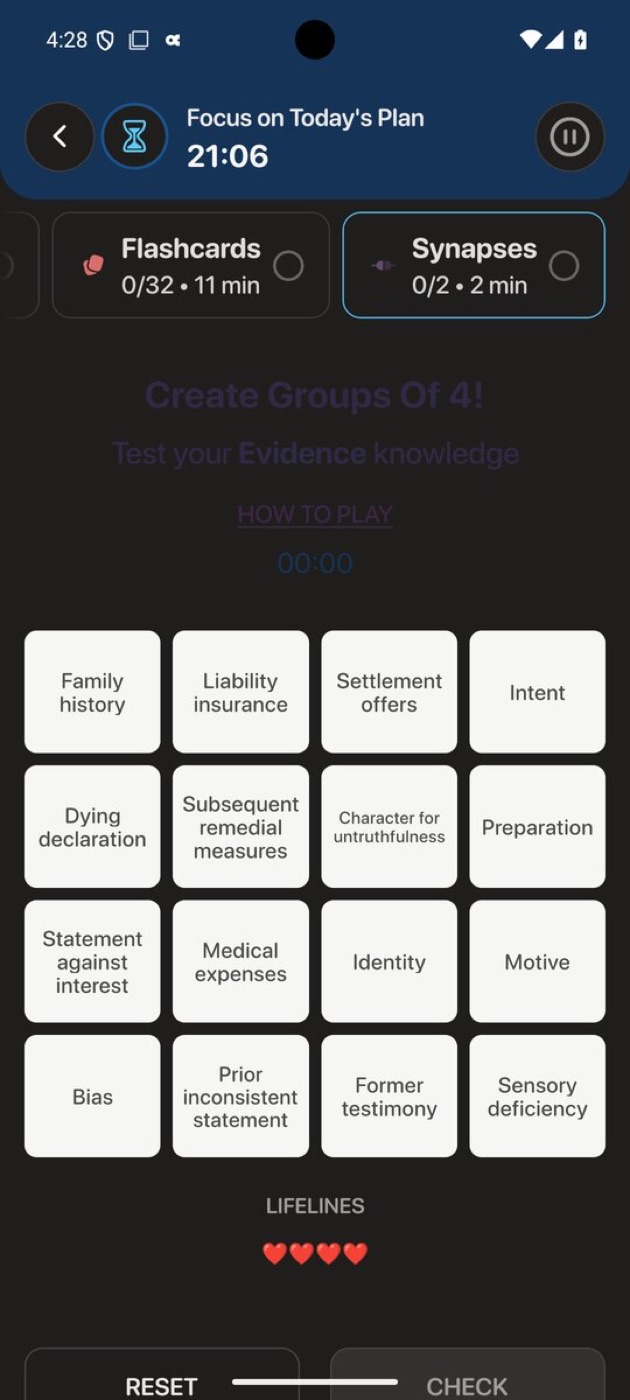
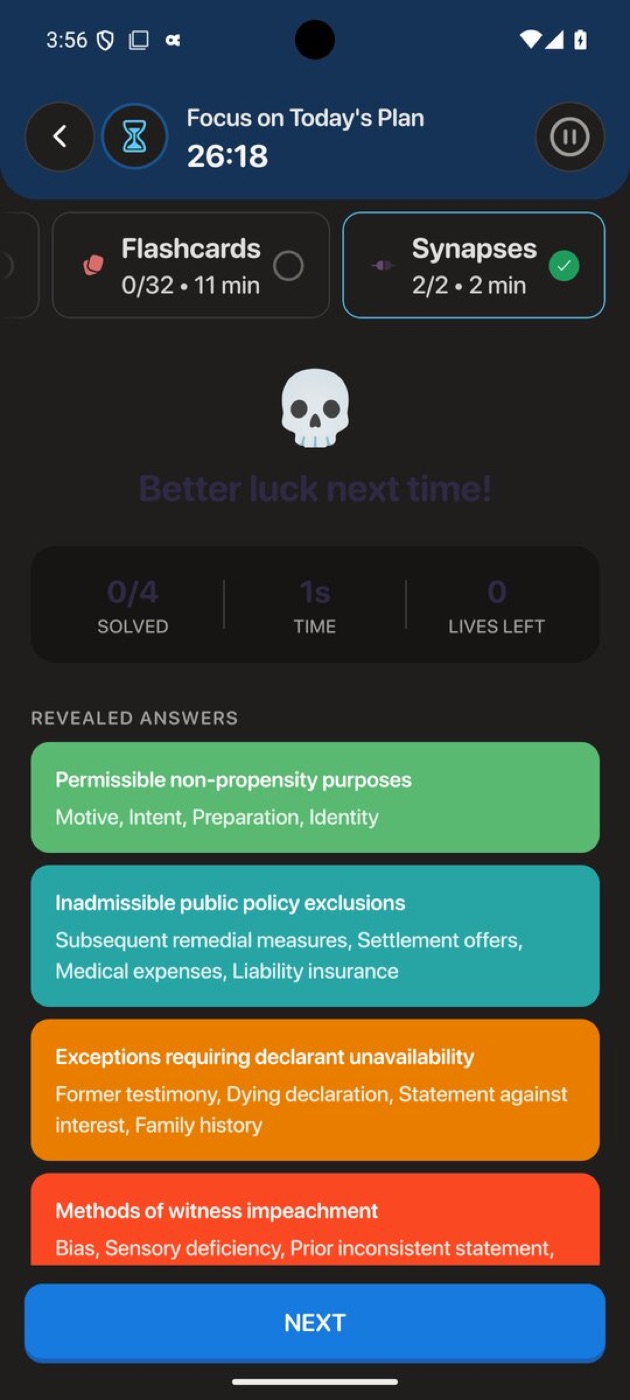
After
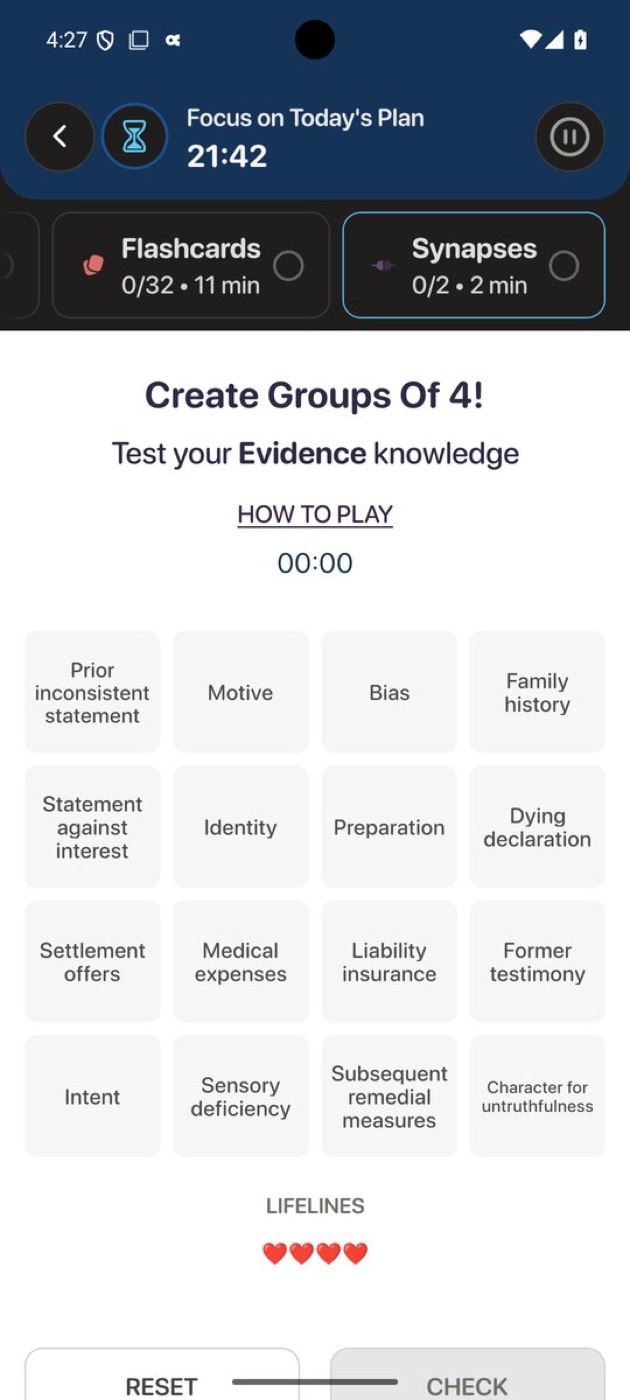
Flow 8
Clinical Rounds Stays light on purpose
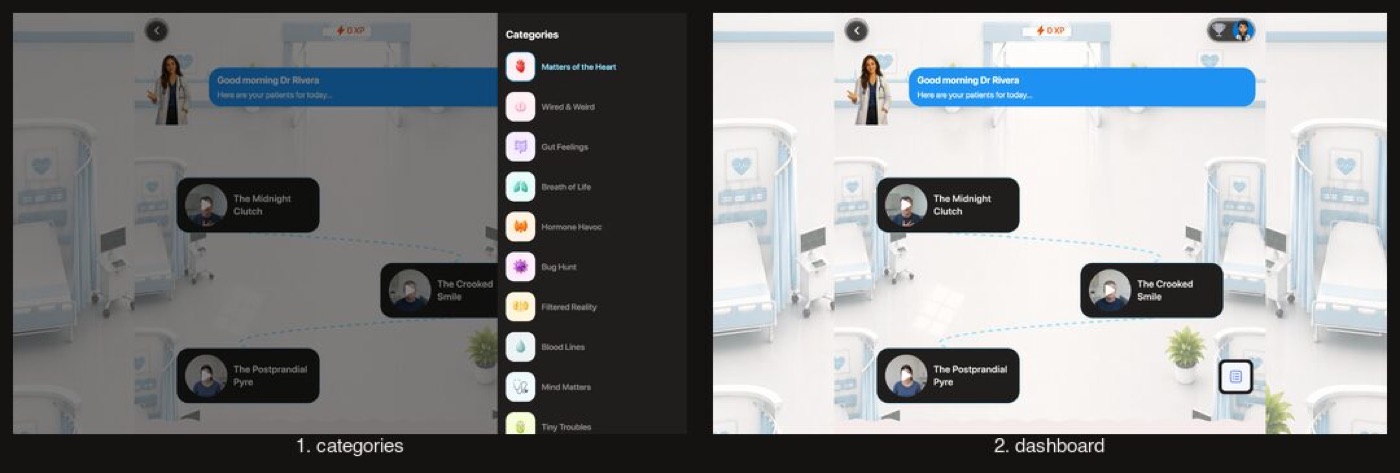
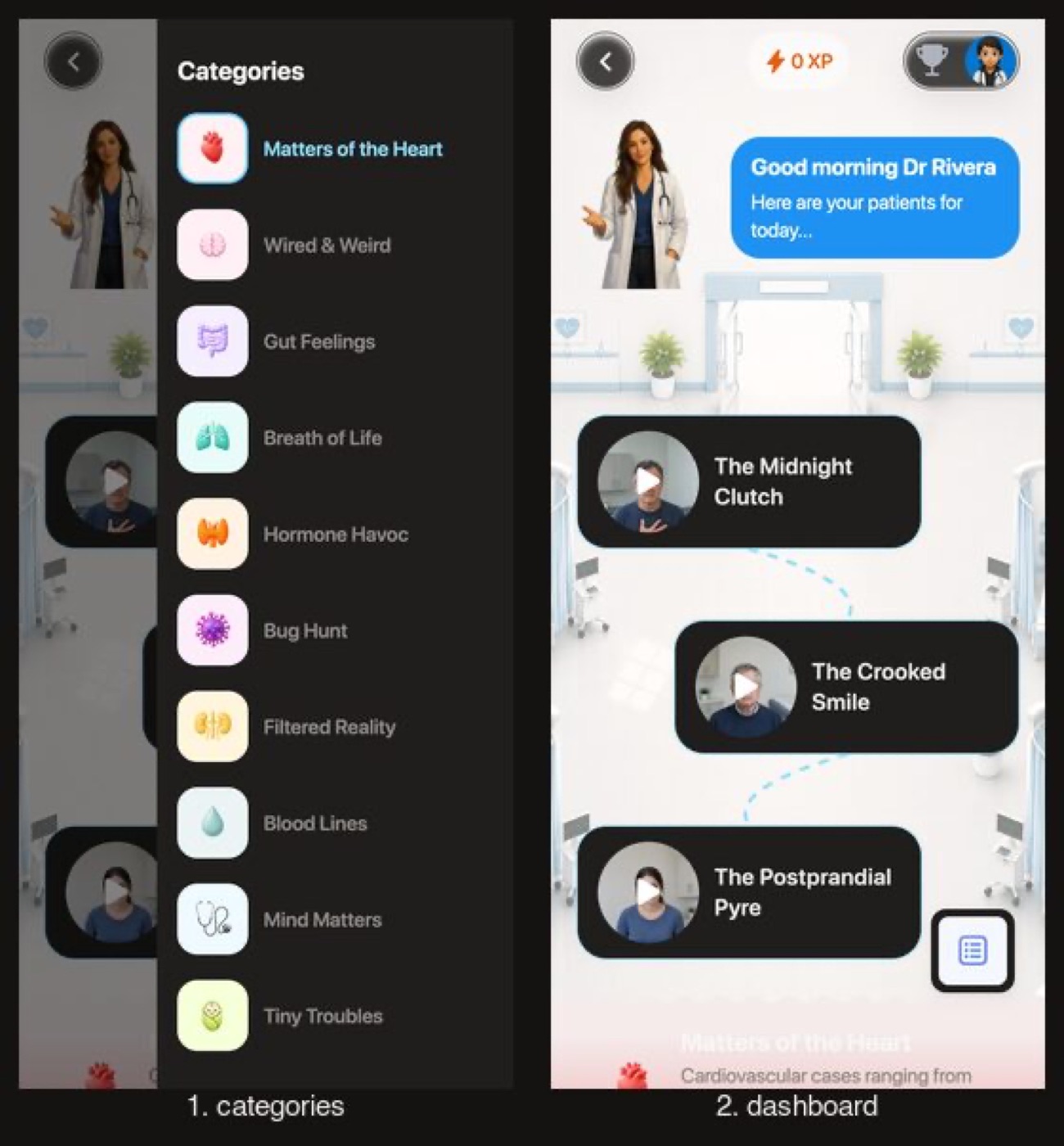
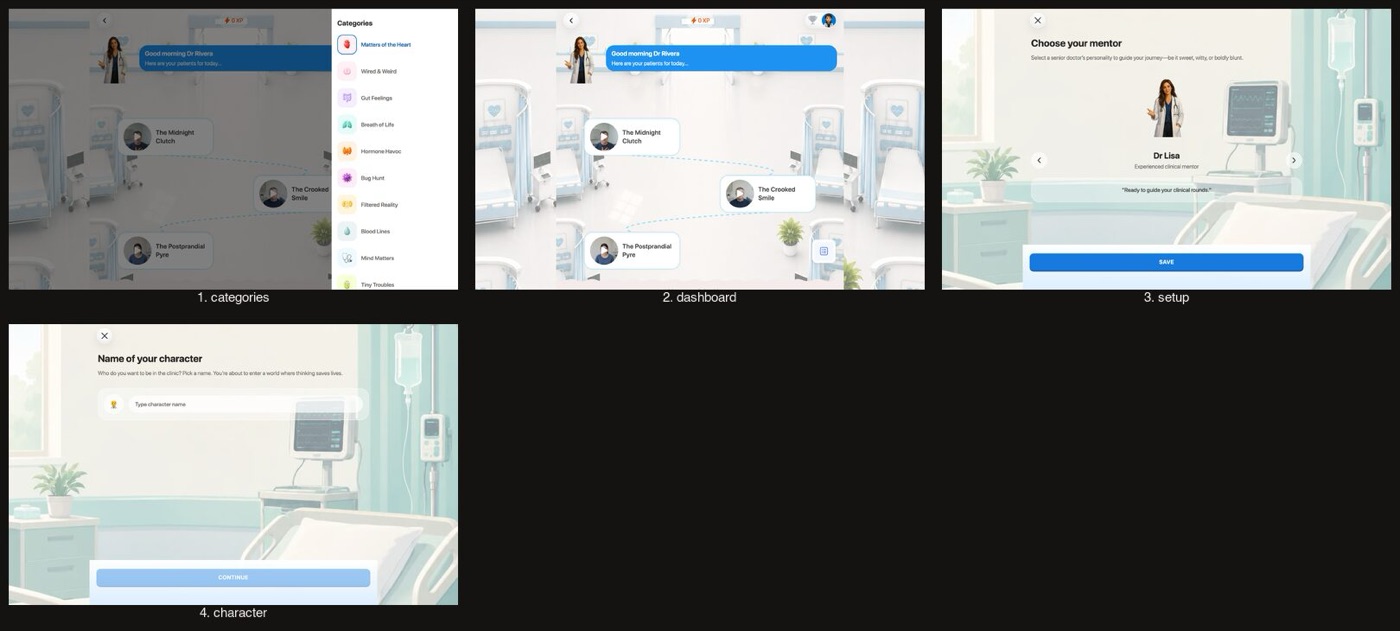
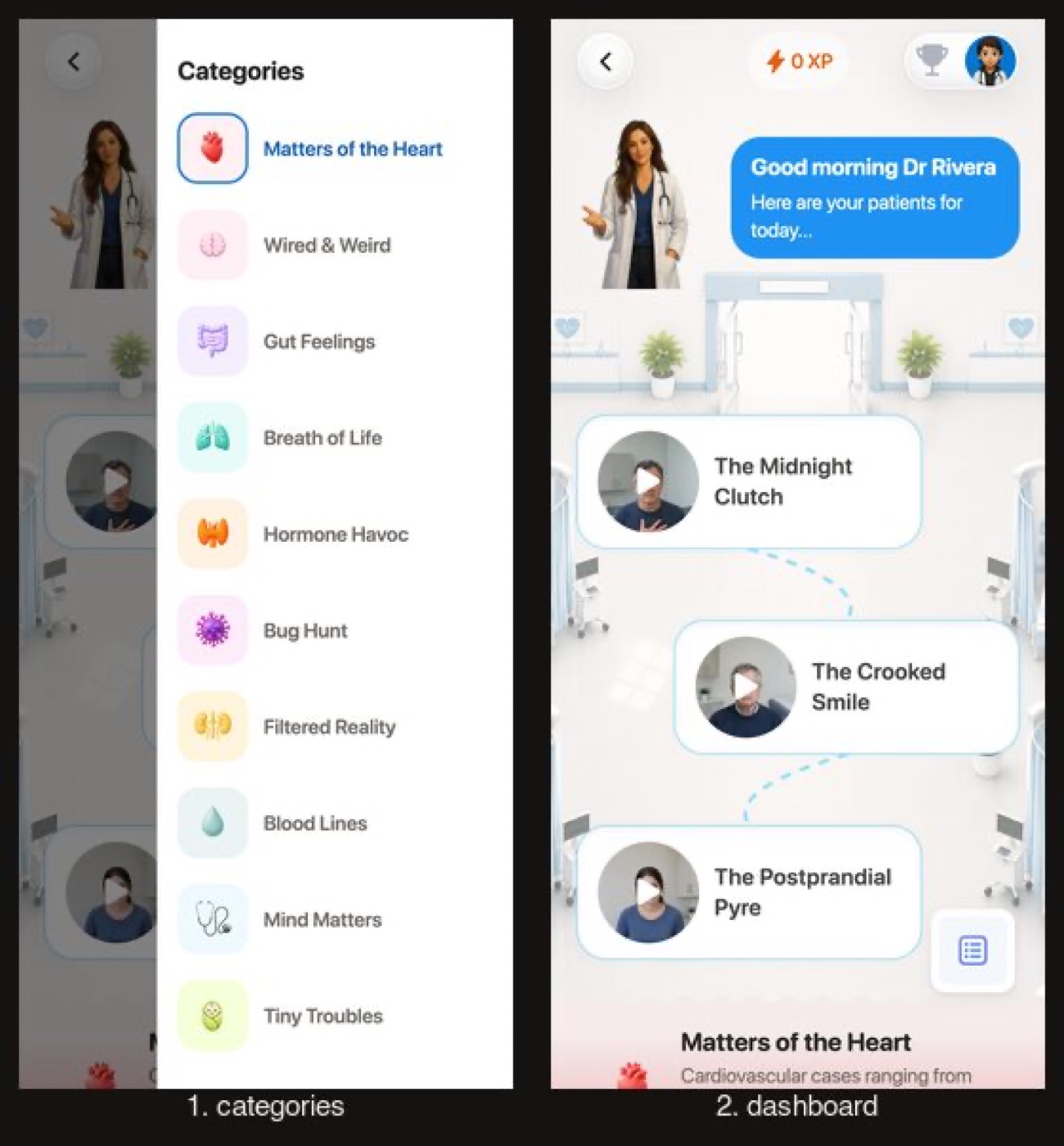
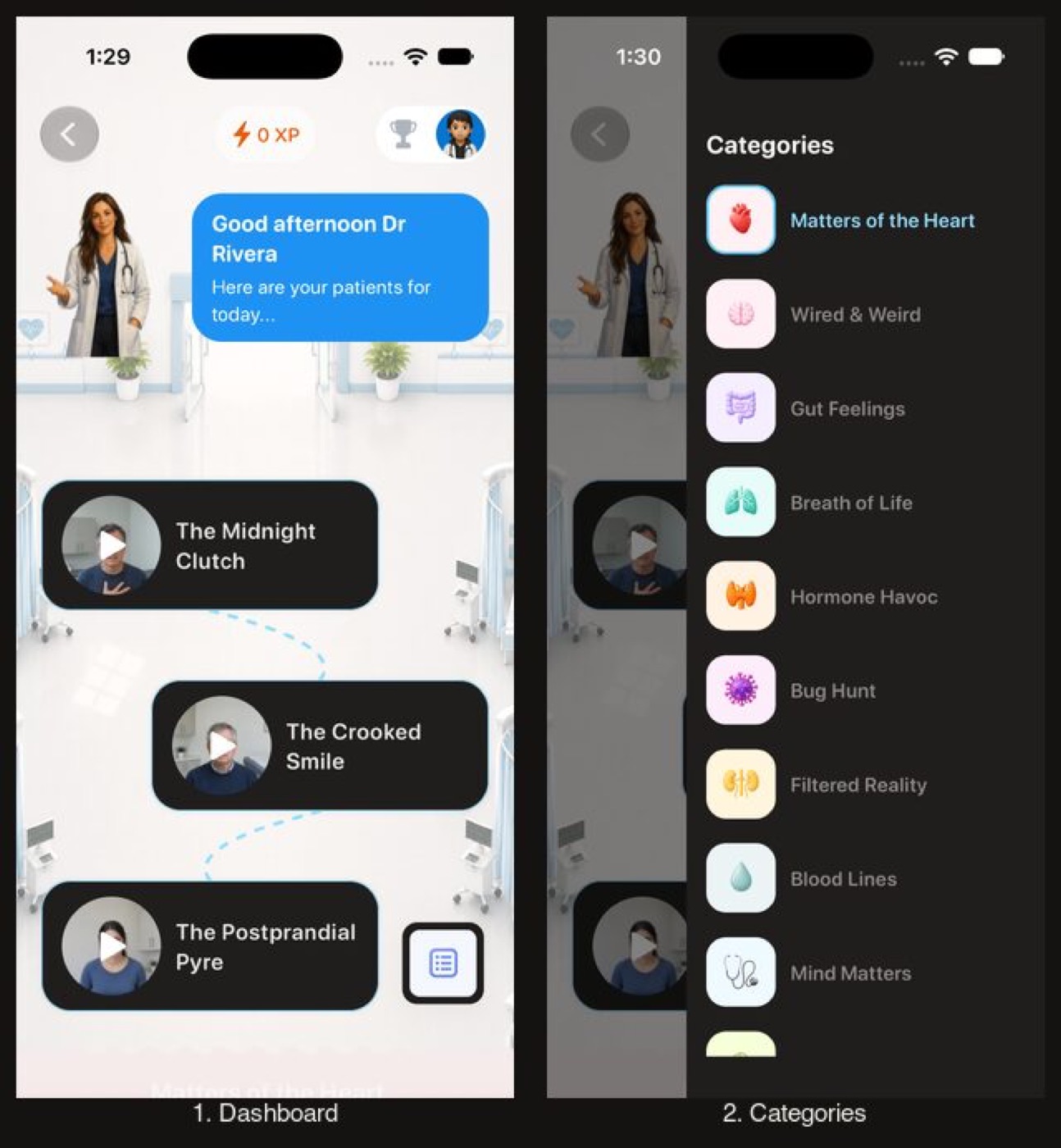
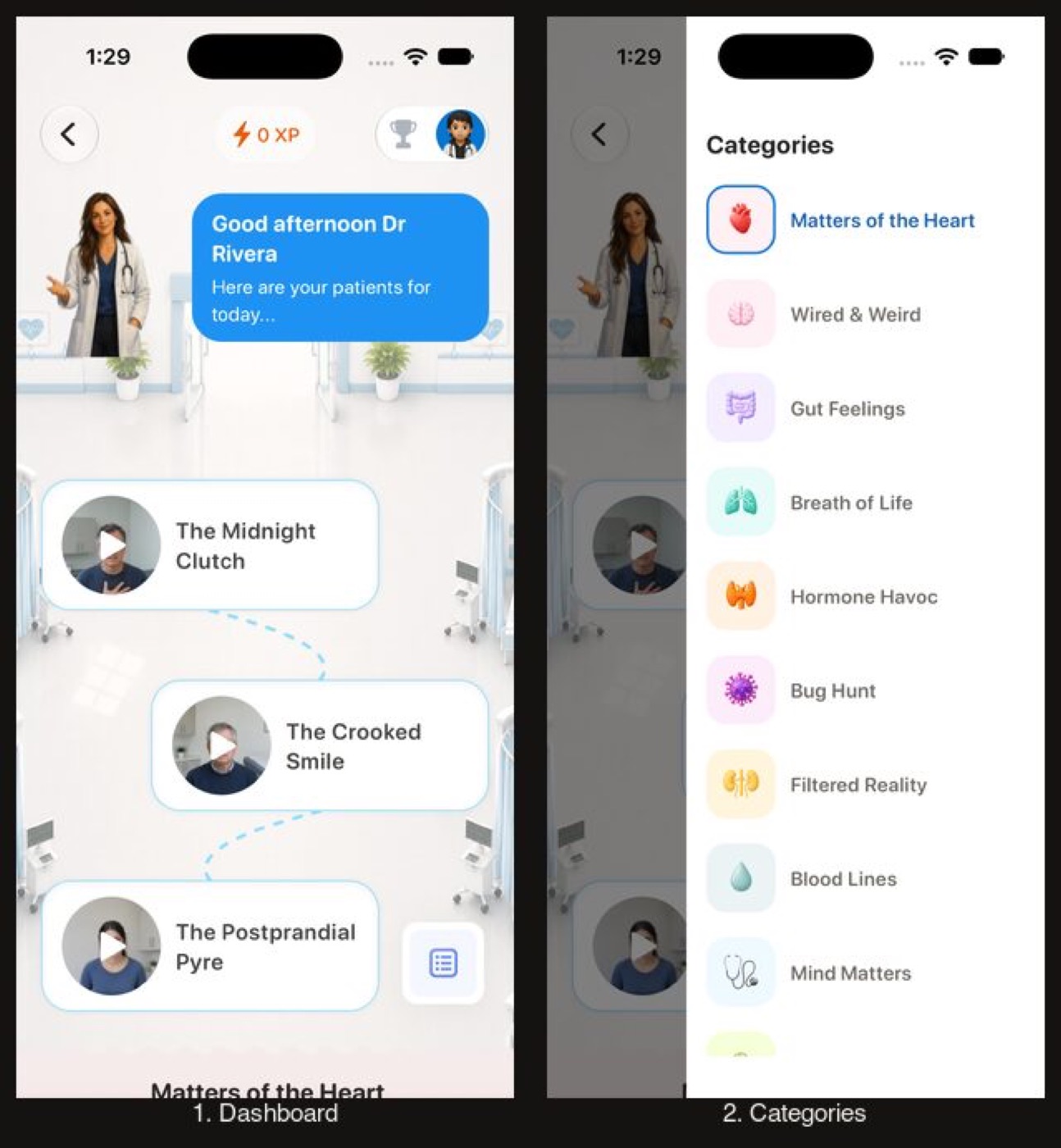
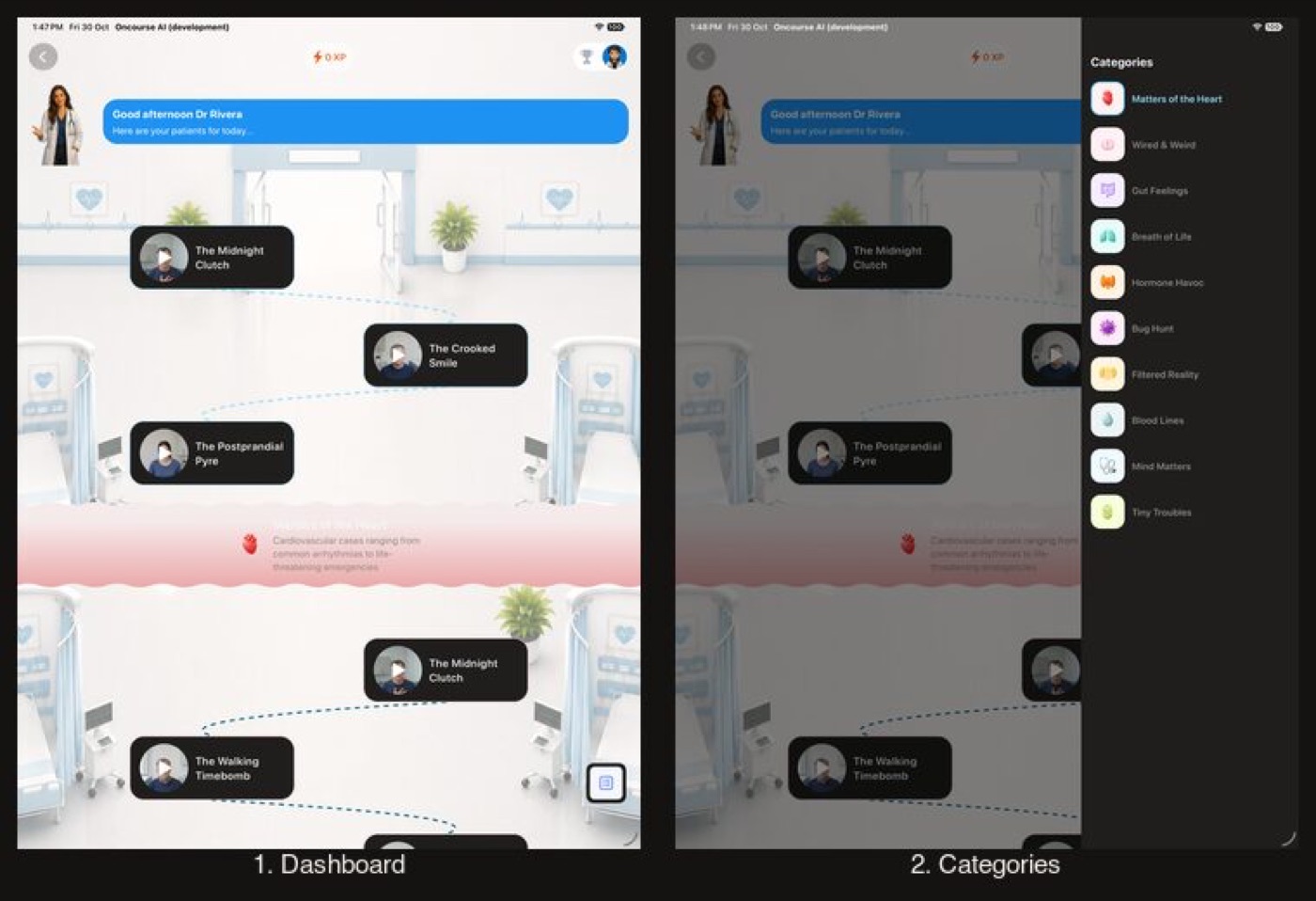
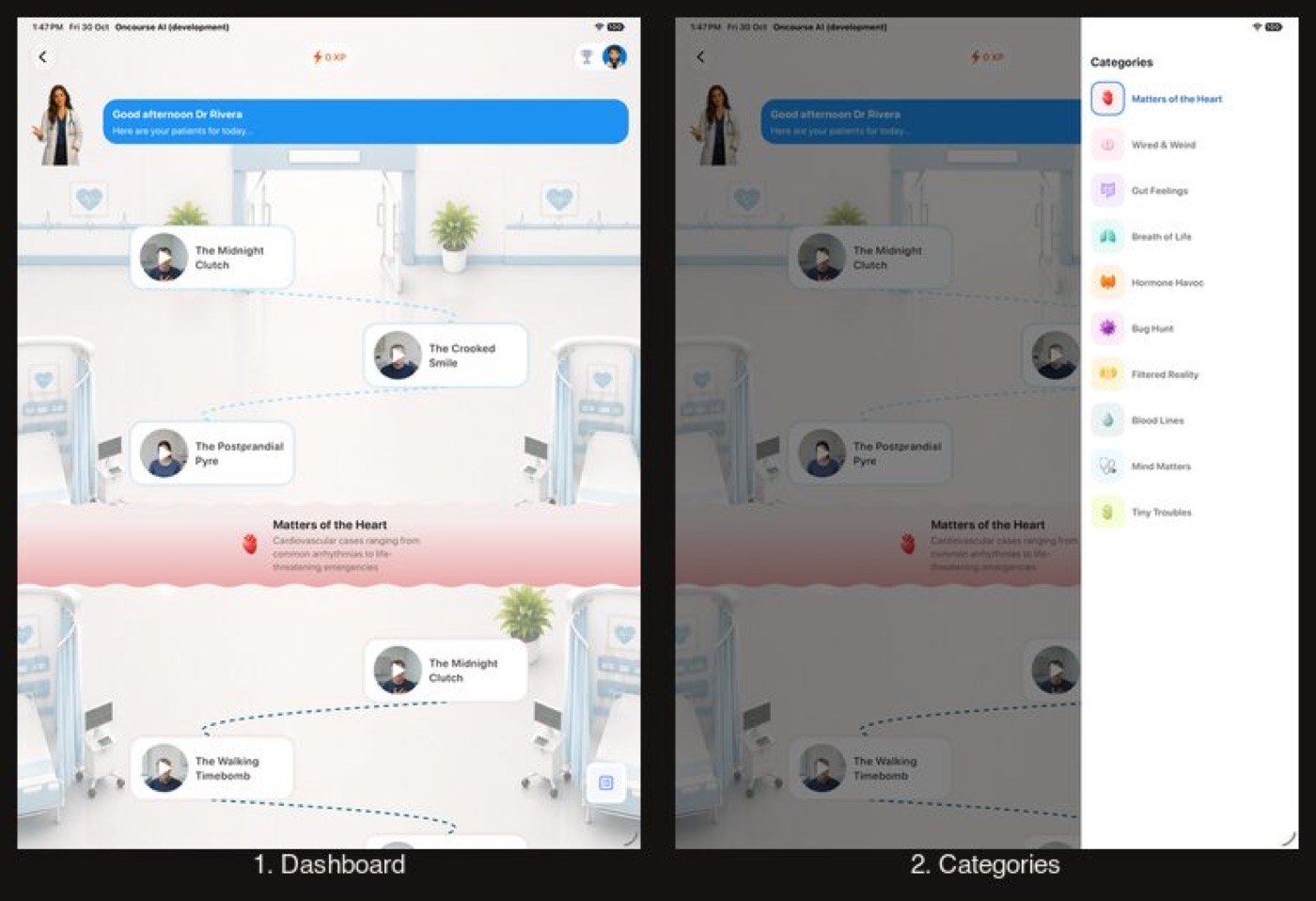
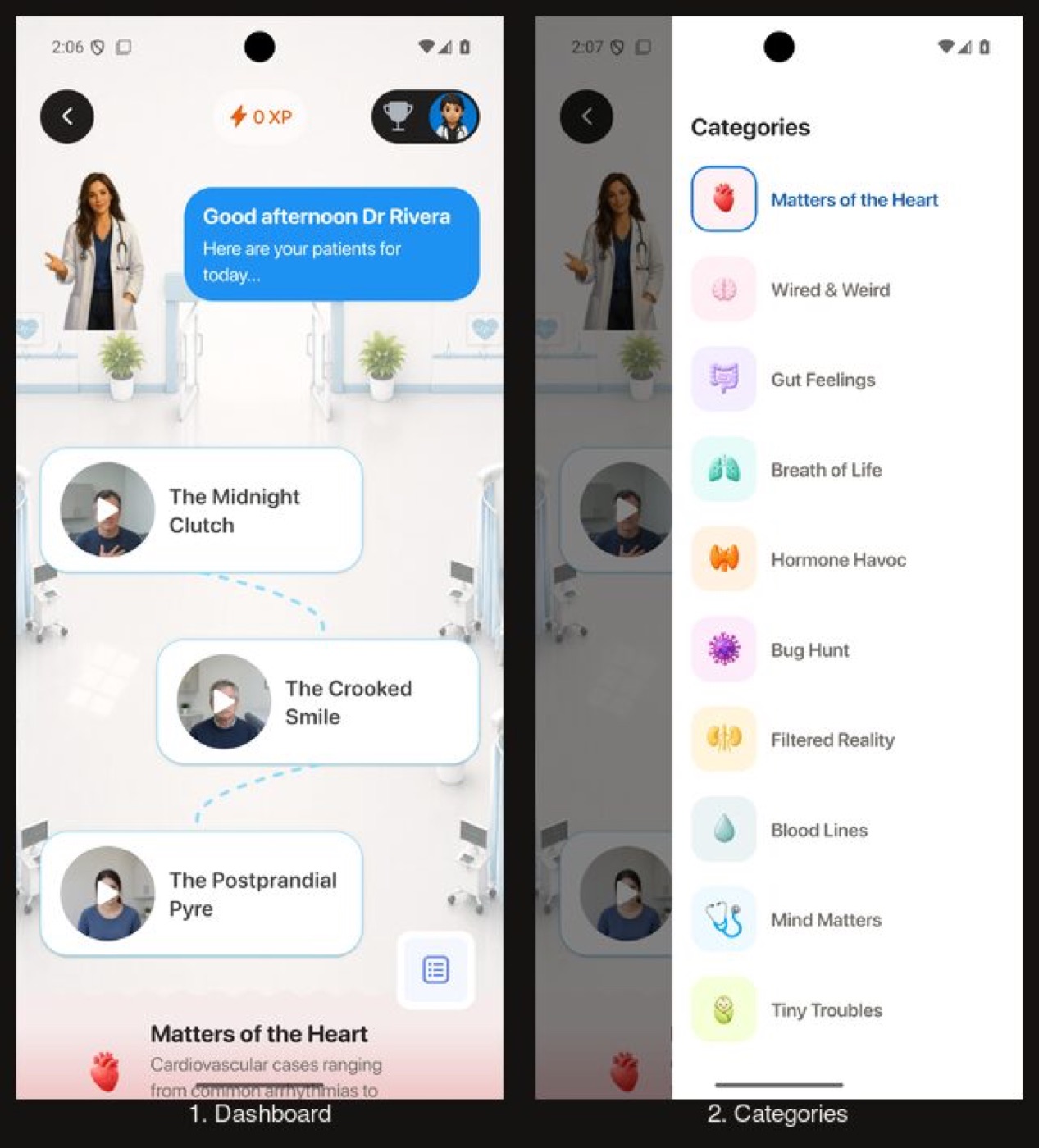
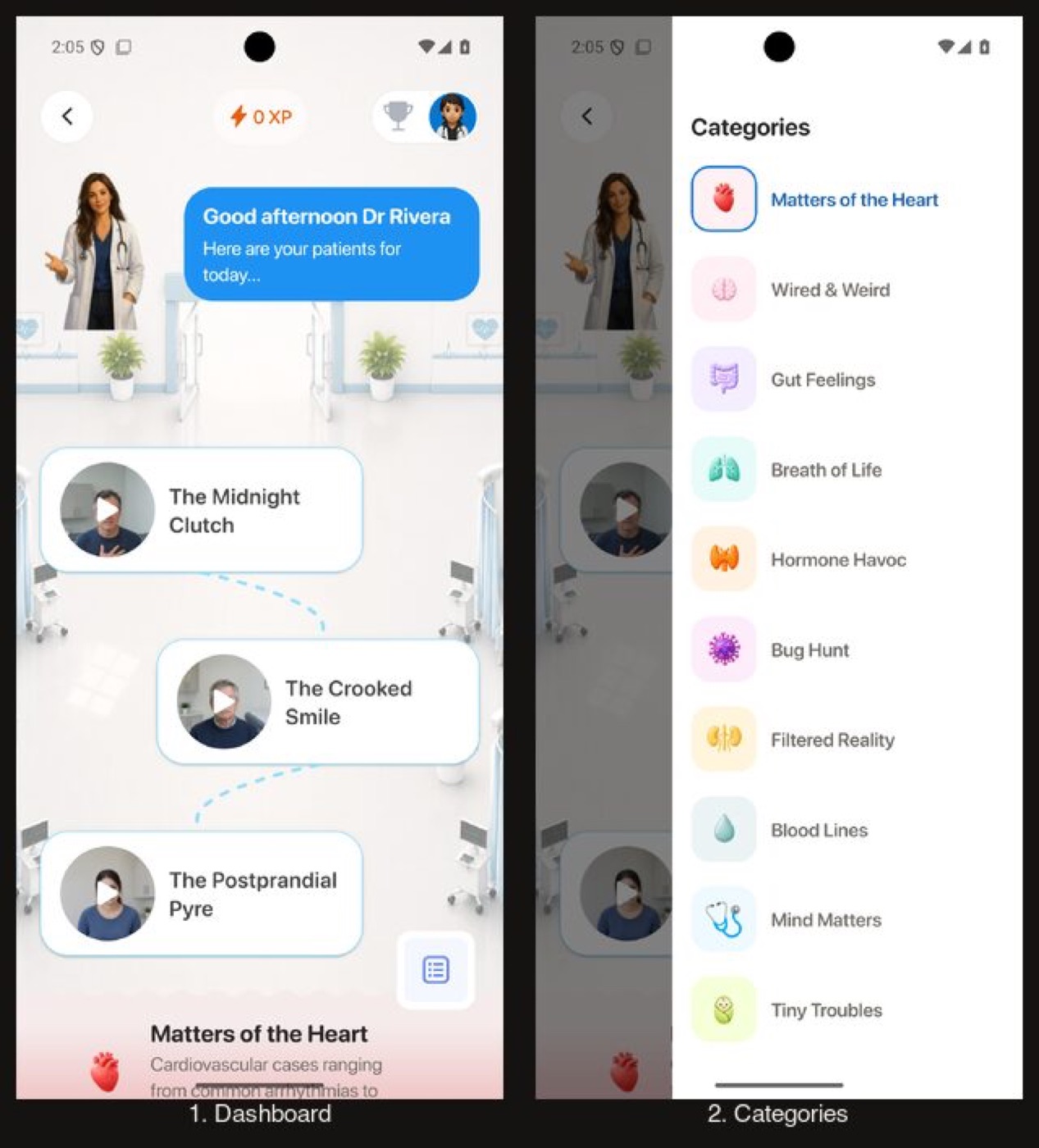
The whole world is pinned light, so its cards and categories sheet no longer turn dark on the light scene.
Clinical Rounds: the dashboard and its categories
Before drew dark cards and a dark categories sheet on the light scene (iPhone, iPad, web), and dark header controls over it on Android. After pins the world light (category labels 5.1:1).
Before
After
Before
After
Before
After
Before
After
Flow 9
Paywall and Settings
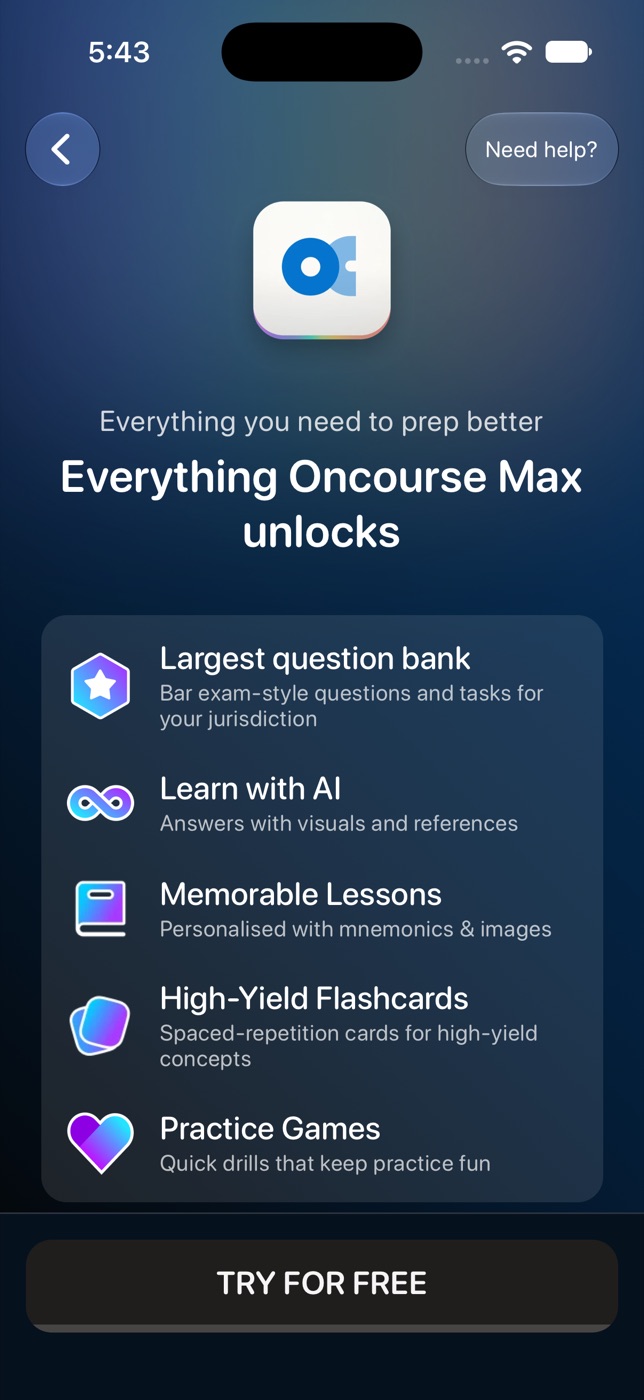
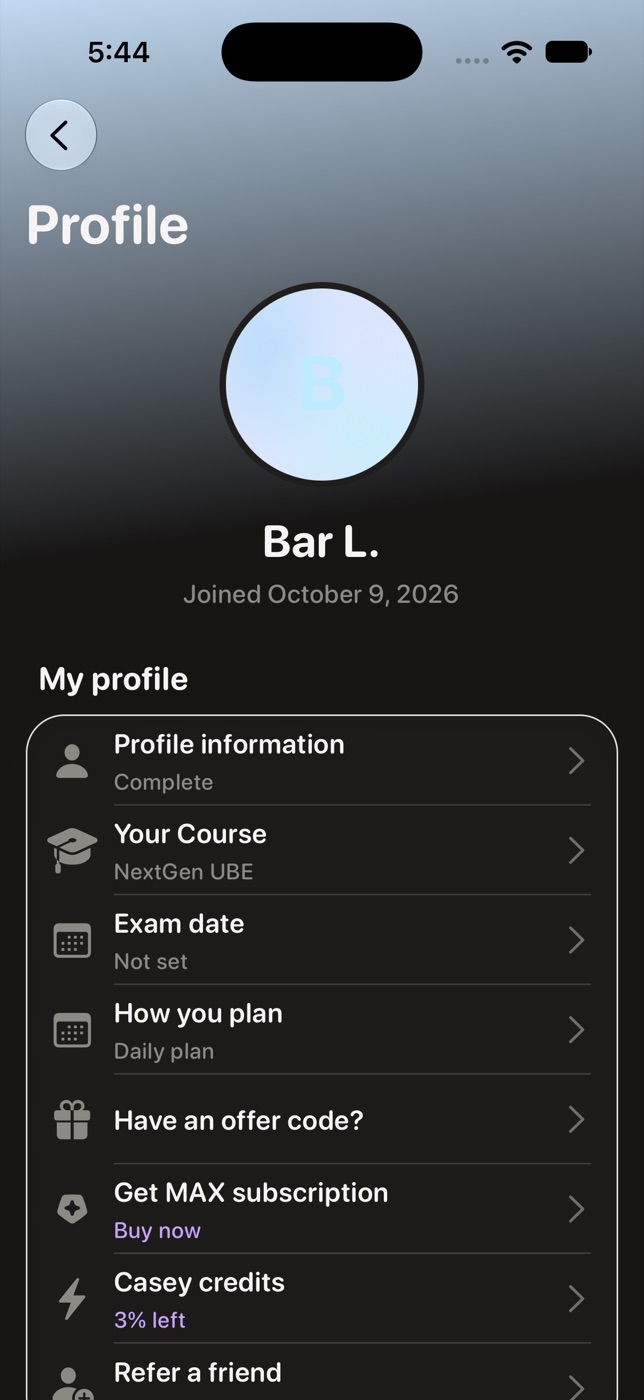
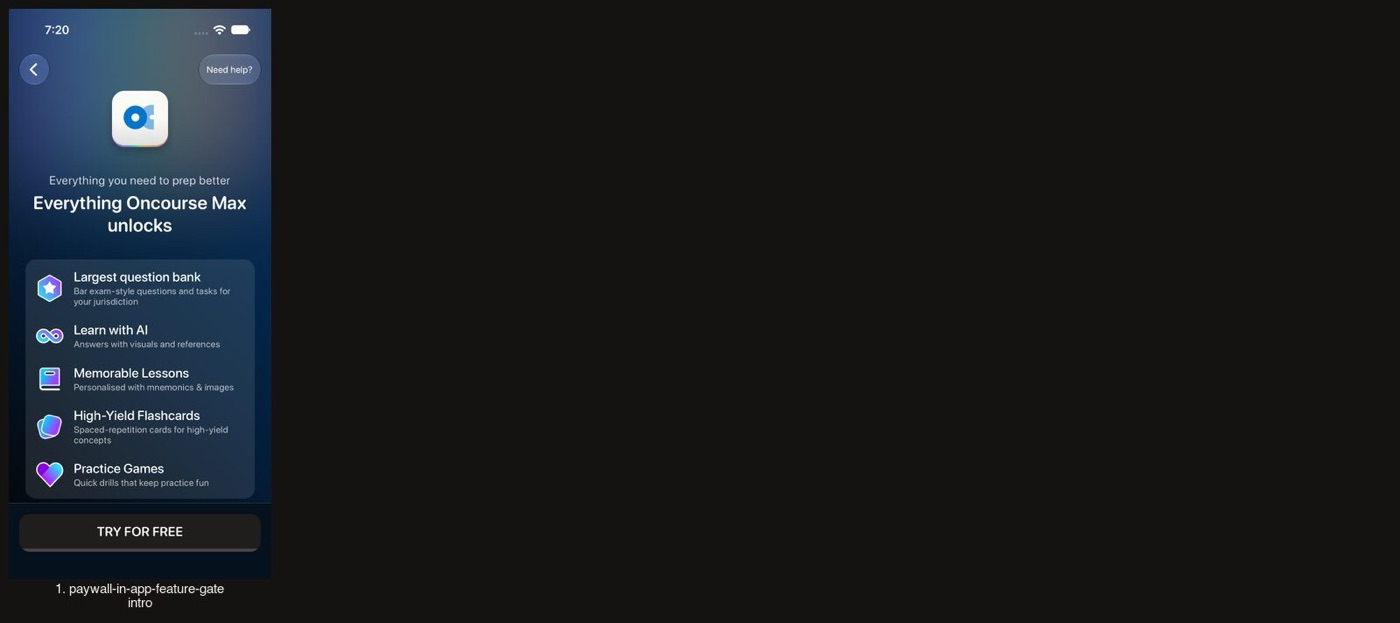
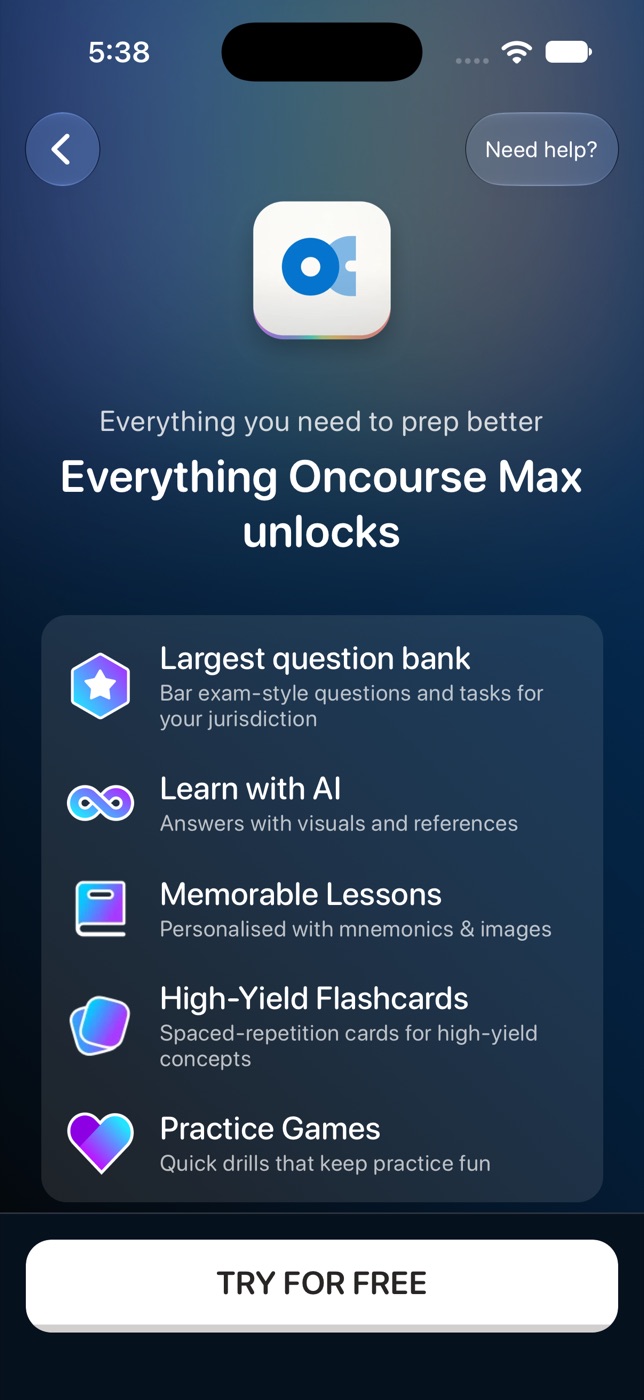
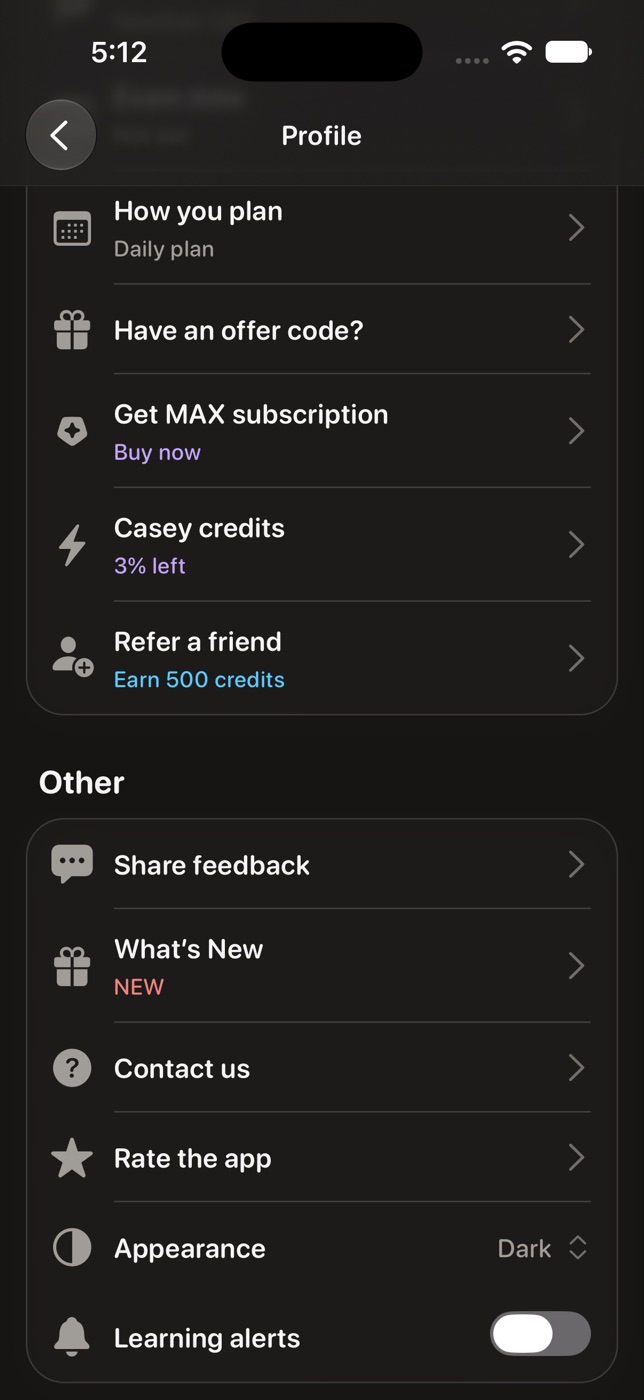
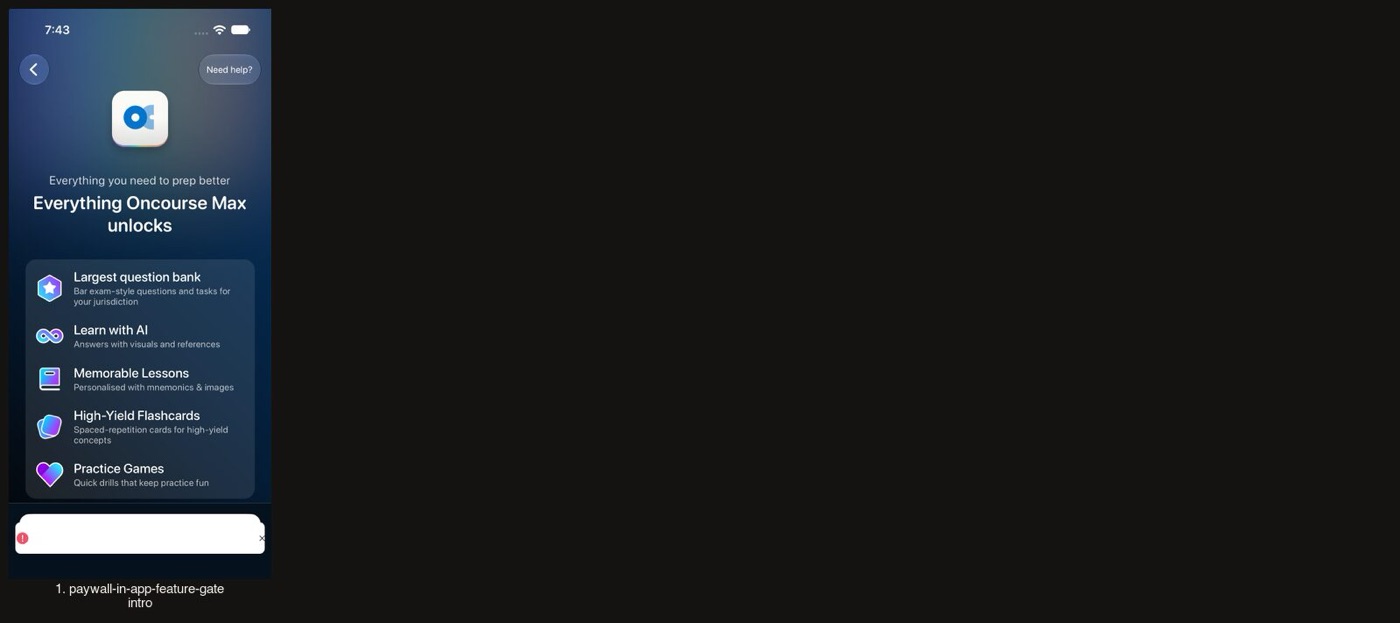
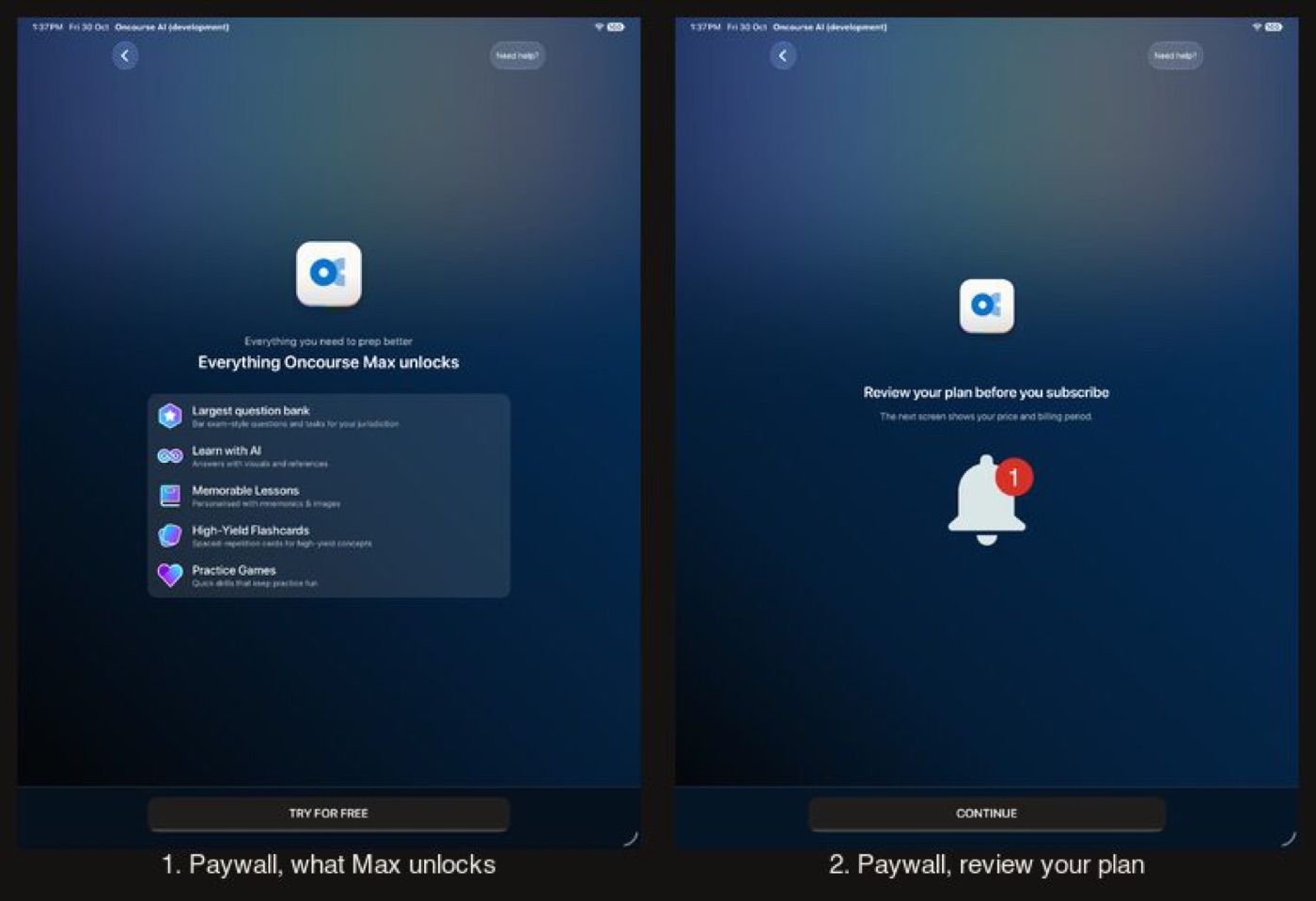
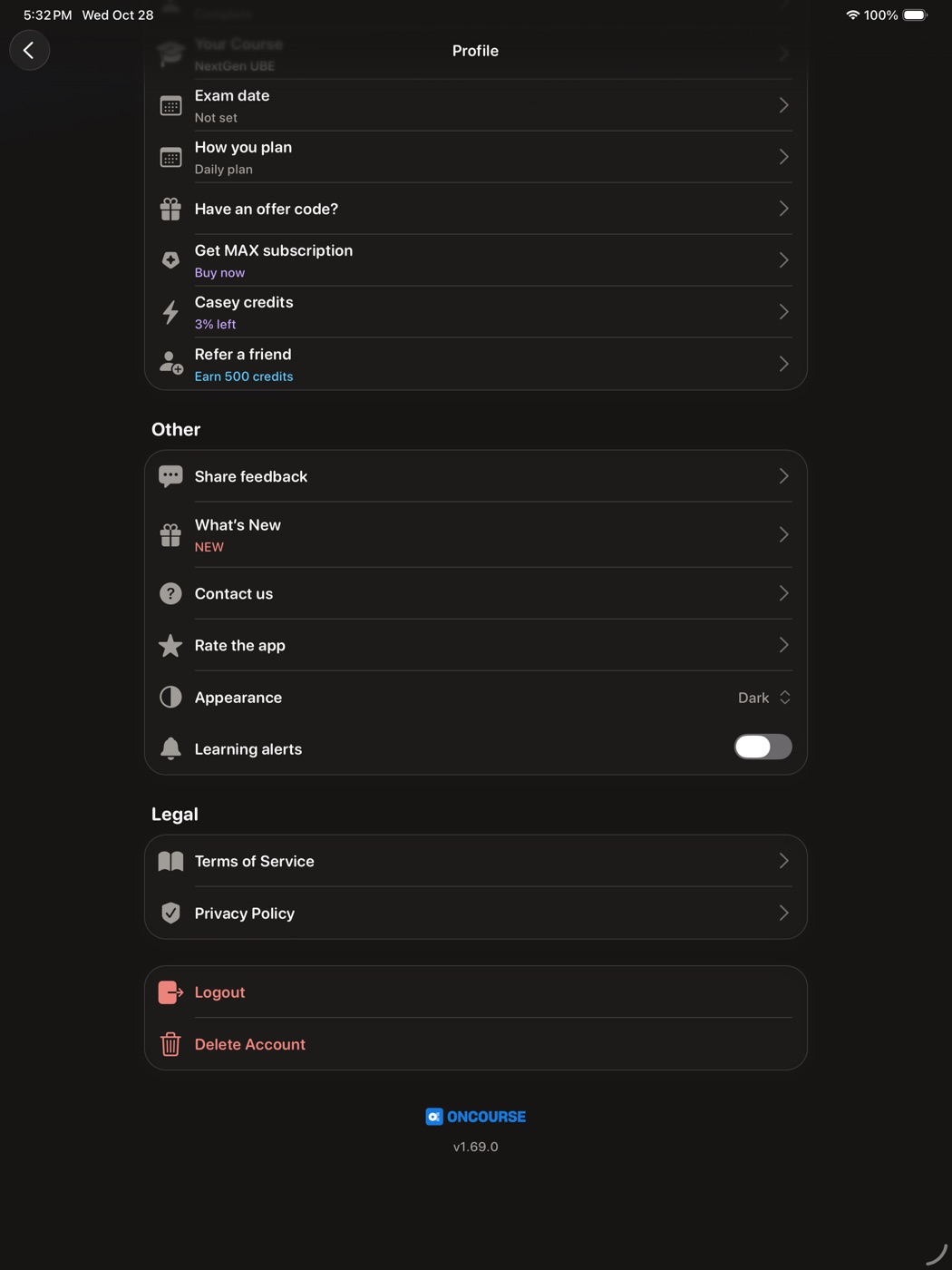
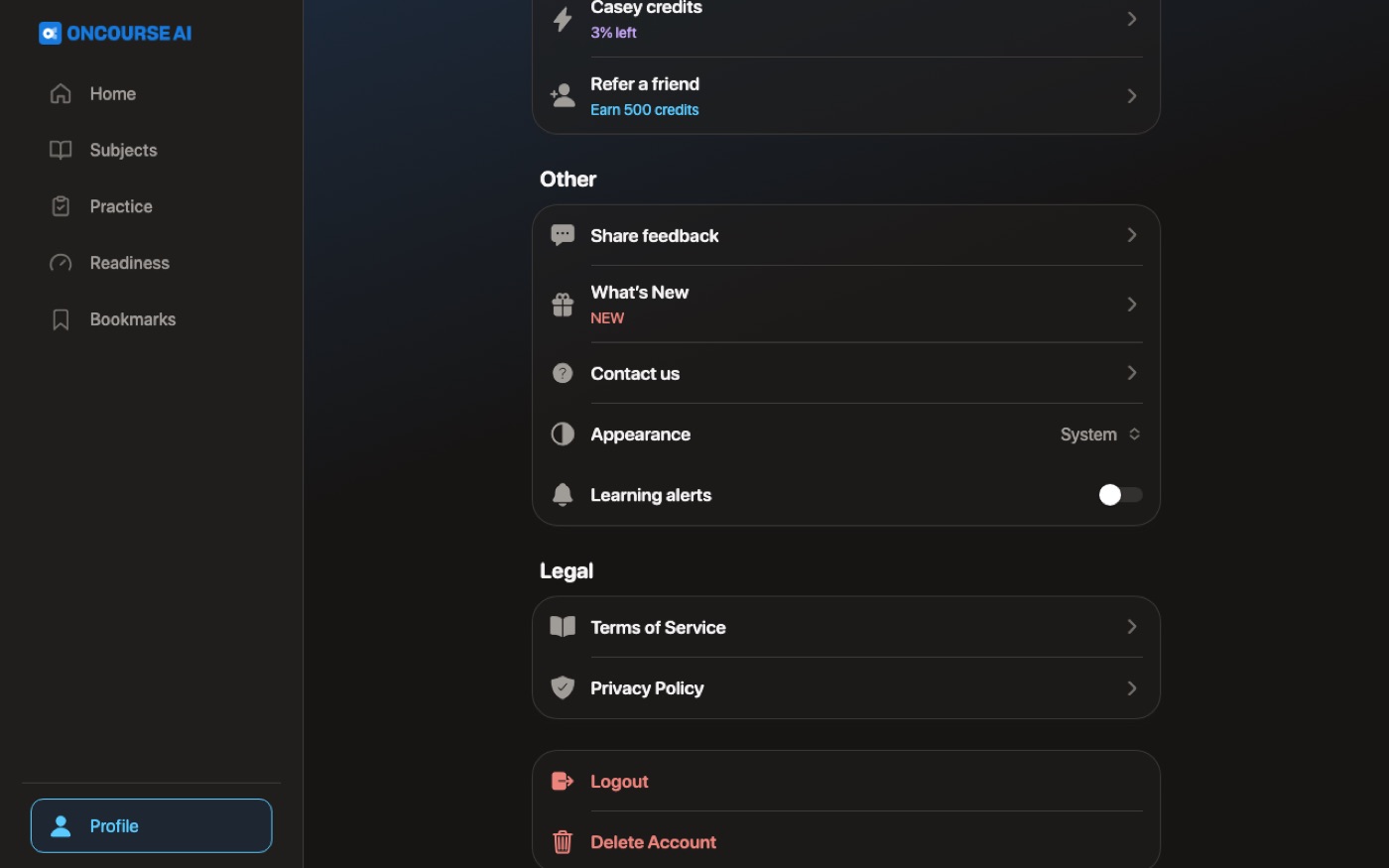
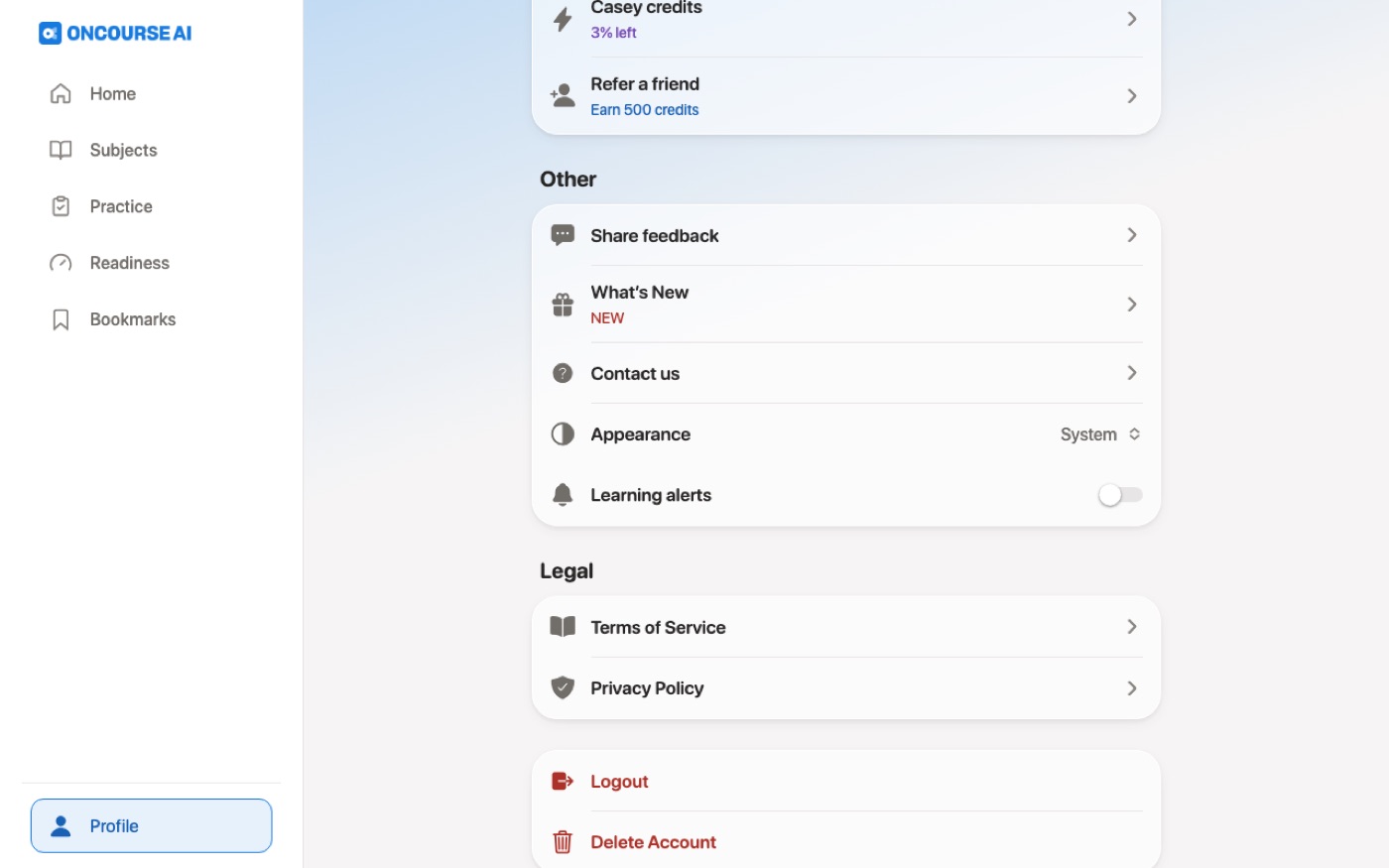
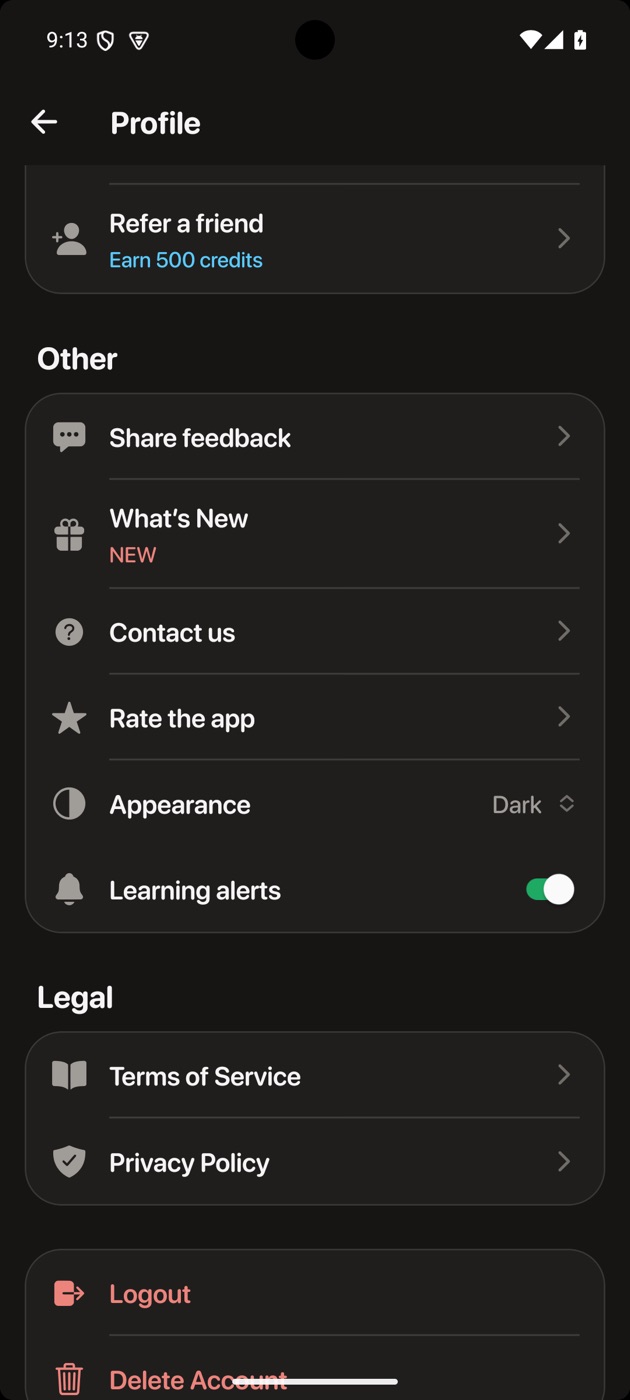
The paywall and Settings go dark, and Settings gains the Appearance row.
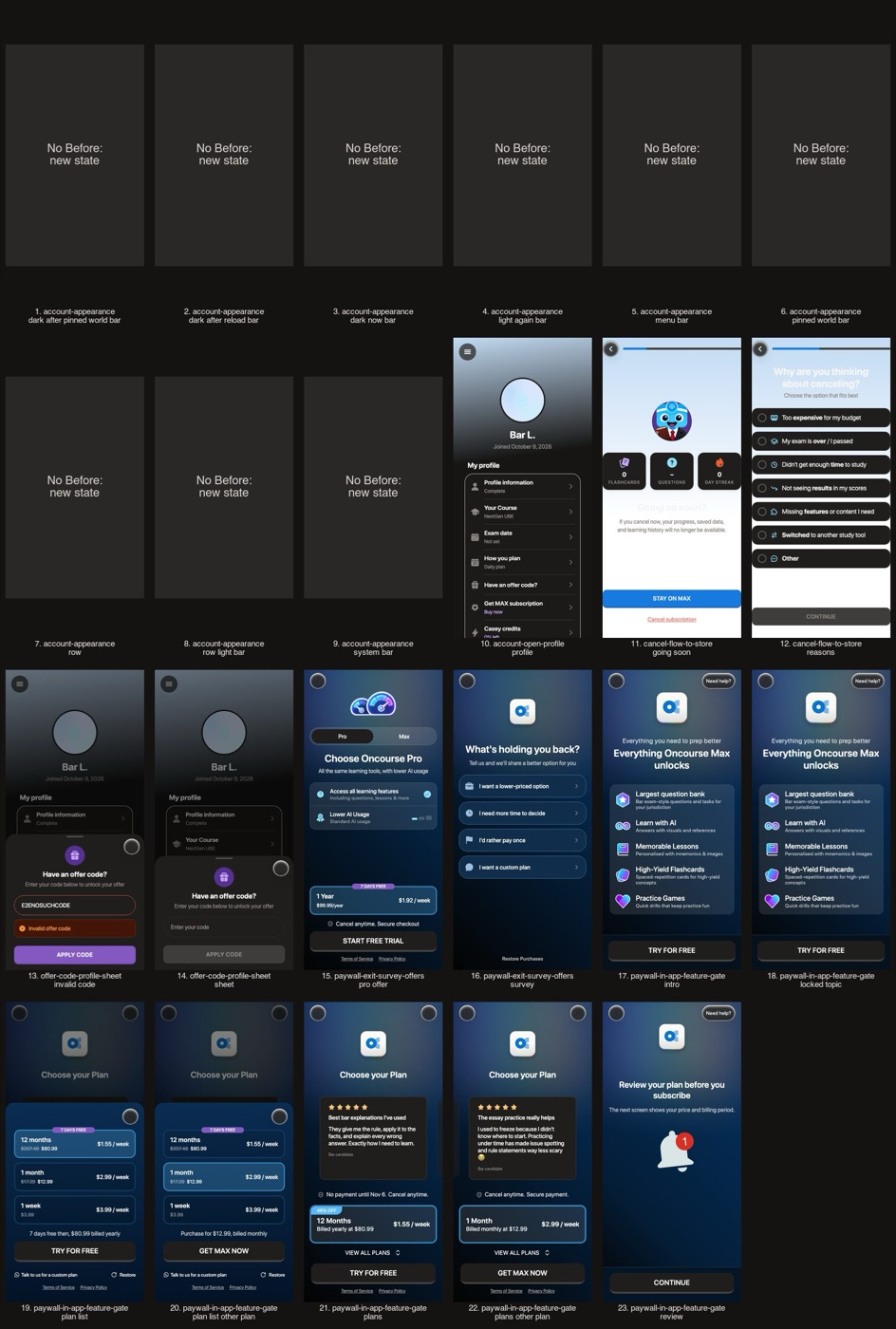
The paywall and Settings, with the new Appearance row
Before
After
Before
After
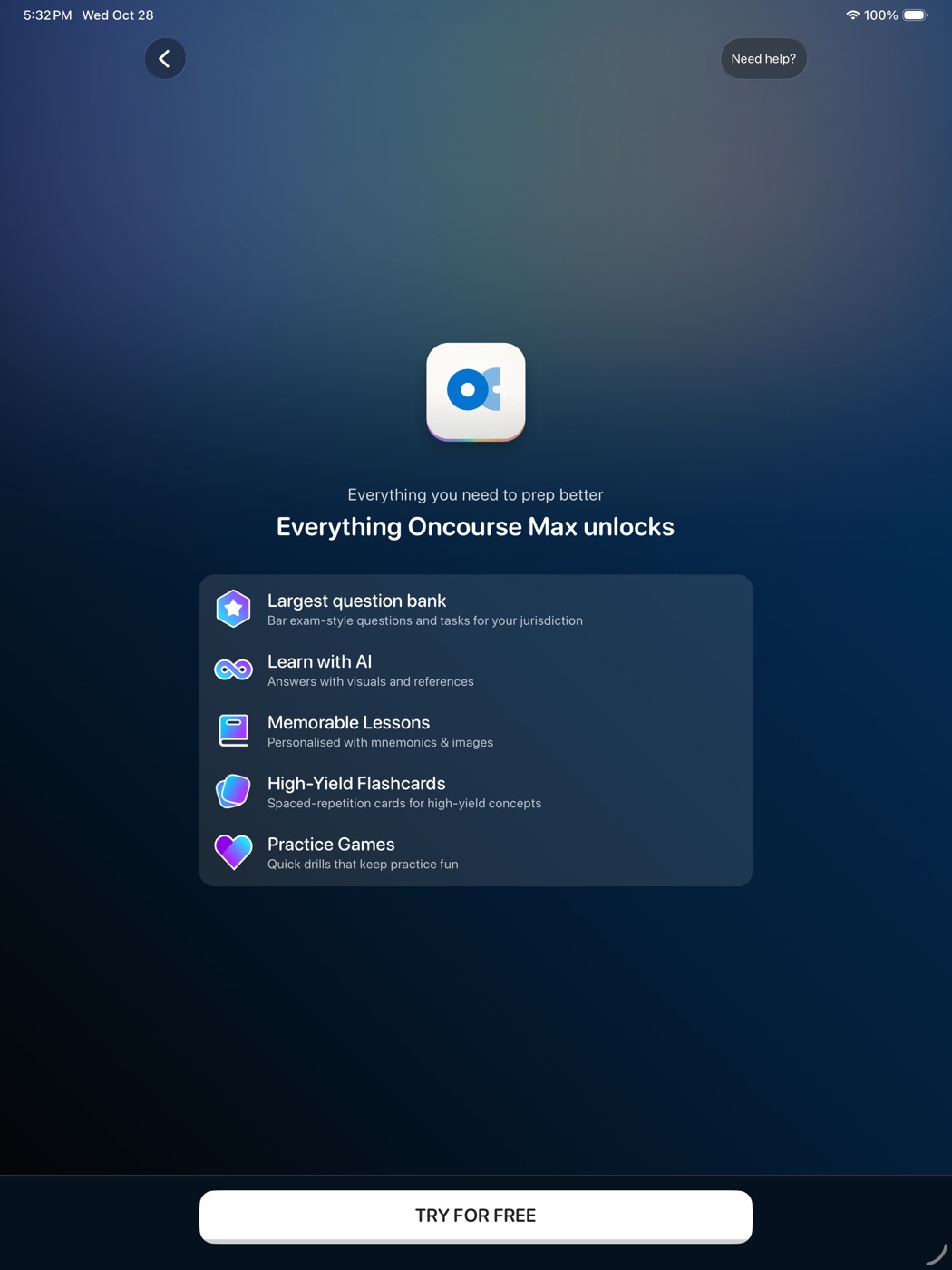
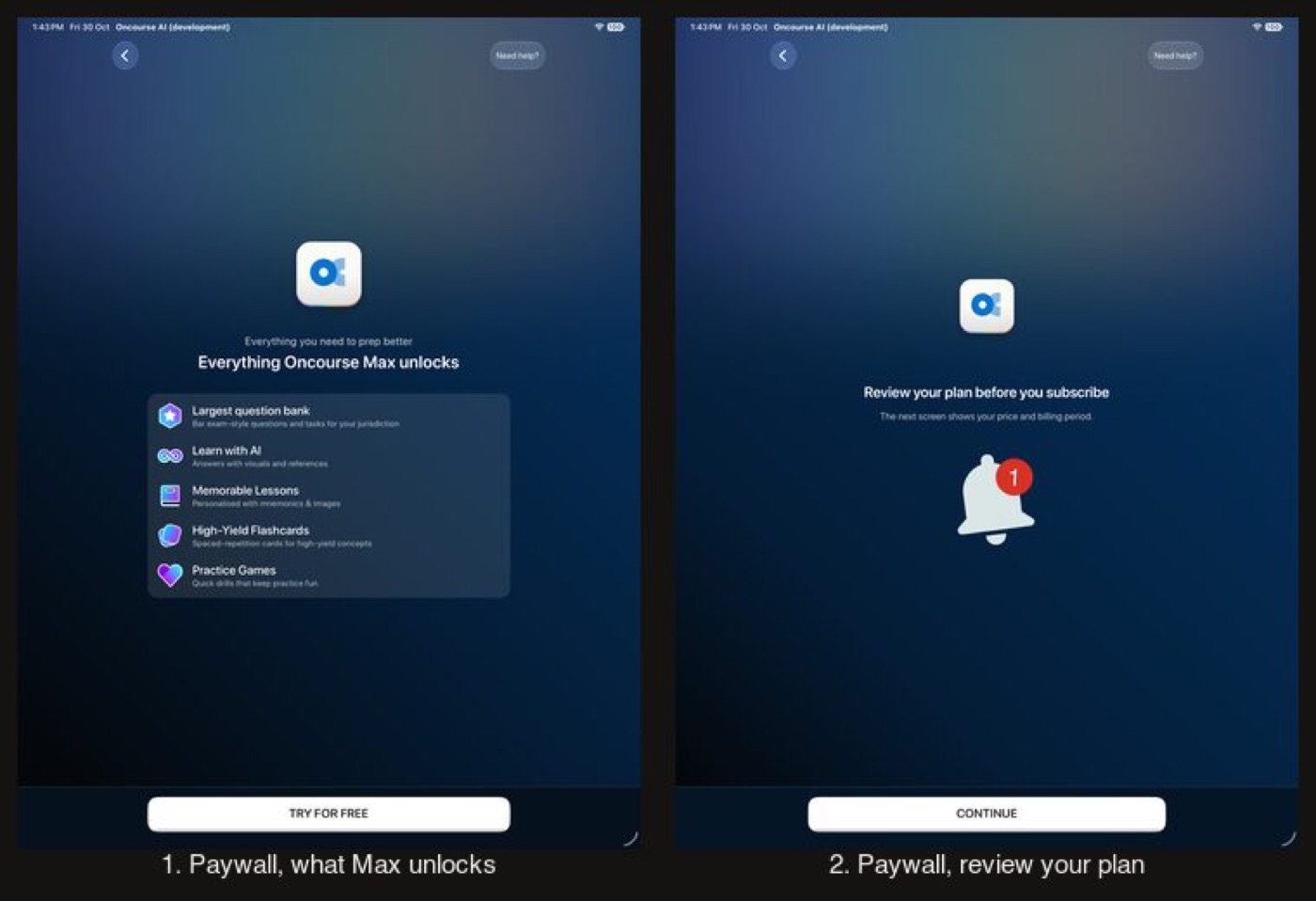
Before
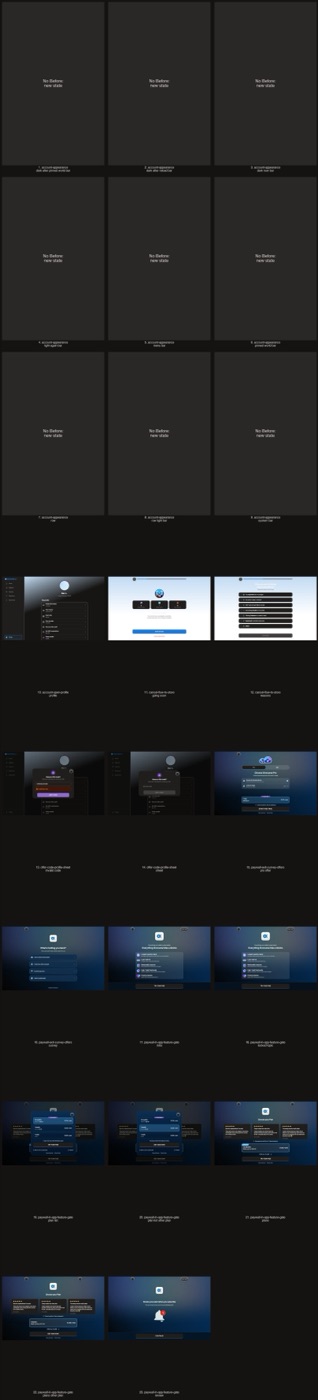
After
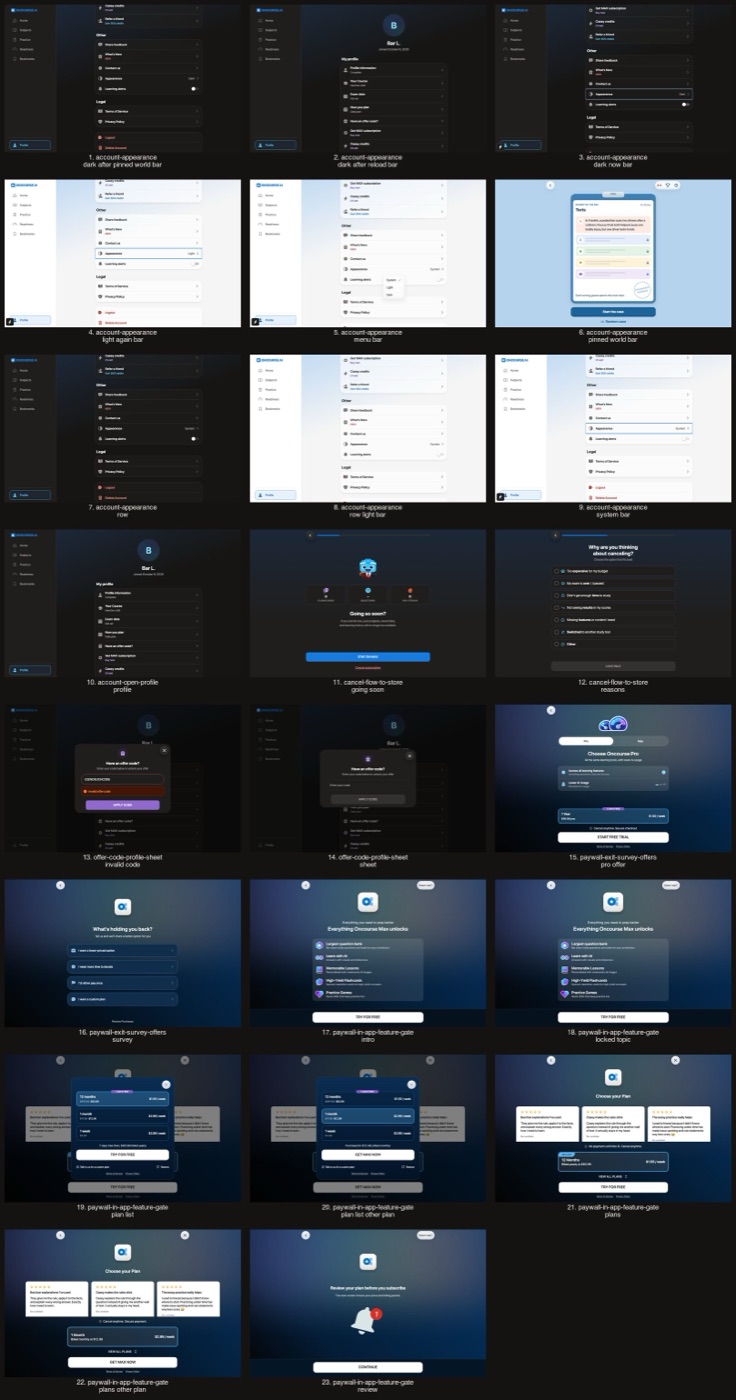
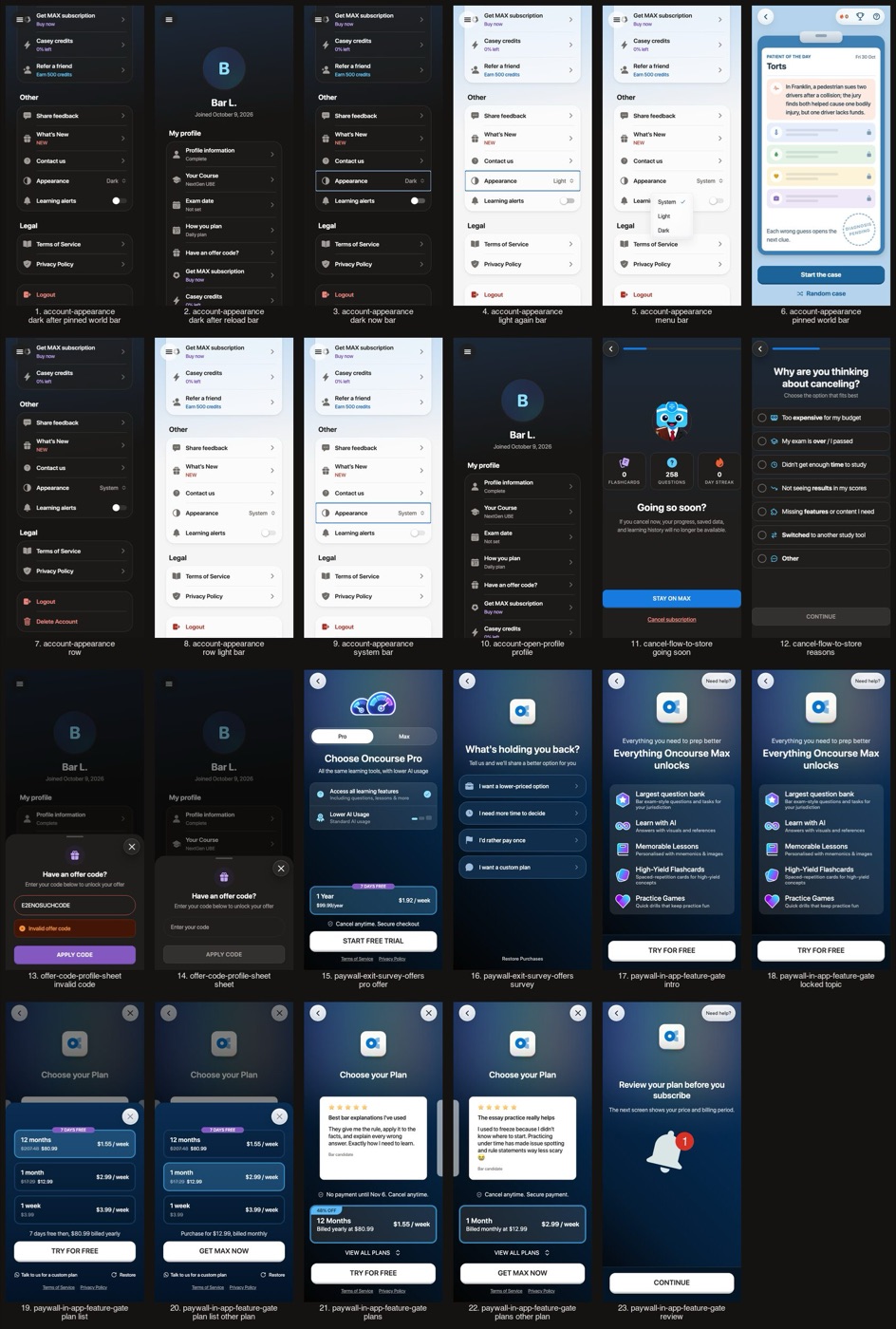
Before
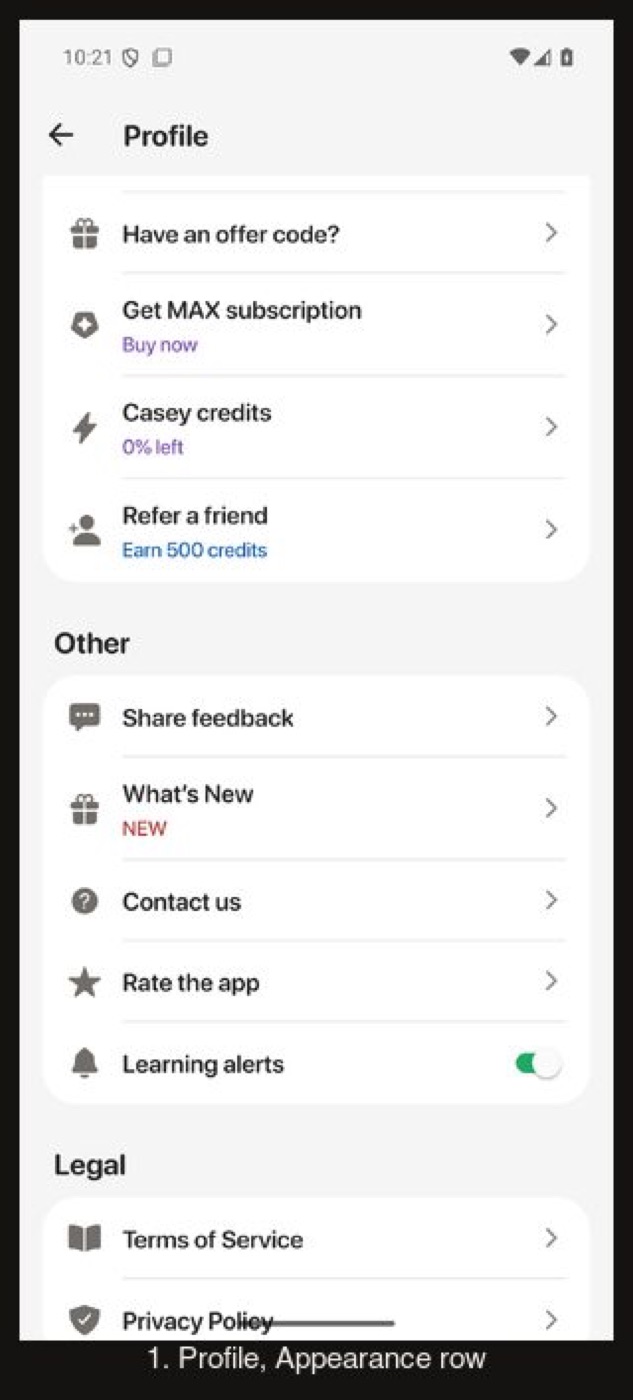
After
Flow 10
Settings and Appearance
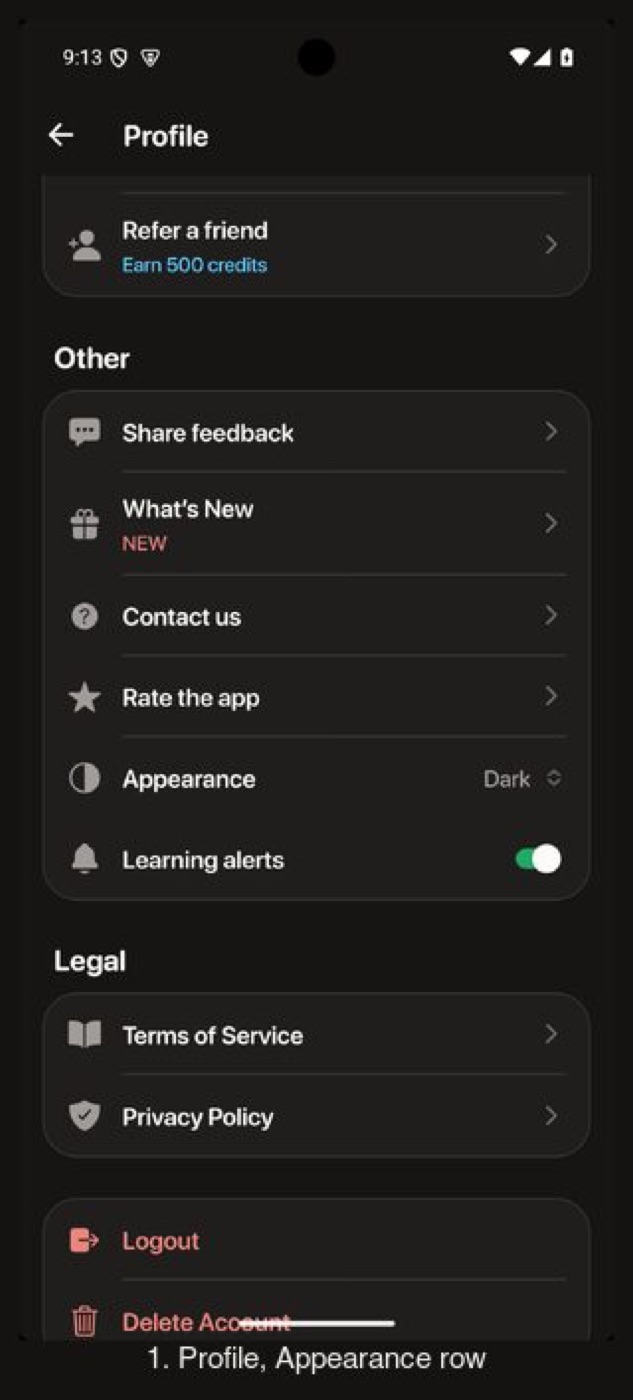
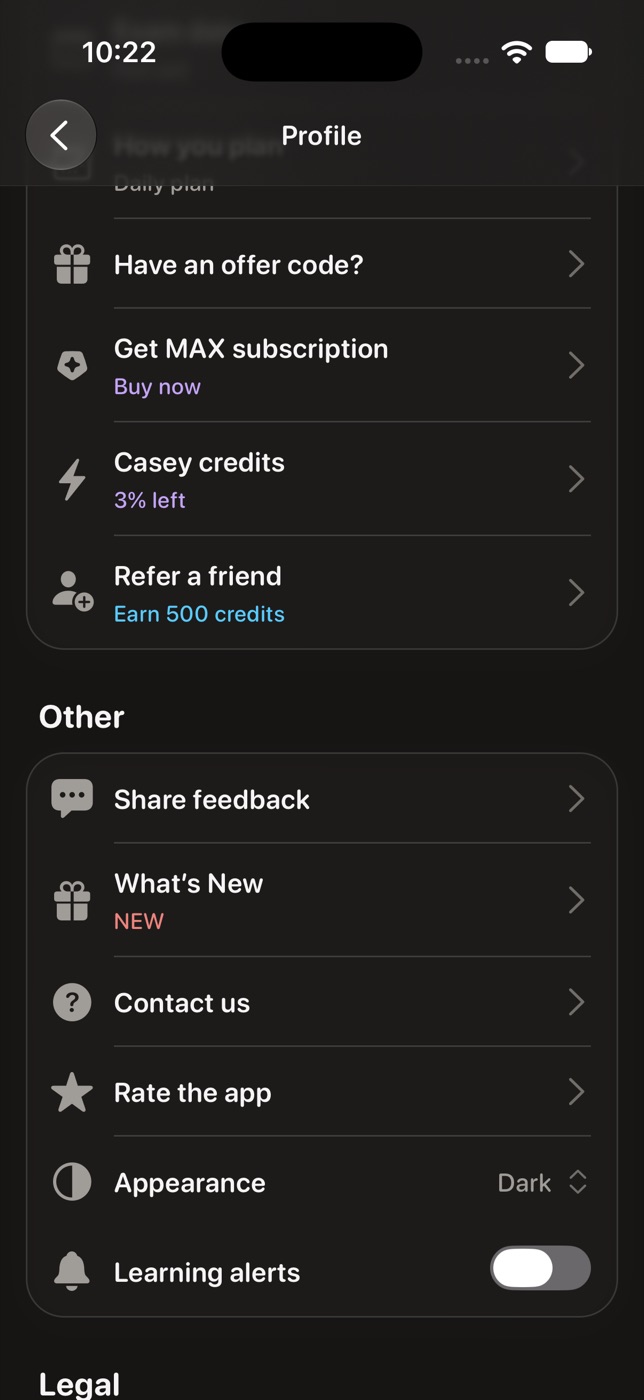
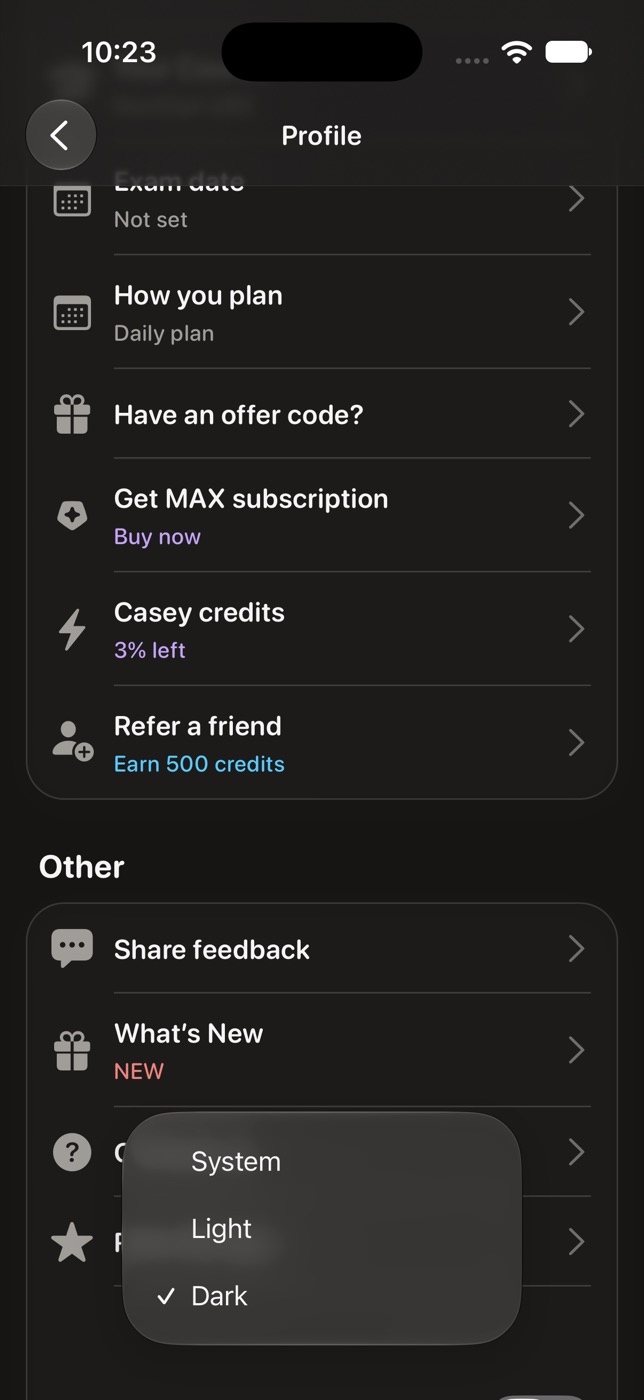
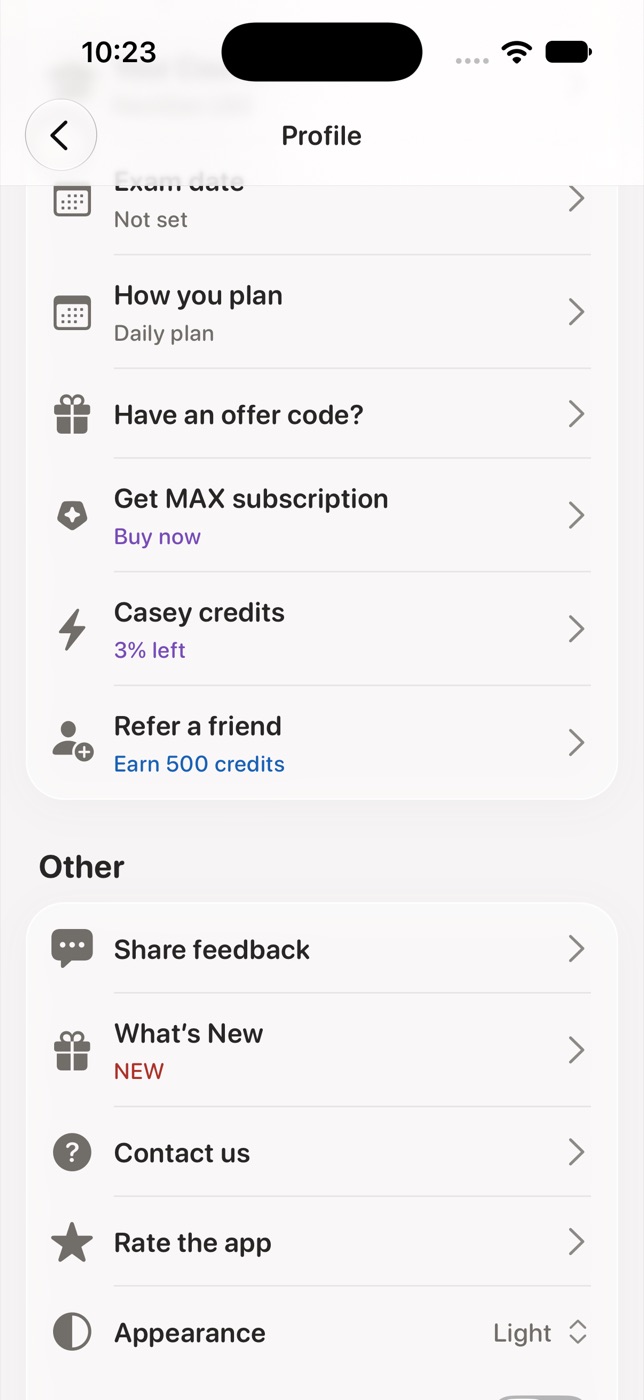
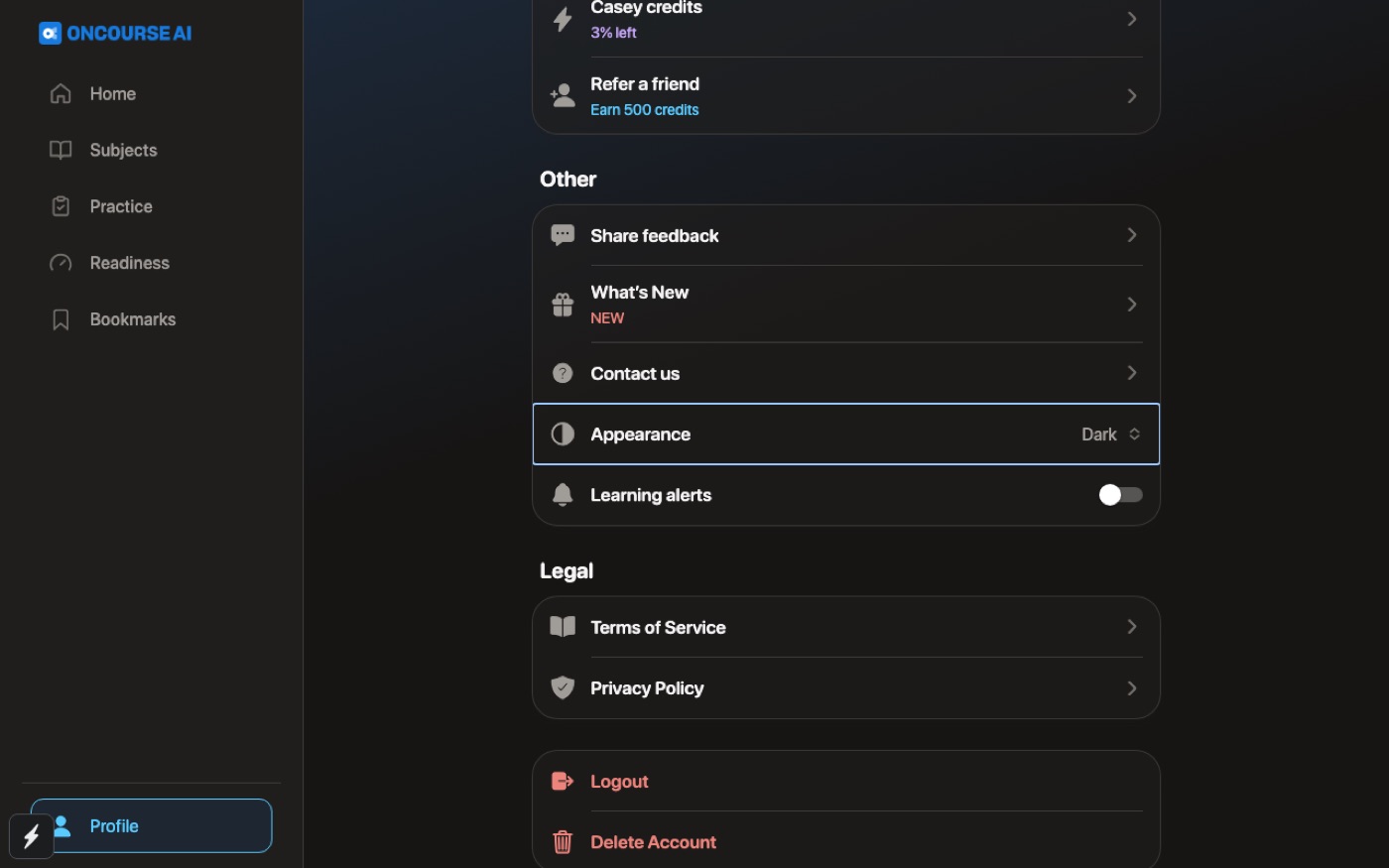
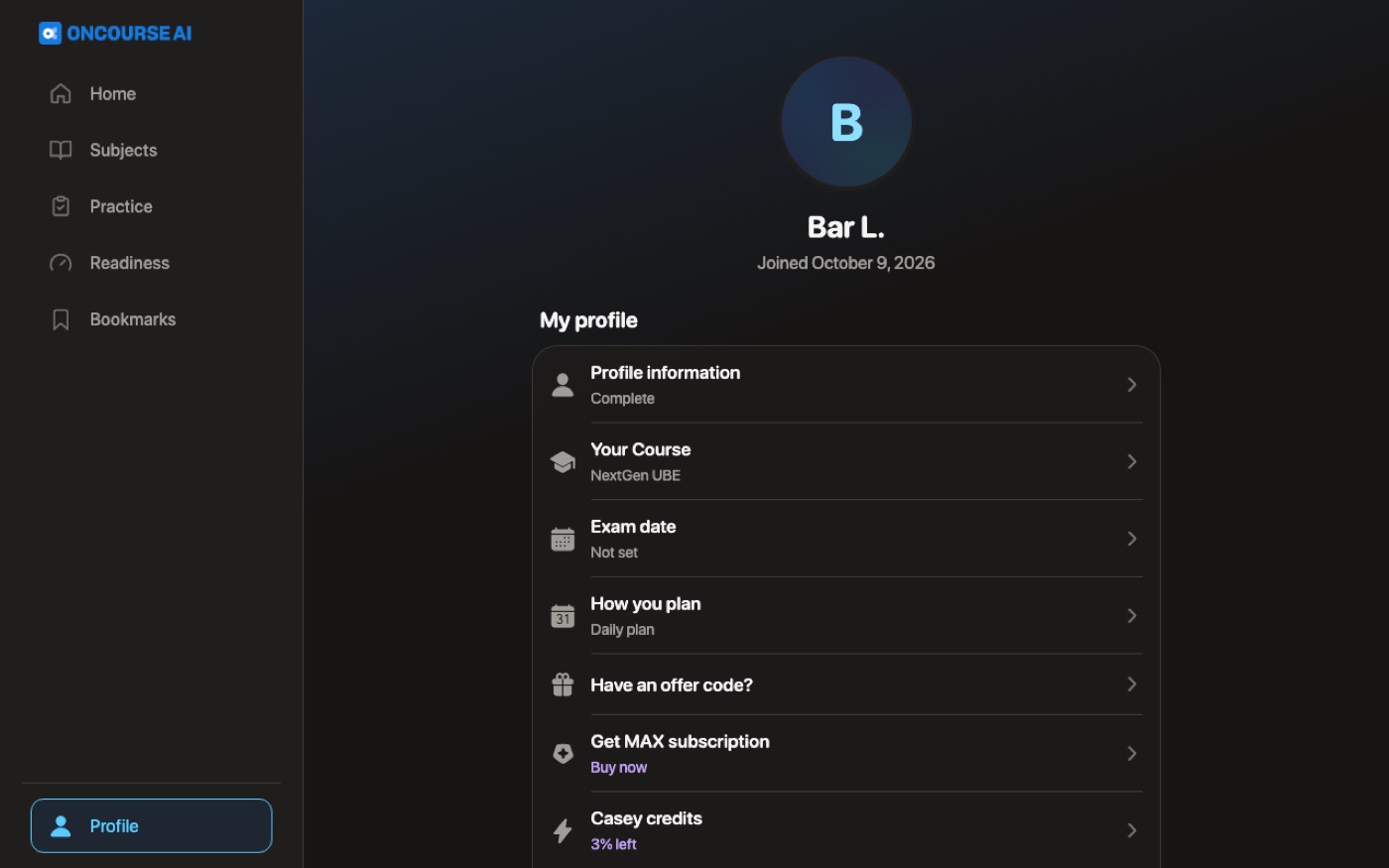
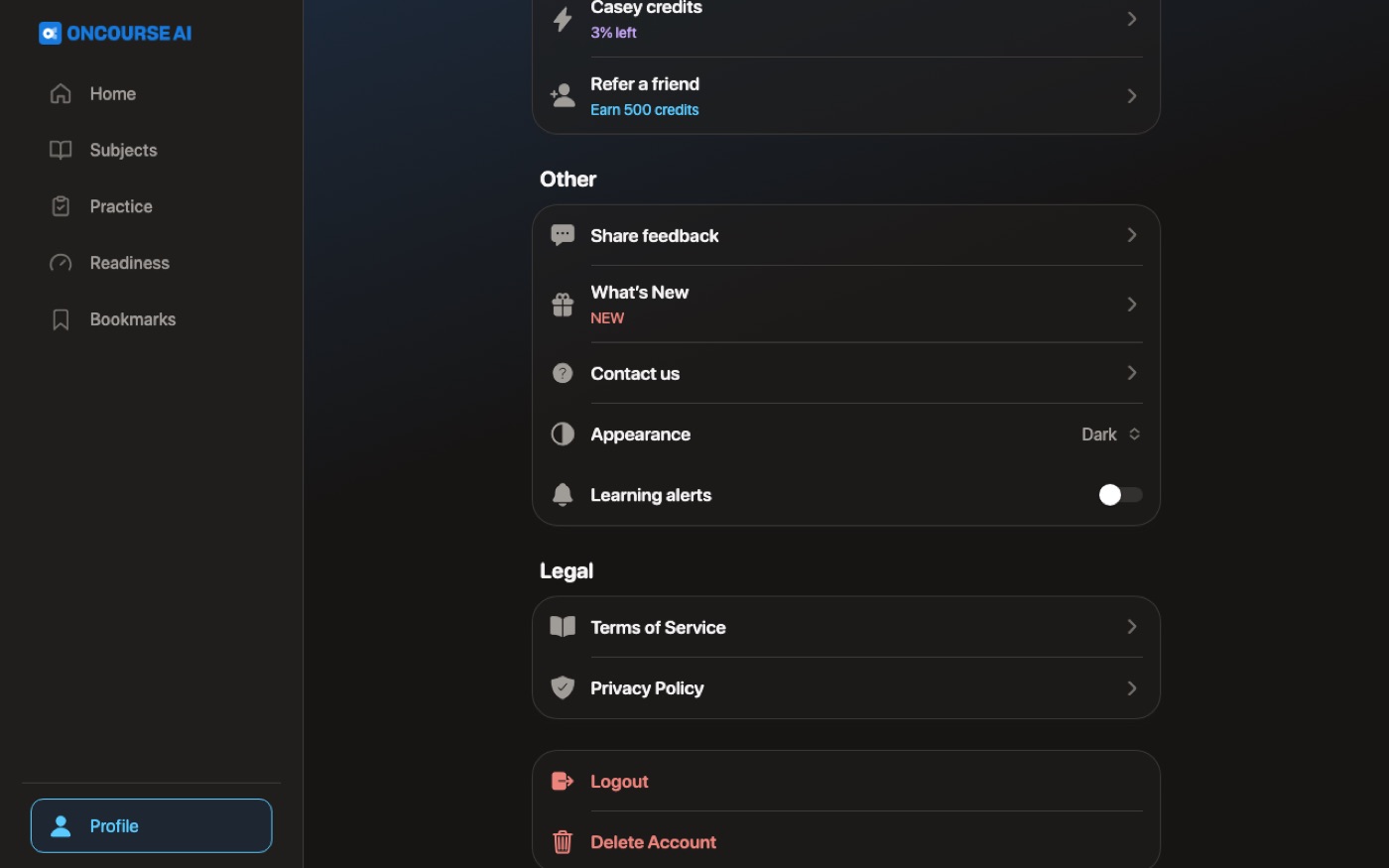
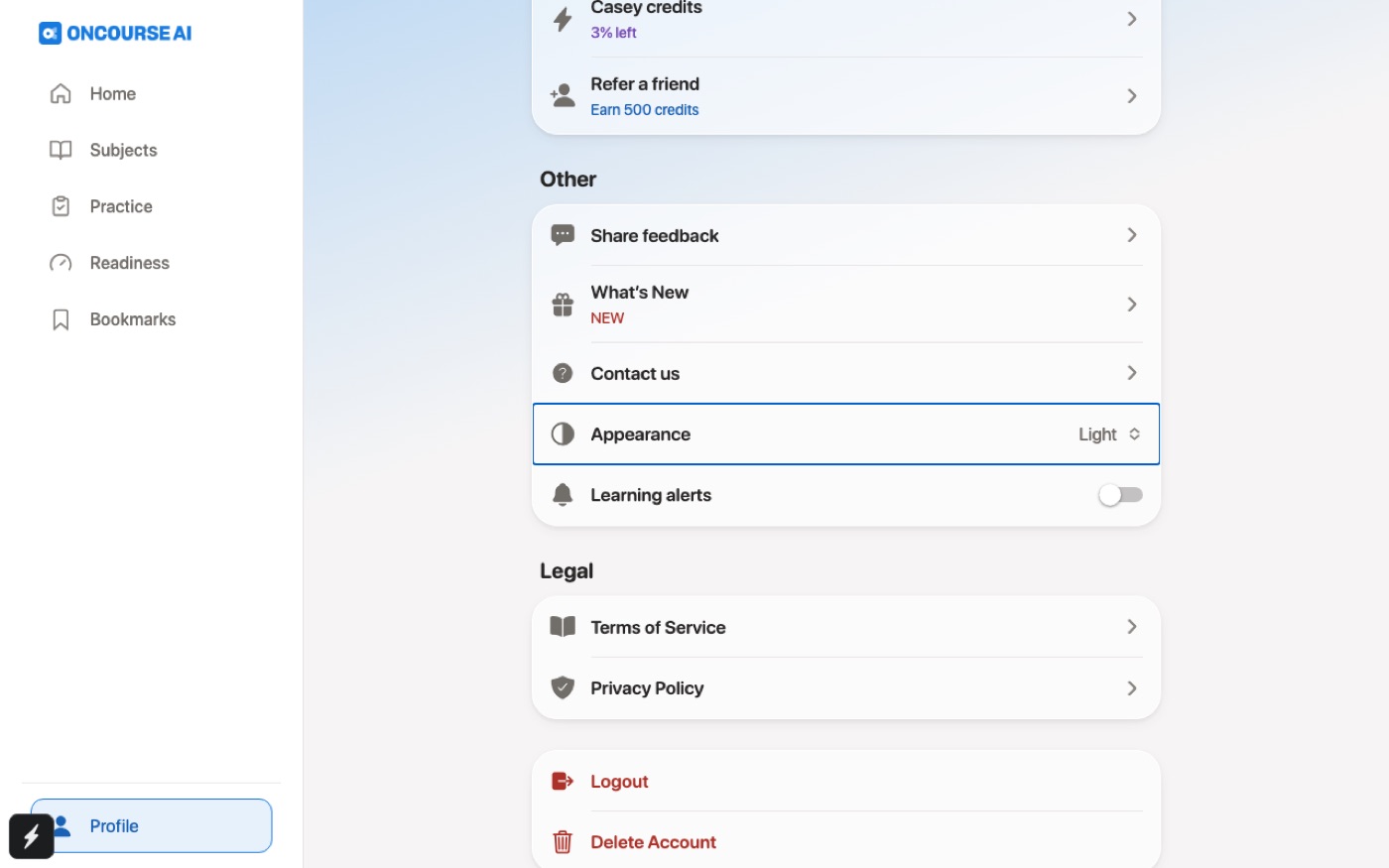
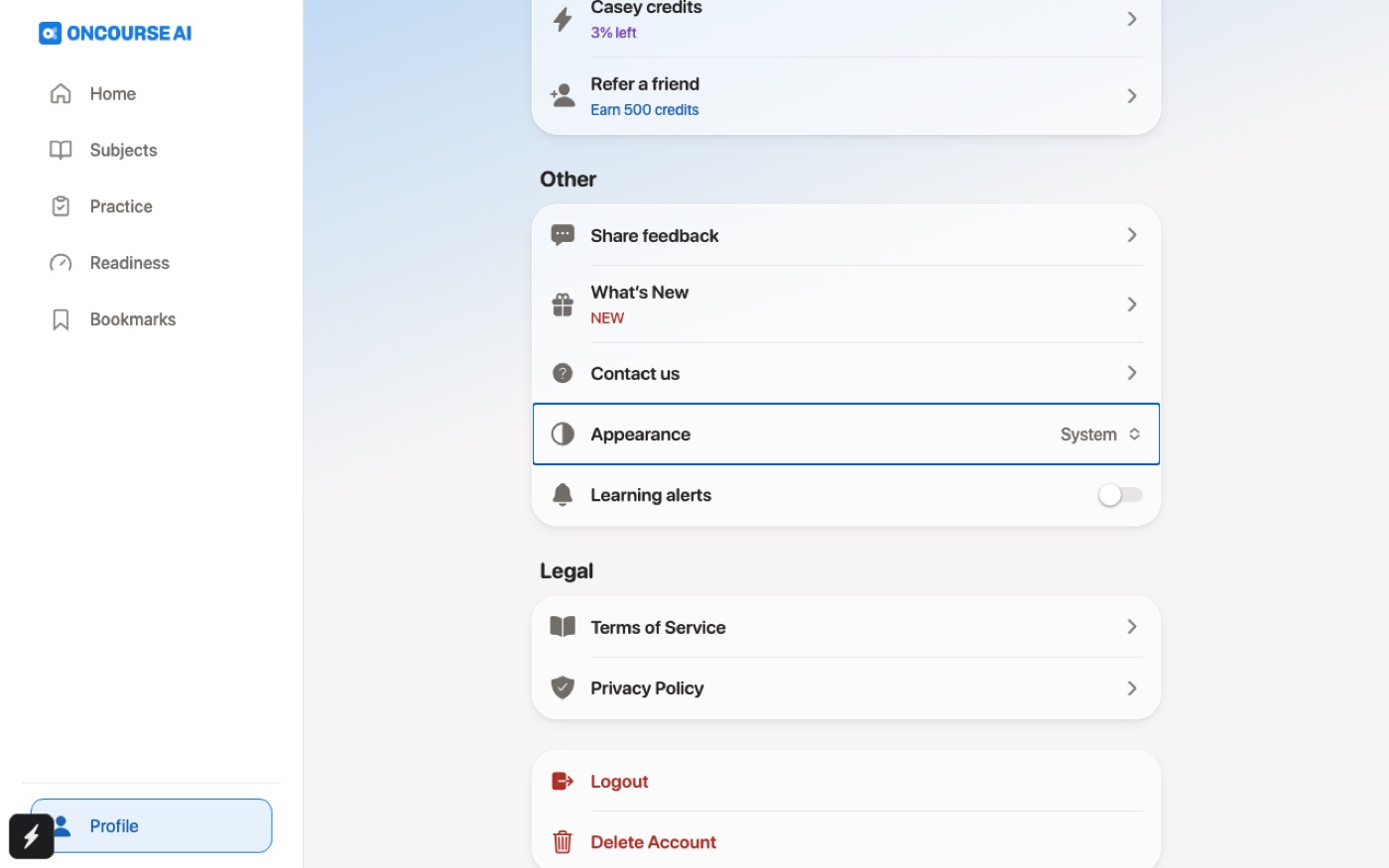
Settings > Appearance offers System, Light and Dark. The choice survives a relaunch or reload, and switching back restores Light.
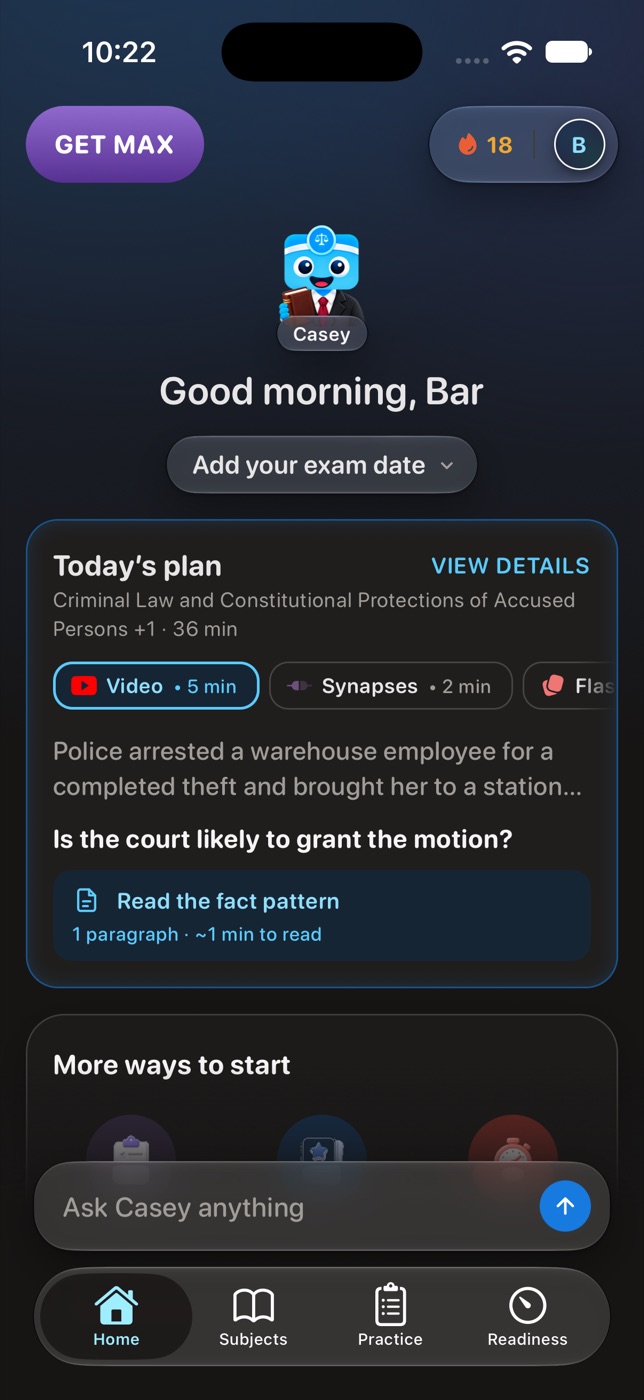
Switching Dark on, and back to Light
The focused stills: the menu, Dark at once, Dark after a relaunch (iPhone) or reload (web), a game opened from Dark staying light and Profile still dark on return (web), Light again, and System. The ⚡ at the bottom left of the web stills is the development build's tools button, which learners don't get.
After
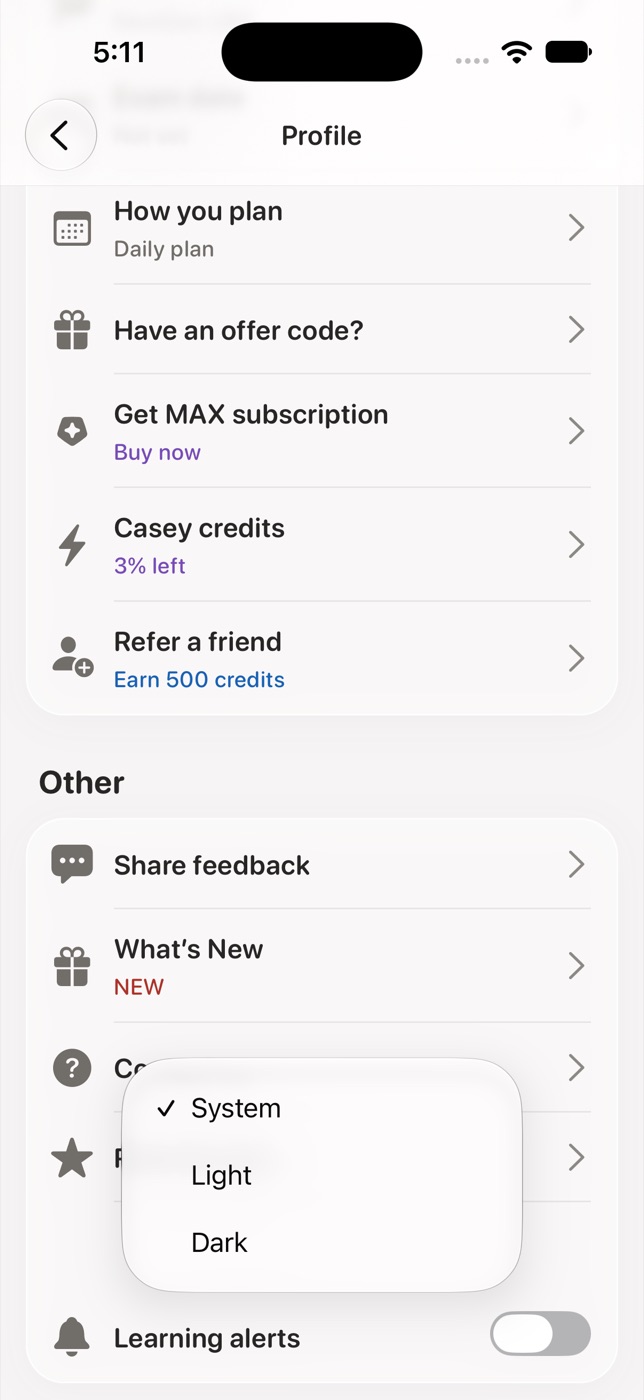
After
After
After
Flow 11
Light mode Changes in Light
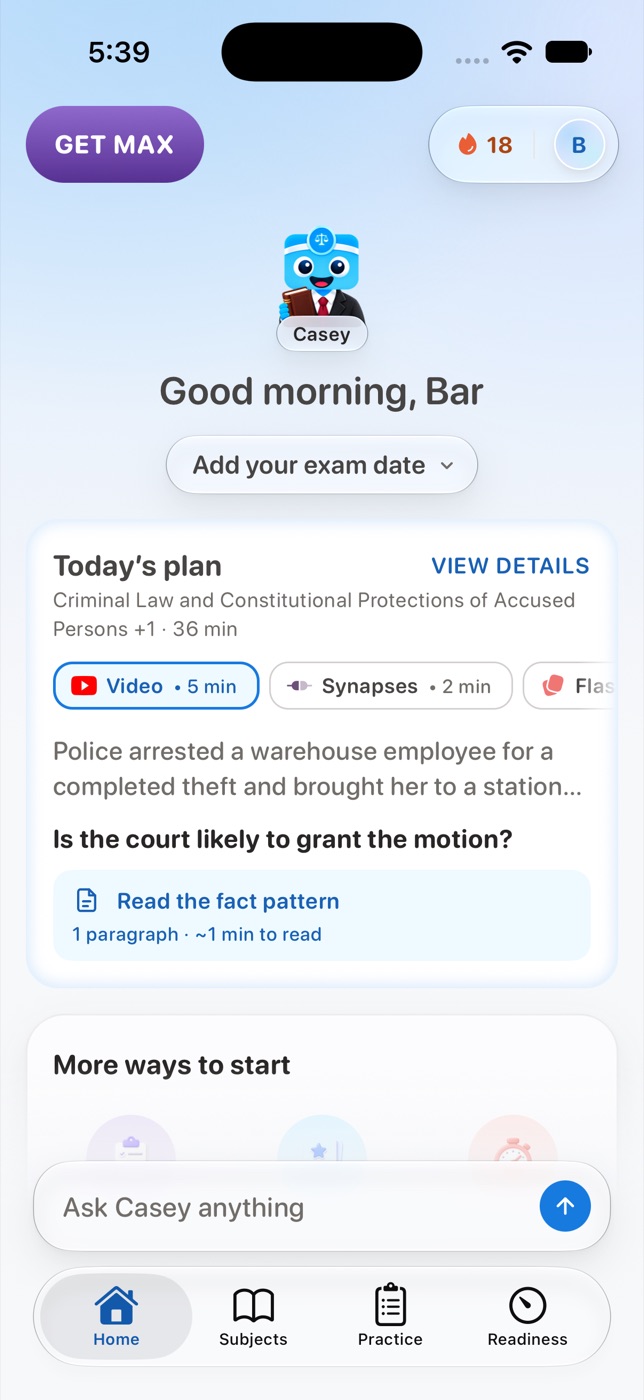
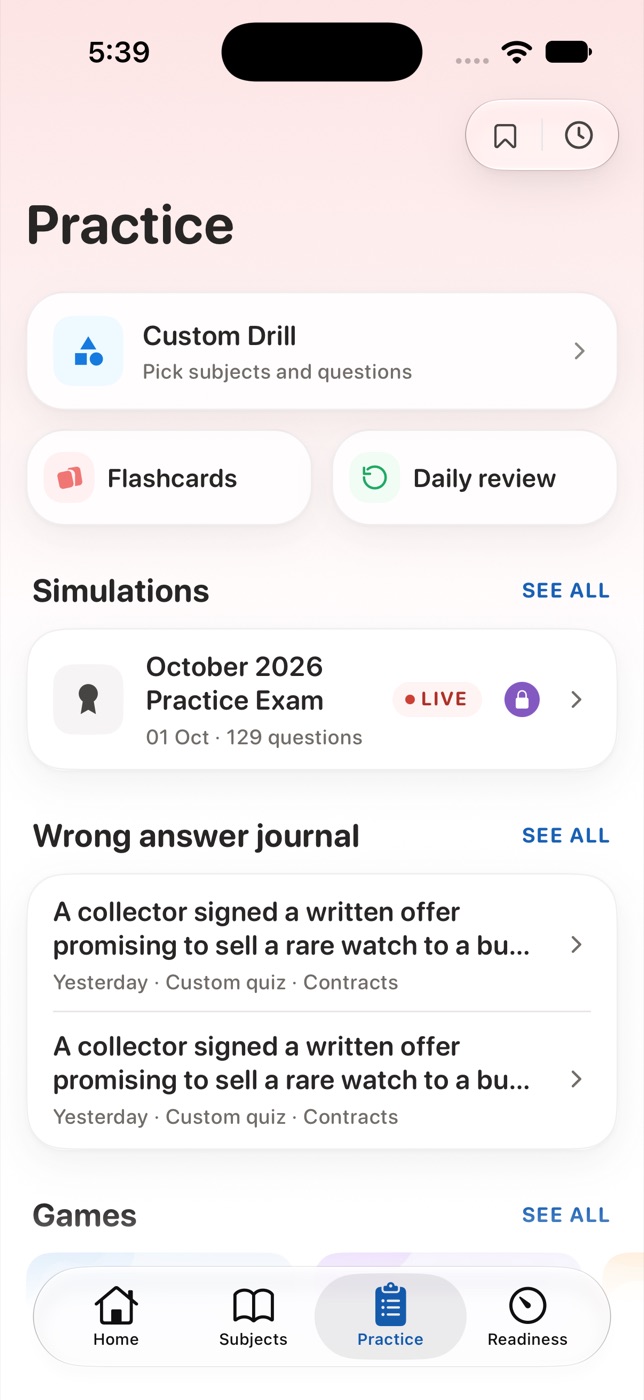
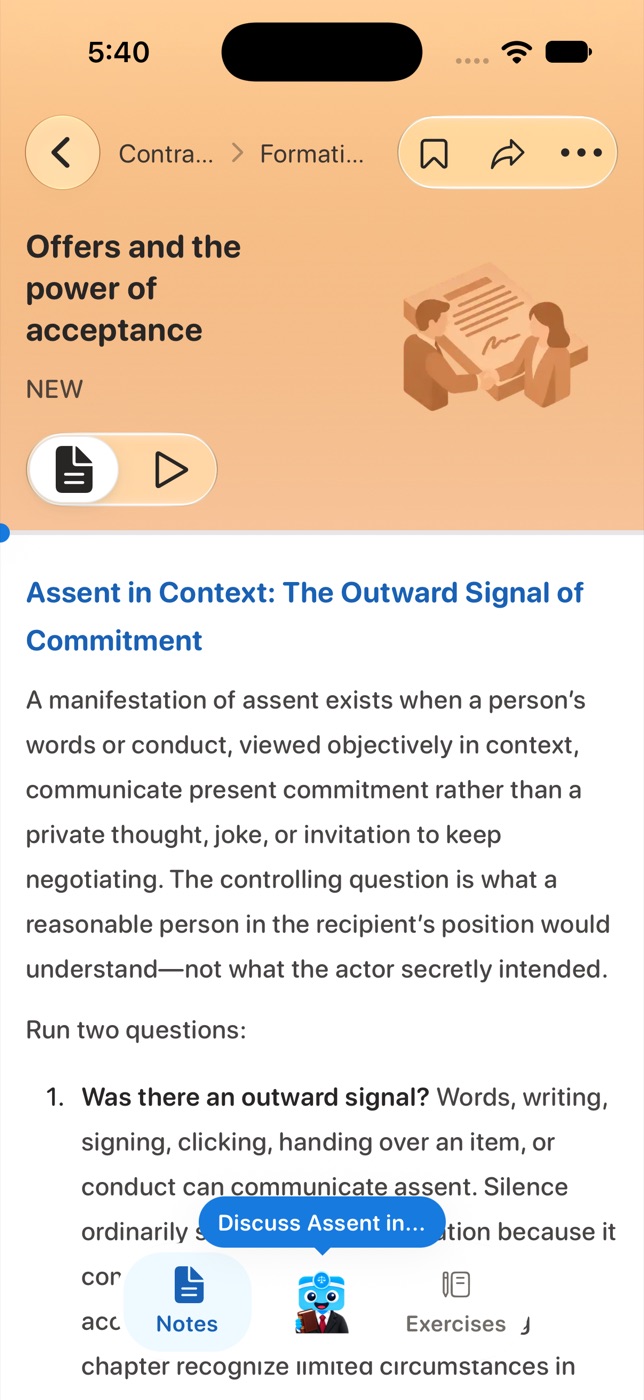
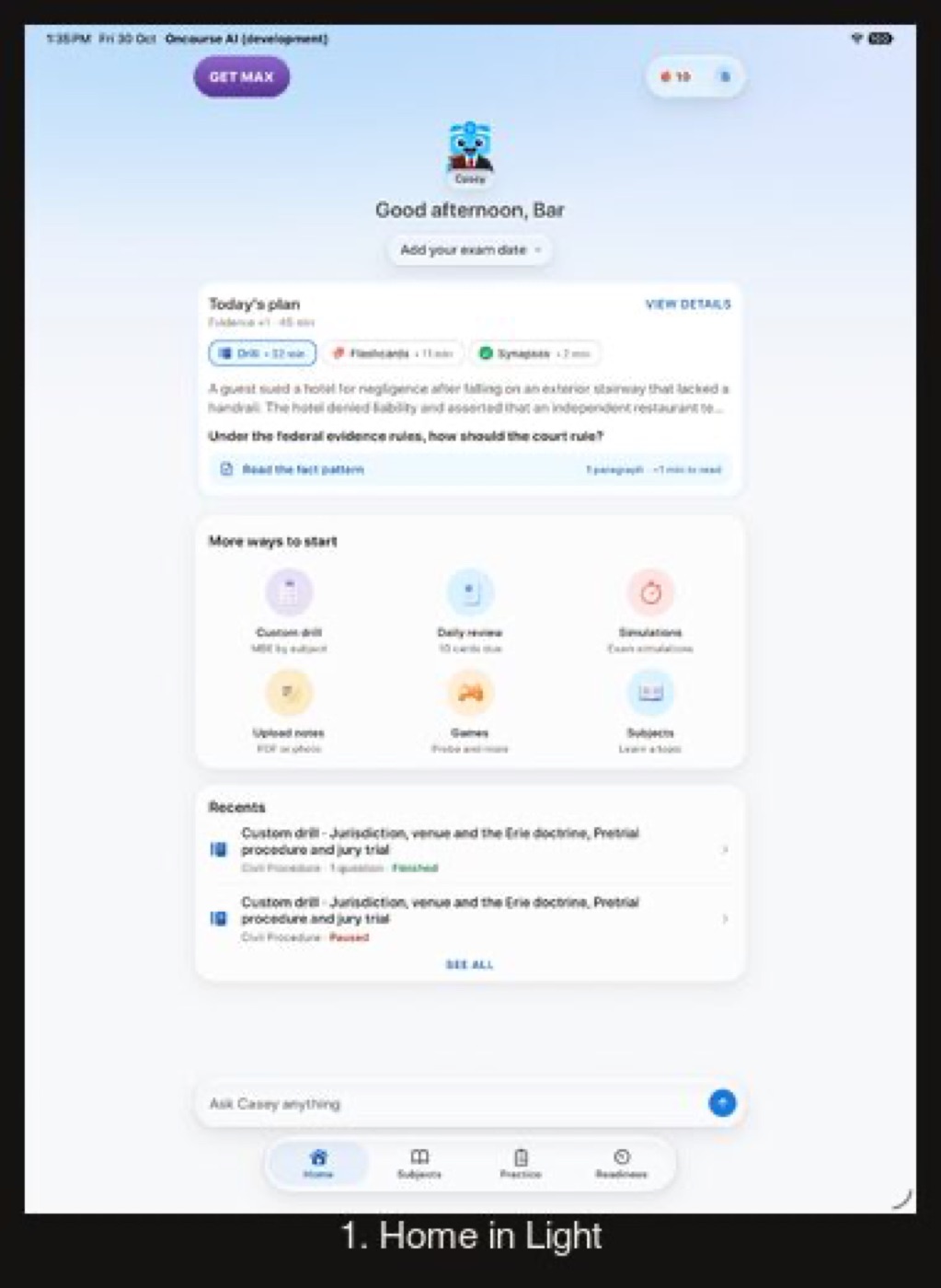
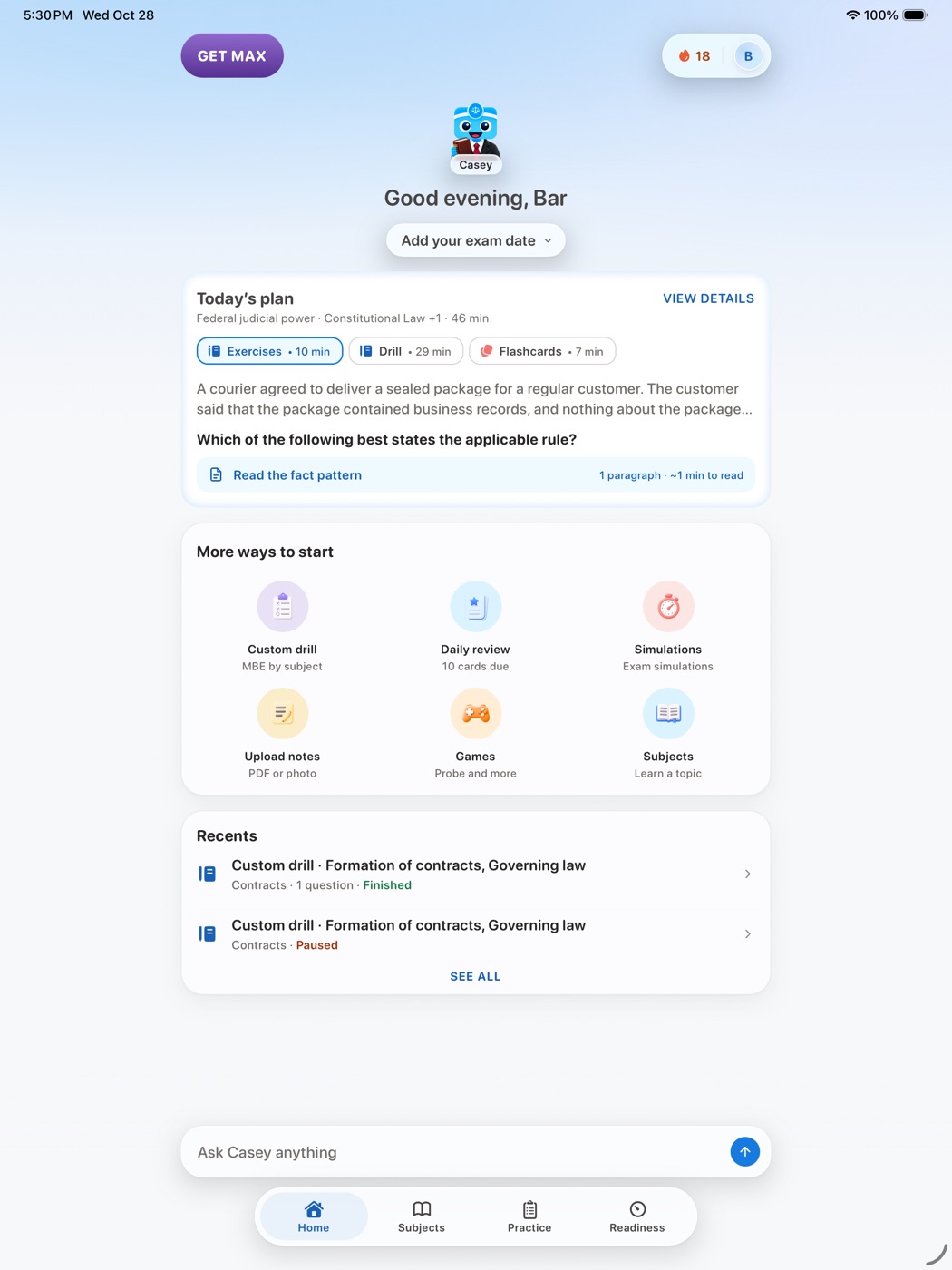
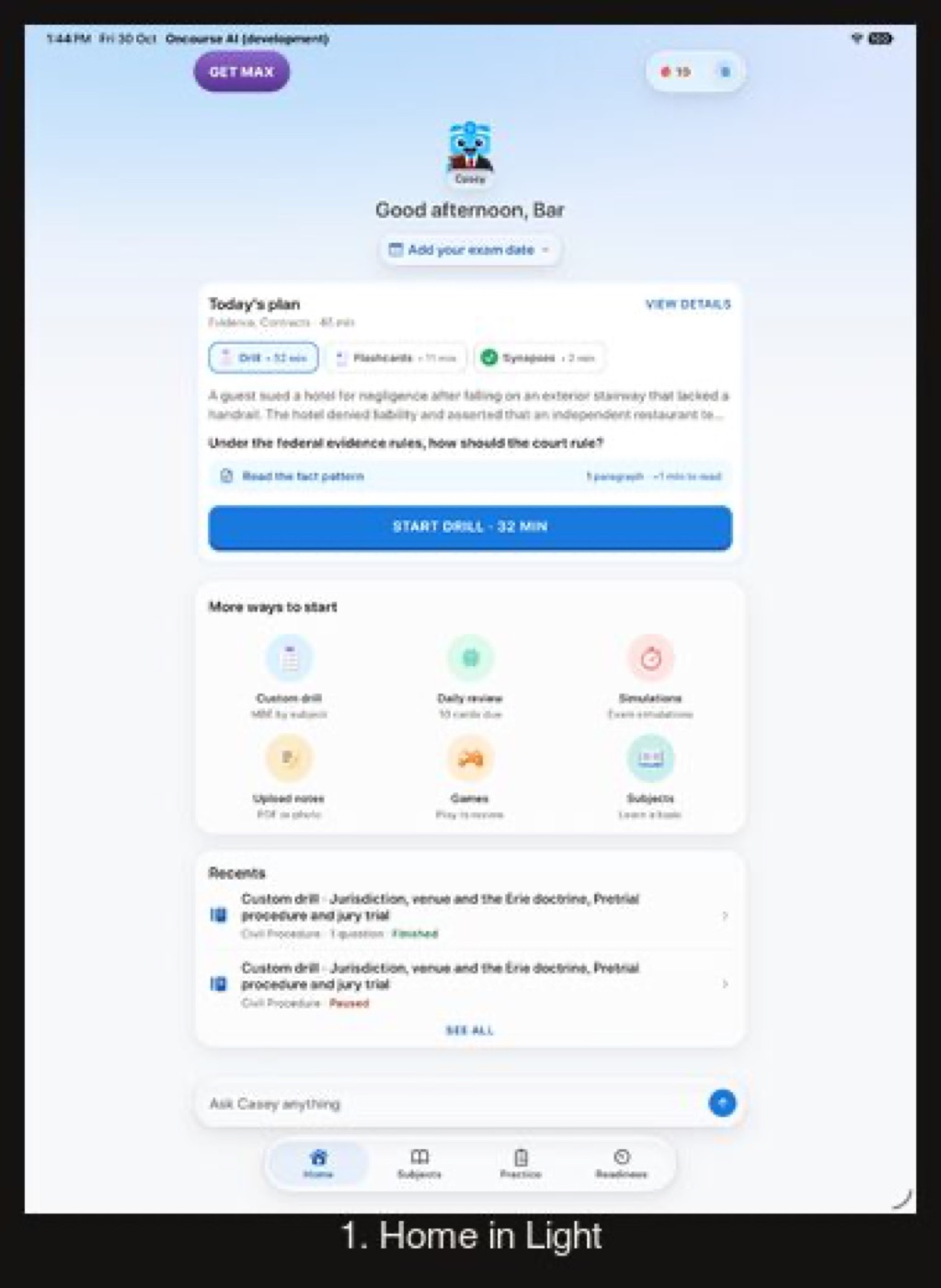
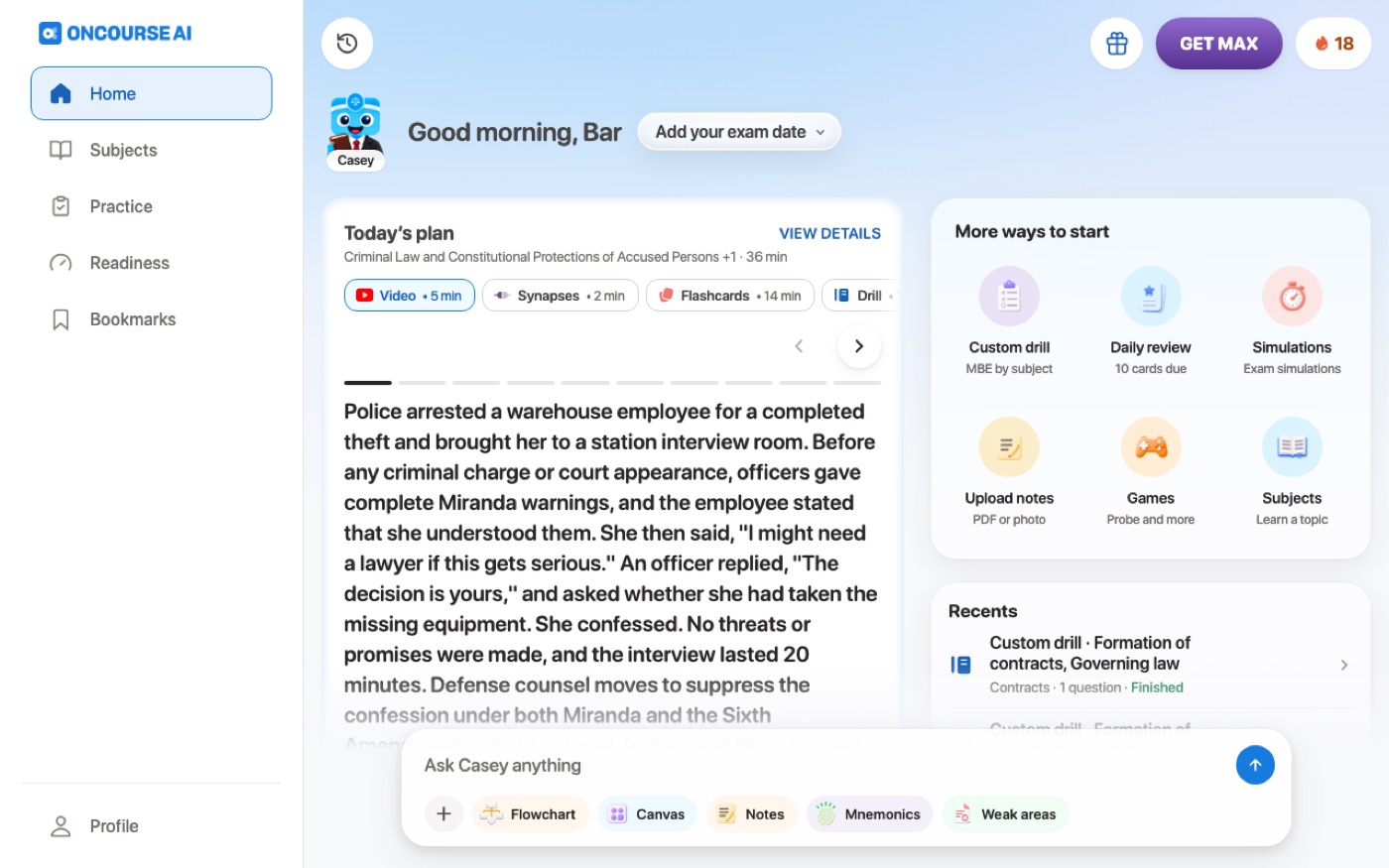
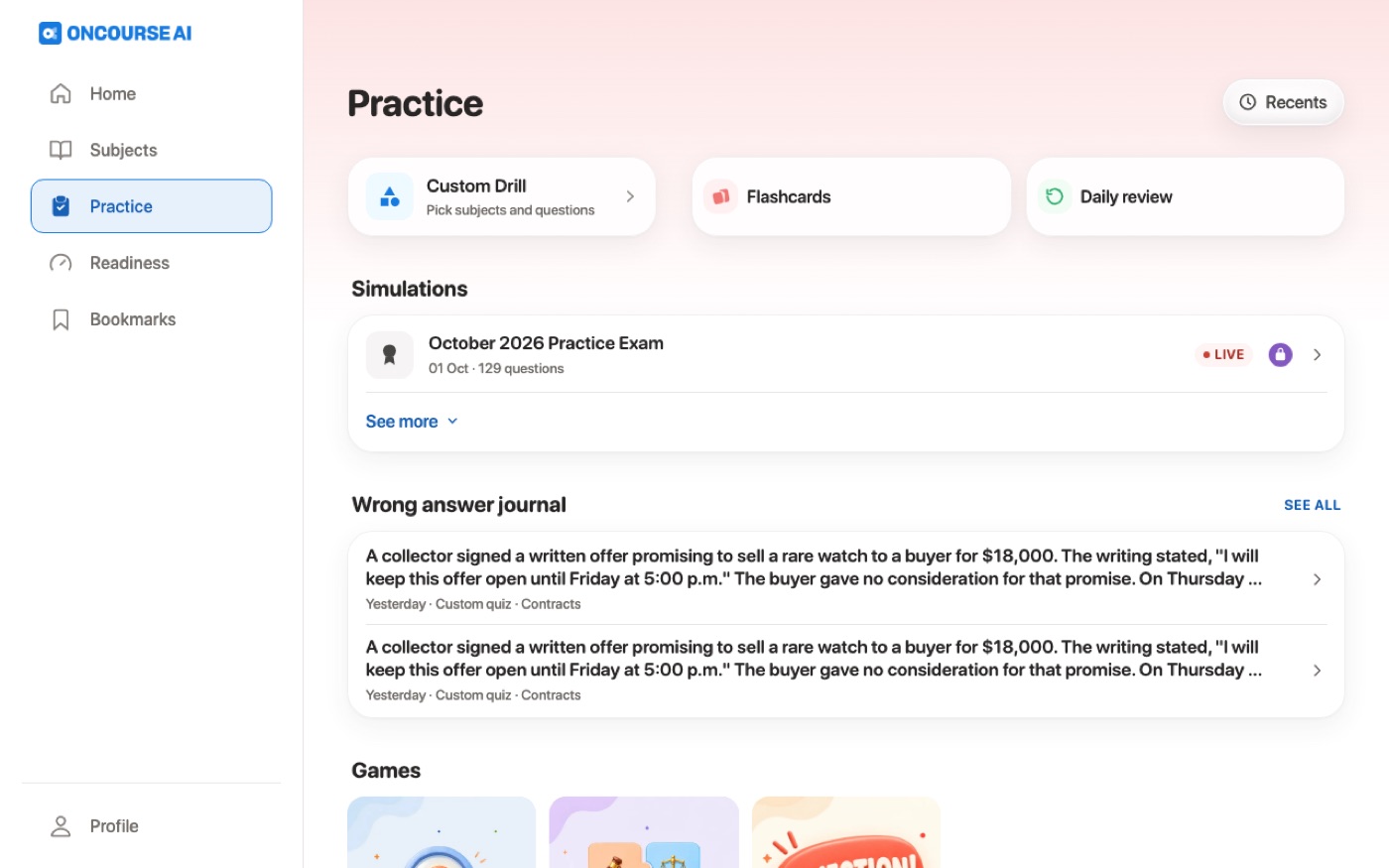
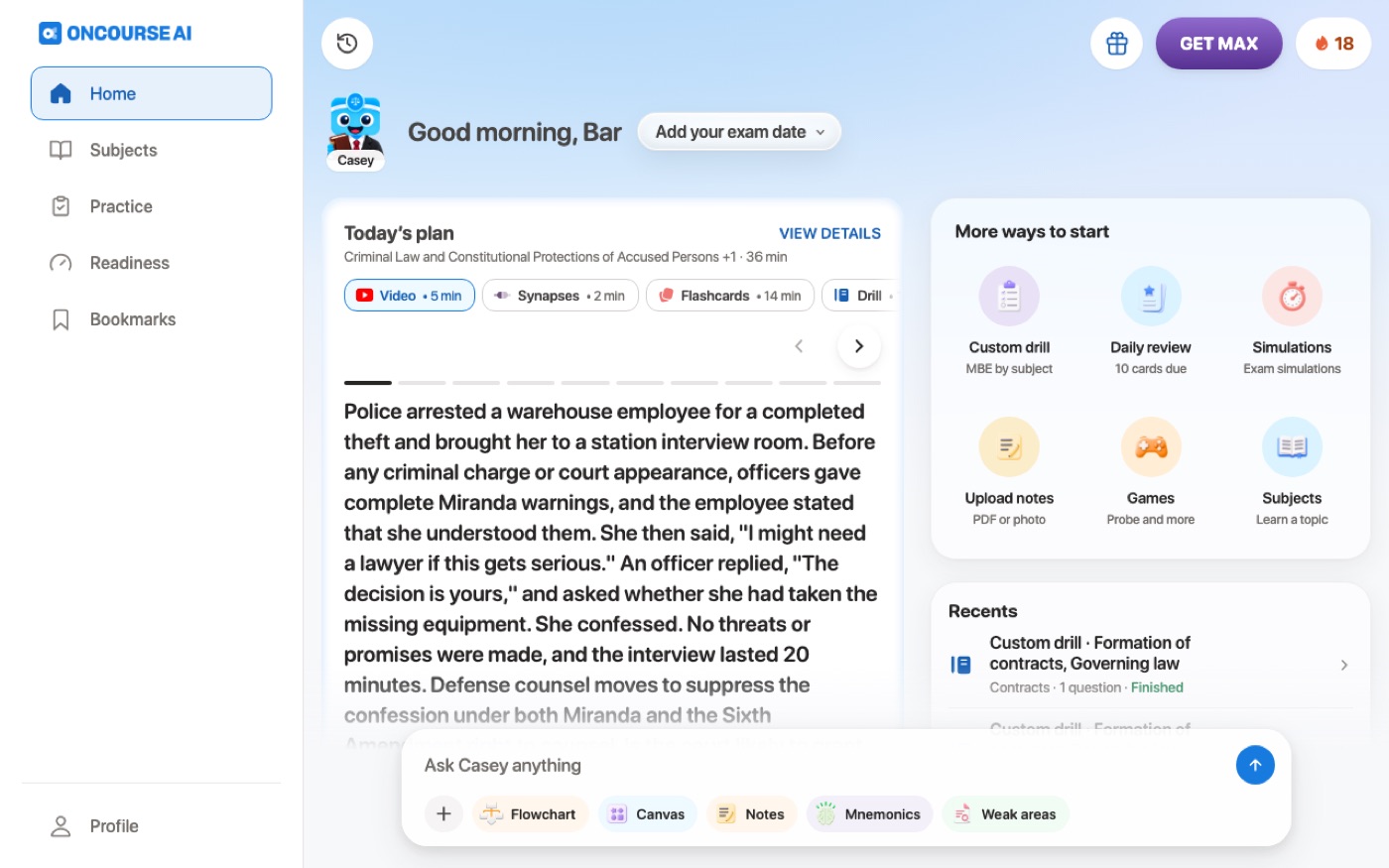
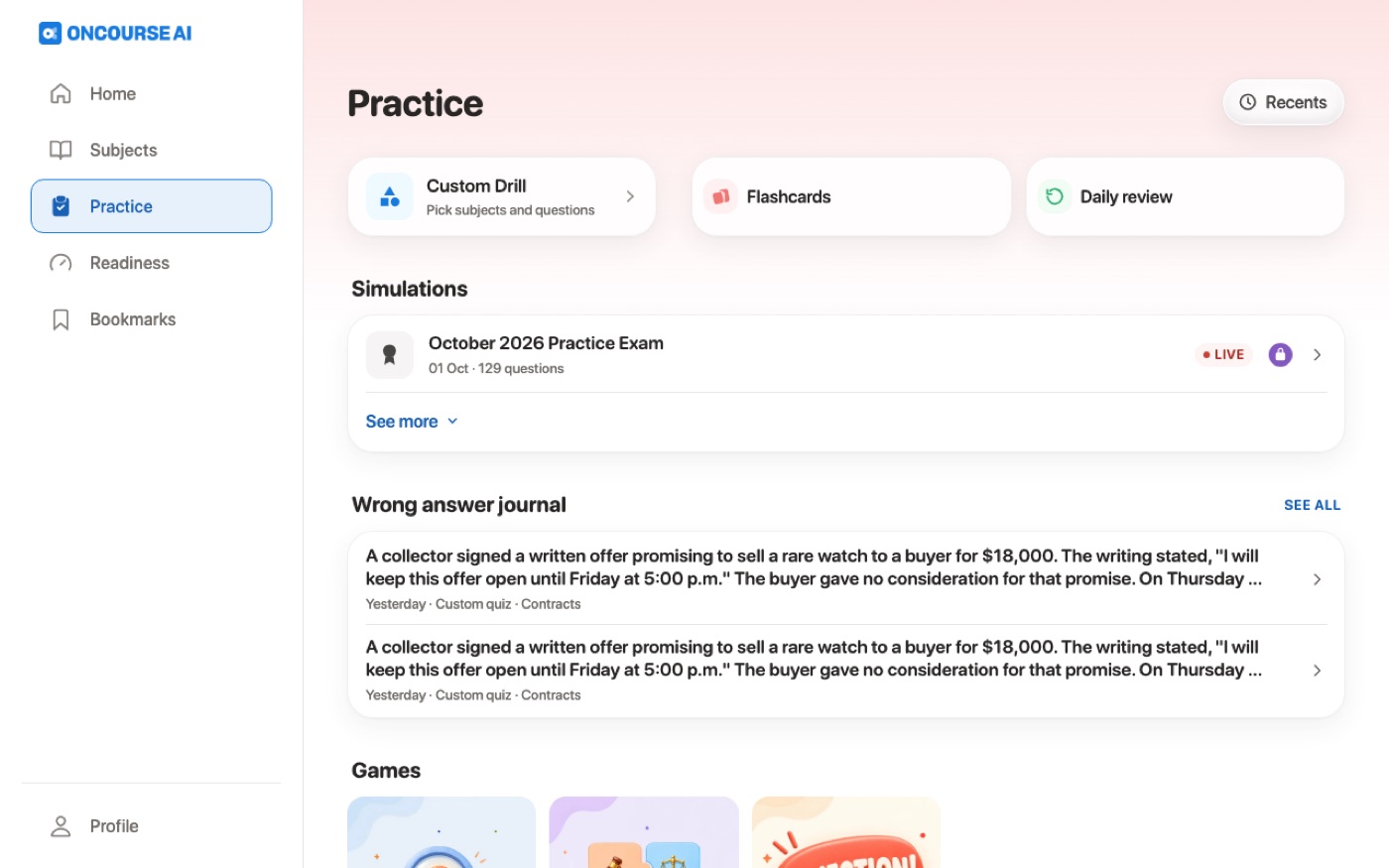
Light is unchanged apart from the REG badge fill and a few glyphs that moved from one-off greys to the icon tokens.
- The REG exam badge fill: premium-50 to premium-100, the tint its siblings use.
- Quiz pause, the finish-quiz stop and chat history: one-off greys to grey-500.
- The 15-second skip buttons and the lesson selector: near-black to
fg. - The subject chevron in test setup, Regenerate in chat and Generate with AI on the upload sheet: one-off greys to grey-500.
- The "Where did you hear about us?" source icons: slate to
fg. - The lesson header's status bar now takes the header art's ink, so dark art gets light status bar icons.
Light: Home, Practice, a lesson, the design-system page and the Appearance menu
Before
Not captured on iPhone: light Before is the same build as the light After apart from the glyph inks listed under "Light mode changes"; the web row has the matched light pairs
After
Before
After
Before
After
Flow 12
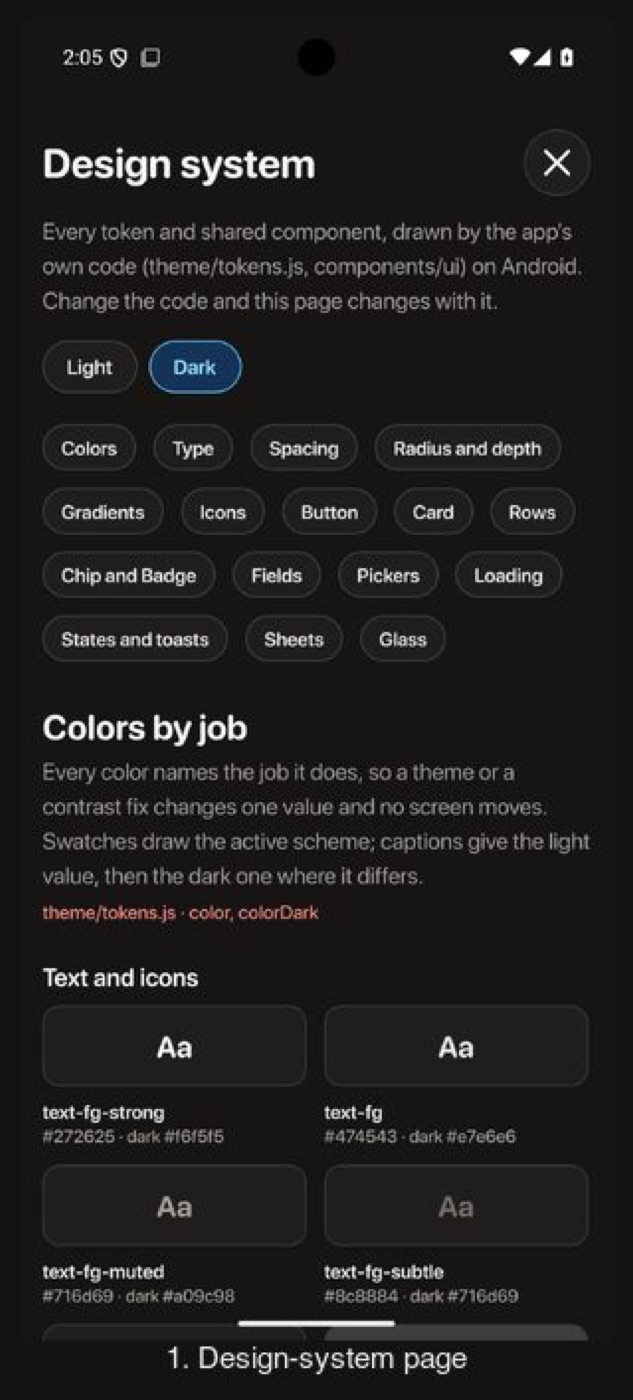
Design-system specimens
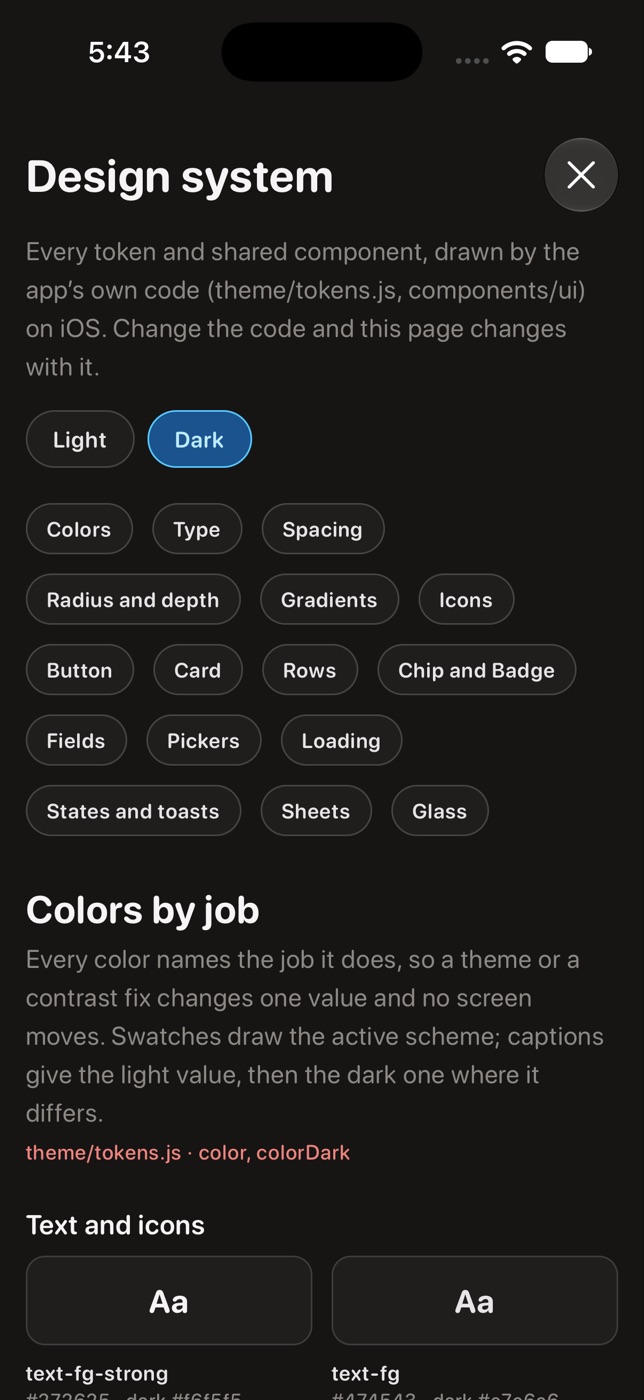
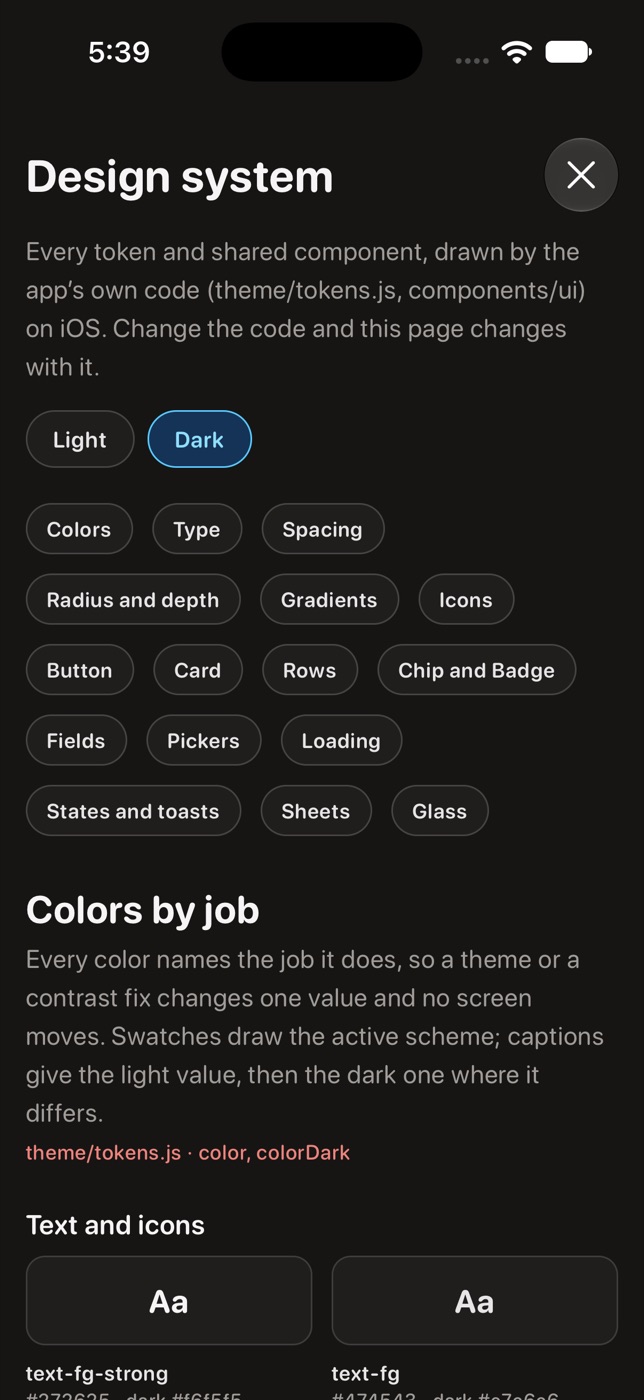
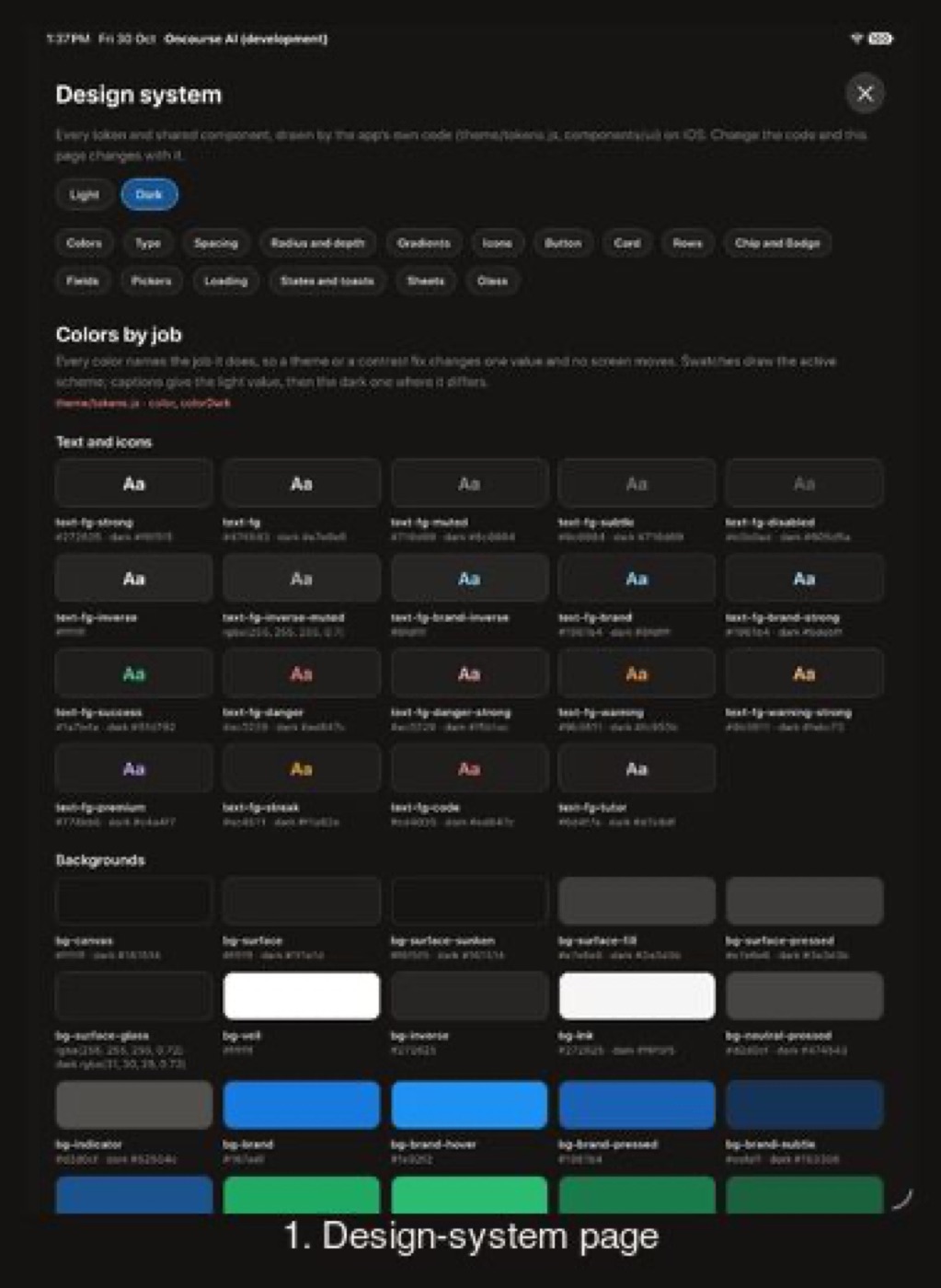
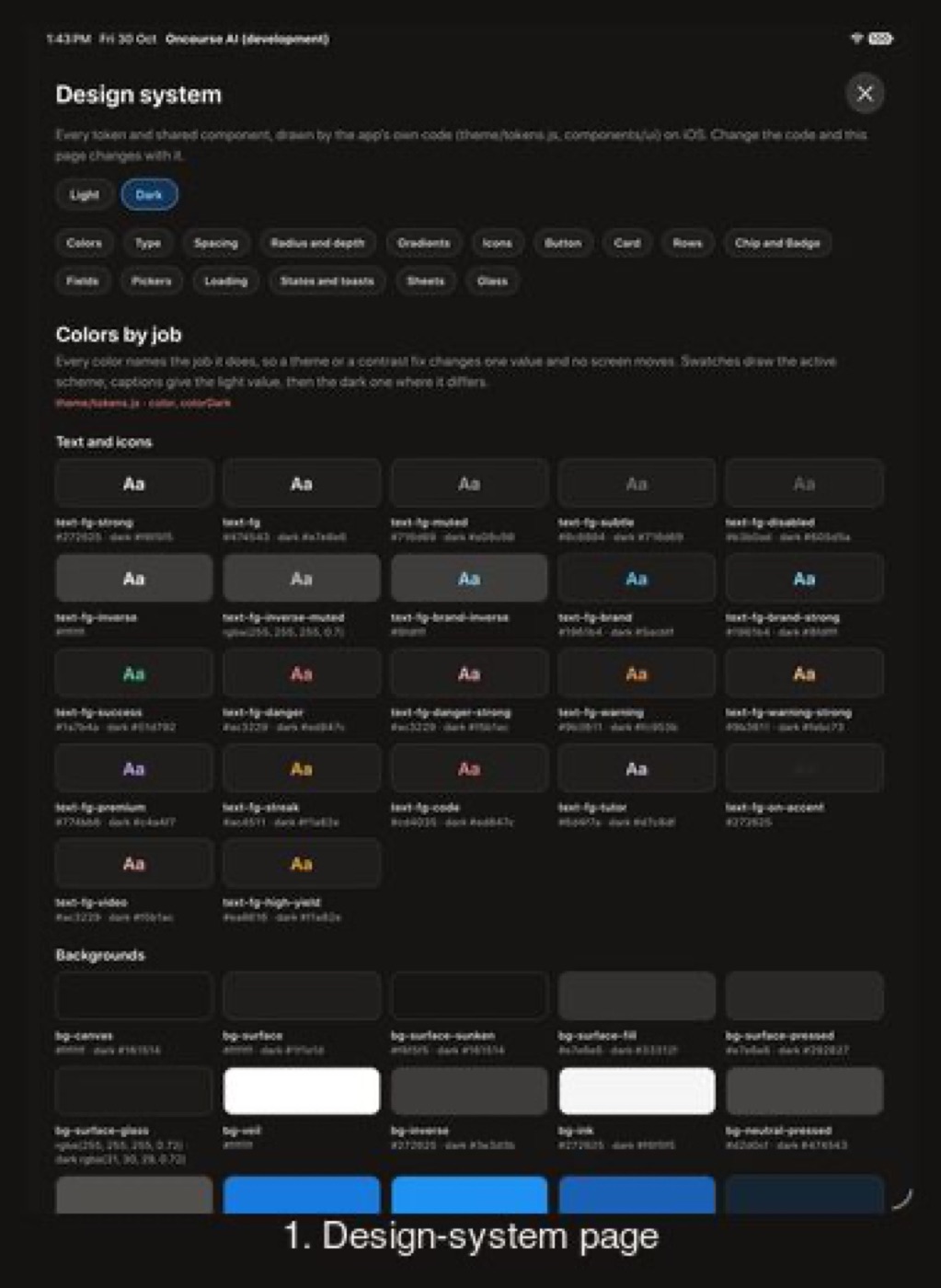
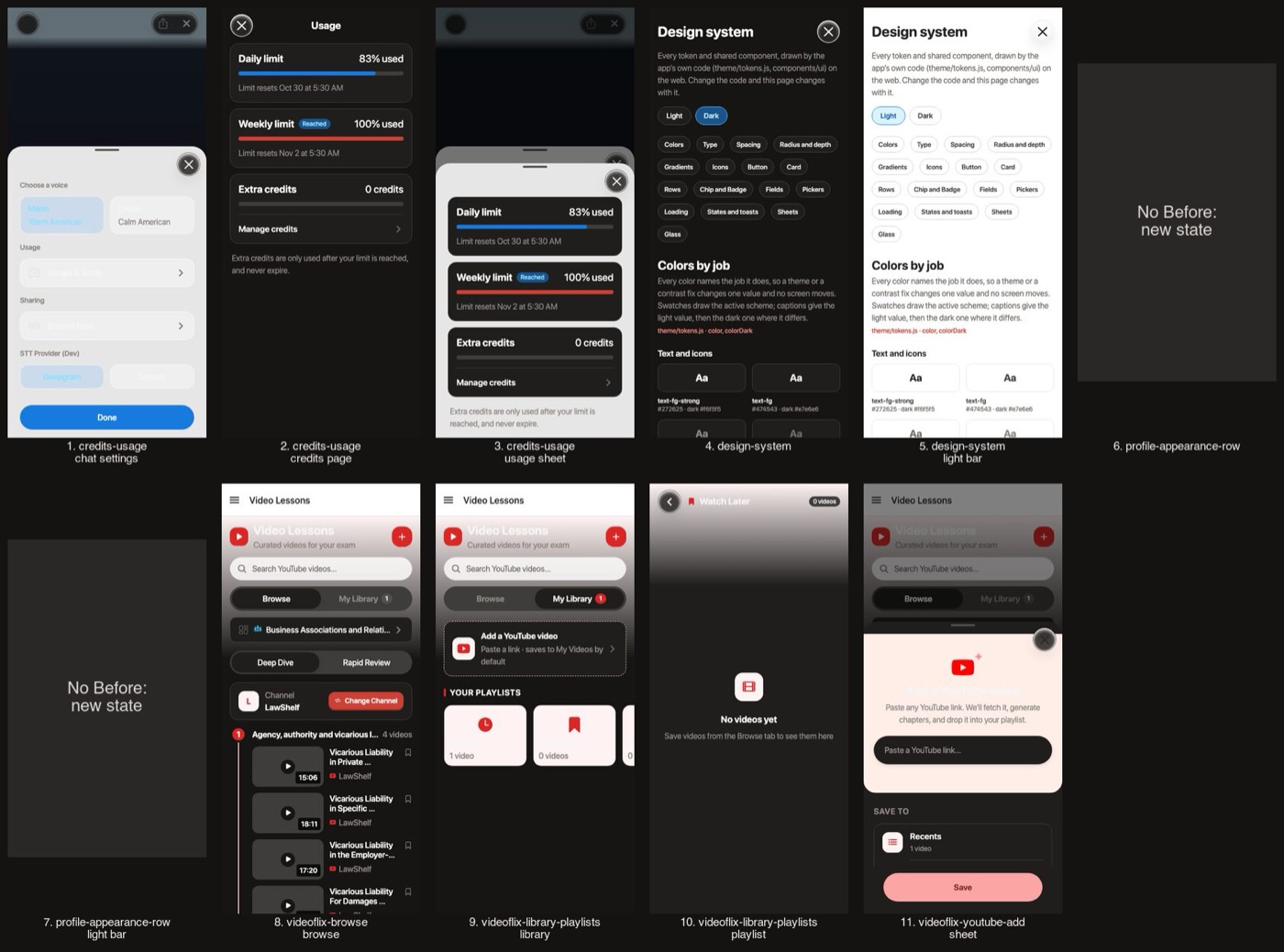
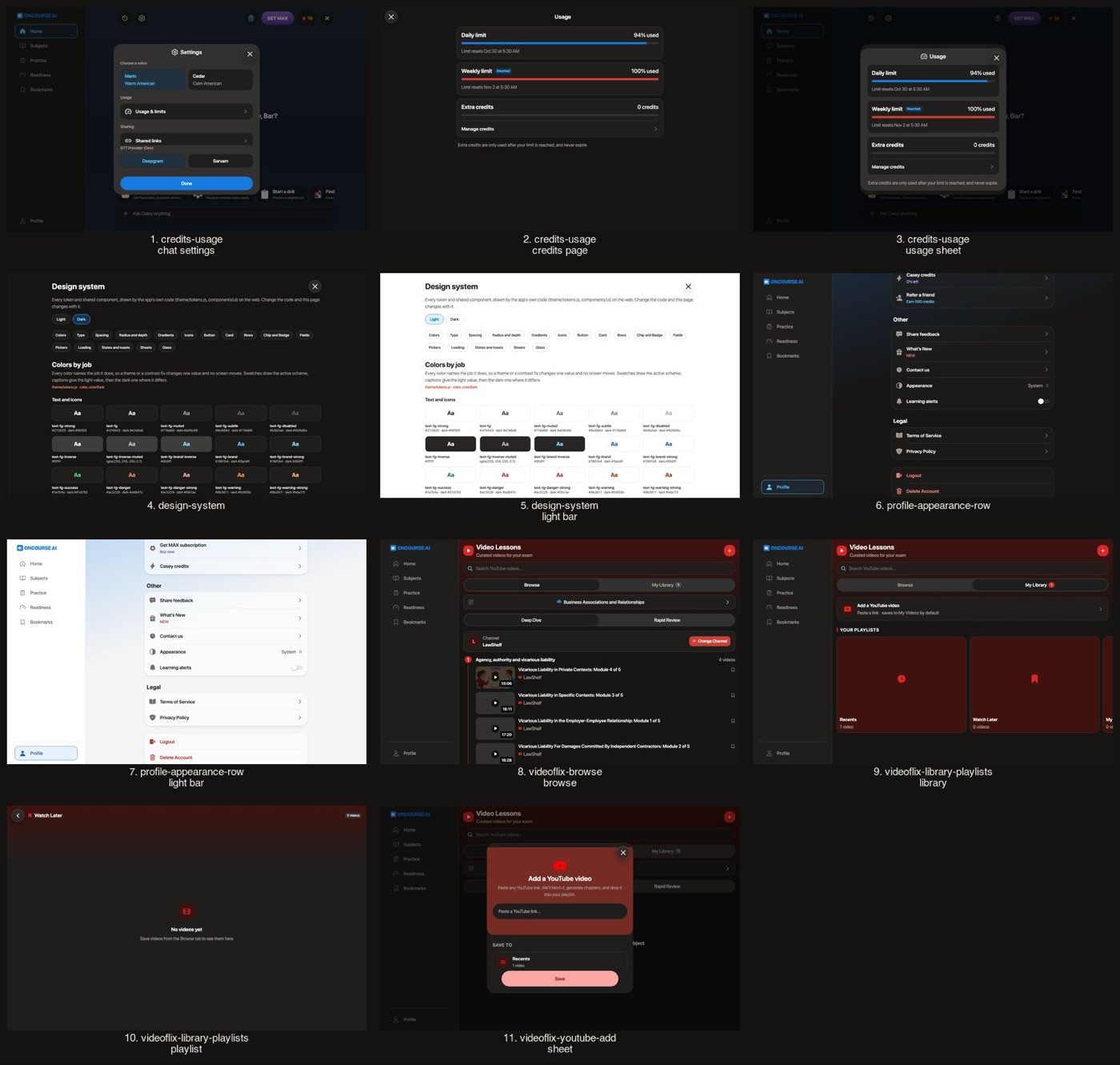
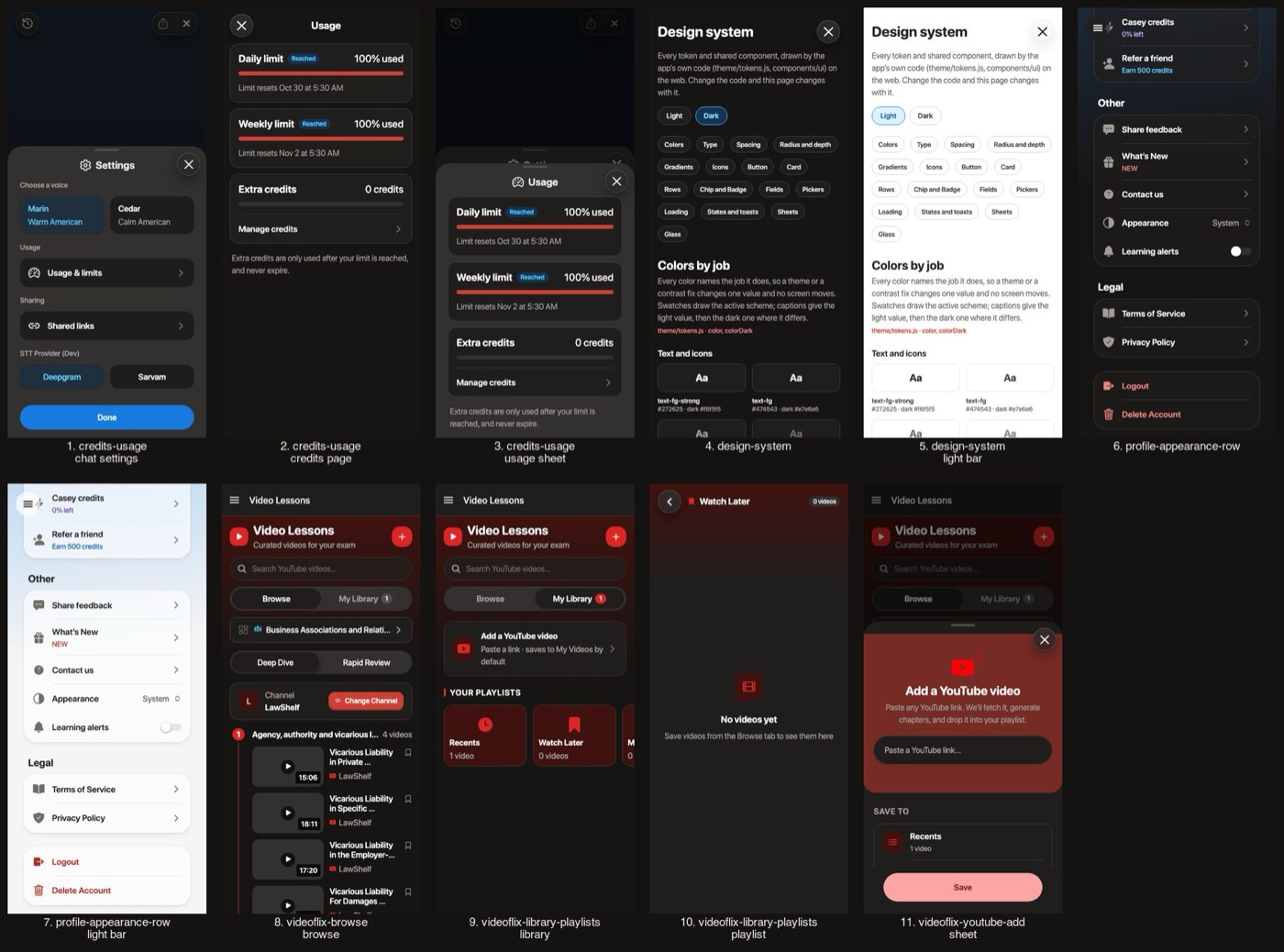
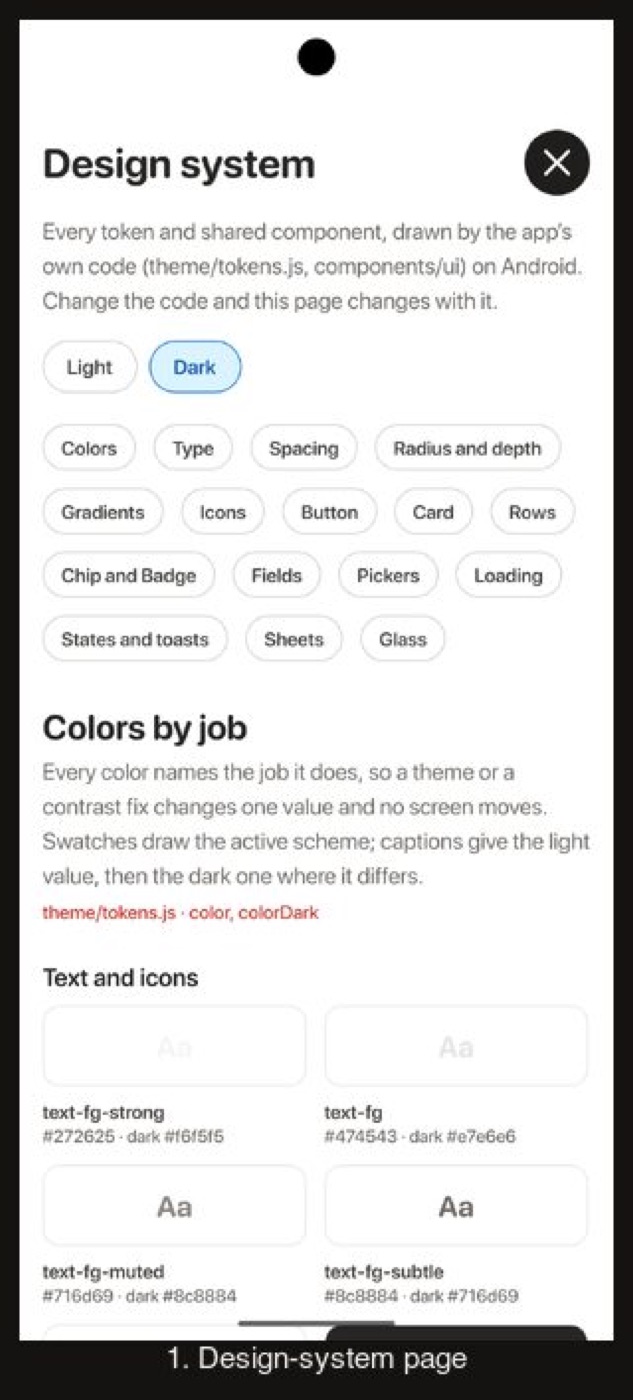
Every token and shared component in Dark, as the screens above draw from them.
The design-system page: every token and shared component
Before
After
Before
After
Before
After
Before
After
Video
Walkthroughs
Settings > Appearance > Dark, then Home, Practice and chat, then back to Light.